
Create
Horror Movie AI Photo Generator
Use horror movie ai photo generator to describe a scary scene with lighting, setting, and atmosphere, then generate cinematic horror visuals for concept art.
AI Image Generator
0/20000 characters
My images
Loading...
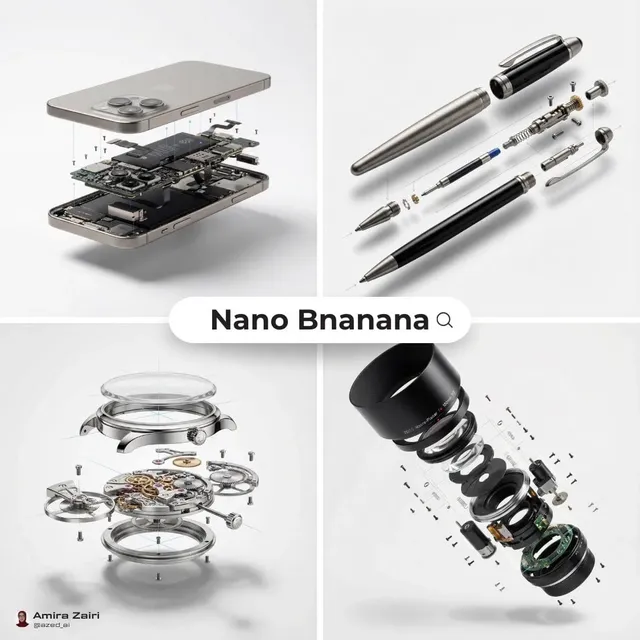
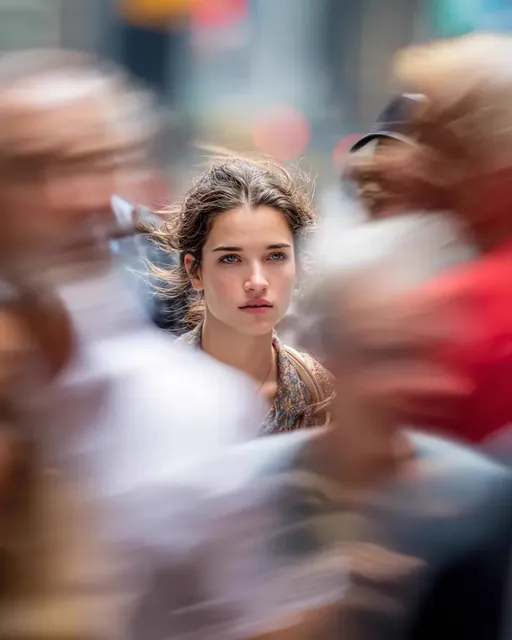
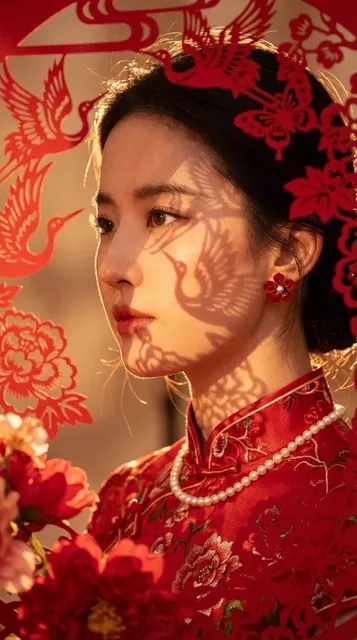
What is a horror movie AI photo generator?
A text-to-image tool that creates atmospheric horror and scary visuals from written prompts. You describe the lighting, setting, mood, and horror subgenre, and the generator produces cinematic images suitable for film mood boards, poster design, or game concept art.
Horror Movie AI Photo Generator
Abandoned asylum hallway
Input
An abandoned asylum hallway with flickering fluorescent lights, peeling green paint, wet floor reflecting dim light
Expected output
A decayed institutional corridor with unsettling lighting and damp textures
Shadow figure in forest
Input
A shadowy humanoid figure standing at the end of a fog-covered forest path at night, moonlight breaking through trees
Expected output
A tense woodland scene with a dark silhouette against misty forest depth
Vintage horror poster
Input
A vintage horror movie poster composition with bold red and black contrasts, a haunted house silhouette, dramatic title space, aged paper texture
Expected output
A retro horror poster design with high contrast and classic genre typography space
Create atmospheric horror movie visuals with lighting, setting, and mood from text prompts for concept art and poster design.
Horror concept art
Generate atmospheric horror visuals for games, stories, and film mood boards.
Poster and cover design
Create horror-themed compositions for book covers, posters, and streaming thumbnails.
Mood and atmosphere testing
Experiment with different horror subgenres by changing lighting and setting keywords.
How It Works
1
Describe the desired image.
Describe the desired image.
2
Choose the available generation settings.
Choose the available generation settings.
3
Generate, review, and download a suitable result.
Generate, review, and download a suitable result.
Tips for horror visuals
Lighting, color, and setting are the key components of effective horror imagery.
Input Constraints
- Do not generate graphic violence, gore, or disturbing real-world content.
- Avoid content that could be considered harmful or traumatizing.
Practical Tips
- Use 'low key lighting', 'chiaroscuro', or 'dark and moody' for horror atmosphere.
- Describe colors: 'desaturated', 'cold blue', 'blood red', 'muted green'.
- Set the scene: 'abandoned', 'decaying', 'foggy', 'isolated', 'underground'.
Privacy
- Do not upload personal or sensitive material unless you have permission to use it.
Usage Rights
- Confirm that you have the rights needed for the inputs and intended use of the result.
Prompt recipes
Copy a structure, then adjust the subject, lighting, camera, and output details for your own result.
Abandoned hospital corridor
A long dark hospital corridor with flickering fluorescent lights, peeling green paint, wet floor with puddles reflecting dim light, decayed institutional atmosphere
Combines classic horror setting with specific lighting and texture details to create unsettling institutional mood.
Forest shadow figure
A dark humanoid silhouette standing at the end of a fog-covered forest path at night, moonlight breaking through bare tree branches, cold blue tones, tense atmosphere
Uses silhouette and fog for suspense, with cold color palette and natural horror setting.
Vintage horror poster
A vintage 1970s horror movie poster with bold red and black high contrast, a haunted house silhouette against a full moon, dramatic title space at the top, aged paper texture
References classic horror poster design with specific era, color scheme, and functional layout for text.
Psychological horror room
A dimly lit bedroom with a single chair facing the wall, shadows cast by moonlight through curtains, muted desaturated colors, isolated and unsettling mood, psychological horror atmosphere
Uses minimalist setting and suggestive composition to create psychological tension rather than explicit scares.
Underground crypt scene
An underground stone crypt with a single candle casting long shadows, damp moss-covered walls, cold blue and grey tones, claustrophobic and eerie atmosphere
Combines confined space with minimal lighting and cold color palette for gothic horror mood.
Best use cases
Match the workflow to the input you have and the result you need before opening the generator.
Film or game concept art
Input: A detailed setting description with lighting and atmosphere keywords
Result: An atmospheric horror scene suitable for mood boards and visual development
Tool: Text to Image
Book cover or poster design
Input: A composed horror scene with space for text and strong visual contrast
Result: A poster-ready horror composition with dramatic lighting and clear focal point
Tool: Text to Image
Horror subgenre exploration
Input: A scene description with subgenre keywords like gothic, psychological, or cosmic
Result: A targeted horror visual that captures the specific subgenre mood and aesthetic
Tool: Text to Image
Limitations to know before generating
- The tool focuses on atmosphere and mood; explicit gore or graphic violence is not generated.
- Complex narrative scenes may not convey story clearly; focus on single impactful moments for best results.
- Color palettes and lighting depend on prompt wording; desaturated and cold tones require explicit description.
- Generated images are concept art; final poster or cover use may need typography and layout work in design software.
Creative Suite: AI Video Generator & AI Image Generator Tools
Power up your creative workflow with our AI-driven tools. Generate stunning videos, create images, and apply custom adjustments - our AI Video Generator and AI Image Generator offer a complete solution for all your creative needs.
Strictly Prohibits Adult/NSFW Content








Pricing
Choose the credit package that works best for you.
No hidden fees • Cancel anytime • Unused credits roll over
Starter
Perfect for trying out AI creation.
Credits
200 credits / month
- Up to 20 videos per month
- Up to 100 images per month
$6.99/ month$9.9930% OFF
Billed monthly
First-time subscribers get 30% off their first month, then standard price
What's included
- Credits never expire
- Standard models
- HD, Watermark-Free Downloads
- Private Generation
- Faster Generation Speed
- Ad-free experience
Basic
Perfect for light creators.
Credits
500 credits / month
- Up to 50 videos per month
- Up to 250 images per month
$13.99/ month$19.9930% OFF
Billed monthly
First-time subscribers get 30% off their first month, then standard price
What's included
- Credits never expire
- Standard models
- HD, Watermark-Free Downloads
- Private Generation
- Faster Generation Speed
- Ad-free experience
Pro
PopularBest value for creators
Credits
1,200 credits / month
- Up to 120 videos per month
- Up to 600 images per month
$39.99/ month
Billed monthly
What's included
- Credits never expire
- All models + Early access to new models
- HD, Watermark-Free Downloads
- Private Generation
- Faster Generation Speed
- Ultra HD resolution
- Ad-free experience
Ultra
For video creators and power users.
Credits
5,000 credits / month
- Up to 500 videos per month
- Up to 2,500 images per month
$99.99/ month
Billed monthly
What's included
- Credits never expire
- All models + Early access to new models
- HD, Watermark-Free Downloads
- Private Generation
- Faster Generation Speed
- Ultra HD resolution
- Ad-free experience
Free
Standard models only — upgrade to unlock premium models.
Credits
10 free credits on signup
Questions? Contact us at support@domer.io
Ready to create horror visuals?
Open the generator, describe your scary scene with atmospheric details, and generate a horror image.