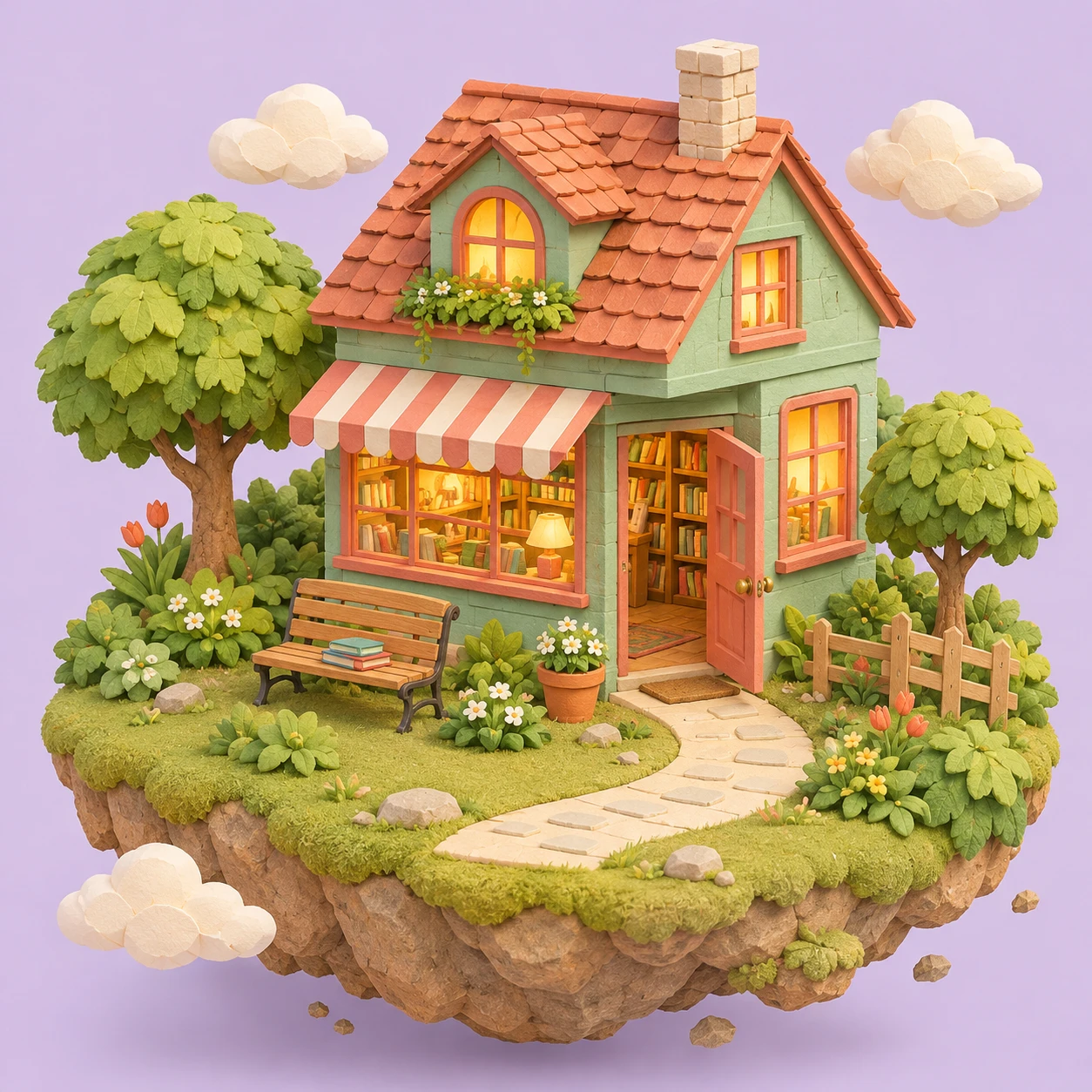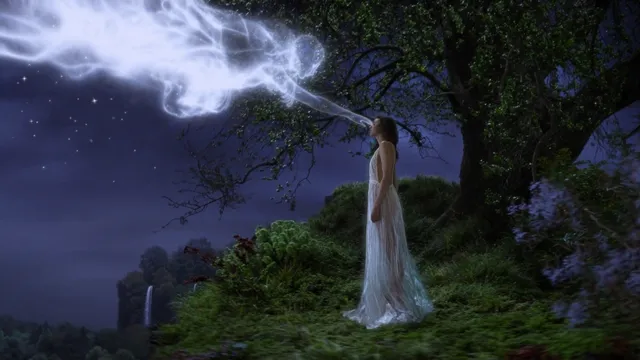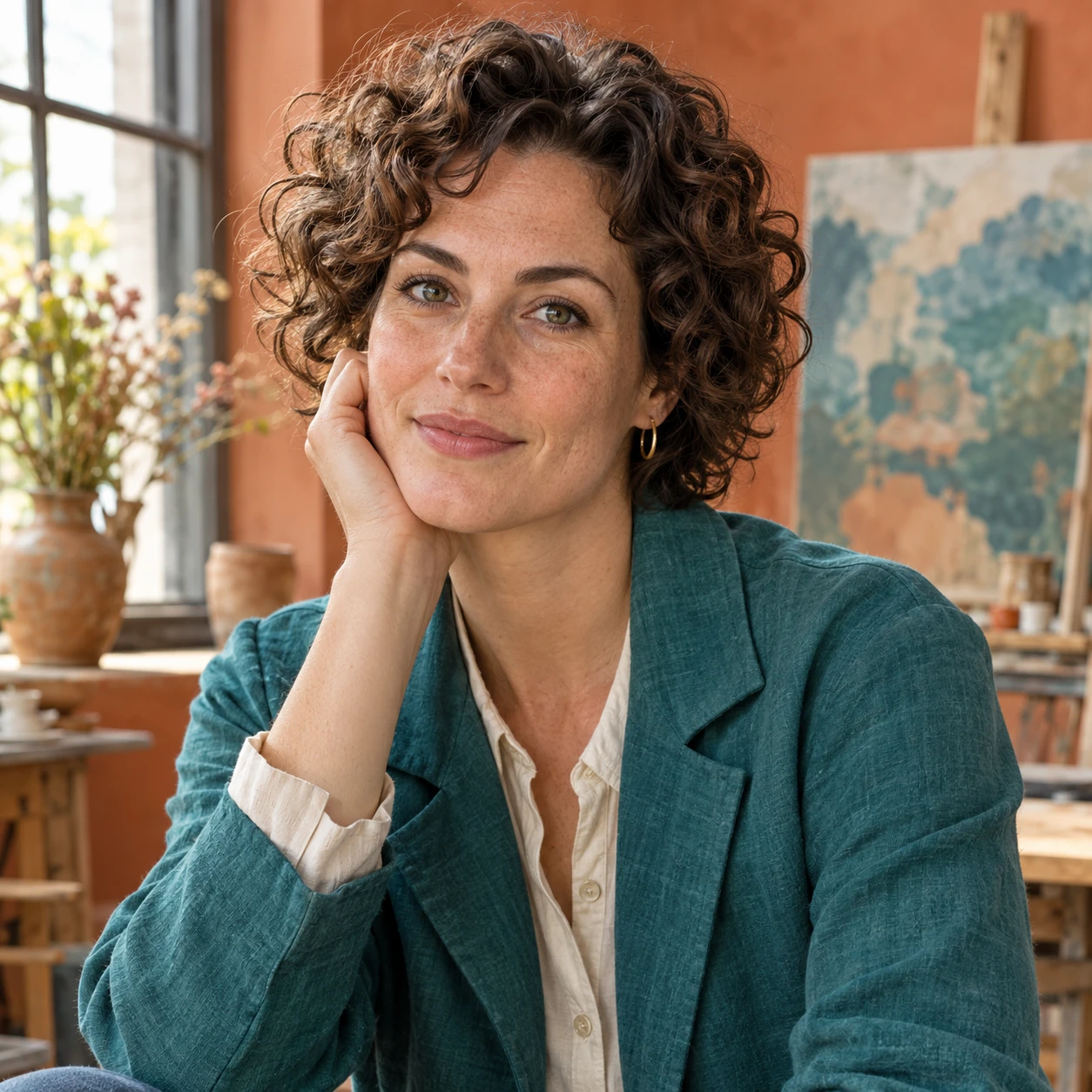
Style Comparison Pair
Input
Generate two versions of the same mountain lake scene: one in a realistic photography style, the other in a painterly watercolor style
Expected output
Two distinct style variations of the same scene for visual comparison
Generate images for visual comparison and evaluation. Create side-by-side concepts and variations to review different creative directions.
Open Text to Imageimarena ai image generator is a text-to-image tool for creating and comparing visual concepts. You describe multiple variations of an idea, generate each one, and review them side by side to choose the best direction. It supports style comparisons, mood explorations, and concept variations for creative decision-making without requiring design skills.
Input
Generate two versions of the same mountain lake scene: one in a realistic photography style, the other in a painterly watercolor style
Expected output
Two distinct style variations of the same scene for visual comparison
Input
A minimalist logo concept for a tech startup in three different color schemes: blue and white, dark and gold, monochrome
Expected output
Multiple color variations of the same logo concept for evaluation
Input
Create the same cozy reading room in warm afternoon light, cool evening light, and moody candlelit atmosphere
Expected output
Three mood variations of the same interior scene for comparison
Generate multiple variations of a concept to evaluate different visual directions.
Compare visual alternatives to choose the strongest direction for your project.
Explore a range of visual approaches in a structured, comparable format.
Describe the desired image.
Choose the available generation settings.
Generate, review, and download a suitable result.
Follow these tips to get the most out of the image generator.
Copy a structure, then adjust the subject, lighting, camera, and output details for your own result.
A product photograph of a watch on a wooden table: one version with warm golden hour light from the left, another with cool studio lighting from above
Keeps the subject and composition constant while varying only the lighting to produce a clear comparison.
A fantasy castle on a hill: one version in realistic digital painting style, another in stylized low-poly 3D render
Maintains the same subject and composition while changing only the visual style for side-by-side evaluation.
A minimalist room interior: one version in warm earth tones with wood and beige, another in cool tones with gray and blue
Describes the same room layout with only the color palette changed, making it easy to compare mood and atmosphere.
A forest path scene: one version in bright morning light with clear sky, another in moody fog with muted colors
Uses the same composition and subject while varying only the atmospheric conditions to compare emotional tone.
A fantasy warrior character: one version with heavy armor and sword, another with light leather gear and bow
Keeps the character archetype consistent while varying equipment and gear to compare design directions.
Match the workflow to the input you have and the result you need before opening the generator.
Input: Describe the same subject with only the style or medium changed
Result: Multiple style variations of the same concept for side-by-side review
Tool: Text to Image
Input: Specify the same composition with different color schemes
Result: Color variations you can compare to choose the best palette
Tool: Text to Image
Input: Describe the same scene with varied lighting or atmospheric conditions
Result: Mood variations you can review to select the right emotional tone
Tool: Text to Image
Input: Keep the core subject constant while varying details or attributes
Result: Design iterations you can compare to refine your concept
Tool: Text to Image
Power up your creative workflow with our AI-driven tools. Generate stunning videos, create images, and apply custom adjustments - our AI Video Generator and AI Image Generator offer a complete solution for all your creative needs.
Choose the credit package that works best for you.
No hidden fees • Cancel anytime • Unused credits roll over
Perfect for trying out AI creation.
Credits
200 credits / month
≈40 GPT Image 2 images / month
Billed monthly
Model Access
20/29 modelsWhat's included
Perfect for light creators.
Credits
500 credits / month
≈100 GPT Image 2 images / month
Billed monthly
Model Access
20/29 modelsWhat's included
Best value for creators
Credits
1,200 credits / month
≈6 Kling 3.0 Pro videos or 240 GPT Image 2 images / month
50% off your first month, then standard price
Model Access
29/29 modelsWhat's included
For video creators and power users.
Credits
5,000 credits / month
≈25 Kling 3.0 Pro videos or 1,000 GPT Image 2 images / month
50% off your first month, then standard price
Model Access
29/29 modelsWhat's included
Questions? Contact us at support@domer.io
Describe your concept and the variations you want to compare using the image generator.