
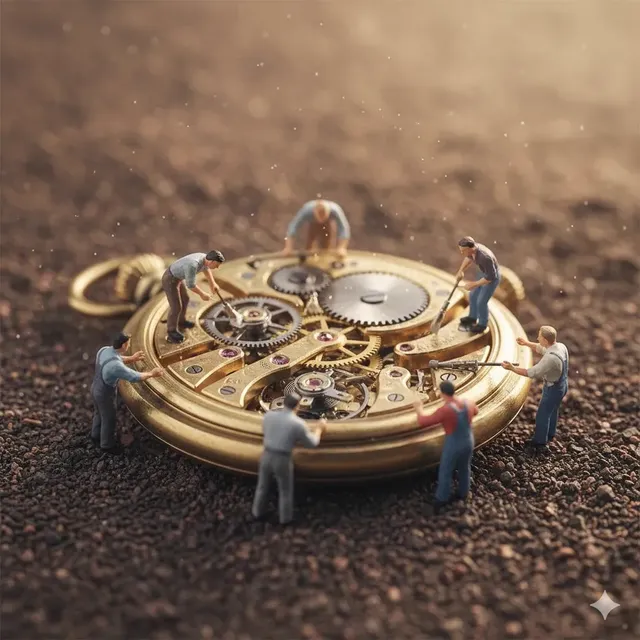
AI Photo Editor Change Position: Reframe Your Subject
Use ai photo editor change position to upload your image, describe how to reposition the main subject, and review the result before downloading the version.
AI Image Generator
0/20000 characters
0 / 16
or select from
or select from(Optional)
or select from(Optional)
or select from(Optional)
or select from(Optional)
or select from(Optional)
or select from(Optional)
or select from(Optional)
or select from(Optional)
Supports PNG, JPG, WebP
My images
Loading...
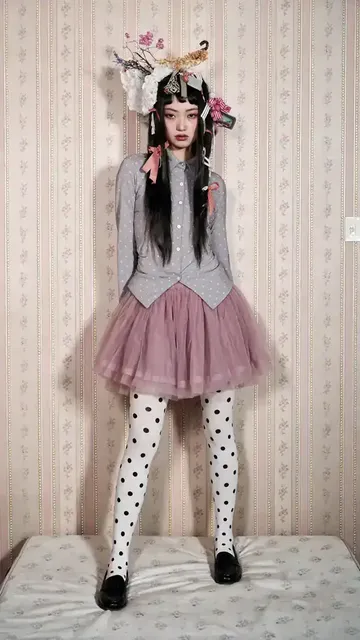

How do I change the position of a subject in a photo?
Upload a source image you have permission to edit, describe where you want the main subject to appear in the frame, then generate and review the repositioned version before saving it.
AI Photo Editor Change Position: Reframe Your Subject
Center the subject
Input
Upload a portrait where the person is off to one side, then ask to center them in the frame with a neutral background fill.
Expected output
A version of the photo with the main person centered and the background extended or adjusted to fill the frame.
Move the product to the right
Input
Upload a product photo, then ask to move the item to the right third of the frame and fill the left side with a clean background.
Expected output
A product image with the object repositioned to the right and a seamless background on the left.
Shift the pet into the corner
Input
Upload a pet photo, then ask to move the animal into the bottom-right corner and extend the scene around it.
Expected output
A pet photo with the subject repositioned in the corner and the surrounding area filled naturally.
Reposition the main subject in a photo while keeping the composition clear and ready for review.
Start with your own image
Use a photo you already have instead of recreating the scene from scratch with text alone.
Direct the repositioning
State where you want the subject to appear in the frame, then compare the result with the original composition.
Review before committing
Check the repositioned image for accuracy, background fill quality, and overall look before downloading or sharing it.
How It Works
1
Upload the image you want to refine
Start with an image you have the right to edit.
2
Describe the profile-picture changes you want
Keep the requested edits specific so the intended profile look is clear.
3
Generate, compare, and download
Review the output for likeness, accuracy, and the final profile crop before using it.
Getting a clear repositioned result
A visible subject and a specific position request make it easier to judge the final composition.
Input Constraints
- Only upload images you have permission to edit and use.
- Keep the requested changes focused on the profile-picture outcome you need.
- Review the final image for likeness and context before sharing it.
Practical Tips
- Use a source image with a clear subject and enough surrounding detail to support background extension.
- Specify the target position clearly, such as centered, left third, or bottom-right corner.
- Compare the repositioned result with the original framing before deciding to use it.
Privacy
- Do not upload personal or sensitive material unless you have permission to use it.
Usage Rights
- Confirm that you have the rights needed for the inputs and intended use of the result.
Prompt recipes
Copy a structure, then adjust the subject, lighting, camera, and output details for your own result.
Center a portrait subject
Move the person to the center of the frame and fill the sides with a soft neutral background that matches the original lighting.
Centering creates a balanced composition and clear focus, while the matched background keeps the edit looking natural.
Shift product to the left for text space
Reposition the product to the left third of the image and extend the right side with a clean white background for overlay text.
Leaving open space on one side makes room for captions, prices, or call-to-action text in marketing materials.
Move a pet into a corner for playful framing
Place the dog in the bottom-right corner and expand the scene upward and to the left with grass and sky.
Corner placement adds a candid, snapshot feel and lets you use the rest of the frame for graphics or other elements.
Reposition a group to eliminate edge cropping
Move the group of three people toward the center so none of them are cut off at the frame edges, and extend the background evenly.
Avoiding edge cropping ensures every person is fully visible and the composition feels complete and intentional.
Align an object to the rule of thirds
Shift the vase to the left third vertical line and fill the right two-thirds with a soft gradient background.
Rule-of-thirds alignment creates visual tension and guides the viewer's eye through the frame naturally.
Best use cases
Match the workflow to the input you have and the result you need before opening the generator.
Fixing off-center portraits for profile pictures
Input: A clear portrait with the subject visible but positioned awkwardly in the frame.
Result: A centered or rule-of-thirds composition with balanced background fill.
Tool: Image to Image with centering or repositioning instructions.
Creating marketing images with text space
Input: A product photo where the item occupies the center and blocks overlay text.
Result: Product moved to one side with clean background space for captions or branding.
Tool: Image to Image with side-repositioning and background-extension requests.
Adjusting group photos to avoid edge cropping
Input: A group shot where one or more people are partially cut off at the frame edges.
Result: All subjects fully visible with extended or adjusted background to balance the composition.
Tool: Image to Image with group-centering or edge-expansion prompts.
Limitations to know before generating
- Complex repositioning that requires reconstructing obscured parts of the subject may produce artifacts or mismatched details.
- Background extension works best when the original background is simple; busy or patterned backgrounds may show seams or inconsistencies.
- Large position shifts may alter the perspective or scale of the subject in ways that look unnatural.
- Repositioning multiple subjects independently in a single edit is harder to control and may require separate passes.
- The tool does not guarantee perfect likeness or commercial suitability; always review the result before publishing or printing.
Creative Suite: AI Video Generator & AI Image Generator Tools
Power up your creative workflow with our AI-driven tools. Generate stunning videos, create images, and apply custom adjustments - our AI Video Generator and AI Image Generator offer a complete solution for all your creative needs.
Strictly Prohibits Adult/NSFW Content








Pricing
Choose the credit package that works best for you.
No hidden fees • Cancel anytime • Unused credits roll over
Starter
Perfect for trying out AI creation.
Credits
200 credits / month
- Up to 20 videos per month
- Up to 100 images per month
$6.99/ month$9.9930% OFF
Billed monthly
First-time subscribers get 30% off their first month, then standard price
What's included
- Credits never expire
- Standard models
- HD, Watermark-Free Downloads
- Private Generation
- Faster Generation Speed
- Ad-free experience
Basic
Perfect for light creators.
Credits
500 credits / month
- Up to 50 videos per month
- Up to 250 images per month
$13.99/ month$19.9930% OFF
Billed monthly
First-time subscribers get 30% off their first month, then standard price
What's included
- Credits never expire
- Standard models
- HD, Watermark-Free Downloads
- Private Generation
- Faster Generation Speed
- Ad-free experience
Pro
PopularBest value for creators
Credits
1,200 credits / month
- Up to 120 videos per month
- Up to 600 images per month
$39.99/ month
Billed monthly
What's included
- Credits never expire
- All models + Early access to new models
- HD, Watermark-Free Downloads
- Private Generation
- Faster Generation Speed
- Ultra HD resolution
- Ad-free experience
Ultra
For video creators and power users.
Credits
5,000 credits / month
- Up to 500 videos per month
- Up to 2,500 images per month
$99.99/ month
Billed monthly
What's included
- Credits never expire
- All models + Early access to new models
- HD, Watermark-Free Downloads
- Private Generation
- Faster Generation Speed
- Ultra HD resolution
- Ad-free experience
Free
Standard models only — upgrade to unlock premium models.
Credits
10 free credits on signup
Questions? Contact us at support@domer.io
Reposition your subject and review the result
Open Image to Image, upload your source photo, describe the new position, and compare the output before you download.