
Create
AI Photo Editor for Enterprise
Use ai photo editor for enterprise to upload business images, describe brand-consistent edits or standardization needs, and review results before deploying.
AI Image Generator
0/20000 characters
0 / 16
or select from
or select from(Optional)
or select from(Optional)
or select from(Optional)
or select from(Optional)
or select from(Optional)
or select from(Optional)
or select from(Optional)
or select from(Optional)
Supports PNG, JPG, WebP
My images
Loading...
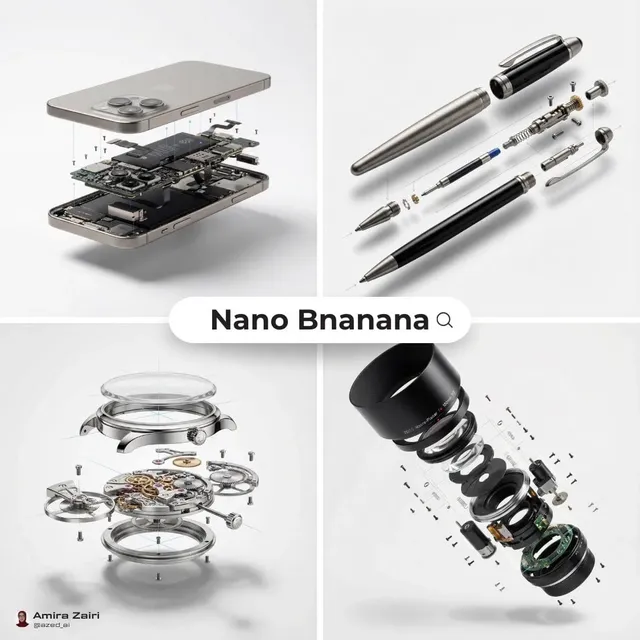
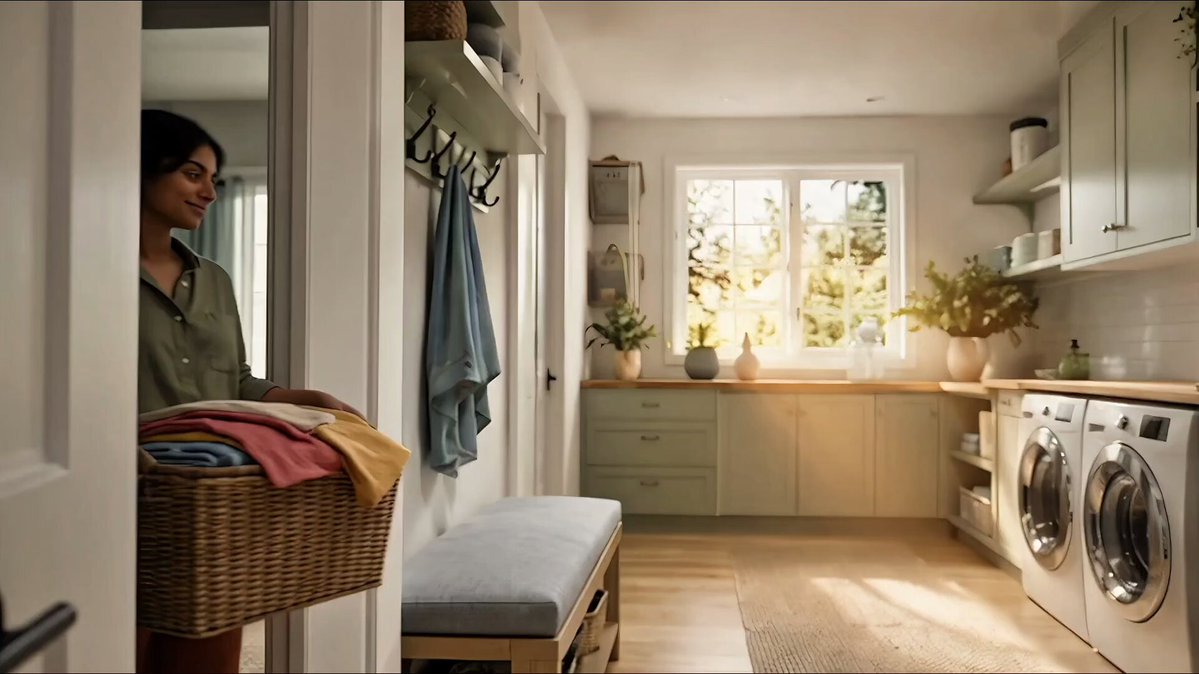

What does an ai photo editor for enterprise do?
An ai photo editor for enterprise takes business images—product catalogs, team photos, marketing assets—and applies the brand-consistent edits you describe, such as standardized backgrounds, color treatments, or lighting adjustments. You review the results to confirm brand compliance and quality before deploying them across teams or channels.
AI Photo Editor for Enterprise
Product catalog refresh
Input
Upload a product photo from an older catalog. Request: updated brand background, consistent color tone, modern lighting, align to current brand guidelines.
Expected output
A refreshed product photo with updated brand styling and consistent treatment, ready for you to review before adding to the new catalog.
Marketing visual
Input
Upload a campaign scene photo. Request: balanced lighting, professional polish, on-brand color treatment, enterprise marketing quality.
Expected output
A polished marketing image with professional lighting and brand-aligned color, ready for you to review before campaign deployment.
Brand asset test
Input
Upload a team or product asset. Request: consistent color treatment across asset library, standardized lighting, brand guidelines compliance.
Expected output
A refined asset with standardized color and lighting treatment, ready for you to review against brand guidelines before distribution.
Standardize product catalogs, refresh marketing visuals, or align team assets to brand guidelines by editing existing images at scale, then review results before deployment.
Start with existing business assets
Refresh product catalogs, team photos, or marketing visuals instead of reshooting or recreating assets from scratch.
Describe brand-consistent edits
Request standardized backgrounds, color treatments, or lighting adjustments aligned to brand guidelines, then compare results with originals.
Review before deployment
Check edited images for brand compliance, quality standards, and appropriate context before deploying across teams or channels.
How It Works
1
Upload the image you want to refine
Start with an image you have the right to edit.
2
Describe the profile-picture changes you want
Keep the requested edits specific so the intended profile look is clear.
3
Generate, compare, and download
Review the output for likeness, accuracy, and the final profile crop before using it.
Making a profile-picture edit that stays clear
A clear source image and a focused edit request make it easier to judge the result.
Input Constraints
- Only upload images you have permission to edit and use.
- Keep the requested changes focused on the profile-picture outcome you need.
- Review the final image for likeness and context before sharing it.
Practical Tips
- Use a source image with a visible face and enough detail around the subject.
- Ask for one or two concrete changes, such as a neutral background or a square crop.
- Compare the result with the original image before choosing a version to use.
Privacy
- Do not upload personal or sensitive material unless you have permission to use it.
Usage Rights
- Confirm that you have the rights needed for the inputs and intended use of the result.
Prompt recipes
Copy a structure, then adjust the subject, lighting, camera, and output details for your own result.
Standardize product catalog backgrounds
Product on neutral light gray background, balanced studio lighting, consistent shadows, professional catalog photography aligned to brand guidelines.
Standardized backgrounds and lighting create a cohesive catalog appearance that reinforces brand professionalism and simplifies large-scale asset management.
Unify team headshot style
Professional headshot with consistent neutral background, soft front lighting, corporate portrait style, standardized framing and color treatment.
Uniform team headshots across departments and offices project organizational cohesion and professionalism on websites, intranets, and marketing materials.
Refresh marketing assets to current brand
Marketing scene photo updated to current brand color palette, balanced lighting, modern polish, enterprise campaign quality.
Updating older marketing assets to current brand guidelines maintains visual consistency across campaigns and extends the usable life of high-quality photography.
Align product photography to new brand identity
Product image refreshed with updated brand background color, modern lighting style, refined composition, aligned to new brand visual identity.
When brand guidelines evolve, aligning existing product photography to the new identity saves reshooting costs while maintaining catalog consistency.
Standardize event photography
Event photo with balanced lighting, consistent color grade, professional polish, corporate event photography style for annual report or website.
Standardizing event photos ensures a consistent visual narrative in annual reports, investor presentations, and corporate communications.
Prepare assets for multi-channel deployment
Business asset optimized for multiple channels, balanced exposure, clean composition, versatile professional style suitable for web, print, and social.
Editing assets for multi-channel use ensures consistent brand presentation across websites, print collateral, social media, and presentations without per-channel rework.
Best use cases
Match the workflow to the input you have and the result you need before opening the generator.
Refresh product catalog to new brand guidelines
Input: Existing product photos needing updated backgrounds or color treatment
Result: Brand-aligned product images with standardized backgrounds and lighting
Tool: Image to Image
Standardize team photos across departments
Input: Team headshots with varied backgrounds and lighting
Result: Uniform team portraits with consistent brand-compliant presentation
Tool: Image to Image
Update marketing assets to current brand identity
Input: Marketing photography from previous brand iteration
Result: Refreshed marketing images aligned to current brand color and style
Tool: Image to Image
Prepare assets for multi-channel campaigns
Input: Business photography needing consistent treatment for web, print, and social
Result: Polished, versatile assets suitable for deployment across multiple channels
Tool: Image to Image
Limitations to know before generating
- The edited images are interpretations of your brand guidelines; always review against your official style guide and quality standards before deployment.
- Complex brand elements such as specific Pantone colors, precise typography, or detailed logo placement may require manual refinement after initial generation.
- Standardizing large asset libraries requires editing each image individually; batch processing or API integration is not included in this workflow.
- This tool does not verify rights, trademarks, or licensing for source images; your organization is responsible for ensuring appropriate permissions and compliance.
- Results depend on source image quality; low-resolution or poorly composed originals may not meet enterprise publication standards even after editing.
- For mission-critical brand assets, investor materials, or regulated industry content, always have edited images reviewed by brand and legal teams before deployment.
Creative Suite: AI Video Generator & AI Image Generator Tools
Power up your creative workflow with our AI-driven tools. Generate stunning videos, create images, and apply custom adjustments - our AI Video Generator and AI Image Generator offer a complete solution for all your creative needs.
Strictly Prohibits Adult/NSFW Content








Pricing
Choose the credit package that works best for you.
No hidden fees • Cancel anytime • Unused credits roll over
Starter
Perfect for trying out AI creation.
Credits
200 credits / month
- Up to 20 videos per month
- Up to 100 images per month
$6.99/ month$9.9930% OFF
Billed monthly
First-time subscribers get 30% off their first month, then standard price
What's included
- Credits never expire
- Standard models
- HD, Watermark-Free Downloads
- Private Generation
- Faster Generation Speed
- Ad-free experience
Basic
Perfect for light creators.
Credits
500 credits / month
- Up to 50 videos per month
- Up to 250 images per month
$13.99/ month$19.9930% OFF
Billed monthly
First-time subscribers get 30% off their first month, then standard price
What's included
- Credits never expire
- Standard models
- HD, Watermark-Free Downloads
- Private Generation
- Faster Generation Speed
- Ad-free experience
Pro
PopularBest value for creators
Credits
1,200 credits / month
- Up to 120 videos per month
- Up to 600 images per month
$39.99/ month
Billed monthly
What's included
- Credits never expire
- All models + Early access to new models
- HD, Watermark-Free Downloads
- Private Generation
- Faster Generation Speed
- Ultra HD resolution
- Ad-free experience
Ultra
For video creators and power users.
Credits
5,000 credits / month
- Up to 500 videos per month
- Up to 2,500 images per month
$99.99/ month
Billed monthly
What's included
- Credits never expire
- All models + Early access to new models
- HD, Watermark-Free Downloads
- Private Generation
- Faster Generation Speed
- Ultra HD resolution
- Ad-free experience
Free
Standard models only — upgrade to unlock premium models.
Credits
10 free credits on signup
Questions? Contact us at support@domer.io
Standardize your business images to brand guidelines
Open Image to Image, upload product, team, or marketing assets, describe brand-consistent edits, and review results before deployment.