
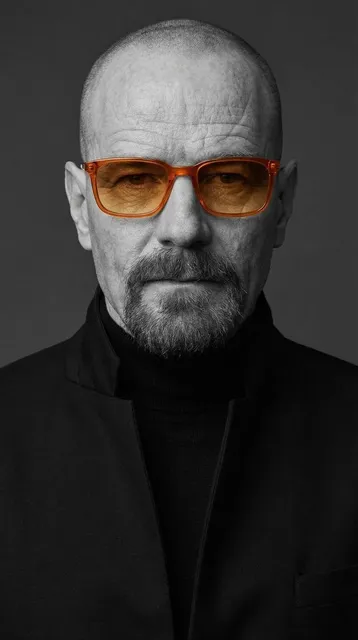
AI Photo Editor Tool for Quick Image Makeovers
Use ai photo editor tool to upload a photo, describe the edit you want, and review the transformed result before downloading.
AI Image Generator
0/20000 characters
0 / 16
or select from
or select from(Optional)
or select from(Optional)
or select from(Optional)
or select from(Optional)
or select from(Optional)
or select from(Optional)
or select from(Optional)
or select from(Optional)
Supports PNG, JPG, WebP
My images
Loading...

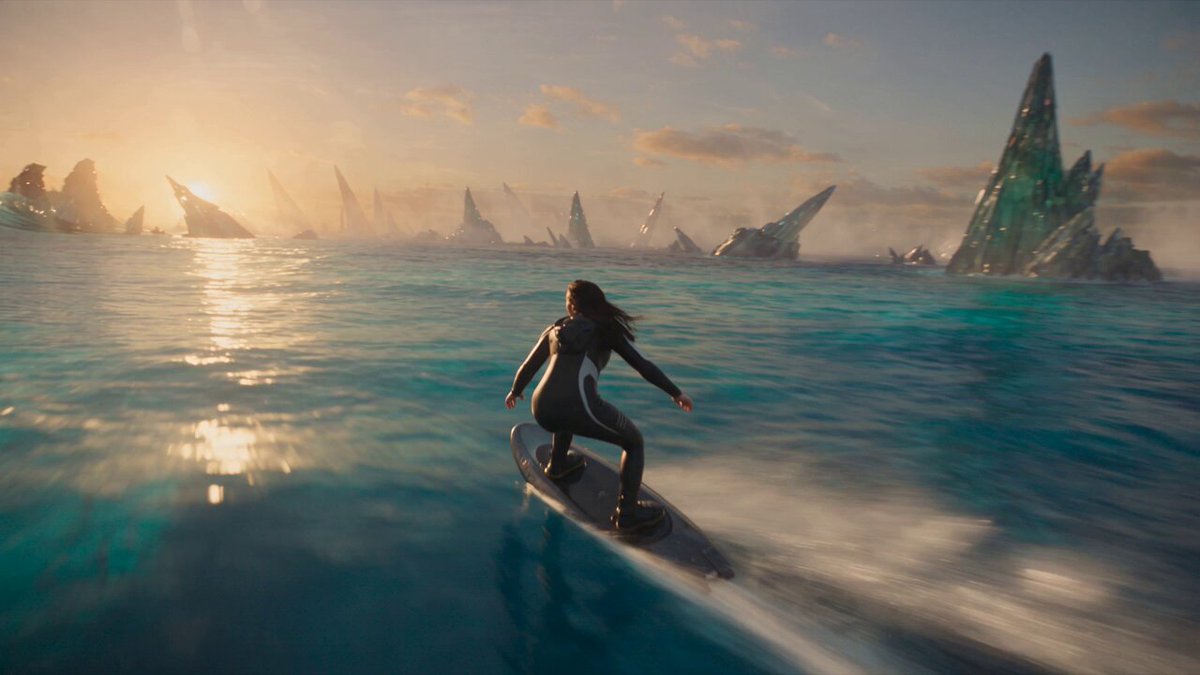
What is an AI photo editor tool and how does it work?
An AI photo editor tool lets you transform photos by describing the changes you want in plain text. Upload a clear photo you have permission to edit, write a prompt describing the style, color, lighting, or content changes you want, then generate and review the edited version. The tool interprets your text description and modifies the photo accordingly, but you should check the result for quality and accuracy before deciding to use it.
AI Photo Editor Tool for Quick Image Makeovers
Watercolor-style pet portrait
Input
Upload a clear pet photo, then write: 'Keep the dog recognizable. Transform this into a soft watercolor painting style with blended pastel colors, gentle brush textures, and a dreamy artistic feel.'
Expected output
The pet illustrated in watercolor style with soft edges and blended colors. The animal should remain recognizable while the photo takes on an artistic painted look.
Evening mood landscape
Input
Upload an outdoor or landscape photo, then write: 'Keep the scene composition the same. Transform to golden evening lighting with longer shadows, warm amber tones, and a peaceful sunset atmosphere.'
Expected output
The same scene with warmer lighting and evening mood. The composition stays intact while the time of day and color palette shift.
Clean product background
Input
Upload a product photo, then write: 'Keep the product exactly as it is. Replace the background with a pure white backdrop, soft even lighting, no shadows or distractions.'
Expected output
The product on a clean white background suitable for e-commerce. The product details should remain unchanged while the background becomes neutral.
Edit and transform photos using text descriptions while keeping control over the result through review before download.
Text-based editing control
Describe the exact changes you want in plain language instead of learning complex editing software or techniques.
Start from your own photo
Use an existing image you have permission to edit instead of starting from scratch or recreating the scene.
Review before you commit
Check the edited version for quality, accuracy, and whether it matches your intent before downloading or sharing.
How It Works
1
Upload the image you want to refine
Start with an image you have the right to edit.
2
Describe the profile-picture changes you want
Keep the requested edits specific so the intended profile look is clear.
3
Generate, compare, and download
Review the output for likeness, accuracy, and the final profile crop before using it.
Getting useful results from text-based editing
A clear source photo and a specific, focused edit description make it easier to judge whether the result works for your purpose.
Input Constraints
- Only upload photos you have permission to edit and transform.
- Keep the edit description focused on what you want to change—not a list of unrelated requests.
- Review the edited result for quality, accuracy, and whether it matches your intent before sharing it.
Practical Tips
- Use a photo with good starting quality—clear subject, reasonable lighting, minimal clutter.
- Describe edits in concrete terms: specific colors, lighting direction, style names, or reference points.
- Explicitly state what should stay the same to reduce unintended changes.
Privacy
- Do not upload personal or sensitive material unless you have permission to use it.
Usage Rights
- Confirm that you have the rights needed for the inputs and intended use of the result.
Prompt recipes
Copy a structure, then adjust the subject, lighting, camera, and output details for your own result.
Artistic style transformation
Keep the subject and composition the same. Transform this photo into an oil painting style with visible brushstrokes, rich textured colors, and impressionistic lighting.
Targets a specific artistic style with concrete visual characteristics, helping the tool create a coherent stylistic transformation.
Lighting and mood change
Keep everything in place. Change the lighting to soft overcast daylight, reduce harsh shadows, add cool blue-gray tones, and create a calm quiet mood.
Focuses on lighting and color mood without changing composition, creating atmospheric shifts while preserving content.
Clean background replacement
Keep the main subject exactly as it is. Replace the background with a soft gradient from light gray to white, even diffused lighting, no texture or detail.
Clearly separates subject preservation from background change, producing clean product-style imagery.
Vintage film aesthetic
Keep the photo composition unchanged. Add vintage film look with slight grain, warm faded colors, soft vignette edges, and nostalgic 1970s aesthetic.
Describes a recognizable aesthetic with multiple visual elements that work together to create a cohesive vintage look.
Dramatic black and white
Keep the subject and framing the same. Convert to dramatic black and white with high contrast, deep blacks, bright highlights, and strong tonal separation.
Targets a specific monochrome treatment with clear contrast goals, creating impactful black and white imagery.
Best use cases
Match the workflow to the input you have and the result you need before opening the generator.
Quick social media content creation
Input: Any decent photo you want to style or enhance for posting
Result: Edited version with improved style, mood, or aesthetic suitable for social sharing
Tool: Image to Image with artistic style or mood change prompt
Product photography cleanup
Input: Product photo with distracting or messy background
Result: Clean product image on neutral backdrop suitable for e-commerce or catalogs
Tool: Image to Image with clean background replacement prompt
Creative photo experimentation
Input: Photo where you want to explore different artistic styles or moods
Result: Multiple versions in different styles to compare and choose from
Tool: Image to Image with varied style prompts (watercolor, oil painting, vintage, etc.)
Portrait or scene enhancement
Input: Portrait or landscape photo that needs better lighting or color
Result: Enhanced version with improved lighting, color balance, and overall appeal
Tool: Image to Image with lighting and mood change prompt
Limitations to know before generating
- Edit quality depends on photo clarity and prompt specificity. Vague requests or low-quality source photos may produce poor results.
- Interpretation varies. The AI may understand your description differently than you intended, especially for subjective terms like 'better' or 'professional'.
- Complex multi-step edits may fail. Requesting many unrelated changes in one prompt often produces inconsistent results.
- Subject preservation is not guaranteed. Even when you ask to keep something unchanged, details may shift or be altered.
- Human review is required. Check that the edited version meets your quality standards and matches your intent before using it.
- You are responsible for confirming you have permission to edit the source photo and use the result.
Creative Suite: AI Video Generator & AI Image Generator Tools
Power up your creative workflow with our AI-driven tools. Generate stunning videos, create images, and apply custom adjustments - our AI Video Generator and AI Image Generator offer a complete solution for all your creative needs.
Strictly Prohibits Adult/NSFW Content








Pricing
Choose the credit package that works best for you.
No hidden fees • Cancel anytime • Unused credits roll over
Starter
Perfect for trying out AI creation.
Credits
200 credits / month
- Up to 20 videos per month
- Up to 100 images per month
$6.99/ month$9.9930% OFF
Billed monthly
First-time subscribers get 30% off their first month, then standard price
What's included
- Credits never expire
- Standard models
- HD, Watermark-Free Downloads
- Private Generation
- Faster Generation Speed
- Ad-free experience
Basic
Perfect for light creators.
Credits
500 credits / month
- Up to 50 videos per month
- Up to 250 images per month
$13.99/ month$19.9930% OFF
Billed monthly
First-time subscribers get 30% off their first month, then standard price
What's included
- Credits never expire
- Standard models
- HD, Watermark-Free Downloads
- Private Generation
- Faster Generation Speed
- Ad-free experience
Pro
PopularBest value for creators
Credits
1,200 credits / month
- Up to 120 videos per month
- Up to 600 images per month
$39.99/ month
Billed monthly
What's included
- Credits never expire
- All models + Early access to new models
- HD, Watermark-Free Downloads
- Private Generation
- Faster Generation Speed
- Ultra HD resolution
- Ad-free experience
Ultra
For video creators and power users.
Credits
5,000 credits / month
- Up to 500 videos per month
- Up to 2,500 images per month
$99.99/ month
Billed monthly
What's included
- Credits never expire
- All models + Early access to new models
- HD, Watermark-Free Downloads
- Private Generation
- Faster Generation Speed
- Ultra HD resolution
- Ad-free experience
Free
Standard models only — upgrade to unlock premium models.
Credits
10 free credits on signup
Questions? Contact us at support@domer.io
Turn your source image into a profile-ready version
Open Image to Image, upload an image you can edit, and review the result before you decide to use it.