
AI Photo Editor Tools 2025 for Everyday Edits
Use ai photo editor tools 2025 to upload a photo, describe the edit you want in plain text, and review the transformed result before downloading.
AI Image Generator
0/20000 characters
0 / 16
or select from
or select from(Optional)
or select from(Optional)
or select from(Optional)
or select from(Optional)
or select from(Optional)
or select from(Optional)
or select from(Optional)
or select from(Optional)
Supports PNG, JPG, WebP
My images
Loading...
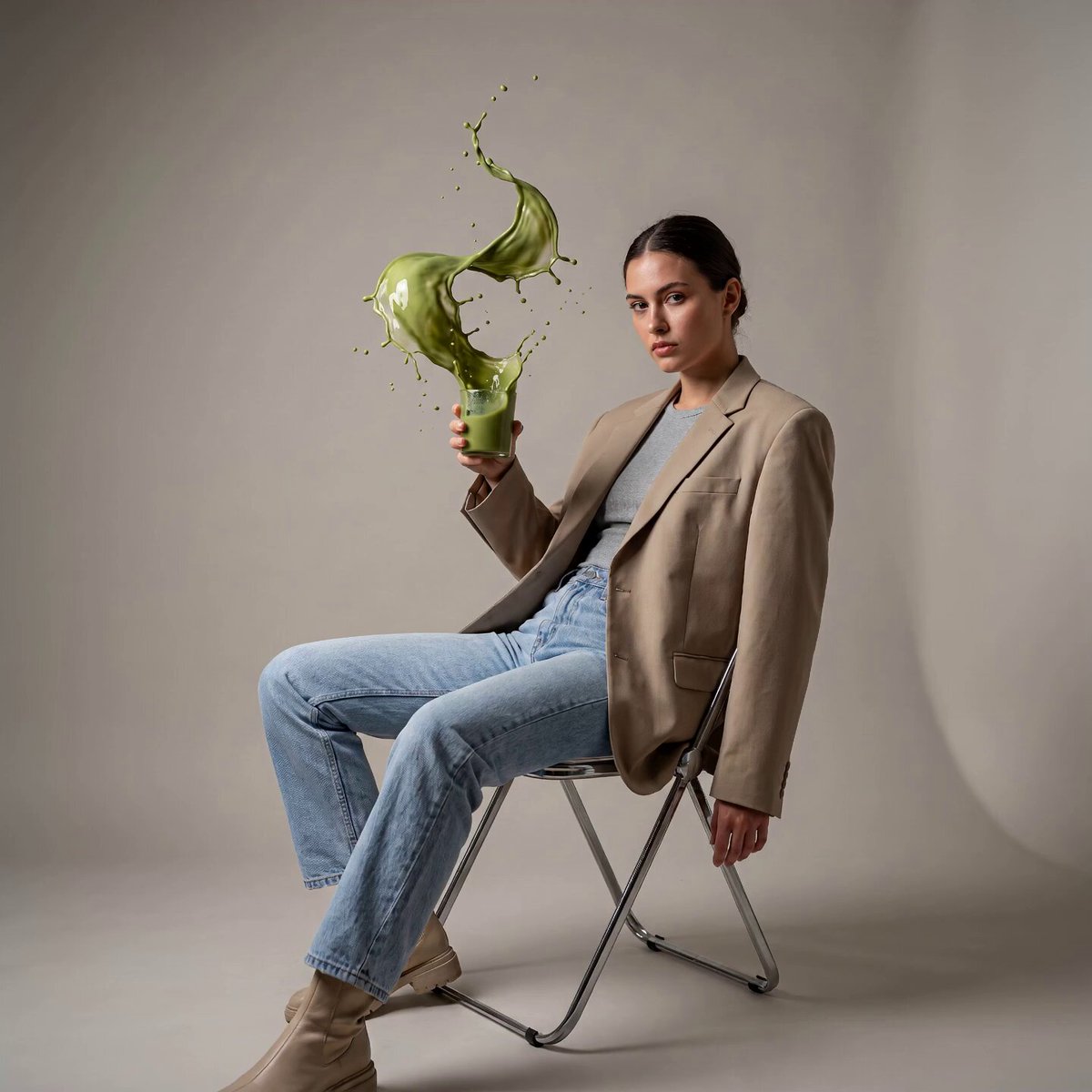
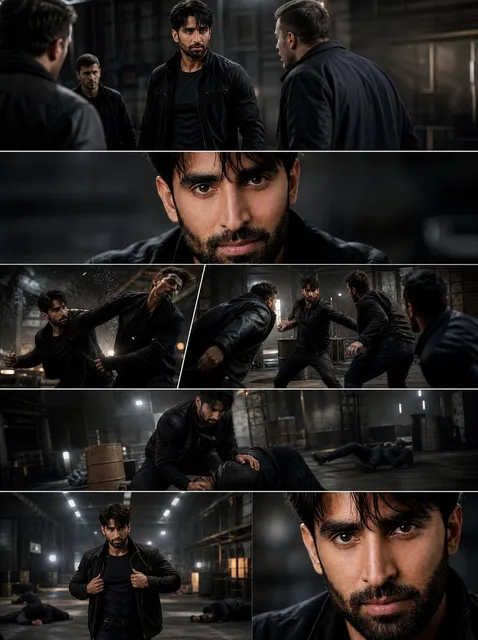
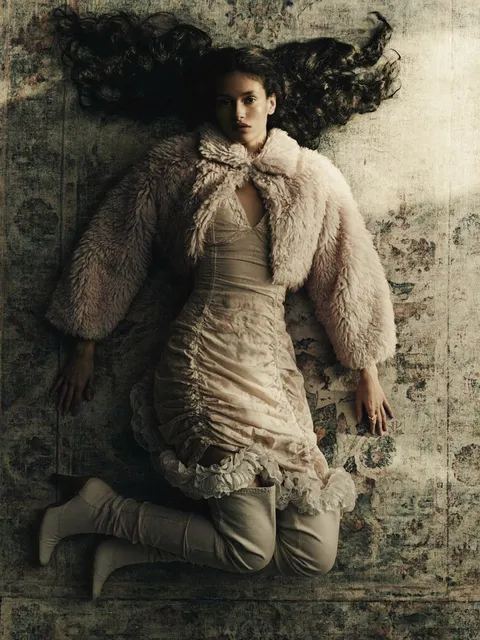
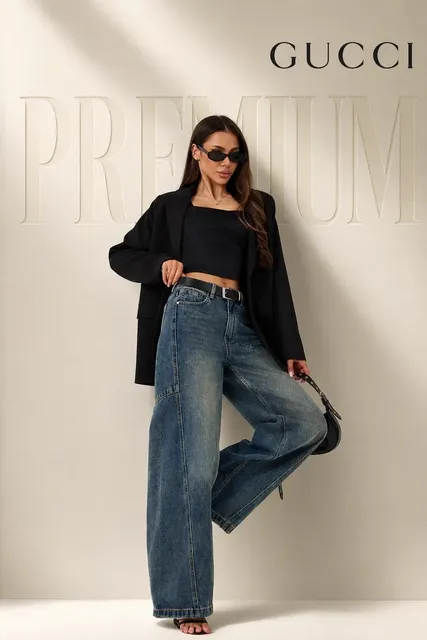
What can AI photo editor tools do in 2025?
Current AI photo editor tools let you transform photos by describing changes in plain text. Upload a clear photo you have permission to edit, write a prompt describing style changes, lighting adjustments, background replacements, or mood shifts you want, then generate and review the edited version. These tools interpret your text and modify the photo accordingly, but you should check the result for quality and accuracy before deciding to use it.
AI Photo Editor Tools 2025 for Everyday Edits
Modernize a dated product photo
Input
Upload a product photo with old styling, then write: 'Keep the product exactly as it is. Update to modern clean aesthetic with soft neutral lighting, minimalist white background, contemporary color grading.'
Expected output
The same product with updated lighting and background. The product details remain intact while the overall look becomes modern and clean.
Transform portrait color treatment
Input
Upload a portrait, then write: 'Keep the person recognizable. Apply modern warm color grading with lifted shadows, soft golden tones, slight film grain, and contemporary portrait aesthetic.'
Expected output
The same person with modern color treatment. The face stays recognizable while the color palette and mood become current and appealing.
Restyle a travel scene
Input
Upload a travel photo, then write: 'Keep the scene composition unchanged. Transform to cinematic sunset mood with rich warm colors, dramatic sky, golden hour lighting, moody atmospheric feel.'
Expected output
The same scene with cinematic color grading and lighting. The composition remains while the mood becomes more dramatic and appealing.
Edit and transform photos using current text-based AI capabilities while keeping control over the result through review before download.
Text-based control without software learning curve
Describe edits in plain language instead of learning complex software interfaces or technical editing techniques.
Start from your existing photos
Use images you already have permission to edit instead of recreating scenes or staging new shoots.
Review and compare before deciding
Check edited versions for quality and accuracy, compare with the original, and only download when satisfied with the result.
How It Works
1
Upload the image you want to refine
Start with an image you have the right to edit.
2
Describe the profile-picture changes you want
Keep the requested edits specific so the intended profile look is clear.
3
Generate, compare, and download
Review the output for likeness, accuracy, and the final profile crop before using it.
Getting useful results from current AI editing tools
A clear source photo and a specific, focused edit description make it easier to judge whether the result works for your purpose.
Input Constraints
- Only upload photos you have permission to edit and transform.
- Keep the edit description focused on concrete visual changes—not vague improvement requests.
- Review the edited result for quality, accuracy, and whether it matches your intent before sharing it.
Practical Tips
- Use photos with good starting quality—clear subjects, reasonable lighting, minimal compression artifacts.
- Describe edits using current style references: modern color grading, cinematic mood, contemporary aesthetic.
- Explicitly state what should stay unchanged to reduce unintended alterations.
Privacy
- Do not upload personal or sensitive material unless you have permission to use it.
Usage Rights
- Confirm that you have the rights needed for the inputs and intended use of the result.
Prompt recipes
Copy a structure, then adjust the subject, lighting, camera, and output details for your own result.
Contemporary color grading
Keep the subject and composition unchanged. Apply modern color grading with lifted shadows, soft warm tones, slight desaturation in highlights, contemporary editorial look.
Targets current color grading trends with specific technical adjustments, creating a polished, up-to-date aesthetic.
Cinematic mood transformation
Keep everything in place. Transform to cinematic look with anamorphic aspect feel, moody lighting, rich color separation, dramatic atmosphere, and film-like depth.
Combines multiple cinematic visual elements—mood, color, lighting—to create a cohesive, high-production-value look.
Clean minimalist update
Keep the main subject exactly as it is. Update to clean minimalist style with soft diffused lighting, neutral muted colors, simple background, modern simplicity.
Reflects current minimalist design trends by simplifying colors, lighting, and background while preserving subject detail.
Vibrant social media style
Keep composition the same. Boost to vibrant social media aesthetic with enhanced colors, clear bright lighting, high clarity, eye-catching contrast, Instagram-ready look.
Targets social media visual trends—bright, clear, saturated—creating content optimized for digital sharing.
Natural authentic feel
Keep the photo unchanged structurally. Enhance to natural authentic style with soft even daylight, true-to-life colors, gentle clarity, unprocessed organic feel.
Reflects the trend toward authentic, less-processed imagery by enhancing quality while avoiding over-stylization.
Best use cases
Match the workflow to the input you have and the result you need before opening the generator.
Update older photos to current aesthetic
Input: Photos from past years that look dated in color or style
Result: Same photo with modern color grading and contemporary feel
Tool: Image to Image with contemporary color grading or clean minimalist prompt
Social media content optimization
Input: Any photo you want to make more engaging for social platforms
Result: Enhanced version with current social media visual trends applied
Tool: Image to Image with vibrant social media or cinematic mood prompt
Product photography modernization
Input: Product photos that need updated styling or backgrounds
Result: Clean, contemporary product images suitable for current e-commerce standards
Tool: Image to Image with clean minimalist or modern aesthetic prompt
Portrait and lifestyle photo enhancement
Input: Portraits or lifestyle photos that need current color treatment
Result: Same people with modern color grading and lighting that feels current
Tool: Image to Image with contemporary color or natural authentic prompt
Limitations to know before generating
- Edit quality depends on source photo quality and prompt clarity. Low-resolution or heavily compressed photos may not improve well.
- Style trends change. What looks current now may feel dated in the future, especially with fashion, color grading, and aesthetic trends.
- Interpretation varies. The tool may understand contemporary style differently than you intended, especially for subjective style terms.
- Subject preservation is not guaranteed. Even when you ask to keep something unchanged, details may shift or be altered.
- Human review is required. Check that the edited version meets your current quality standards and aesthetic goals before using it.
- You are responsible for confirming you have permission to edit the source photo and use the result.
Creative Suite: AI Video Generator & AI Image Generator Tools
Power up your creative workflow with our AI-driven tools. Generate stunning videos, create images, and apply custom adjustments - our AI Video Generator and AI Image Generator offer a complete solution for all your creative needs.
Strictly Prohibits Adult/NSFW Content








Pricing
Choose the credit package that works best for you.
No hidden fees • Cancel anytime • Unused credits roll over
Starter
Perfect for trying out AI creation.
Credits
200 credits / month
- Up to 20 videos per month
- Up to 100 images per month
$6.99/ month$9.9930% OFF
Billed monthly
First-time subscribers get 30% off their first month, then standard price
What's included
- Credits never expire
- Standard models
- HD, Watermark-Free Downloads
- Private Generation
- Faster Generation Speed
- Ad-free experience
Basic
Perfect for light creators.
Credits
500 credits / month
- Up to 50 videos per month
- Up to 250 images per month
$13.99/ month$19.9930% OFF
Billed monthly
First-time subscribers get 30% off their first month, then standard price
What's included
- Credits never expire
- Standard models
- HD, Watermark-Free Downloads
- Private Generation
- Faster Generation Speed
- Ad-free experience
Pro
PopularBest value for creators
Credits
1,200 credits / month
- Up to 120 videos per month
- Up to 600 images per month
$39.99/ month
Billed monthly
What's included
- Credits never expire
- All models + Early access to new models
- HD, Watermark-Free Downloads
- Private Generation
- Faster Generation Speed
- Ultra HD resolution
- Ad-free experience
Ultra
For video creators and power users.
Credits
5,000 credits / month
- Up to 500 videos per month
- Up to 2,500 images per month
$99.99/ month
Billed monthly
What's included
- Credits never expire
- All models + Early access to new models
- HD, Watermark-Free Downloads
- Private Generation
- Faster Generation Speed
- Ultra HD resolution
- Ad-free experience
Free
Standard models only — upgrade to unlock premium models.
Credits
10 free credits on signup
Questions? Contact us at support@domer.io
Turn your source image into a profile-ready version
Open Image to Image, upload an image you can edit, and review the result before you decide to use it.