
GIF Image Editor: Transform Frames by Text
Upload a GIF frame or animated image, describe the edit you want, then review and download the transformed result.
AI Image Generator
0/20000 characters
0 / 16
or select from
or select from(Optional)
or select from(Optional)
or select from(Optional)
or select from(Optional)
or select from(Optional)
or select from(Optional)
or select from(Optional)
or select from(Optional)
Supports PNG, JPG, WebP
My images
Loading...
What does a gif image editor do?
It takes an uploaded GIF frame or animated image, applies the edit you describe in natural language—such as style changes, color grading, or object replacement—and returns a transformed version you can review before using.
GIF Image Editor: Transform Frames by Text
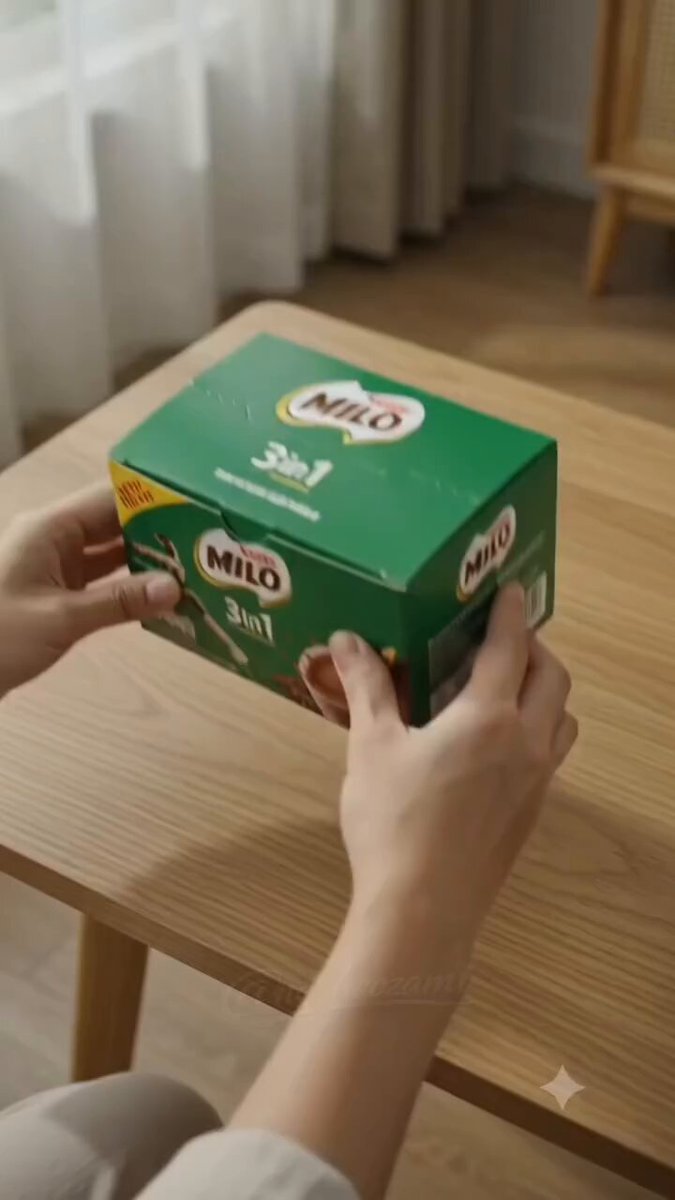
GIF frame to retro pixel art
Input
Upload a GIF frame and request a blocky pixel-art style with a limited retro color palette and visible pixel grid.
Expected output
A pixel-art version of the scene; verify the composition and subject remain recognizable.
Color grade a GIF frame
Input
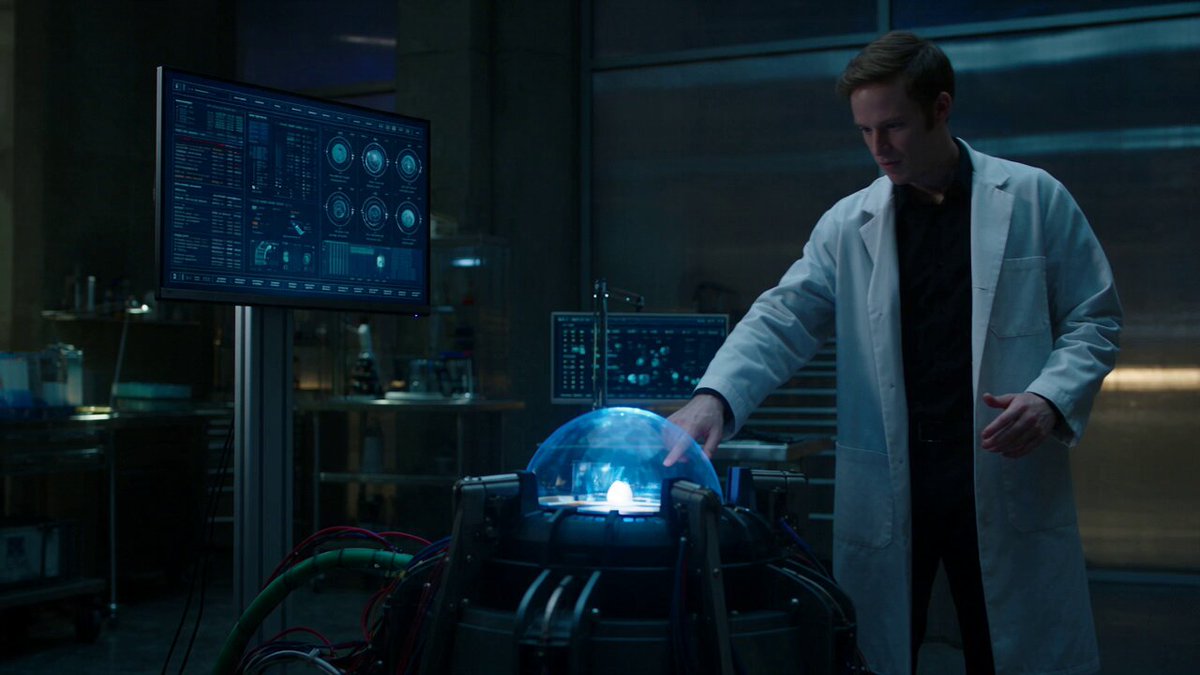
Upload a GIF frame and ask for teal shadows, warm orange highlights, and increased contrast.
Expected output
A color-graded version with cinematic tones; compare the mood and color balance with your intent.
Animated sticker frame as vector art
Input
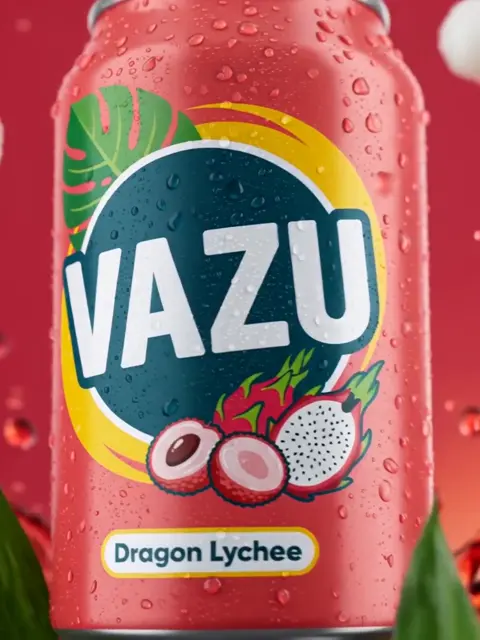
Upload a sticker frame and request smooth vector-like lines, flat color fills, and simplified shapes.
Expected output
A vector-styled version; check that the design remains clear and the colors stay consistent.
Transform a GIF frame or animated image with text-guided edits and review the result
Edit GIF frames by description
Apply style changes, color grading, or object edits to a GIF frame using natural language.
Start with an animated image
Upload a GIF frame or animated sticker and transform it without manual frame-by-frame editing.
Review before using
Compare the transformed frame with the original to confirm the edit matches your intent and retains clarity.
How It Works
1
Upload the image you want to refine
Start with an image you have the right to edit.
2
Describe the profile-picture changes you want
Keep the requested edits specific so the intended profile look is clear.
3
Generate, compare, and download
Review the output for likeness, accuracy, and the final profile crop before using it.
Editing GIF frames with clear descriptions
A specific style or edit description helps the tool transform the frame while preserving composition.
Input Constraints
- Only upload images you have permission to edit and use.
- Keep the requested changes focused on the profile-picture outcome you need.
- Review the final image for likeness and context before sharing it.
Practical Tips
- Use a GIF frame or animated image with a clear subject and simple composition.
- Describe the edit in concrete terms: pixel art, color grading, vector style, or specific object changes.
- Compare the transformed frame with the original to confirm the edit improves clarity or visual appeal.
Privacy
- Do not upload personal or sensitive material unless you have permission to use it.
Usage Rights
- Confirm that you have the rights needed for the inputs and intended use of the result.
Prompt recipes
Copy a structure, then adjust the subject, lighting, camera, and output details for your own result.
GIF frame to 8-bit pixel art
Upload a GIF frame. Render it as 8-bit pixel art with a blocky grid, limited 16-color palette inspired by retro games, and high contrast.
Pixel-art styling creates a nostalgic, retro look popular in gaming and digital art communities.
Cinematic color grade for animation
Upload an animated frame. Apply cinematic color grading with teal shadows, warm highlights, and slightly desaturated midtones.
Cinematic color grading adds mood and polish, making animated frames feel more professional.
Sticker frame as flat vector design
Upload a sticker or cartoon GIF frame. Simplify it into a flat vector style with smooth outlines, solid color fills, and no gradients.
Flat vector styling is clean, scalable, and ideal for stickers, logos, or print-ready graphics.
Neon glow effect on GIF
Upload a GIF frame. Add neon glow effects with bright pink and cyan edges, high contrast, and a dark background.
Neon glow creates a striking, futuristic look that stands out in social media and digital art.
Watercolor wash on animated frame
Upload an animated frame. Apply a watercolor wash with soft edges, visible brushstrokes, and pastel color palette.
Watercolor styling gives animated frames a warm, hand-painted feel suitable for creative projects.
Best use cases
Match the workflow to the input you have and the result you need before opening the generator.
Retro-style GIF for social media
Input: A GIF frame or animated image with clear composition
Result: A pixel-art or retro-styled version suitable for nostalgia-themed posts
Tool: Image to Image with pixel-art or retro-style description
Cinematic color grading for animation
Input: An animated frame with visible detail and good composition
Result: A color-graded version with mood and polish suitable for portfolio or reels
Tool: Image to Image with cinematic color-grading prompt
Flat vector sticker or logo
Input: A sticker or cartoon GIF frame with simple shapes and clear subject
Result: A flat, vector-styled version suitable for print or scalable graphics
Tool: Image to Image with vector-style direction
Creative effect for digital art
Input: Any GIF frame or animated image where the subject can be stylized
Result: A neon, watercolor, or artistic version with visual flair
Tool: Image to Image with neon, watercolor, or artistic-style prompt
Limitations to know before generating
- The tool edits single frames; it does not process multi-frame GIFs or maintain animation timing.
- Complex GIF frames with many objects or fine detail may produce less predictable results.
- Heavy stylization may reduce clarity or introduce artifacts; inspect the result closely.
- The tool does not guarantee consistency across multiple frames; each frame is processed independently.
- You remain responsible for ensuring you have rights to the source GIF and the transformed output.
Creative Suite: AI Video Generator & AI Image Generator Tools
Power up your creative workflow with our AI-driven tools. Generate stunning videos, create images, and apply custom adjustments - our AI Video Generator and AI Image Generator offer a complete solution for all your creative needs.
Strictly Prohibits Adult/NSFW Content








Pricing
Choose the credit package that works best for you.
No hidden fees • Cancel anytime • Unused credits roll over
Starter
Perfect for trying out AI creation.
Credits
200 credits / month
- Up to 20 videos per month
- Up to 100 images per month
$6.99/ month$9.9930% OFF
Billed monthly
First-time subscribers get 30% off their first month, then standard price
What's included
- Credits never expire
- Standard models
- HD, Watermark-Free Downloads
- Private Generation
- Faster Generation Speed
- Ad-free experience
Basic
Perfect for light creators.
Credits
500 credits / month
- Up to 50 videos per month
- Up to 250 images per month
$13.99/ month$19.9930% OFF
Billed monthly
First-time subscribers get 30% off their first month, then standard price
What's included
- Credits never expire
- Standard models
- HD, Watermark-Free Downloads
- Private Generation
- Faster Generation Speed
- Ad-free experience
Pro
PopularBest value for creators
Credits
1,200 credits / month
- Up to 120 videos per month
- Up to 600 images per month
$39.99/ month
Billed monthly
What's included
- Credits never expire
- All models + Early access to new models
- HD, Watermark-Free Downloads
- Private Generation
- Faster Generation Speed
- Ultra HD resolution
- Ad-free experience
Ultra
For video creators and power users.
Credits
5,000 credits / month
- Up to 500 videos per month
- Up to 2,500 images per month
$99.99/ month
Billed monthly
What's included
- Credits never expire
- All models + Early access to new models
- HD, Watermark-Free Downloads
- Private Generation
- Faster Generation Speed
- Ultra HD resolution
- Ad-free experience
Free
Standard models only — upgrade to unlock premium models.
Credits
10 free credits on signup
Questions? Contact us at support@domer.io
Transform GIF frames with text-guided edits
Open Image to Image, upload a GIF frame or animated image, and describe the edit you want. Review before downloading.