
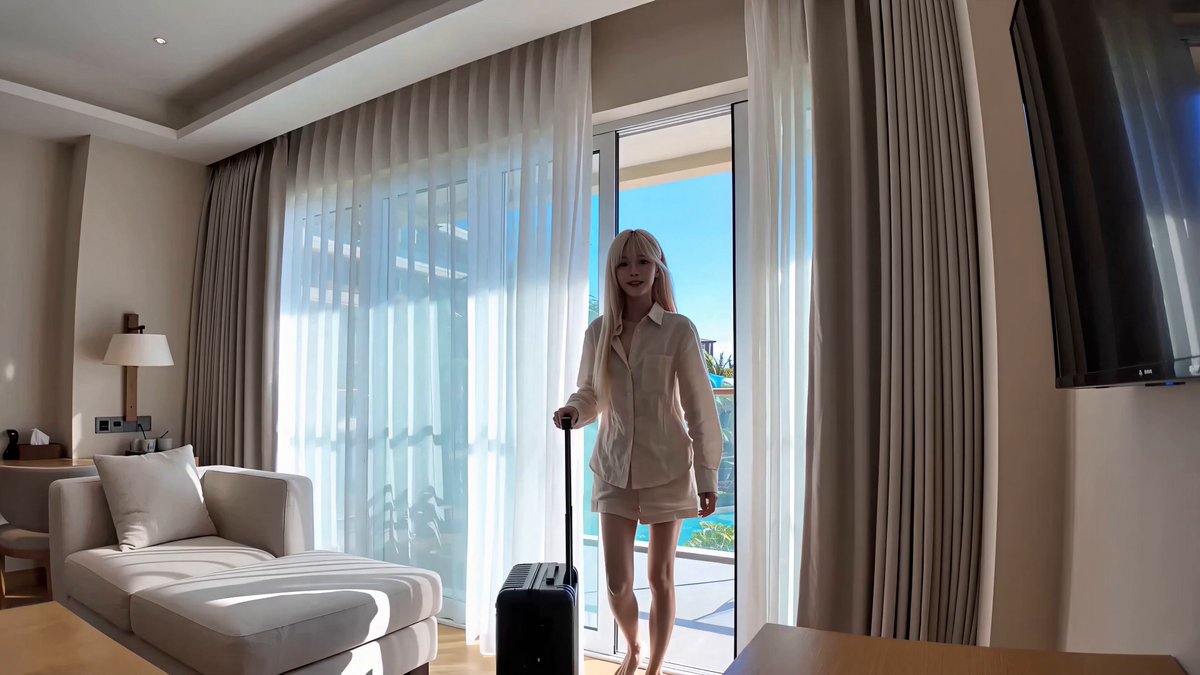
AI Image to Video Background Generator
Use ai image to video background generator to turn a still backdrop into a moving clip: upload an image, describe the motion, pick settings, and download the.
AI Video Generator
0/20000 characters
Cost:10
My videos
Loading...


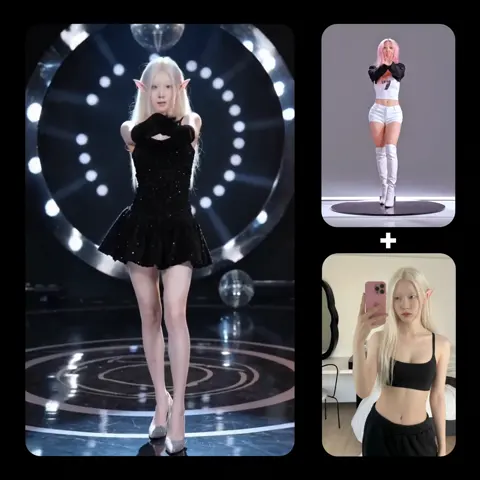
How to create an animated video background from an image
Upload a backdrop image you own, describe the motion you want—such as 'clouds drift slowly left' or 'light pulses gently'—then pick animation settings and generate. Review the clip and adjust the motion description if the result needs refinement.
AI Image to Video Background Generator
Mountain valley backdrop
Input
A mountain valley with a river at midday. Motion: let the water flow downstream and clouds drift slowly across the ridge.
Expected output
A background clip of flowing river water with clouds moving slowly over the peaks.
Desk by a window
Input
A tidy desk beside a large window. Motion: animate the curtain swaying and a soft shadow crossing the desk.
Expected output
A short background video of the curtain moving while light shifts across the desk.
Soft gradient pattern
Input
A smooth blue and teal gradient pattern. Motion: pulse the colors gently and sweep a soft light across.
Expected output
A background clip with slow color pulsing and a moving light sweep.
Turn a still backdrop image into an animated background video by describing the motion you want
Reuse an image as the base
A still you already have becomes the starting point for an animated background clip.
Set the mood with motion
Calm drifting clouds or subtle light changes can make a background feel alive without stealing attention.
Review before you place it
Check the generated clip first and download it only when the motion suits your use.
How It Works
1
Add the backdrop image
Provide an image you are allowed to use and describe the motion.
2
Choose animation settings
Choose the available animation settings.
3
Generate and download
Generate, review, and download a suitable result.
Building a moving background
Turn a still backdrop into an animated background clip by describing the motion you want.
Input Constraints
- Use an image you have the rights to animate and reuse.
- Keep motion gentle if the background sits behind other content.
- Avoid uploading personal or sensitive material without permission.
- Review the clip before placing it behind anything public.
Practical Tips
- Describe slow, steady motion such as drifting clouds or a slow pan.
- Mention direction when useful, like 'clouds move left' or 'light sweeps across'.
- Subtle motion usually works better for backgrounds than large movements.
- Check how the clip reads at the size and context you plan to use.
Privacy
- Do not upload personal or sensitive material unless you have permission to use it.
Usage Rights
- Confirm that you have the rights needed for the inputs and intended use of the result.
Prompt recipes
Copy a structure, then adjust the subject, lighting, camera, and output details for your own result.
Looping cloud drift
A wide sky with scattered clouds at midday. Clouds drift slowly from right to left. Sky color stays even. Horizon stays fixed.
Slow, consistent cloud motion creates a calming loop that works well behind text or other foreground elements.
Gradient color pulse
A smooth gradient from deep blue to teal. Colors pulse gently, brightening and dimming. Subtle light sweeps diagonally from top left to bottom right.
Pulsing and sweeping light add gentle motion to an abstract background without distracting patterns or shapes.
Water surface ripple
A calm lake surface at sunset. Small ripples move outward from the center. Light reflects and shimmers on the water. Horizon stays still.
Ripples and light shimmer add natural motion that feels peaceful and works well for backgrounds or intros.
Office window with curtain
A desk beside a large window with sheer curtains. Curtains sway gently. Soft shadow moves across the desk. Outside view stays blurred.
Curtain and shadow motion add life to an interior backdrop without moving the furniture or camera.
Abstract particle drift
A dark background with small glowing particles. Particles drift slowly upward and fade. New particles appear at the bottom. Background stays black.
Slow upward drift of particles creates a modern, tech-friendly background that does not compete with foreground content.
Best use cases
Match the workflow to the input you have and the result you need before opening the generator.
Presentation slide background
Input: A simple landscape or abstract image with clean composition
Result: A gentle looping clip with drifting or pulsing motion
Tool: Image-to-video generator with slow, ambient motion prompts
Social video backdrop
Input: A lifestyle or scenery photo you own
Result: A short clip with subtle motion like clouds or light shifts
Tool: Image-to-video generator with environmental motion descriptions
Website hero section
Input: A brand-aligned image or gradient
Result: A looping background video with smooth, non-distracting motion
Tool: Image-to-video generator with color or light motion prompts
Video call virtual background
Input: An interior or scenery photo with clear depth
Result: A clip with natural motion like curtains or leaves moving
Tool: Image-to-video generator with small, repeating motion descriptions
Limitations to know before generating
- Results depend on image clarity and motion description—simple, uncluttered images work best for backgrounds.
- Complex or fast motion may distract from foreground content; slow, subtle movements are usually more effective.
- You must own or have permission to use the input image and confirm rights for the intended use of the output.
- Generated clips should be reviewed for visual quality, motion smoothness, and compatibility with the context where they will be used.
- Background clips with repeating motion may need to be trimmed or looped manually to fit your project length.
Creative Suite: AI Video Generator & AI Image Generator Tools
Power up your creative workflow with our AI-driven tools. Generate stunning videos, create images, and apply custom adjustments - our AI Video Generator and AI Image Generator offer a complete solution for all your creative needs.
Strictly Prohibits Adult/NSFW Content








Pricing
Choose the credit package that works best for you.
No hidden fees • Cancel anytime • Unused credits roll over
Starter
Perfect for trying out AI creation.
Credits
200 credits / month
- Up to 20 videos per month
- Up to 100 images per month
$6.99/ month$9.9930% OFF
Billed monthly
First-time subscribers get 30% off their first month, then standard price
What's included
- Credits never expire
- Standard models
- HD, Watermark-Free Downloads
- Private Generation
- Faster Generation Speed
- Ad-free experience
Basic
Perfect for light creators.
Credits
500 credits / month
- Up to 50 videos per month
- Up to 250 images per month
$13.99/ month$19.9930% OFF
Billed monthly
First-time subscribers get 30% off their first month, then standard price
What's included
- Credits never expire
- Standard models
- HD, Watermark-Free Downloads
- Private Generation
- Faster Generation Speed
- Ad-free experience
Pro
PopularBest value for creators
Credits
1,200 credits / month
- Up to 120 videos per month
- Up to 600 images per month
$39.99/ month
Billed monthly
What's included
- Credits never expire
- All models + Early access to new models
- HD, Watermark-Free Downloads
- Private Generation
- Faster Generation Speed
- Ultra HD resolution
- Ad-free experience
Ultra
For video creators and power users.
Credits
5,000 credits / month
- Up to 500 videos per month
- Up to 2,500 images per month
$99.99/ month
Billed monthly
What's included
- Credits never expire
- All models + Early access to new models
- HD, Watermark-Free Downloads
- Private Generation
- Faster Generation Speed
- Ultra HD resolution
- Ad-free experience
Free
Standard models only — upgrade to unlock premium models.
Credits
10 free credits on signup
Questions? Contact us at support@domer.io
Create a moving background
Open the image-to-video tool, add a backdrop image you can use, and describe the motion.