
AI Answer Photo Generator
Generate photos that answer visual questions. Describe the scene or concept you want to see, choose settings, and download the clearest result.
AI Image Generator
0/20000 characters
My images
Loading...

What is an AI answer photo generator?
An AI answer photo generator creates photographic images that answer specific questions or show concepts visually. Instead of describing in words, you get a photo that demonstrates what something looks like, how it appears in context, or what a scene would show. Describe the subject, setting, lighting, and perspective, then generate and review the photo that answers your visual question.
AI Answer Photo Generator
What a solar farm looks like
Input
A wide-angle photo of a solar farm on a hillside, rows of blue solar panels under a bright blue sky with white clouds, green grass between the rows.
Expected output
An informative landscape photo showing a solar farm in daylight.
How a medieval castle interior appears
Input
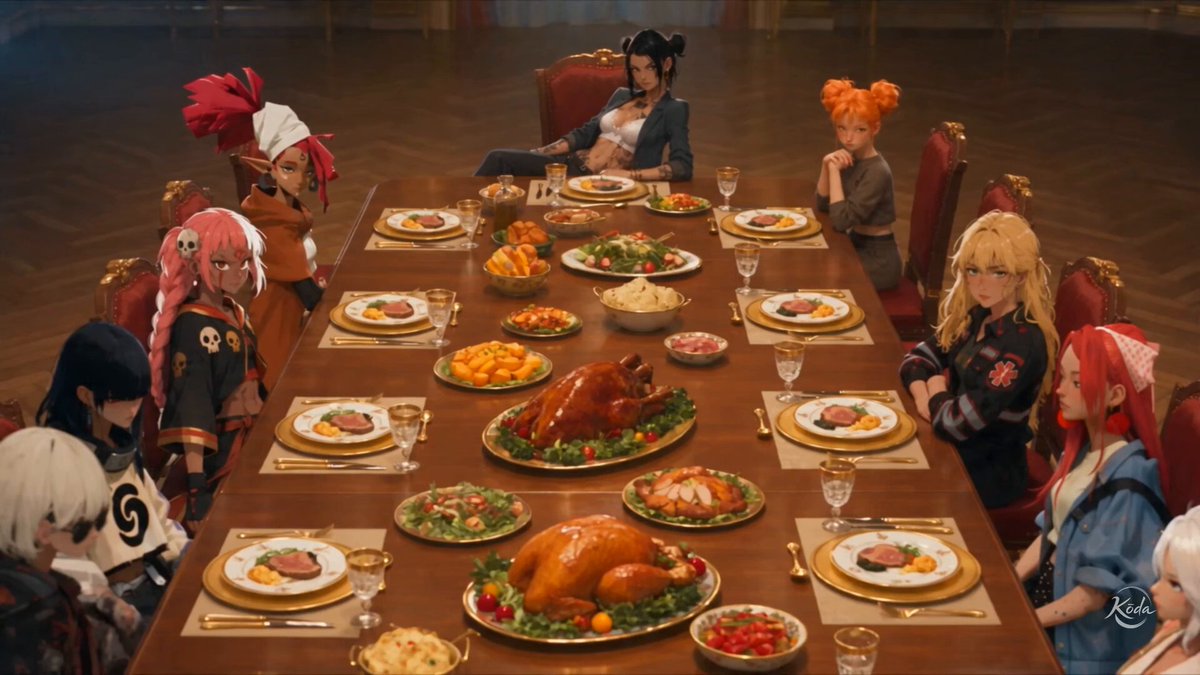
The great hall of a medieval stone castle, a long wooden table with candelabras, tapestries on the walls, firelight casting warm shadows.
Expected output
A moody interior photo that evokes a medieval castle great hall.
What an aurora looks like from space
Input
A view of Earth from orbit, green and purple aurora curtains swirling over the night side of the planet, stars visible in the dark sky.
Expected output
A cinematic space photo showing auroras from above the atmosphere.
Generate photographic images that visually answer questions or illustrate concepts from a text prompt.
Get a photo, not just text
When a written description is not enough, generate a visual answer that shows what you mean.
Create reference images fast
Describe a scene or concept and get a photo reference for presentations, mood boards, or projects.
Explore visual ideas
Test how different scenes would look by changing a few words and regenerating.
How It Works
1
Describe the image
Describe the desired image.
2
Set your preferences
Choose the available generation settings.
3
Review and download
Generate, review, and download a suitable result.
Writing a good visual query
Treat your prompt like a photo brief — be specific about what should appear.
Input Constraints
- Describe the scene as if you were directing a photographer.
- Include lighting, composition, and perspective details.
- Focus on one visual answer per prompt for clarity.
Practical Tips
- Start with the subject, then describe the environment.
- Use photography terms like "wide shot", "close-up", or "birds-eye view" for composition.
- Add lighting cues: "sunset", "soft indoor light", or "neon glow" change the mood.
- Keep the prompt concise — two to three sentences usually work best.
Privacy
- Do not upload personal or sensitive material unless you have permission to use it.
Usage Rights
- Confirm that you have the rights needed for the inputs and intended use of the result.
Prompt recipes
Copy a structure, then adjust the subject, lighting, camera, and output details for your own result.
Environmental question: what does deforestation look like?
Aerial photo of a deforested hillside, stumps and bare soil next to a lush green forest, clear boundary between cleared and intact areas, overcast sky
Uses aerial perspective and side-by-side contrast to answer a visual question about environmental impact in one clear image.
Historical question: what did a 1920s speakeasy look like?
Interior of a 1920s speakeasy, dim amber lighting from wall sconces, people in period clothing at a bar, jazz instruments on a small stage, smoky atmosphere
Combines era-specific details and atmospheric lighting to recreate a historical scene that answers 'what did X look like in that time?'
Scientific question: what does bioluminescence look like underwater?
Underwater photo of bioluminescent plankton glowing blue-green around a diver's hand, dark ocean background, magical ethereal lighting
Captures a rare natural phenomenon with specific lighting and underwater perspective, showing what words can't easily describe.
Architectural question: what does Brutalist architecture look like?
A Brutalist concrete apartment building with geometric balconies and raw exposed concrete, overcast sky, urban setting, symmetrical composition
Showcases defining architectural style elements in a clear composition, answering a style identification question visually.
Cultural question: what does a traditional Japanese tea ceremony setup look like?
A traditional Japanese tea ceremony setting, tatami mat floor, tea bowl and whisk on a low wooden table, shoji screen in background, soft natural light from window
Shows cultural practice through authentic objects and setting, answering 'what does this tradition look like?' with visual detail.
Astronomical question: what does the Milky Way look like from a dark sky location?
Night sky photo of the Milky Way galaxy visible as a bright band of stars over a silhouetted mountain range, no light pollution, long exposure effect
Demonstrates an astronomical sight that many people haven't seen, with technical photo details that make the answer feel authentic.
Best use cases
Match the workflow to the input you have and the result you need before opening the generator.
Educational visual references
Input: Clear subject description with context, perspective, and key identifying features
Result: A photo that shows students or learners what a concept, place, or phenomenon looks like
Tool: Text to Image with subject name and 'informative photo' or 'educational reference' specified
Presentation or pitch deck imagery
Input: Scene descriptions with professional photography terms for lighting and composition
Result: A polished photo that illustrates a point or sets a mood for a slide
Tool: Text to Image with photography style keywords like 'corporate', 'editorial', or 'cinematic'
Content creation and storytelling
Input: Narrative scene descriptions with emotional tone, time of day, and atmospheric details
Result: A photo that brings a story moment or concept to life visually
Tool: Text to Image with mood and lighting cues that match the story's tone
Research and concept exploration
Input: Hypothetical or hard-to-access scenes described with specific details
Result: A visual answer to 'what would X look like if…' or 'how does Y appear in real life?'
Tool: Text to Image with detailed subject, environment, and perspective information
Limitations to know before generating
- Generated photos may lack photographic accuracy in fine details; review for realism before using in professional contexts.
- Rare or highly specific subjects may produce less accurate results than common scenes.
- Lighting and atmospheric effects are interpretive; the generator approximates but may not perfectly match real-world conditions.
- Photos of real people, identifiable locations, or trademarked objects should be reviewed for rights and accuracy.
- The tool creates photo-like images, not documentation-quality photographs suitable for scientific or technical reference without verification.
Creative Suite: AI Video Generator & AI Image Generator Tools
Power up your creative workflow with our AI-driven tools. Generate stunning videos, create images, and apply custom adjustments - our AI Video Generator and AI Image Generator offer a complete solution for all your creative needs.
Strictly Prohibits Adult/NSFW Content








Pricing
Choose the credit package that works best for you.
No hidden fees • Cancel anytime • Unused credits roll over
Starter
Perfect for trying out AI creation.
Credits
200 credits / month
- Up to 20 videos per month
- Up to 100 images per month
$6.99/ month$9.9930% OFF
Billed monthly
First-time subscribers get 30% off their first month, then standard price
What's included
- Credits never expire
- Standard models
- HD, Watermark-Free Downloads
- Private Generation
- Faster Generation Speed
- Ad-free experience
Basic
Perfect for light creators.
Credits
500 credits / month
- Up to 50 videos per month
- Up to 250 images per month
$13.99/ month$19.9930% OFF
Billed monthly
First-time subscribers get 30% off their first month, then standard price
What's included
- Credits never expire
- Standard models
- HD, Watermark-Free Downloads
- Private Generation
- Faster Generation Speed
- Ad-free experience
Pro
PopularBest value for creators
Credits
1,200 credits / month
- Up to 120 videos per month
- Up to 600 images per month
$39.99/ month
Billed monthly
What's included
- Credits never expire
- All models + Early access to new models
- HD, Watermark-Free Downloads
- Private Generation
- Faster Generation Speed
- Ultra HD resolution
- Ad-free experience
Ultra
For video creators and power users.
Credits
5,000 credits / month
- Up to 500 videos per month
- Up to 2,500 images per month
$99.99/ month
Billed monthly
What's included
- Credits never expire
- All models + Early access to new models
- HD, Watermark-Free Downloads
- Private Generation
- Faster Generation Speed
- Ultra HD resolution
- Ad-free experience
Free
Standard models only — upgrade to unlock premium models.
Credits
10 free credits on signup
Questions? Contact us at support@domer.io
Turn your idea into a photo
Open the text-to-image tool, describe the scene you want to see, and generate a visual answer instantly.