
AI Art Generator Banner
Use ai art generator banner to generate custom banner images for websites, social media, and ads. Describe the theme and format, choose settings, and download.
AI Image Generator
0/20000 characters
My images
Loading...
What is an AI art generator banner?
An AI art generator banner is a tool that creates custom banner images from text descriptions. You describe the theme, format, and color scheme, then the tool generates a banner visual suitable for website heroes, social media covers, or promotional ads.
AI Art Generator Banner
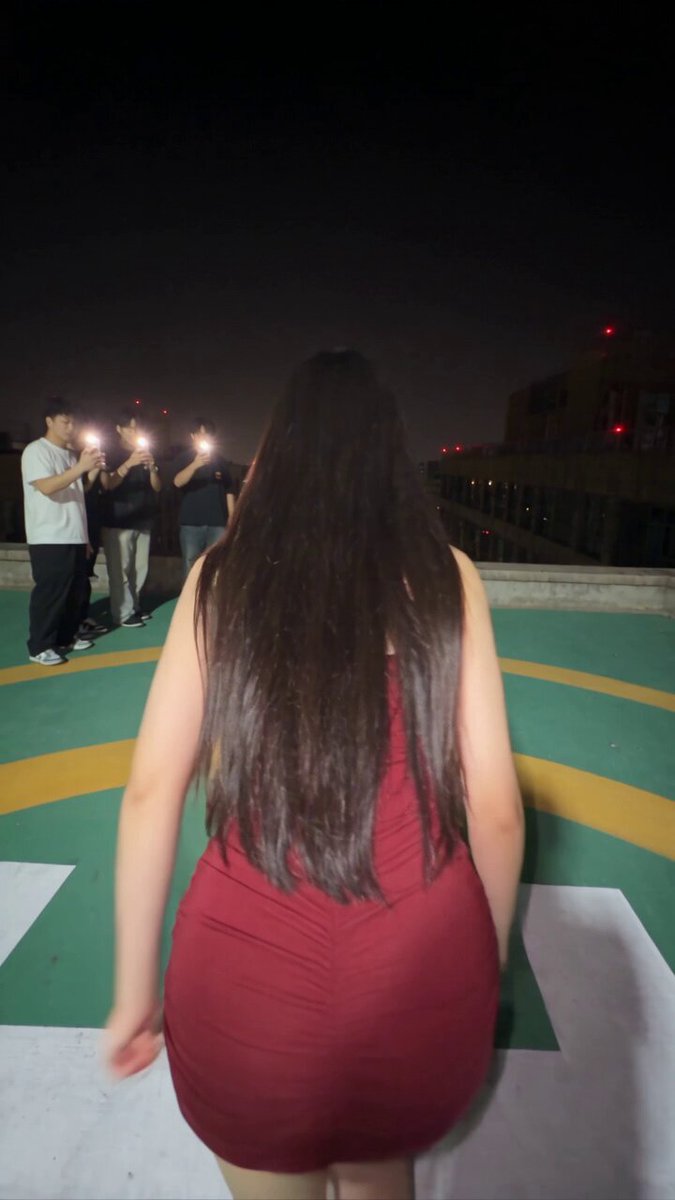
Website hero banner
Input
A wide website hero banner with a futuristic tech theme, glowing circuit patterns, deep blue gradient background, space for text overlay on the left
Expected output
A wide-format hero banner with technology-themed visuals, dark blue gradients, and a clear text-safe zone on one side
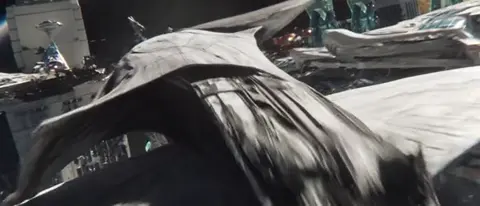
Social media cover
Input
A YouTube channel banner with a gaming theme, neon controller silhouette, purple and cyan color scheme, abstract geometric background
Expected output
A horizontal social media banner with gaming aesthetics, neon accents, and an energetic abstract background
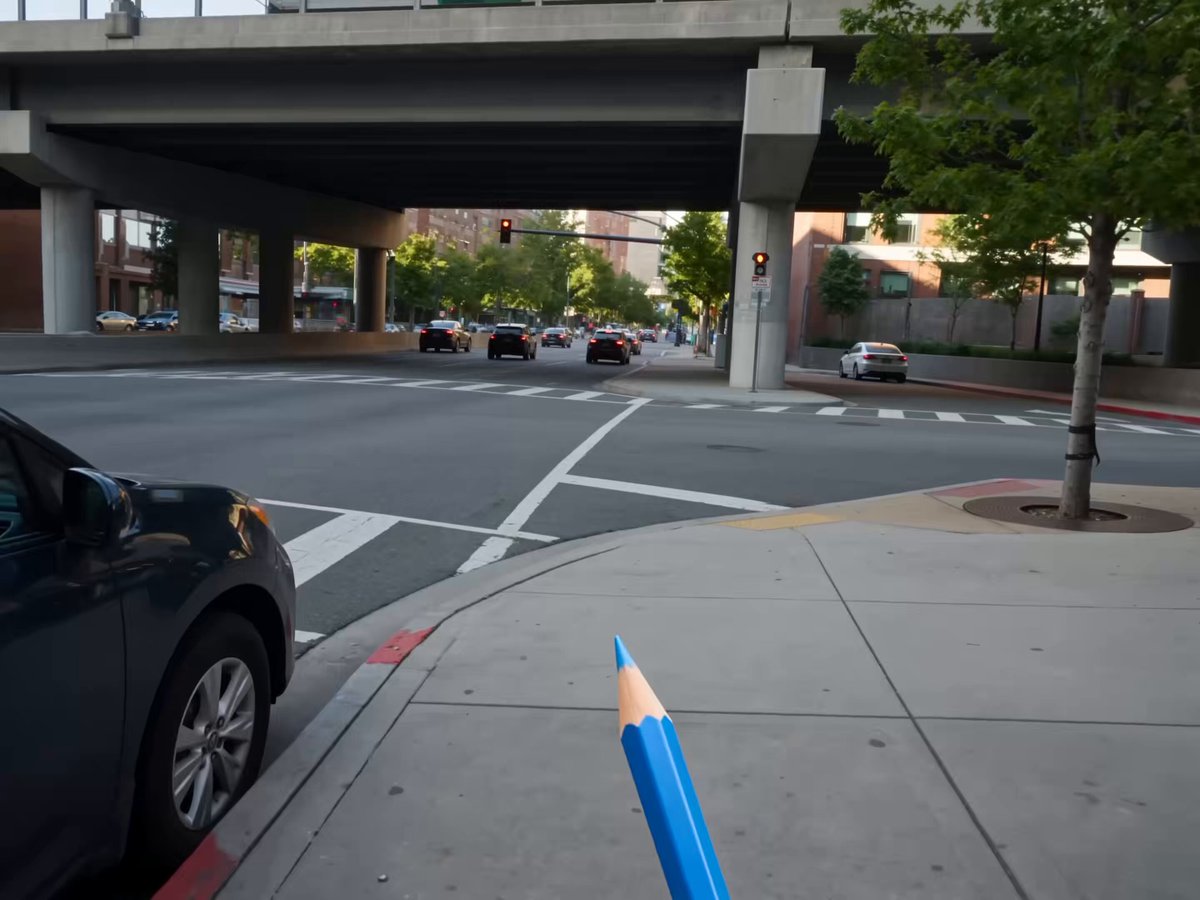
Promotional banner ad
Input
A promotional banner for a seasonal sale, warm autumn colors, falling leaves, elegant typography space, cozy atmosphere
Expected output
A seasonal promotional banner with warm orange and gold tones, decorative leaf elements, and a clear focal area for text
Generate banner images for websites, social media, or advertising using AI.
Quick banner production
Generate professional banner visuals without design software or hiring a graphic designer.
Multiple style iterations
Explore different banner concepts, color schemes, and compositions by adjusting your text prompt and regenerating.
Varied aspect ratios
Generate banners for different platforms by describing the format — hero, social cover, or ad — in your prompt.
How It Works
1
Describe the desired image.
Describe the desired image.
2
Choose the available generation settings.
Choose the available generation settings.
3
Generate, review, and download a suitable result.
Generate, review, and download a suitable result.
Creating effective banner images
Mention format, theme, color scheme, and text-safe zones in your prompt for usable banner results.
Input Constraints
- Generated images serve as background visuals — add text overlay separately
- Review aspect ratio requirements for your target platform
- Do not claim generated banners contain actual products or offers
Practical Tips
- Specify the banner type: 'hero banner', 'social media cover', or 'ad banner'
- Mention color schemes and mood — 'professional blue', 'warm autumn', 'neon gaming'
- Describe where text should sit: 'text space on the left', 'centered focal area'
Privacy
- Do not upload personal or sensitive material unless you have permission to use it.
Usage Rights
- Confirm that you have the rights needed for the inputs and intended use of the result.
Prompt recipes
Copy a structure, then adjust the subject, lighting, camera, and output details for your own result.
SaaS product hero banner
Wide website hero banner, clean modern tech aesthetic, soft gradient from white to light blue, floating abstract 3D shapes, space for large headline text on left side, professional and minimal
Provides a clean, modern backdrop that signals professionalism while leaving ample space for product messaging.
YouTube gaming channel banner
YouTube channel banner, gaming theme, neon purple and cyan color scheme, stylized controller and headset silhouettes, abstract particle effects, energetic and bold, horizontal format
Matches the visual language of gaming content with bold colors and recognizable gaming iconography.
E-commerce seasonal sale banner
Promotional banner for autumn sale, warm orange and brown tones, falling maple leaves, cozy autumn atmosphere, space for centered sale text, inviting and festive mood
Seasonal visuals create urgency and emotional connection, with clear space for promotional copy.
LinkedIn company profile cover
LinkedIn profile banner, professional corporate theme, clean geometric shapes, soft teal and white color palette, modern office aesthetic, space for company logo on right, professional and trustworthy
Aligns with LinkedIn's professional context and provides branding space without overwhelming the profile.
Blog post featured image banner
Wide blog post hero image, minimalist abstract gradient, soft pastel colors transitioning from pink to lavender, space for centered article title, calm and inviting mood
Gentle colors and minimal design let the article title take center stage while providing visual interest.
Instagram story promotional banner
Vertical Instagram story banner, bold geometric shapes, vibrant coral and turquoise color scheme, modern flat design, space for product image in center, eye-catching and trendy
Vertical format fits Instagram stories perfectly, and bold colors stop the scroll while framing product visuals.
Best use cases
Match the workflow to the input you have and the result you need before opening the generator.
Website hero section
Input: Wide banner format, professional theme, clean gradient or abstract shapes, space for large headline text
Result: Background visual that frames hero copy without competing for attention
Tool: Text to Image with wide landscape aspect ratio
YouTube or social media channel cover
Input: Horizontal banner, theme matching channel niche (gaming, tech, lifestyle), bold colors, space for branding
Result: Eye-catching cover that signals channel theme and leaves room for logo or text
Tool: Text to Image with horizontal banner dimensions
Promotional ad banner
Input: Banner format matching ad platform, seasonal or event theme, clear focal area for offer text, inviting mood
Result: Promotional background that draws attention and frames the offer clearly
Tool: Text to Image with ad banner aspect ratio
LinkedIn or Twitter profile cover
Input: Professional theme, corporate colors, minimal design, space for logo or tagline
Result: Clean professional cover that reinforces brand without overwhelming the profile
Tool: Text to Image with social cover dimensions
Blog or article featured image
Input: Wide banner, theme matching article topic, soft colors, space for centered article title
Result: Featured image that sets the tone for the article and frames the title
Tool: Text to Image with wide landscape aspect ratio
Limitations to know before generating
- The tool generates banner background visuals only. You must add text, logos, and call-to-action buttons using design software or platform tools after downloading.
- Output dimensions depend on the aspect ratio and resolution settings available in the tool. Confirm the dimensions match your target platform before downloading.
- Generated banners may not include text-safe zones by default. Describe the text placement explicitly in your prompt and review the result.
- Color accuracy and theme consistency depend on your prompt. Use specific color names and style keywords for better control.
- Generated banners are not guaranteed to be commercially licensed. Confirm rights for your intended use, especially for advertising or client work.
Creative Suite: AI Video Generator & AI Image Generator Tools
Power up your creative workflow with our AI-driven tools. Generate stunning videos, create images, and apply custom adjustments - our AI Video Generator and AI Image Generator offer a complete solution for all your creative needs.
Strictly Prohibits Adult/NSFW Content








Pricing
Choose the credit package that works best for you.
No hidden fees • Cancel anytime • Unused credits roll over
Starter
Perfect for trying out AI creation.
Credits
200 credits / month
- Up to 20 videos per month
- Up to 100 images per month
$6.99/ month$9.9930% OFF
Billed monthly
First-time subscribers get 30% off their first month, then standard price
What's included
- Credits never expire
- Standard models
- HD, Watermark-Free Downloads
- Private Generation
- Faster Generation Speed
- Ad-free experience
Basic
Perfect for light creators.
Credits
500 credits / month
- Up to 50 videos per month
- Up to 250 images per month
$13.99/ month$19.9930% OFF
Billed monthly
First-time subscribers get 30% off their first month, then standard price
What's included
- Credits never expire
- Standard models
- HD, Watermark-Free Downloads
- Private Generation
- Faster Generation Speed
- Ad-free experience
Pro
PopularBest value for creators
Credits
1,200 credits / month
- Up to 120 videos per month
- Up to 600 images per month
$39.99/ month
Billed monthly
What's included
- Credits never expire
- All models + Early access to new models
- HD, Watermark-Free Downloads
- Private Generation
- Faster Generation Speed
- Ultra HD resolution
- Ad-free experience
Ultra
For video creators and power users.
Credits
5,000 credits / month
- Up to 500 videos per month
- Up to 2,500 images per month
$99.99/ month
Billed monthly
What's included
- Credits never expire
- All models + Early access to new models
- HD, Watermark-Free Downloads
- Private Generation
- Faster Generation Speed
- Ultra HD resolution
- Ad-free experience
Free
Standard models only — upgrade to unlock premium models.
Credits
10 free credits on signup
Questions? Contact us at support@domer.io
Create your custom banner
Open the text-to-image tool, describe your banner theme and format, and generate professional background visuals.