
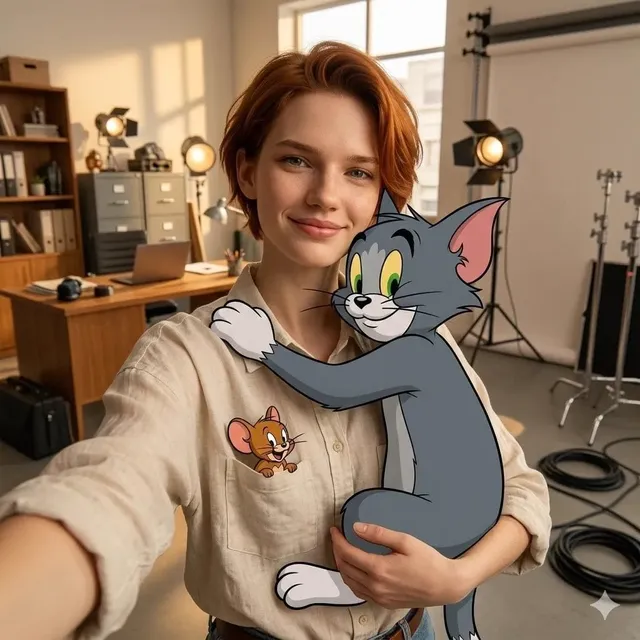
AI Art Generator Inpainting Prompts
Use ai art generator inpainting to write prompts that describe the whole scene, including the area you want filled or repaired. Generate, review, and refine.
AI Image Generator
0/20000 characters
My images
Loading...
What is inpainting with an AI art generator?
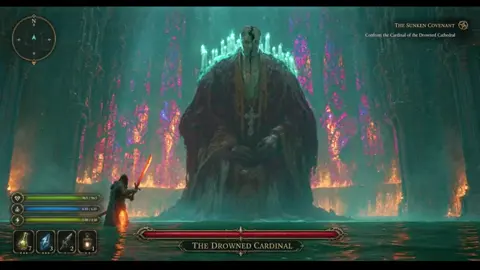
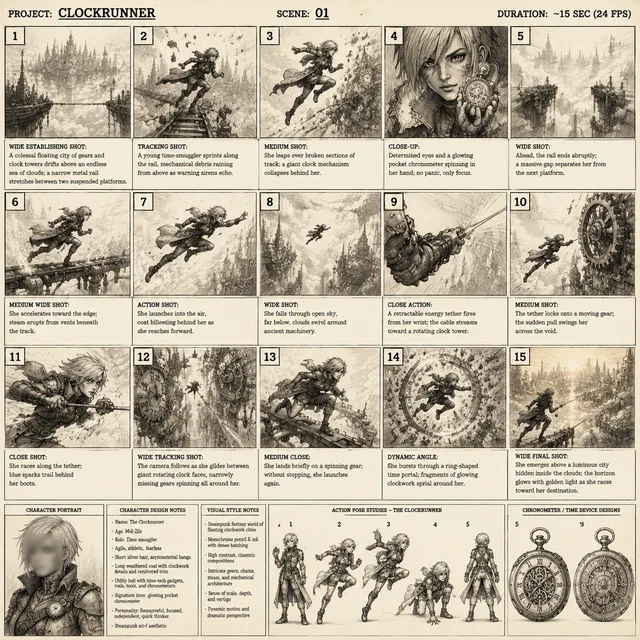
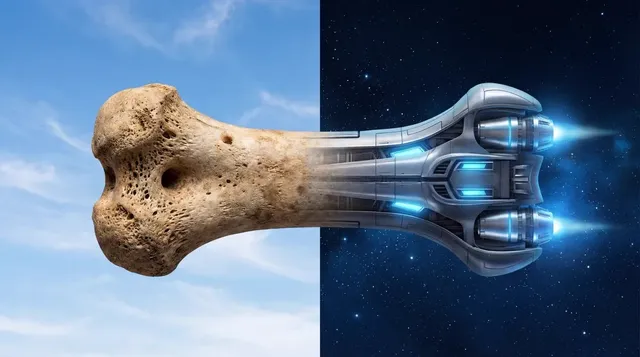
Inpainting with an AI art generator means filling in or replacing a specific region of an image by describing the complete scene in a text prompt. Instead of editing an existing image directly, you describe the entire visual—including the area you want filled—and the tool generates a cohesive result. This approach works when you need to repair damaged areas, remove objects, or re-imagine parts of a scene by prompting the whole image with the desired change built into the description.
AI Art Generator Inpainting Prompts
Fill a missing corner
Input
A sunlit kitchen with a wooden table, fresh bread, and a window; the top-right corner shows a blurred patch that should continue the same cream wall.
Expected output
A complete kitchen scene where the blurred corner renders as a smooth continuation of the wall.
Replace a distracting object
Input
A park bench under a maple tree in autumn, with the cluttered trash can beside it removed and replaced by a neat pile of leaves.
Expected output
A tidy bench scene with the trash can gone and a natural leaf pile in its place.
Re-imagine an area
Input
A cozy reading nook with an armchair and bookshelf, where the empty wall behind the chair becomes a large arched window showing a garden.
Expected output
The same nook with an arched garden window filling the previously empty wall.
Fill in, repair, or re-imagine part of an image by describing the complete scene to an AI art generator
One prompt, whole scene
Describe the full image, including the part to fill, so the result comes out as one coherent picture.
Iterate on the fix
Adjust the description of the area you want filled and regenerate to compare versions.
Work from text only
Everything starts from a single text description, so you can plan the fill before generating.
How It Works
1
Describe the image
Describe the desired image.
2
Choose settings
Choose the available generation settings.
3
Generate and review
Generate, review, and download a suitable result.
Writing an inpainting-style prompt
Treat the whole image as one description so the filled area matches its surroundings.
Input Constraints
- Describe the entire scene, including the area you want filled or repaired.
- Match colors, lighting, and perspective so the fill blends with the rest.
- Review the result closely before reusing or publishing it.
Practical Tips
- Start with the overall scene, then add one sentence about the area to change.
- Name the material and finish, like 'cream wall' or 'wood floor', to guide the fill.
- Regenerate with a slightly different description if the fill looks off.
Privacy
- Do not upload personal or sensitive material unless you have permission to use it.
Usage Rights
- Confirm that you have the rights needed for the inputs and intended use of the result.
Prompt recipes
Copy a structure, then adjust the subject, lighting, camera, and output details for your own result.
Seamless wall repair
A modern living room with a gray sofa, potted plant, and large window, with the damaged plaster patch on the left wall filled in to match the smooth white finish
Describes the full room context, then names the damaged area and the desired repair material to guide seamless blending.
Remove unwanted object
A mountain hiking trail at sunrise with pine trees and a distant peak, the discarded plastic bottle on the trail removed and replaced with natural rock and grass
States what to remove and what should replace it, preserving the natural setting and lighting for a cohesive result.
Expand a cropped edge
A close-up portrait of a smiling woman in a blue sweater, with the cropped left shoulder extended to show the full sweater and neutral background continuing
Specifies the area to extend and the content to fill it with, maintaining the existing subject and setting.
Reimagine a background
A wooden desk with a laptop and coffee mug, the plain white wall behind replaced with a bookshelf filled with colorful book spines and a small lamp
Describes the current scene and the new background element in one prompt, allowing the generator to merge them naturally.
Fix lighting inconsistency
A sunlit garden patio with wicker chairs and potted flowers, the shadowed corner on the right brightened to match the warm afternoon sunlight across the rest of the scene
Identifies the lighting mismatch and requests a correction that harmonizes with the overall scene lighting.
Best use cases
Match the workflow to the input you have and the result you need before opening the generator.
Repair damaged photos
Input: Full scene description with the damaged area and desired fill material specified
Result: Restored image with the damaged region blended into the surrounding context
Tool: Text to Image with detailed material and color descriptions
Remove distracting elements
Input: Scene description stating what to remove and what should replace it
Result: Clean image with the unwanted object replaced by natural surroundings
Tool: Text to Image with explicit object removal and replacement
Extend cropped images
Input: Description of the visible area plus the extension direction and content
Result: Expanded image with the new region matching the existing style and lighting
Tool: Text to Image with edge continuation details
Reimagine backgrounds
Input: Current foreground description plus detailed new background elements
Result: Composite image with the new background integrated into the scene
Tool: Text to Image with layered foreground and background prompts
Limitations to know before generating
- This is a text-to-image tool, not a dedicated inpainting editor; results depend on prompt accuracy.
- Seamless blending requires precise descriptions of colors, materials, and lighting; vague prompts produce visible seams.
- Fine details like texture continuity or exact color matching may require multiple regenerations.
- The tool generates the entire image from scratch, so unchanged areas may shift slightly in style or detail.
- Complex repairs with many elements increase the chance of inconsistencies; review carefully before use.
Creative Suite: AI Video Generator & AI Image Generator Tools
Power up your creative workflow with our AI-driven tools. Generate stunning videos, create images, and apply custom adjustments - our AI Video Generator and AI Image Generator offer a complete solution for all your creative needs.
Strictly Prohibits Adult/NSFW Content








Pricing
Choose the credit package that works best for you.
No hidden fees • Cancel anytime • Unused credits roll over
Starter
Perfect for trying out AI creation.
Credits
200 credits / month
- Up to 20 videos per month
- Up to 100 images per month
$6.99/ month$9.9930% OFF
Billed monthly
First-time subscribers get 30% off their first month, then standard price
What's included
- Credits never expire
- Standard models
- HD, Watermark-Free Downloads
- Private Generation
- Faster Generation Speed
- Ad-free experience
Basic
Perfect for light creators.
Credits
500 credits / month
- Up to 50 videos per month
- Up to 250 images per month
$13.99/ month$19.9930% OFF
Billed monthly
First-time subscribers get 30% off their first month, then standard price
What's included
- Credits never expire
- Standard models
- HD, Watermark-Free Downloads
- Private Generation
- Faster Generation Speed
- Ad-free experience
Pro
PopularBest value for creators
Credits
1,200 credits / month
- Up to 120 videos per month
- Up to 600 images per month
$39.99/ month
Billed monthly
What's included
- Credits never expire
- All models + Early access to new models
- HD, Watermark-Free Downloads
- Private Generation
- Faster Generation Speed
- Ultra HD resolution
- Ad-free experience
Ultra
For video creators and power users.
Credits
5,000 credits / month
- Up to 500 videos per month
- Up to 2,500 images per month
$99.99/ month
Billed monthly
What's included
- Credits never expire
- All models + Early access to new models
- HD, Watermark-Free Downloads
- Private Generation
- Faster Generation Speed
- Ultra HD resolution
- Ad-free experience
Free
Standard models only — upgrade to unlock premium models.
Credits
10 free credits on signup
Questions? Contact us at support@domer.io
Prompt your own inpainted scene
Open the text-to-image tool and describe the whole image, including the part you want filled, then generate and review the result.