
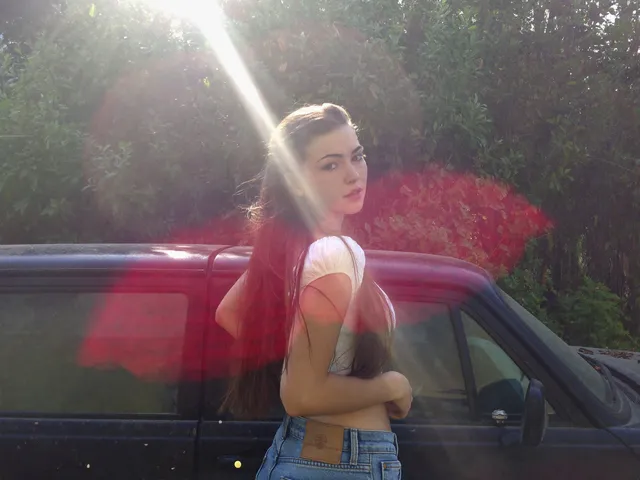
AI art generator with watercolor style
Use ai art generator with watercolor to describe a scene in watercolor terms and generate soft, flowing images with painterly washes and paper texture in.
AI Image Generator
0/20000 characters
My images
Loading...
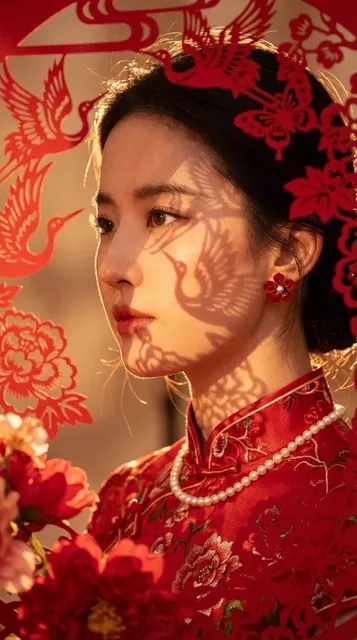
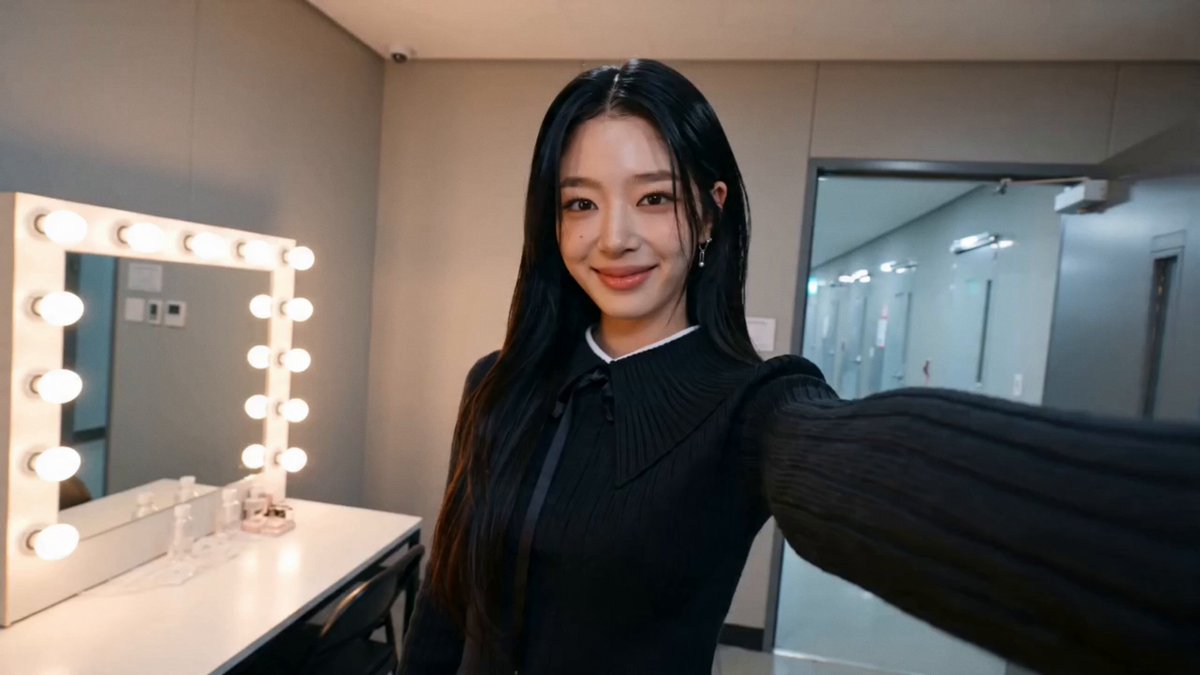

How does an AI art generator create watercolor-style images?
An AI art generator creates watercolor-style images by interpreting style keywords like watercolor, washes, soft edges, and paper texture in your text prompt. You describe the subject and the look you want — for example, muted blues and loose brush strokes — and the generator produces an image with the painterly feel of watercolor without requiring you to paint by hand or upload a source photo.
AI art generator with watercolor style
Morning garden watercolor
Input
A quiet garden path at sunrise, loose watercolor washes in peach and lavender, soft edges, paper texture
Expected output
An image with soft color washes, gentle edges, and a painterly watercolor look rather than a sharp photograph.
Rainy street scene
Input
A rainy city street with umbrellas, painted in muted watercolor blues and grays, loose brush strokes
Expected output
A scene that reads as hand-painted watercolor, with pooling color, blurred edges, and visible paper grain.
Floral study
Input
A single peony bloom, watercolor style, pink petals with pale green leaves on white paper, delicate details
Expected output
A botanical-style image with translucent washes, soft color blends, and light detail that resembles wet-on-wet watercolor.
Create soft, watercolor-style artwork from a text description without painting by hand
Describe a style, not a file
You type the scene and the look you want, including watercolor, and the generator returns an image you can refine.
Test art directions quickly
Generate a first draft of a poster, greeting card, or art concept and decide whether the direction works before refining the prompt.
Keep control of the brief
You choose the words and the available settings, so each result starts from your direction and you review before downloading.
How It Works
1
Describe the image
Describe the desired image.
2
Choose settings
Choose the available generation settings.
3
Generate and review
Generate, review, and download a suitable result.
Tips for watercolor prompts
A clear subject plus a few style details usually gives the watercolor feel you are after.
Input Constraints
- Keep the subject clear and simple so the watercolor style stays readable.
- Mention wash, texture, or edge softness when you want a looser look.
- Name the palette, such as muted, pastel, or saturated, if the colors matter.
Practical Tips
- Start with subject, then style: a red fox in watercolor reads better than a long list.
- Add paper or canvas texture terms if you want the painted feel.
- Review the first result and adjust one detail at a time rather than rewriting everything.
Privacy
- Do not upload personal or sensitive material unless you have permission to use it.
Usage Rights
- Confirm that you have the rights needed for the inputs and intended use of the result.
Prompt recipes
Copy a structure, then adjust the subject, lighting, camera, and output details for your own result.
Soft coastal landscape
A rocky coastline at dusk, watercolor washes in soft blue and lavender, misty horizon, gentle waves, paper grain texture
Coastal subject, named palette, and texture keywords create a peaceful, painterly scene with visible watercolor character.
Botanical illustration
A cluster of wildflowers in watercolor style, pale yellow and soft pink petals, white paper background, delicate linework
Specific flower subject, light palette, and watercolor style deliver a classic botanical illustration look.
Urban sketch with washes
A narrow European street with cobblestones, loose watercolor washes in warm ochre and gray, sketch-like linework, wet-on-wet blending
Urban setting, warm muted palette, and wet-on-wet technique keywords produce a travel-sketchbook feel.
Abstract color study
Abstract watercolor composition, flowing washes in teal and coral, organic shapes, paper texture, soft gradients
Abstract subject, named colors, and wash keywords let the watercolor medium take center stage without a specific scene.
Portrait in watercolor
A woman in profile, loose watercolor portrait, soft washes in peach and brown, minimal detail, expressive brushwork
Portrait subject, named palette, and expressive brushwork keywords produce a gestural, painterly portrait rather than a realistic rendering.
Best use cases
Match the workflow to the input you have and the result you need before opening the generator.
Greeting card or poster art
Input: Simple subject, light palette, watercolor style keywords
Result: A soft, painterly image suitable for print
Tool: Text to Image with watercolor and paper texture keywords
Travel or nature illustration
Input: Landscape or botanical subject, loose washes, muted colors
Result: A sketchbook-style image with visible brush character
Tool: Text to Image with wet-on-wet and wash keywords
Character or portrait concept
Input: Portrait subject, expressive brushwork, soft palette
Result: A gestural portrait with watercolor feel
Tool: Text to Image with watercolor portrait keywords
Abstract color exploration
Input: Organic shapes, flowing washes, named palette
Result: An abstract watercolor composition
Tool: Text to Image with abstract and gradient keywords
Limitations to know before generating
- Watercolor style is interpreted from keywords; fine control over brush strokes is limited
- Generated images may not perfectly replicate hand-painted texture or paper grain
- Subject complexity affects readability; simple subjects work best for the watercolor look
- Color accuracy depends on palette keywords; small wording changes can shift the mood significantly
- Review each result for suitability before using it in a final project
Creative Suite: AI Video Generator & AI Image Generator Tools
Power up your creative workflow with our AI-driven tools. Generate stunning videos, create images, and apply custom adjustments - our AI Video Generator and AI Image Generator offer a complete solution for all your creative needs.
Strictly Prohibits Adult/NSFW Content








Pricing
Choose the credit package that works best for you.
No hidden fees • Cancel anytime • Unused credits roll over
Starter
Perfect for trying out AI creation.
Credits
200 credits / month
- Up to 20 videos per month
- Up to 100 images per month
$6.99/ month$9.9930% OFF
Billed monthly
First-time subscribers get 30% off their first month, then standard price
What's included
- Credits never expire
- Standard models
- HD, Watermark-Free Downloads
- Private Generation
- Faster Generation Speed
- Ad-free experience
Basic
Perfect for light creators.
Credits
500 credits / month
- Up to 50 videos per month
- Up to 250 images per month
$13.99/ month$19.9930% OFF
Billed monthly
First-time subscribers get 30% off their first month, then standard price
What's included
- Credits never expire
- Standard models
- HD, Watermark-Free Downloads
- Private Generation
- Faster Generation Speed
- Ad-free experience
Pro
PopularBest value for creators
Credits
1,200 credits / month
- Up to 120 videos per month
- Up to 600 images per month
$39.99/ month
Billed monthly
What's included
- Credits never expire
- All models + Early access to new models
- HD, Watermark-Free Downloads
- Private Generation
- Faster Generation Speed
- Ultra HD resolution
- Ad-free experience
Ultra
For video creators and power users.
Credits
5,000 credits / month
- Up to 500 videos per month
- Up to 2,500 images per month
$99.99/ month
Billed monthly
What's included
- Credits never expire
- All models + Early access to new models
- HD, Watermark-Free Downloads
- Private Generation
- Faster Generation Speed
- Ultra HD resolution
- Ad-free experience
Free
Standard models only — upgrade to unlock premium models.
Credits
10 free credits on signup
Questions? Contact us at support@domer.io
Create watercolor-style art from text
Open the text-to-image generator, describe your scene in watercolor terms, and review a first draft.