
AI Before and After Image Generator
Use ai before and after image generator to describe both states in one prompt. Generate split-screen or side-by-side comparisons, review the layout, and.
AI Image Generator
0/20000 characters
My images
Loading...
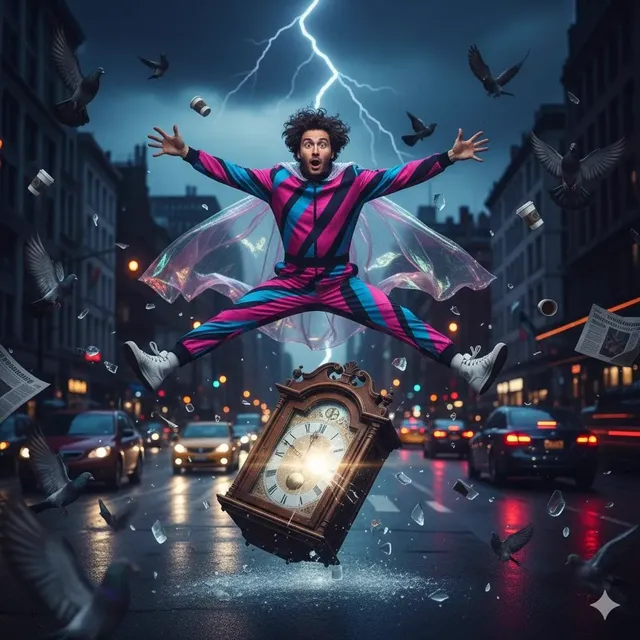
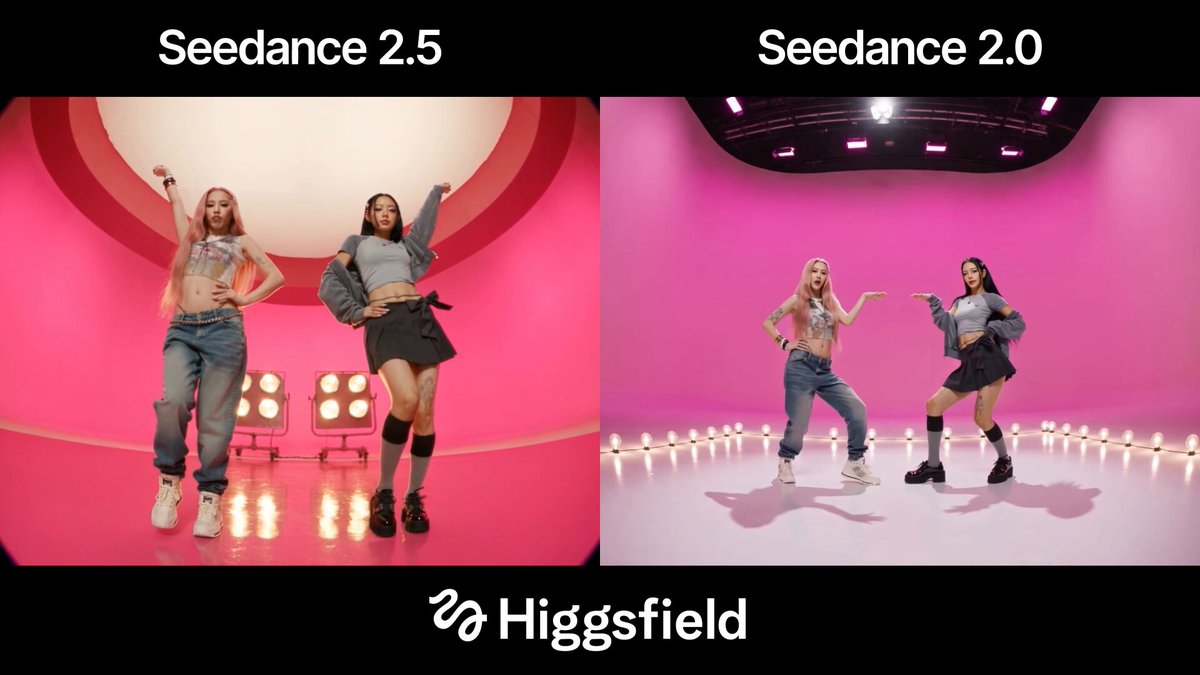
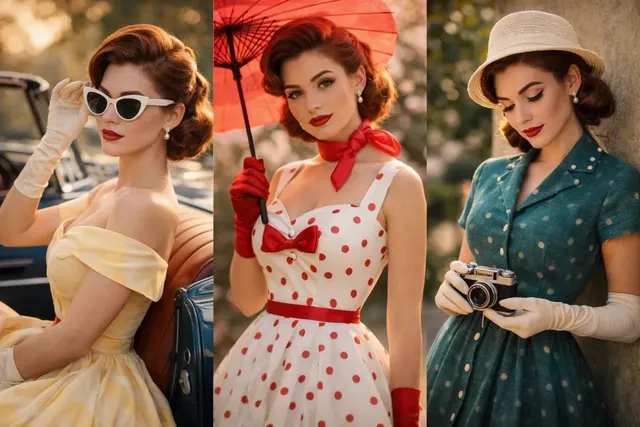
What is an AI before and after image generator?
An AI before and after image generator creates a single comparison image showing two states of the same subject from a written prompt. You describe both the before and after scenes, choose available settings, then generate and review the split or side-by-side result.
AI Before and After Image Generator
Room renovation
Input
A split image of a kitchen: the left half shows dated cabinets and worn counters, the right half shows the same kitchen renovated with modern white cabinets and stone counters
Expected output
A single comparison image showing the old and renovated kitchen.
Season change
Input
One image with two panels: a bare tree in winter snow on the left, and the same tree full of green leaves in summer on the right
Expected output
A two-panel scene showing the tree in winter and summer.
Garden growth
Input
A side-by-side view of a garden bed: freshly planted soil on the left, and the same bed full of blooming flowers weeks later on the right
Expected output
A side-by-side garden image showing the growth stages.
Create a single image showing two states of the same subject
Show change clearly
Present a transformation in one image instead of describing it in words.
No source photo needed
Both states come from your text prompt, so you can start from scratch.
Flexible comparisons
Use it for renovations, seasons, growth, or any change you can describe.
How It Works
1
Describe the desired image
Describe the desired image.
2
Choose the available settings
Choose the available generation settings.
3
Generate, review, and download
Generate, review, and download a suitable result.
Describing before and after scenes
Clear layout cues help the generator show both states in one image.
Input Constraints
- Describe the before state first.
- Describe the after state second.
- State the layout, such as split image or side by side.
- Review the result before use.
Practical Tips
- Use layout words like 'split image' or 'two panels'.
- Keep the subject the same and change only the details.
- Describe the contrast you want: old versus new, empty versus full.
- Regenerate to fix unclear transitions.
Privacy
- Do not upload personal or sensitive material unless you have permission to use it.
Usage Rights
- Confirm that you have the rights needed for the inputs and intended use of the result.
Prompt recipes
Copy a structure, then adjust the subject, lighting, camera, and output details for your own result.
Home office transformation
A split-screen image: left side shows a cluttered desk with papers and an old monitor, right side shows the same desk clean with a modern laptop and organized shelves, natural window light
Describes a relatable space transformation with specific before and after details that show clear improvement.
Fitness progress comparison
Side-by-side image: left panel shows a person starting a workout in casual clothes, right panel shows the same person months later in athletic gear with visible muscle definition, gym background
Captures a personal journey with visual cues of time and effort, motivating for fitness content.
Landscape restoration project
Two-panel image: left shows a dry, eroded hillside with sparse grass, right shows the same hillside green and lush with planted trees and restored soil, sunny day
Illustrates environmental impact with clear ecological contrast, useful for conservation or restoration storytelling.
Product design iteration
Split image: left half shows a rough sketch of a chair on paper, right half shows the same chair as a polished 3D render with materials and lighting, clean background
Shows the design process from concept to refined output, valuable for portfolio or process documentation.
Pet adoption before and after
Side-by-side photo: left shows a timid dog in a shelter kennel looking scared, right shows the same dog months later happy and healthy in a home with a toy, warm indoor lighting
Creates emotional impact by showing rescue and recovery, effective for animal welfare storytelling.
Best use cases
Match the workflow to the input you have and the result you need before opening the generator.
Home renovation or makeover
Input: Describe the room before and after with specific details about furniture, finishes, and lighting
Result: A split image showing the transformation clearly
Tool: AI Image Generator
Seasonal or time-lapse comparison
Input: Describe the same outdoor scene in two seasons or time periods with clear environmental changes
Result: A two-panel image showing the passage of time
Tool: AI Image Generator
Fitness or personal transformation
Input: Describe the starting point and the goal state with visual cues about time and effort
Result: A side-by-side image showing progress or change
Tool: AI Image Generator
Product or design evolution
Input: Describe the early concept and the final version with details about refinement and polish
Result: A comparison showing the design journey
Tool: AI Image Generator
Limitations to know before generating
- The generator may not always align both halves perfectly; review the transition line and regenerate if the split is unclear.
- Complex scenes with many objects may not maintain exact consistency between before and after states.
- Text or fine details in the image can be difficult to control; keep prompts focused on major visual changes.
- Lighting and perspective should be described consistently for both states to avoid jarring transitions.
Creative Suite: AI Video Generator & AI Image Generator Tools
Power up your creative workflow with our AI-driven tools. Generate stunning videos, create images, and apply custom adjustments - our AI Video Generator and AI Image Generator offer a complete solution for all your creative needs.
Strictly Prohibits Adult/NSFW Content








Pricing
Choose the credit package that works best for you.
No hidden fees • Cancel anytime • Unused credits roll over
Starter
Perfect for trying out AI creation.
Credits
200 credits / month
- Up to 20 videos per month
- Up to 100 images per month
$6.99/ month$9.9930% OFF
Billed monthly
First-time subscribers get 30% off their first month, then standard price
What's included
- Credits never expire
- Standard models
- HD, Watermark-Free Downloads
- Private Generation
- Faster Generation Speed
- Ad-free experience
Basic
Perfect for light creators.
Credits
500 credits / month
- Up to 50 videos per month
- Up to 250 images per month
$13.99/ month$19.9930% OFF
Billed monthly
First-time subscribers get 30% off their first month, then standard price
What's included
- Credits never expire
- Standard models
- HD, Watermark-Free Downloads
- Private Generation
- Faster Generation Speed
- Ad-free experience
Pro
PopularBest value for creators
Credits
1,200 credits / month
- Up to 120 videos per month
- Up to 600 images per month
$39.99/ month
Billed monthly
What's included
- Credits never expire
- All models + Early access to new models
- HD, Watermark-Free Downloads
- Private Generation
- Faster Generation Speed
- Ultra HD resolution
- Ad-free experience
Ultra
For video creators and power users.
Credits
5,000 credits / month
- Up to 500 videos per month
- Up to 2,500 images per month
$99.99/ month
Billed monthly
What's included
- Credits never expire
- All models + Early access to new models
- HD, Watermark-Free Downloads
- Private Generation
- Faster Generation Speed
- Ultra HD resolution
- Ad-free experience
Free
Standard models only — upgrade to unlock premium models.
Credits
10 free credits on signup
Questions? Contact us at support@domer.io
Show the change in one image
Open the image generator, describe both states, and review the comparison result before downloading.