
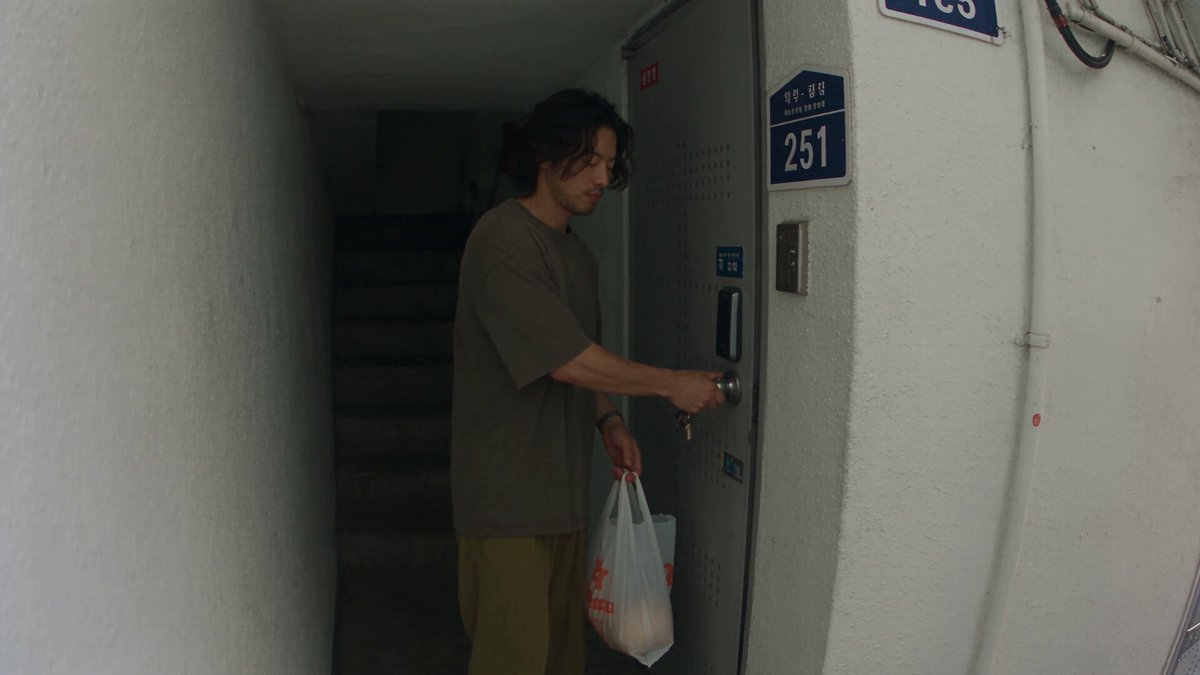
AI chatbot image generator online
Generate images from conversational text. Describe your idea in natural language, adjust the description to refine, and review each result.
AI Image Generator
0/20000 characters
My images
Loading...
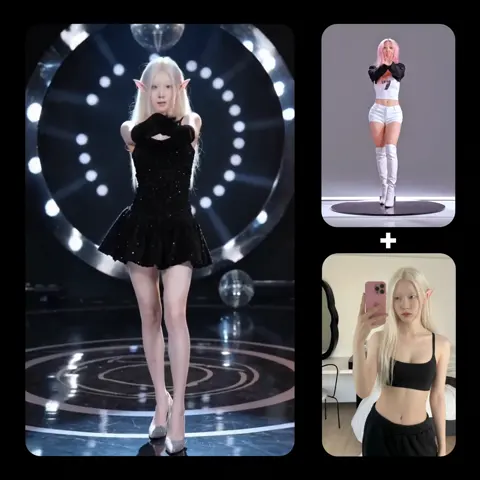
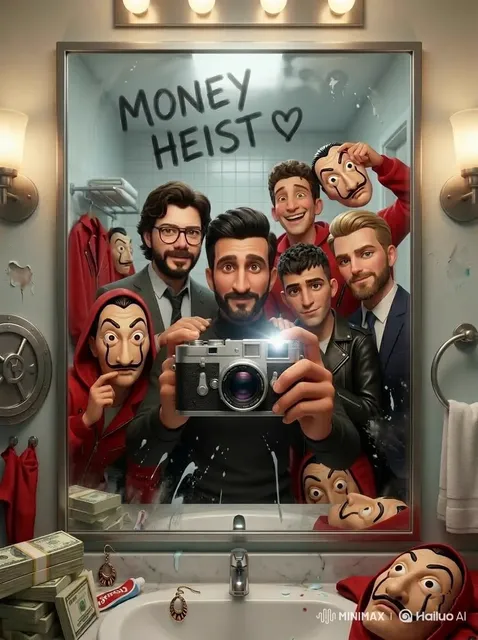
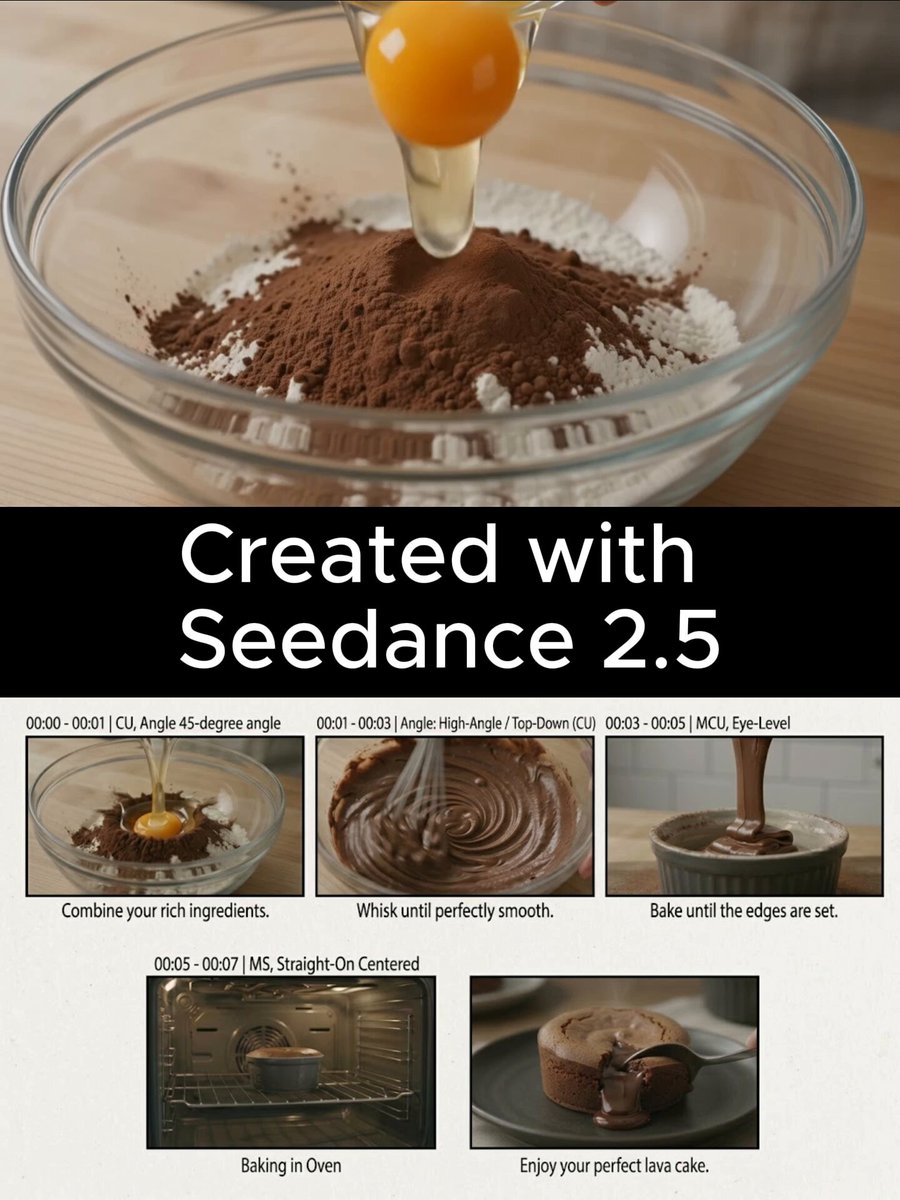
What does this tool do?
This generator accepts natural-language text descriptions and creates images from them. You describe what you want to see in everyday language, generate an image, then adjust your description and regenerate to refine the result. It's designed for iterative visual exploration without requiring structured prompt syntax.
AI chatbot image generator online
Coffee brand logo concept
Input
A logo for a fictional coffee brand called Morning Brew, circular design with a steaming coffee cup and coffee bean leaves, warm brown and cream colors, clean modern style
Expected output
A logo concept image with a circular coffee-themed design, warm colors, and clean modern branding style
Refining a landscape image
Input
Change the previous landscape to add a wooden cabin by the lake, smoke rising from the chimney, autumn trees with orange leaves around it, warm cozy atmosphere
Expected output
A refined landscape image with a cabin added by the lake, autumn colors, and a warm cozy feeling
Series of story images
Input
A series-style image showing three panels: a seed being planted, a sprout growing, and a fully bloomed flower, sequential layout, soft pastel colors, gentle illustration style
Expected output
A multi-panel sequential illustration showing plant growth stages in soft pastel colors
Generate images from natural-language text descriptions with an iterative refinement workflow.
Describe images in natural language
Use everyday conversational language to describe what you want to generate without special formatting.
Iterative refinement
Adjust descriptions between generations to refine the output step by step toward your goal.
Create related image series
Describe variations of the same theme or scene to build a consistent set of images.
How It Works
1
Describe the desired image
Describe the desired image.
2
Choose the available generation settings
Choose the available generation settings.
3
Generate, review, and download
Generate, review, and download a suitable result.
Using conversational prompts
Natural language works well for describing visual ideas.
Input Constraints
- Avoid treating the tool as an actual chatbot with memory or personality
- Do not include personal information in conversational descriptions
- Keep prompts focused on visual descriptions rather than dialogue
Practical Tips
- Describe images as you would explain them to another person
- Use follow-up descriptions to refine or change the output
- Include context words like add remove or change for iterative adjustments
- Be specific about what stays the same and what changes in refinements
Privacy
- Do not upload personal or sensitive material unless you have permission to use it.
Usage Rights
- Confirm that you have the rights needed for the inputs and intended use of the result.
Prompt recipes
Copy a structure, then adjust the subject, lighting, camera, and output details for your own result.
Product mockup with refinement steps
A minimalist water bottle in matte black with a white logo, on a wooden table, soft natural light. Then: Change the bottle color to sage green and add condensation droplets on the surface.
Starts with a clear product description, then refines with a color change and surface detail, demonstrating iterative workflow suitable for design exploration.
Scene building in stages
A cozy living room with a gray sofa and a coffee table. Then: Add a floor lamp next to the sofa and a stack of books on the table. Then: Change the lighting to warm evening tones.
Builds a scene progressively by adding elements and adjusting mood, showing how conversational refinement can develop a complex image step by step.
Character design iteration
A fantasy character in a blue cloak holding a staff. Then: Change the cloak to red and add a glowing gem at the top of the staff. Then: Place the character in a snowy mountain setting.
Uses incremental changes to explore character design and environment, making it easy to compare versions and converge on a final look.
Logo concept exploration
A circular logo for a bakery with a wheat stalk and rolling pin, warm gold and brown colors. Then: Simplify the design to just the wheat stalk and add the text Harvest Bakery below.
Starts with a full concept and refines toward simplicity and branding integration, useful for logo design workflows.
Related image series for storytelling
A sunrise over a calm ocean with a small sailboat. Then: Show the same scene at midday with brighter light and the boat closer. Then: Show the same scene at sunset with warm orange and pink tones.
Maintains scene consistency while varying time of day and lighting, creating a sequential set of images for narrative or presentation use.
Best use cases
Match the workflow to the input you have and the result you need before opening the generator.
Design concept iteration
Input: Initial concept description followed by change requests for color, layout, or detail
Result: A series of progressively refined images converging on a final design
Tool: Text to Image with conversational refinement prompts using add change or adjust
Visual storytelling and storyboards
Input: Sequential scene descriptions with consistent elements and varied mood or time
Result: A set of related images showing narrative progression
Tool: Text to Image with repeated scene context and incremental changes
Marketing asset variations
Input: Base product or scene description with color, style, or composition adjustments
Result: Multiple variations of the same image for A/B testing or campaign flexibility
Tool: Text to Image with iterative prompts exploring different visual treatments
Non-technical user image creation
Input: Simple natural language with no special syntax or keywords
Result: An image that meets the user's intent without prompt engineering knowledge
Tool: Text to Image with everyday conversational descriptions
Limitations to know before generating
- The tool generates new images from updated descriptions rather than editing existing images directly.
- Conversational phrasing works well but may produce less precise results than structured, keyword-heavy prompts.
- Maintaining exact visual consistency across multiple refinements can be challenging without repeating core details.
- The tool interprets natural language but does not have memory or context from previous generations.
- Review each iteration for quality and suitability before using the result in professional or client-facing contexts.
Creative Suite: AI Video Generator & AI Image Generator Tools
Power up your creative workflow with our AI-driven tools. Generate stunning videos, create images, and apply custom adjustments - our AI Video Generator and AI Image Generator offer a complete solution for all your creative needs.
Strictly Prohibits Adult/NSFW Content








Pricing
Choose the credit package that works best for you.
No hidden fees • Cancel anytime • Unused credits roll over
Starter
Perfect for trying out AI creation.
Credits
200 credits / month
- Up to 20 videos per month
- Up to 100 images per month
$6.99/ month$9.9930% OFF
Billed monthly
First-time subscribers get 30% off their first month, then standard price
What's included
- Credits never expire
- Standard models
- HD, Watermark-Free Downloads
- Private Generation
- Faster Generation Speed
- Ad-free experience
Basic
Perfect for light creators.
Credits
500 credits / month
- Up to 50 videos per month
- Up to 250 images per month
$13.99/ month$19.9930% OFF
Billed monthly
First-time subscribers get 30% off their first month, then standard price
What's included
- Credits never expire
- Standard models
- HD, Watermark-Free Downloads
- Private Generation
- Faster Generation Speed
- Ad-free experience
Pro
PopularBest value for creators
Credits
1,200 credits / month
- Up to 120 videos per month
- Up to 600 images per month
$39.99/ month
Billed monthly
What's included
- Credits never expire
- All models + Early access to new models
- HD, Watermark-Free Downloads
- Private Generation
- Faster Generation Speed
- Ultra HD resolution
- Ad-free experience
Ultra
For video creators and power users.
Credits
5,000 credits / month
- Up to 500 videos per month
- Up to 2,500 images per month
$99.99/ month
Billed monthly
What's included
- Credits never expire
- All models + Early access to new models
- HD, Watermark-Free Downloads
- Private Generation
- Faster Generation Speed
- Ultra HD resolution
- Ad-free experience
Free
Standard models only — upgrade to unlock premium models.
Credits
10 free credits on signup
Questions? Contact us at support@domer.io
Generate images conversationally
Open the text-to-image tool, describe your image, and generate a suitable result.