
Create
AI Description Photo Generator
Generate photos from written descriptions with an AI description photo generator. Describe the subject, setting, and lighting to produce photo-like results.
AI Image Generator
0/20000 characters
My images
Loading...
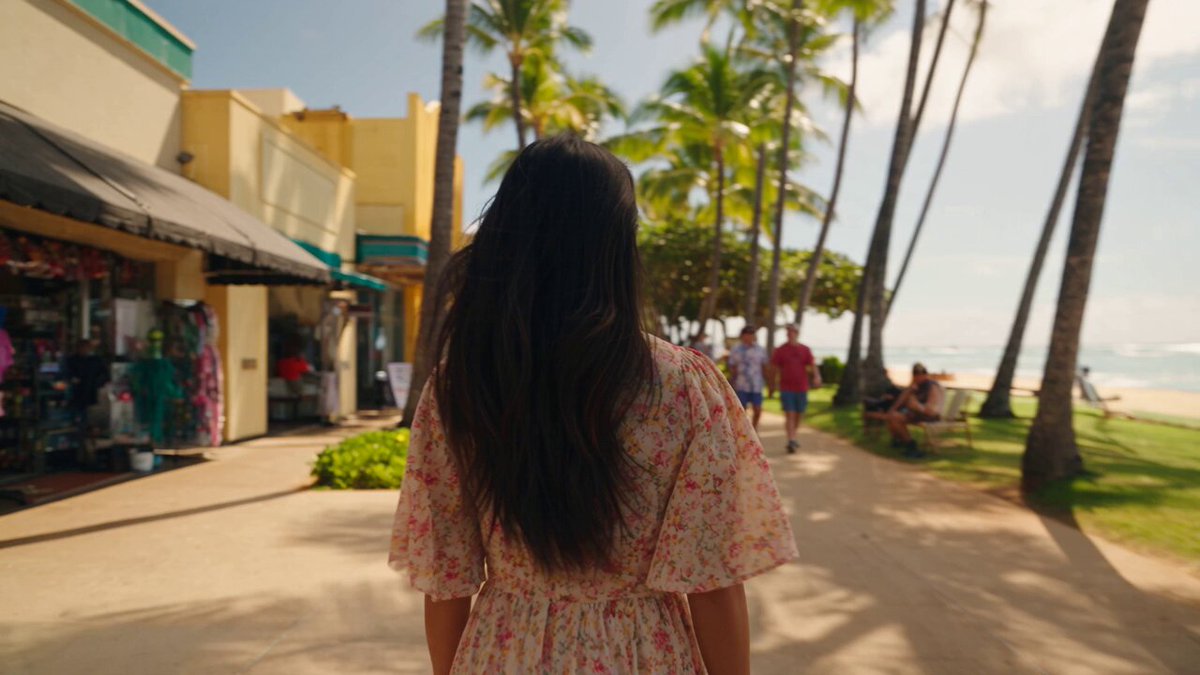
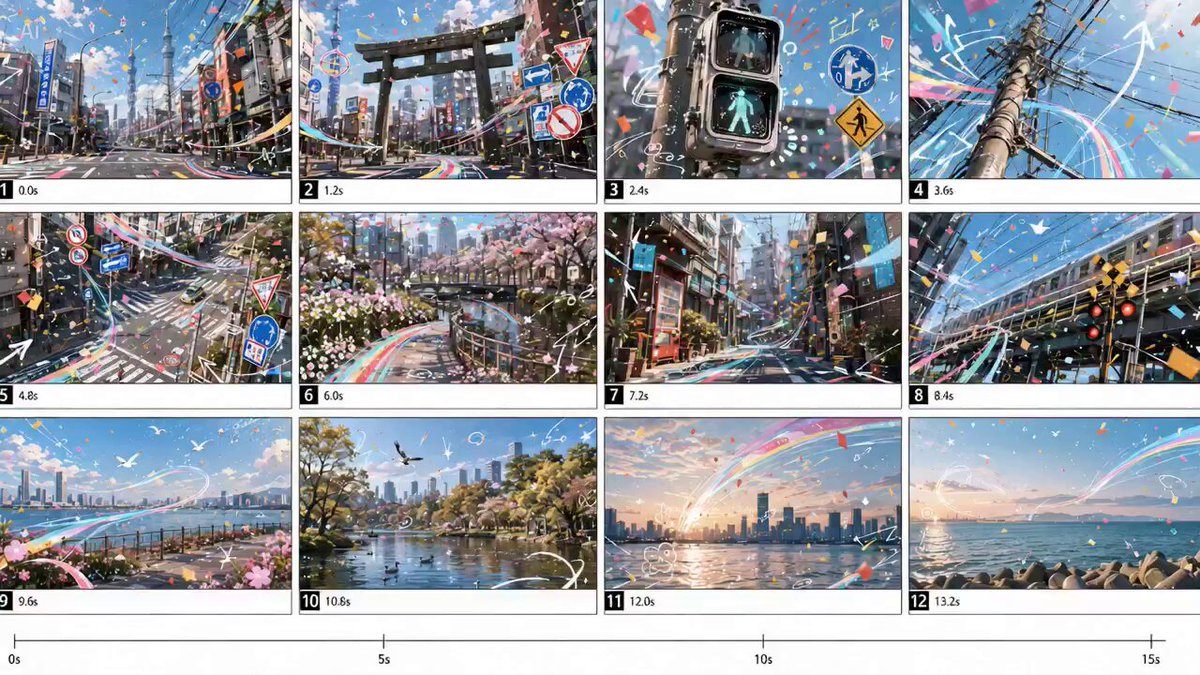
What is an AI description photo generator?
An AI description photo generator creates photographic-style images from text descriptions. You write what you want to see—subject, lighting, composition, and mood—then the tool generates a visual result. It's useful for creating concept photos, design references, or mood boards without needing a camera, location, or studio setup.
AI Description Photo Generator
Nature Scene Photo
Input
A waterfall cascading into a turquoise pool surrounded by lush green moss and ferns, sunlight breaking through the canopy, bright natural colors, photographic style
Expected output
A photographic nature scene showing a waterfall with turquoise water, green moss-covered rocks, and sunbeams through forest canopy
Travel Destination Concept
Input
A narrow cobblestone street in a Mediterranean village, whitewashed buildings with blue shutters, flower pots on windowsills, bright sunny day, travel photography style
Expected output
A travel-style photo of a cobblestone street with white-blue buildings, colorful flowers, and bright Mediterranean sunlight
Architecture Photo
Input
A modern glass-and-steel building facade with geometric patterns, blue sky reflected in the windows, clean lines and symmetry, architectural photography style
Expected output
An architectural photo of a glass building facade with geometric reflections, blue sky mirrored in windows, clean modern composition
Generate photographic-style images from written descriptions for design references, mood boards, or creative projects.
Create Photos from Text
Describe any scene, location, or subject and generate a photo-like image without needing a camera or travel to the location.
Guided by Description Detail
Include lighting, colors, composition, and mood in your text to direct the generated photo toward your intended look.
Quick Visual References
Generate photo concepts for mood boards, design references, or creative briefs in seconds from descriptive text.
How It Works
1
Describe the desired image.
Describe the desired image.
2
Choose the available generation settings.
Choose the available generation settings.
3
Generate, review, and download a suitable result.
Generate, review, and download a suitable result.
Writing Effective Photo Descriptions
Treat your prompt like a photography brief.
Input Constraints
- Do not include recognizable individuals, branded products, or copyrighted locations in your descriptions.
- Avoid uploading reference images you do not have permission to use.
- Review generated photos for accuracy and appropriateness before publication.
Practical Tips
- Mention photography style terms such as landscape, macro, street, portrait, or architectural to set the genre.
- Describe lighting conditions like golden hour, overcast, studio light, or backlit for realistic results.
- Include lens perspective hints such as wide-angle, close-up, or bird's-eye view for composition guidance.
Privacy
- Do not upload personal or sensitive material unless you have permission to use it.
Usage Rights
- Confirm that you have the rights needed for the inputs and intended use of the result.
Prompt recipes
Copy a structure, then adjust the subject, lighting, camera, and output details for your own result.
Product shot with studio lighting
A white ceramic coffee mug on a light oak table, soft diffused light from the left, shallow depth of field, clean background, commercial product photography style
Specifies product, surface, lighting direction, depth of field, and photography genre to create a commercial-quality product image.
Urban street scene at dusk
A bustling city street at blue hour, glowing shop windows, pedestrians walking with umbrellas, wet pavement reflecting neon signs, cinematic urban photography
Combines time of day, weather condition, human activity, and reflective surfaces to create atmospheric urban realism.
Food photography with natural light
A rustic wooden board with sliced sourdough bread, olive oil, and fresh herbs, warm afternoon sunlight streaming through a window, overhead shot, food magazine style
Details props, lighting quality, camera angle, and editorial context to guide composition and mood for food imagery.
Landscape with dramatic weather
Rolling green hills under stormy gray clouds, single ray of sunlight breaking through, distant farmhouse, wide-angle landscape photography, moody atmosphere
Uses weather contrast, light drama, scale reference, and lens choice to create visual tension and depth in a landscape.
Minimalist interior space
A bright minimalist living room, white walls, mid-century modern furniture, large window with sheer curtains, soft natural light, architectural interior photography
Specifies color palette, design style, light source, and photography genre to produce a clean, aspirational interior image.
Best use cases
Match the workflow to the input you have and the result you need before opening the generator.
Mood board creation
Input: Scene descriptions with specific colors, textures, lighting, and emotional tone
Result: Photographic-style images that convey the desired aesthetic direction for a design project
Tool: Text to Image with photography-style keywords and detailed atmosphere descriptions
Concept visualization for clients
Input: Realistic scene descriptions matching the project brief, including setting, objects, and lighting
Result: Visual references that communicate design intent before final photography or production
Tool: Text to Image with commercial photography terminology and clear composition notes
Stock photo alternative
Input: Generic but specific scene descriptions without recognizable people, brands, or locations
Result: Usable imagery for web design, presentations, or marketing when stock photos are too expensive or generic
Tool: Text to Image with natural language and careful rights review before publication
Creative exploration
Input: Unusual combinations of subjects, settings, or lighting that would be difficult to photograph
Result: Surreal or conceptual photo-style images for artistic projects or experimental design
Tool: Text to Image with photographic style specified but imaginative subject combinations
Limitations to know before generating
- Photorealism varies by prompt complexity; simple scenes tend to look more realistic than complex multi-element compositions.
- Fine details like text on signs, facial features, or intricate textures may appear blurred or incorrect.
- Lighting and color accuracy depend on clear descriptions; vague prompts produce inconsistent results.
- Generated images may contain artifacts, distortions, or unnatural elements that require review before use.
- You cannot guarantee exact replication of real locations, branded products, or copyrighted scenes.
- Rights, permissions, and appropriate use are your responsibility; review all outputs before publishing or commercial use.
Creative Suite: AI Video Generator & AI Image Generator Tools
Power up your creative workflow with our AI-driven tools. Generate stunning videos, create images, and apply custom adjustments - our AI Video Generator and AI Image Generator offer a complete solution for all your creative needs.
Strictly Prohibits Adult/NSFW Content








Pricing
Choose the credit package that works best for you.
No hidden fees • Cancel anytime • Unused credits roll over
Starter
Perfect for trying out AI creation.
Credits
200 credits / month
- Up to 20 videos per month
- Up to 100 images per month
$6.99/ month$9.9930% OFF
Billed monthly
First-time subscribers get 30% off their first month, then standard price
What's included
- Credits never expire
- Standard models
- HD, Watermark-Free Downloads
- Private Generation
- Faster Generation Speed
- Ad-free experience
Basic
Perfect for light creators.
Credits
500 credits / month
- Up to 50 videos per month
- Up to 250 images per month
$13.99/ month$19.9930% OFF
Billed monthly
First-time subscribers get 30% off their first month, then standard price
What's included
- Credits never expire
- Standard models
- HD, Watermark-Free Downloads
- Private Generation
- Faster Generation Speed
- Ad-free experience
Pro
PopularBest value for creators
Credits
1,200 credits / month
- Up to 120 videos per month
- Up to 600 images per month
$39.99/ month
Billed monthly
What's included
- Credits never expire
- All models + Early access to new models
- HD, Watermark-Free Downloads
- Private Generation
- Faster Generation Speed
- Ultra HD resolution
- Ad-free experience
Ultra
For video creators and power users.
Credits
5,000 credits / month
- Up to 500 videos per month
- Up to 2,500 images per month
$99.99/ month
Billed monthly
What's included
- Credits never expire
- All models + Early access to new models
- HD, Watermark-Free Downloads
- Private Generation
- Faster Generation Speed
- Ultra HD resolution
- Ad-free experience
Free
Standard models only — upgrade to unlock premium models.
Credits
10 free credits on signup
Questions? Contact us at support@domer.io
Generate a Photo from Your Description
Open the text-to-image tool and describe the photo you want to create. Write your description and generate a matching visual result.