
Create
AI Image Generator Bing Image Creator
Use ai image generator bing image creator to turn any text description into a visual. Describe your scene, adjust generation settings, and download images.
AI Image Generator
0/20000 characters
My images
Loading...
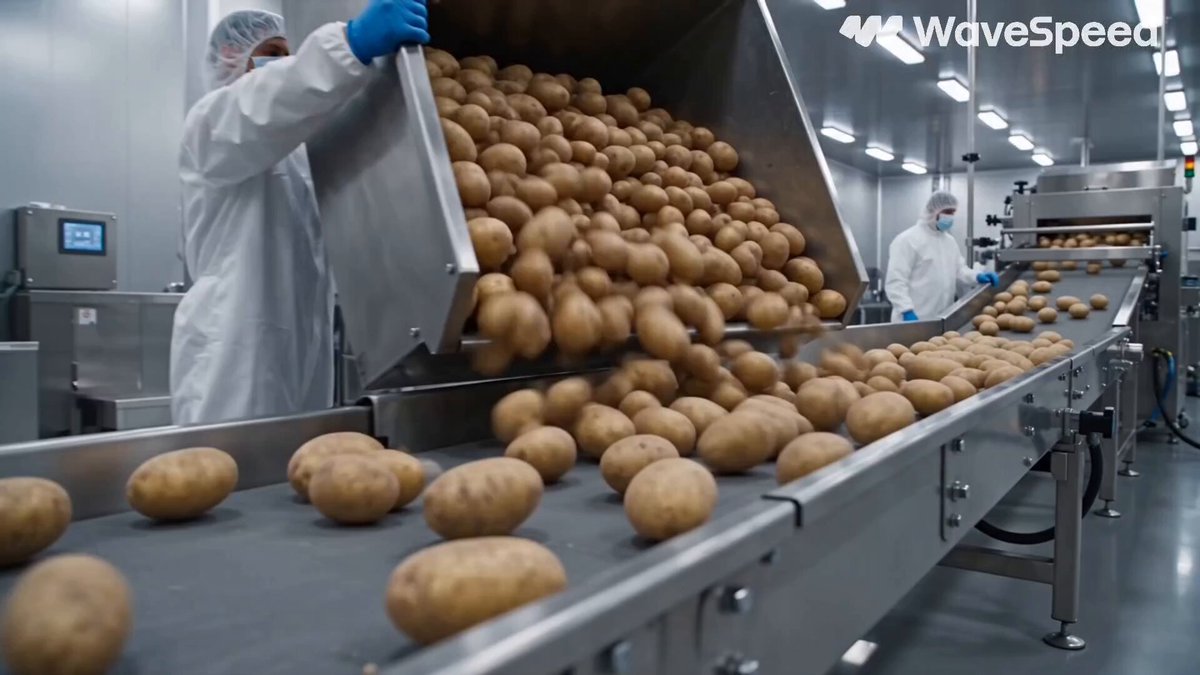
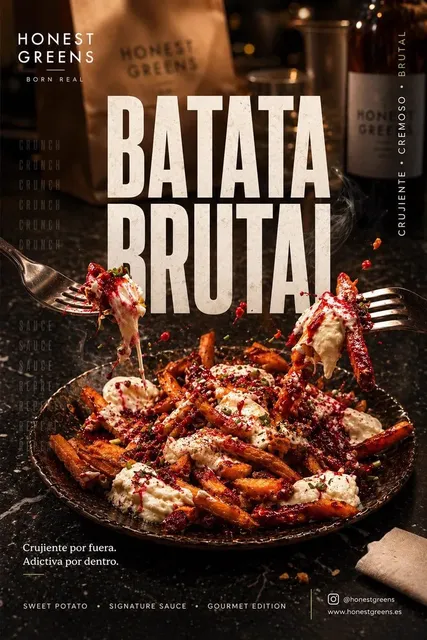
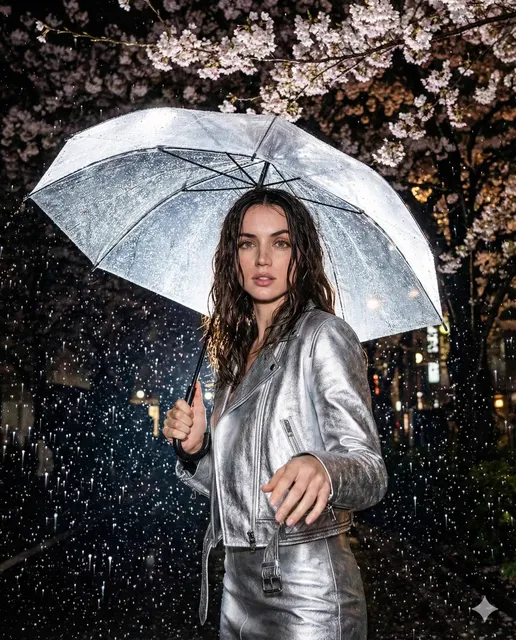
What is an AI image generator like Bing Image Creator?
An AI image generator lets you create visuals by describing them in plain text. You type what you want to see — a landscape, a product mockup, or a character concept — choose generation settings, and the tool produces an image you can review and download. It's useful when you need custom visuals without photography or manual design work.
AI Image Generator Bing Image Creator
Nature-inspired scene
Input
A calm lake reflecting a snow-capped mountain peak with pine trees along the shoreline and mist rising at sunrise
Expected output
A serene mountain landscape with mirrored lake reflection, layered pine forest, and soft morning mist
Product concept visual
Input
A minimalist ceramic teapot in soft sage green on a wooden table, natural light from a nearby window, clean background
Expected output
A product-style still life showing a simple teapot with natural lighting, visible ceramic texture, and a warm wooden surface
Character illustration
Input
A friendly robot with rounded metal body, glowing blue eyes, holding a small plant, in a sunlit workshop
Expected output
An illustrated character scene with a warm-toned robot figure, mechanical details, and soft workshop lighting
Turn text descriptions into AI-generated images for creative projects, concept exploration, and visual mockups
Simple prompt-based workflow
Describe your desired image in natural language and let the tool handle the generation process.
Multiple styles from one description
Generate variations by adjusting style keywords or generation settings without rewriting the entire prompt.
Quick turnaround for visual ideas
Rapidly generate concept visuals to explore creative directions without manual sketching or rendering.
How It Works
1
Step 1
Describe the desired image.
2
Step 2
Choose the available generation settings.
3
Step 3
Generate, review, and download a suitable result.
Tips for better results
Follow these guidelines to get the most out of the image generation tool.
Input Constraints
- Describe the subject, setting, and mood clearly.
- Use specific visual details rather than vague terms.
- Keep prompts focused on one main scene or concept.
Practical Tips
- Start with a simple prompt and add details gradually.
- Adjust one generation setting at a time to see its effect.
- Review each result and note what you would change.
- Use descriptive colours, lighting, and texture terms.
- Try different style keywords to explore visual directions.
Privacy
- Do not upload personal or sensitive material unless you have permission to use it.
Usage Rights
- Confirm that you have the rights needed for the inputs and intended use of the result.
Prompt recipes
Copy a structure, then adjust the subject, lighting, camera, and output details for your own result.
Architectural exterior at golden hour
A modern glass building reflecting sunset colors, with concrete walkways, minimal landscaping, and warm orange sky in the background
Combines architectural subject with specific lighting and material cues, giving the generator clear visual direction for mood and composition.
Food photography with depth
A bowl of ramen with soft-boiled egg, green onions, and chili oil, shot from above on a dark wooden table with chopsticks resting beside it
Names the dish components, camera angle, and surface material, which helps produce a focused food-photography style result.
Fantasy creature portrait
A mythical creature with feathered wings, glowing amber eyes, and silver scales, standing in a foggy forest clearing under moonlight
Provides creature anatomy, color palette, and atmospheric setting, allowing the tool to render a cohesive fantasy character scene.
Abstract geometric background
Overlapping circles and triangles in teal, coral, and cream on a textured off-white canvas, balanced composition with soft shadows
Defines shape, color palette, and compositional intent, producing an abstract image suitable for design backgrounds.
Vintage travel poster
A retro travel poster showing a coastal town with pastel buildings, sailboats in the harbor, stylized sun rays, and bold serif type reading 'Visit the Coast'
Specifies style era, scene elements, and text treatment, guiding the generator toward a cohesive vintage aesthetic.
Best use cases
Match the workflow to the input you have and the result you need before opening the generator.
Concept art for a game or story
Input: Detailed character or environment description with mood and lighting
Result: A visual reference that captures the tone and key design elements
Tool: Text to Image with style keywords like 'concept art' or 'matte painting'
Social media graphics
Input: Simple subject with bold colors and minimal background
Result: Eye-catching visual suitable for post images or story backgrounds
Tool: Text to Image with aspect ratio set for the target platform
Product mockup placeholder
Input: Product description with material, lighting, and background details
Result: A realistic or stylized product shot to use in design comps
Tool: Text to Image with 'product photography' style prompt
Illustration for a blog post
Input: Scene that matches the article topic and desired visual tone
Result: A unique image that supports the written content without generic stock feel
Tool: Text to Image with illustration or editorial style keywords
Limitations to know before generating
- Generated images may not perfectly match every detail in your prompt; review and refine as needed.
- Text rendering within images is often inaccurate or illegible; avoid prompts that require readable text.
- Complex scenes with many subjects or precise spatial relationships may need multiple attempts.
- You are responsible for ensuring you have the rights to use generated images for your intended purpose.
- Results depend on prompt clarity; vague descriptions often produce generic or off-target visuals.
Creative Suite: AI Video Generator & AI Image Generator Tools
Power up your creative workflow with our AI-driven tools. Generate stunning videos, create images, and apply custom adjustments - our AI Video Generator and AI Image Generator offer a complete solution for all your creative needs.
Strictly Prohibits Adult/NSFW Content








Pricing
Choose the credit package that works best for you.
No hidden fees • Cancel anytime • Unused credits roll over
Starter
Perfect for trying out AI creation.
Credits
200 credits / month
- Up to 20 videos per month
- Up to 100 images per month
$6.99/ month$9.9930% OFF
Billed monthly
First-time subscribers get 30% off their first month, then standard price
What's included
- Credits never expire
- Standard models
- HD, Watermark-Free Downloads
- Private Generation
- Faster Generation Speed
- Ad-free experience
Basic
Perfect for light creators.
Credits
500 credits / month
- Up to 50 videos per month
- Up to 250 images per month
$13.99/ month$19.9930% OFF
Billed monthly
First-time subscribers get 30% off their first month, then standard price
What's included
- Credits never expire
- Standard models
- HD, Watermark-Free Downloads
- Private Generation
- Faster Generation Speed
- Ad-free experience
Pro
PopularBest value for creators
Credits
1,200 credits / month
- Up to 120 videos per month
- Up to 600 images per month
$39.99/ month
Billed monthly
What's included
- Credits never expire
- All models + Early access to new models
- HD, Watermark-Free Downloads
- Private Generation
- Faster Generation Speed
- Ultra HD resolution
- Ad-free experience
Ultra
For video creators and power users.
Credits
5,000 credits / month
- Up to 500 videos per month
- Up to 2,500 images per month
$99.99/ month
Billed monthly
What's included
- Credits never expire
- All models + Early access to new models
- HD, Watermark-Free Downloads
- Private Generation
- Faster Generation Speed
- Ultra HD resolution
- Ad-free experience
Free
Standard models only — upgrade to unlock premium models.
Credits
10 free credits on signup
Questions? Contact us at support@domer.io
Ready to generate your images?
Open the /text-to-image tool, describe your scene, and start creating visuals from your imagination.