
Create
ai image generator explicit guide
Generate precise visuals from explicit text descriptions: specify each element clearly, choose settings, and create detailed, unambiguous images.
AI Image Generator
0/20000 characters
My images
Loading...
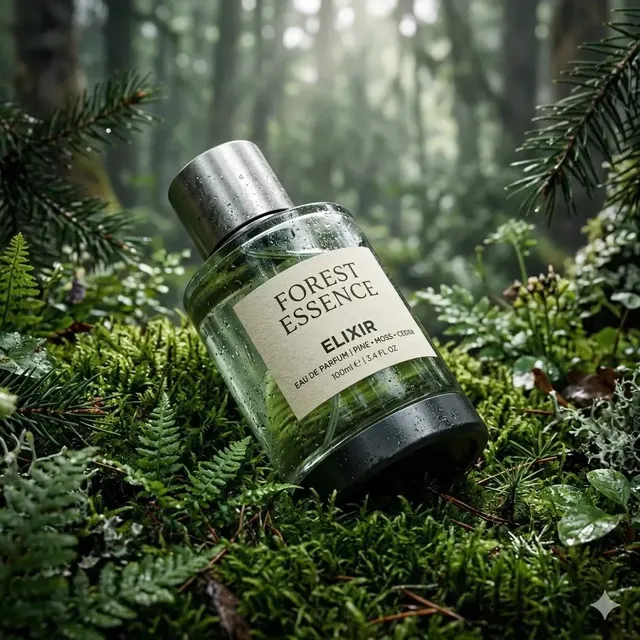
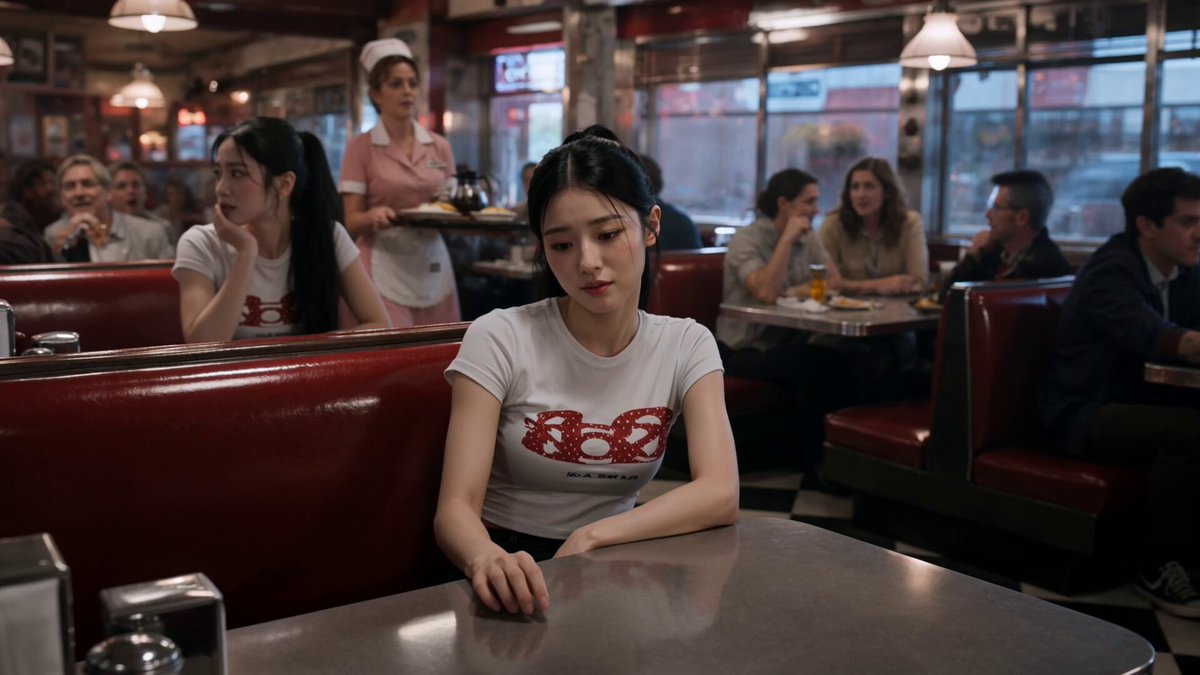

What does 'explicit' mean for AI image generation?
In this context, explicit means detailed and unambiguous. An explicit prompt describes each visual element clearly—subject position, colors, materials, lighting, background—to reduce misinterpretation and produce results that closely match your intended outcome.
ai image generator explicit guide
Instructional Diagram Concept
Input
A cross-section view of a flower showing the petal, stamen, pistil, and stem, each clearly separated with clean white background
Expected output
A clean educational-style image with clearly separated anatomical parts on a plain background
Detailed Architectural Visual
Input
A modern house facade with floor-to-ceiling windows, flat roof, exposed concrete walls, a wooden deck at the front, clear blue sky background
Expected output
A crisp architectural elevation with clean lines, distinct material zones, and even natural lighting
Precise Product Concept
Input
A minimalist desk lamp with a curved metal arm, round fabric shade in warm beige, a wooden base, placed on a clean white desk
Expected output
A product-focused image with clear object boundaries, distinct material textures, and minimal background distraction
Generate clear, detailed images from precise text descriptions for unambiguous visual results.
Precision Through Specificity
Detailed, unambiguous prompt terms produce results that closely match your intended visual outcome.
Reduced Misinterpretation
Clear descriptions of each element reduce the gap between what you imagine and what the tool generates.
Useful for Technical Content
Diagrams, product visuals, and instructional concepts benefit from the clarity of well-structured prompts.
How It Works
1
Describe the image
Describe the desired image.
2
Choose settings
Choose the available generation settings.
3
Generate and review
Generate, review, and download a suitable result.
Tips for Clear Generation
Writing prompts for precise visual outcomes.
Input Constraints
- Use your own original prompt text rather than copying from other sources.
- Avoid describing real people or trademarked characters without permission.
- Review each result before using it in any project.
Practical Tips
- Describe each visual element separately with its position, size, and colour.
- Use simple background descriptions to keep focus on the main subject.
- Specify what you do not want in the image to reduce unwanted elements.
Privacy
- Do not upload personal or sensitive material unless you have permission to use it.
Usage Rights
- Confirm that you have the rights needed for the inputs and intended use of the result.
Prompt recipes
Copy a structure, then adjust the subject, lighting, camera, and output details for your own result.
Technical Diagram with Labeled Parts
A cutaway diagram of a bicycle wheel showing the hub in the center, spokes radiating outward, and rim on the outside, each part clearly labeled, clean white background, technical illustration style
Breaks down the subject into distinct named parts with spatial relationships (center, radiating, outside) and specifies a clean background, reducing ambiguity and focusing on clarity.
Architectural Elevation with Material Callouts
A front elevation of a two-story house: red brick walls on the ground floor, white horizontal siding on the upper floor, black metal windows, gray shingled roof, no landscaping, neutral daylight
Describes each material and color explicitly, assigns them to specific building parts, and removes extraneous details (no landscaping) for a clean, focused result.
Product Shot with Specific Angles and Lighting
A smartphone lying flat on a white table, screen facing up, viewed from directly above, soft diffused lighting from the top, no shadows, clean minimalist composition
Specifies exact position (flat, screen up), viewing angle (directly above), lighting direction and quality (soft, diffused, from top), and eliminates ambiguity (no shadows).
Scientific Illustration with Explicit Colors
A side view of a human eye: white sclera, brown iris, black pupil in the center, pink tear duct on the left, clear cornea overlay, anatomical diagram style, labeled, white background
Names each anatomical part with its exact color and position, uses directional cues (center, left), and calls for a labeled diagram style, ensuring educational clarity.
Minimalist Composition with Negative Space
A single red apple on the right side of a clean white surface, large empty space on the left, natural window light from the top right, soft shadow below the apple, nothing else in the frame
Defines subject placement (right side), background (clean white), negative space (large empty left), lighting direction (top right), and explicitly excludes other elements (nothing else).
Best use cases
Match the workflow to the input you have and the result you need before opening the generator.
Creating technical diagrams or instructional visuals
Input: Explicit description of each part, position, label, and background with technical illustration style
Result: A clear, unambiguous diagram suitable for educational or reference use
Tool: Text to Image with detailed anatomical or technical prompts
Generating product images with precise composition
Input: Detailed prompt specifying object placement, viewing angle, lighting direction, and background
Result: A product image with controlled composition and minimal visual ambiguity
Tool: Text to Image with product photography keywords and spatial details
Producing architectural renderings with material clarity
Input: Explicit material, color, and structural descriptions assigned to building parts
Result: An architectural image with distinct material zones and clear structural representation
Tool: Text to Image with architectural elevation and material keywords
Designing minimalist compositions with controlled negative space
Input: Subject placement described spatially (left, right, center) with explicit empty space and lighting cues
Result: A minimalist image with intentional composition and clean visual hierarchy
Tool: Text to Image with spatial and minimalist composition keywords
Limitations to know before generating
- High specificity can sometimes make prompts rigid; results may look overly formal or lack visual interest.
- Text-to-image tools may still misinterpret spatial or technical terms despite detailed prompts; review and iterate.
- Explicit prompts work best for subjects with clear, definable parts; abstract or artistic concepts may not benefit.
- Overly long prompts with too many explicit details can confuse the generator rather than clarify.
- Precision in prompts does not guarantee photographic accuracy for technical or scientific content; verify details independently.
Creative Suite: AI Video Generator & AI Image Generator Tools
Power up your creative workflow with our AI-driven tools. Generate stunning videos, create images, and apply custom adjustments - our AI Video Generator and AI Image Generator offer a complete solution for all your creative needs.
Strictly Prohibits Adult/NSFW Content








Pricing
Choose the credit package that works best for you.
No hidden fees • Cancel anytime • Unused credits roll over
Starter
Perfect for trying out AI creation.
Credits
200 credits / month
- Up to 20 videos per month
- Up to 100 images per month
$6.99/ month$9.9930% OFF
Billed monthly
First-time subscribers get 30% off their first month, then standard price
What's included
- Credits never expire
- Standard models
- HD, Watermark-Free Downloads
- Private Generation
- Faster Generation Speed
- Ad-free experience
Basic
Perfect for light creators.
Credits
500 credits / month
- Up to 50 videos per month
- Up to 250 images per month
$13.99/ month$19.9930% OFF
Billed monthly
First-time subscribers get 30% off their first month, then standard price
What's included
- Credits never expire
- Standard models
- HD, Watermark-Free Downloads
- Private Generation
- Faster Generation Speed
- Ad-free experience
Pro
PopularBest value for creators
Credits
1,200 credits / month
- Up to 120 videos per month
- Up to 600 images per month
$39.99/ month
Billed monthly
What's included
- Credits never expire
- All models + Early access to new models
- HD, Watermark-Free Downloads
- Private Generation
- Faster Generation Speed
- Ultra HD resolution
- Ad-free experience
Ultra
For video creators and power users.
Credits
5,000 credits / month
- Up to 500 videos per month
- Up to 2,500 images per month
$99.99/ month
Billed monthly
What's included
- Credits never expire
- All models + Early access to new models
- HD, Watermark-Free Downloads
- Private Generation
- Faster Generation Speed
- Ultra HD resolution
- Ad-free experience
Free
Standard models only — upgrade to unlock premium models.
Credits
10 free credits on signup
Questions? Contact us at support@domer.io
Create a Clear Image Now
Open the text-to-image tool and write a precise, element-by-element description of what you want.