
Create
AI Image Generator from Date
Create date-themed images by describing anniversaries, historical events, or calendar art. Include the date and visual theme in your prompt.
AI Image Generator
0/20000 characters
My images
Loading...

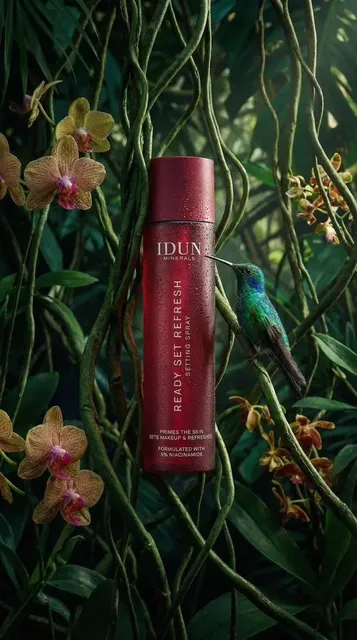
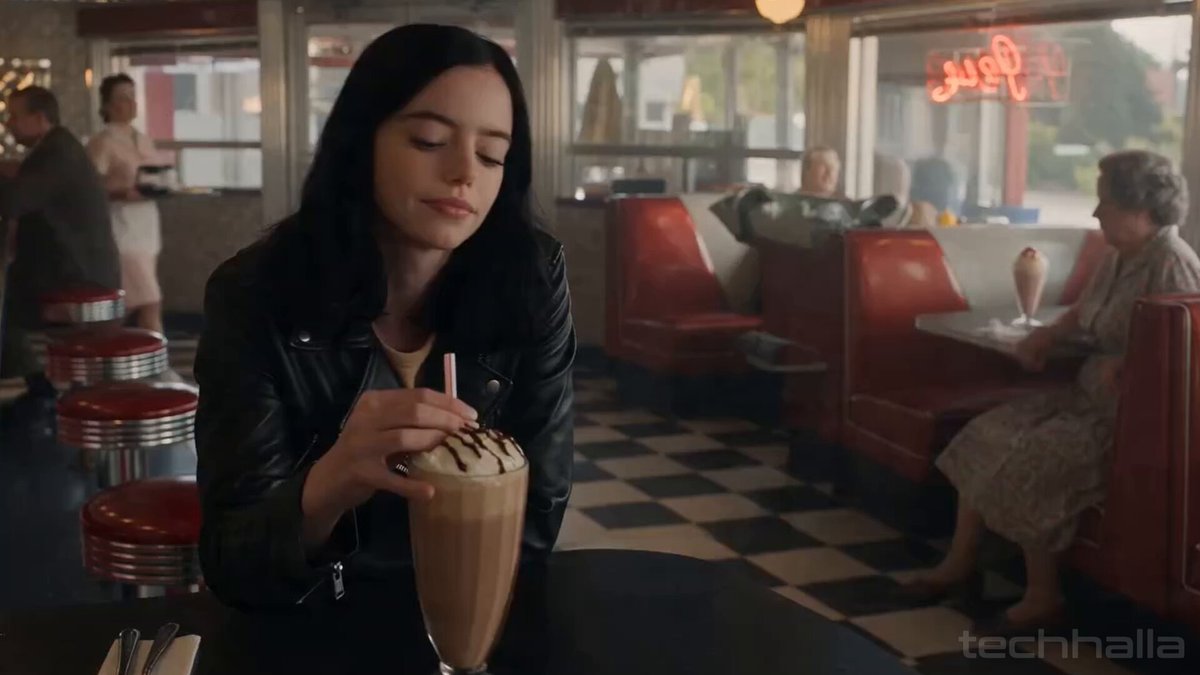
How do I generate an image based on a specific date?
Include the date in your text prompt along with the visual theme, style, and context you want. For example, describe a calendar page showing the date, an anniversary illustration with the date included, or a historical scene set on that date. The tool generates an image based on your description.
AI Image Generator from Date
Historical date scene
Input
A bustling street scene from July 20, 1969, with crowds watching the moon landing on outdoor screens, retro clothing and cars
Expected output
A period-accurate street scene showing people gathered around television sets, wearing late-1960s fashion, with Apollo mission banners
Anniversary celebration
Input
A romantic anniversary-themed illustration with the date 'June 15' written in elegant calligraphy surrounded by roses and golden light
Expected output
A warm-toned romantic illustration featuring the specified date in decorative typography with floral and candlelit accents
Seasonal calendar page
Input
A December calendar page design with snowy landscape, pine trees, warm cabin lights, and festive decorations
Expected output
A calendar-style composition with seasonal imagery matching the specified month, with snow-covered scenery and holiday elements
Generate images themed around or representing a specific date using text descriptions.
Quick date-themed visuals
Produce anniversary art, historical scene concepts, or event posters centered on a specific date without design software.
Explore historical aesthetics
Describe any historical period or era in your prompt and generate period-appropriate visual concepts instantly.
Personalized date artwork
Create custom visuals for birthdays, weddings, or commemorative events by describing the date and theme in your prompt.
How It Works
1
Describe the desired image
Describe the desired image.
2
Choose the available generation settings
Choose the available generation settings.
3
Generate, review, and download a suitable result
Generate, review, and download a suitable result.
Tips for date-themed imagery
Include the date, era details, and visual mood in your prompt to produce date-focused results.
Input Constraints
- Describe the visual scene and how the date relates to the image
- Avoid making historical accuracy claims about the generated results
- Review outputs for appropriateness before using in public materials
Practical Tips
- Specify the date format (text or numerals) you want in the image
- Add era-specific details like fashion, architecture, or technology for historical dates
- Use seasonal keywords to anchor the time of year
Privacy
- Do not upload personal or sensitive material unless you have permission to use it.
Usage Rights
- Confirm that you have the rights needed for the inputs and intended use of the result.
Prompt recipes
Copy a structure, then adjust the subject, lighting, camera, and output details for your own result.
Wedding anniversary card design
An elegant anniversary card design with 'August 12' written in gold calligraphy, intertwined wedding rings, soft pink roses, cream background, romantic and sophisticated
Combines the specific date with visual elements that convey the occasion, making it easy to generate a themed card design.
Historical event recreation
A sepia-toned photograph-style scene from November 9, 1989, showing people celebrating at the Berlin Wall, period clothing, crowded street, flags waving, joyful atmosphere
Uses the date, historical context, visual style, and period details to create a coherent historical scene.
Birthday party invitation visual
A colorful birthday invitation design with 'March 22' in bold playful lettering, balloons, confetti, streamers, bright pastel colors, cheerful and festive
Focuses on the date and celebratory elements that match the occasion, useful for custom invitations or social media.
Memorial or commemoration art
A solemn memorial design with the date 'September 11, 2001' in simple serif font, American flag in background, respectful and dignified tone, muted colors
Pairs the date with appropriate visual tone and symbolic elements to create respectful commemorative art.
Calendar page with seasonal theme
An illustrated October calendar page with autumn leaves falling, pumpkins, orange and brown tones, cozy sweater weather vibes, hand-drawn style
Links the date (month) with seasonal visuals and style cues to generate a themed calendar illustration.
Best use cases
Match the workflow to the input you have and the result you need before opening the generator.
Create custom anniversary or birthday graphics
Input: The specific date with celebratory or romantic visual elements
Result: Personalized date-themed artwork ready for cards or social posts
Tool: Text to Image with date, occasion, and style keywords
Illustrate historical timelines or educational content
Input: Date plus era-specific details, clothing, architecture, and events
Result: Period-appropriate visual concepts that support historical narratives
Tool: Text to Image with historical context and style guidance
Design calendar pages or date-focused marketing
Input: Month or date with seasonal or thematic imagery
Result: Calendar-style images that match the time of year
Tool: Text to Image with seasonal keywords and layout cues
Generate event posters or invitations
Input: Event date with occasion-specific visuals and tone
Result: Themed posters or invitation graphics centered on the date
Tool: Text to Image with event and design style keywords
Limitations to know before generating
- The tool generates images from text descriptions; it does not automatically fetch historical events or verify date accuracy.
- Historical scenes are visual interpretations, not guaranteed accurate recreations of past events.
- Dates must be included in your prompt text; the tool does not accept date inputs separately from the description.
- Complex typography or precise text rendering (like dates in specific fonts) may require multiple attempts.
- Results depend on how clearly you describe the date's visual context and theme.
Creative Suite: AI Video Generator & AI Image Generator Tools
Power up your creative workflow with our AI-driven tools. Generate stunning videos, create images, and apply custom adjustments - our AI Video Generator and AI Image Generator offer a complete solution for all your creative needs.
Strictly Prohibits Adult/NSFW Content








Pricing
Choose the credit package that works best for you.
No hidden fees • Cancel anytime • Unused credits roll over
Starter
Perfect for trying out AI creation.
Credits
200 credits / month
- Up to 20 videos per month
- Up to 100 images per month
$6.99/ month$9.9930% OFF
Billed monthly
First-time subscribers get 30% off their first month, then standard price
What's included
- Credits never expire
- Standard models
- HD, Watermark-Free Downloads
- Private Generation
- Faster Generation Speed
- Ad-free experience
Basic
Perfect for light creators.
Credits
500 credits / month
- Up to 50 videos per month
- Up to 250 images per month
$13.99/ month$19.9930% OFF
Billed monthly
First-time subscribers get 30% off their first month, then standard price
What's included
- Credits never expire
- Standard models
- HD, Watermark-Free Downloads
- Private Generation
- Faster Generation Speed
- Ad-free experience
Pro
PopularBest value for creators
Credits
1,200 credits / month
- Up to 120 videos per month
- Up to 600 images per month
$39.99/ month
Billed monthly
What's included
- Credits never expire
- All models + Early access to new models
- HD, Watermark-Free Downloads
- Private Generation
- Faster Generation Speed
- Ultra HD resolution
- Ad-free experience
Ultra
For video creators and power users.
Credits
5,000 credits / month
- Up to 500 videos per month
- Up to 2,500 images per month
$99.99/ month
Billed monthly
What's included
- Credits never expire
- All models + Early access to new models
- HD, Watermark-Free Downloads
- Private Generation
- Faster Generation Speed
- Ultra HD resolution
- Ad-free experience
Free
Standard models only — upgrade to unlock premium models.
Credits
10 free credits on signup
Questions? Contact us at support@domer.io
Create your date-themed image
Open the text-to-image tool, describe your date and visual theme, and generate a custom date-inspired artwork.