
AI Image Generator from Other Images
Describe the visual style you want based on images you've seen. Generate AI artwork inspired by other images through text alone.
AI Image Generator
0/20000 characters
My images
Loading...
How to generate images inspired by other images
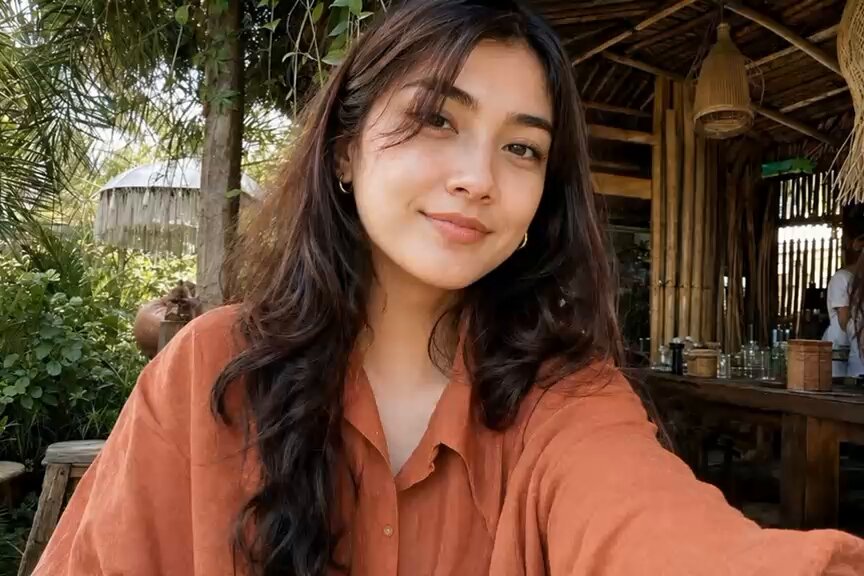
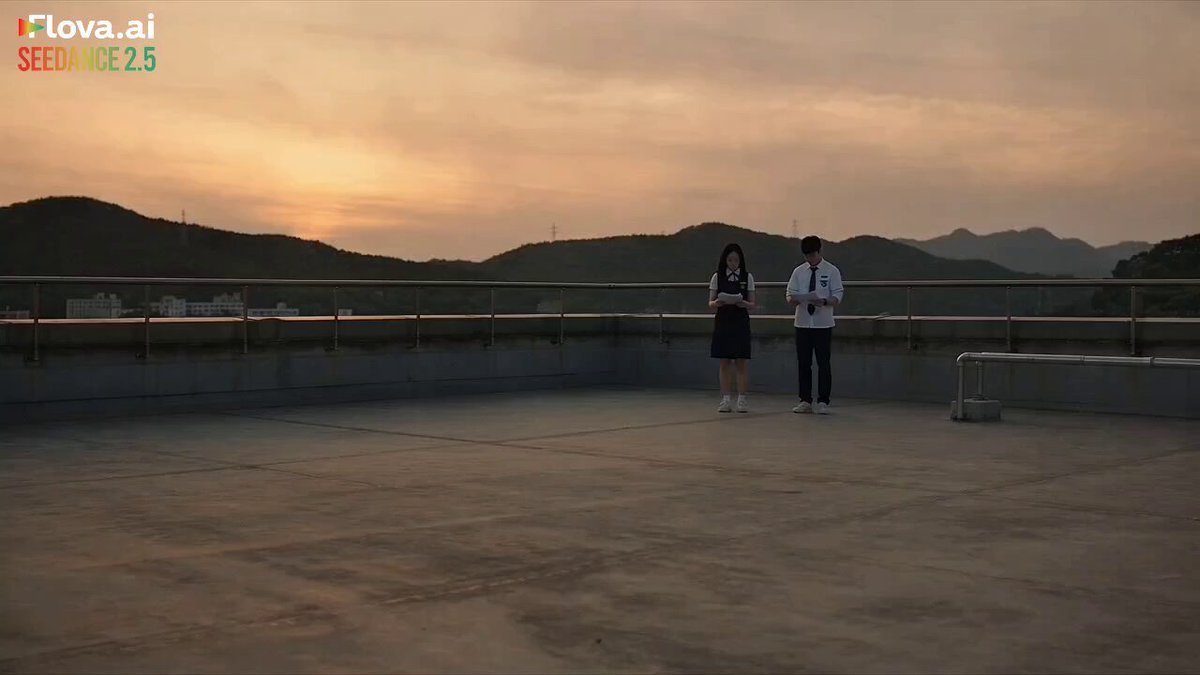
Describe the visual elements, style, composition, and mood from the reference image in your text prompt. The AI generates a new image based on your description without needing you to upload the original. This workflow is useful when you want to capture the atmosphere, color palette, or artistic approach from another image while creating something new.
AI Image Generator from Other Images
Fantasy landscape from a photograph
Input
A landscape photo described as 'epic fantasy valley, floating islands, waterfalls, misty mountains, magical glowing atmosphere'
Expected output
A fantasy-style landscape with floating terrain, glowing elements, and a dramatic atmospheric perspective
Character portrait from a drawing reference
Input
A sketch described as 'detailed anime-style character portrait, neon city reflections in eyes, cinematic lighting, vibrant colors'
Expected output
A fully rendered anime portrait with neon lighting effects and a detailed urban reflection in the character's eyes
Architecture concept from a real building
Input
A building photo described as 'futuristic glass skyscraper, bioluminescent gardens on every balcony, twilight sky, flying vehicles'
Expected output
A sci-fi architectural rendering with glowing gardens integrated into the building facade and a futuristic cityscape
Generate new images by describing the visual style or elements you want, using other images as inspiration without needing to upload them.
Build on visual inspiration
Describe what you liked about another image and generate something new that captures the same feel.
No uploads required
Everything works from your text description, so you do not need the original image file to get started.
Explore multiple directions
Take one visual reference and generate several different interpretations by varying your description.
How It Works
1
Describe the desired image
Describe the desired image.
2
Choose the available generation settings
Choose the available generation settings.
3
Generate, review, and download a suitable result
Generate, review, and download a suitable result.
Working from visual references
Focus on describing the visual qualities that matter most to you.
Input Constraints
- Describe the style, mood, and composition you want, not an existing copyrighted image
- Focus on visual attributes rather than trying to reproduce another image exactly
- Keep your description original to avoid unintended reproduction
Practical Tips
- Mention the art medium or style you want the output to use
- Describe the lighting, color palette, and atmosphere separately
- Note the composition structure if it is important to your result
- Run multiple generations with small description changes to explore variations
Privacy
- Do not upload personal or sensitive material unless you have permission to use it.
Usage Rights
- Confirm that you have the rights needed for the inputs and intended use of the result.
Prompt recipes
Copy a structure, then adjust the subject, lighting, camera, and output details for your own result.
Art nouveau poster from a vintage photograph
Transform a vintage street scene into an art nouveau poster: flowing organic lines, decorative border with floral motifs, muted gold and teal palette, flat color blocks, elegant typography space at bottom
Combines specific historical art movement styling with concrete compositional and color instructions, making the reference transformation clear.
Cyberpunk cityscape from a daytime photo
Reimagine a daytime urban photograph as a cyberpunk night scene: neon signs in pink and cyan, rain-soaked streets with reflections, holographic advertisements, flying vehicles in the sky, dense vertical architecture
Provides a complete mood shift with distinct lighting, color, and atmospheric changes that reinterpret the original setting.
Watercolor sketch from a product photo
Convert a sharp product photograph into a loose watercolor sketch: soft wet-on-wet blending, visible paper texture, pastel color washes, undefined edges, hand-painted brushstroke feel
Specifies both the medium and the visual qualities of that medium, allowing the AI to translate photographic detail into artistic interpretation.
Minimalist line drawing from a complex scene
Reduce a busy landscape photograph to a minimalist continuous line drawing: single unbroken black line on white background, essential contours only, no shading or texture, modern geometric simplification
Gives clear reduction rules and stylistic constraints that guide the transformation from detailed reference to simplified output.
Fantasy illustration from a nature photograph
Turn a forest photograph into a fantasy book illustration: add glowing mushrooms, ethereal mist with light rays, small fairy silhouettes, magical particle effects, storybook color saturation, painterly digital art style
Layers specific fantasy elements onto the natural reference while maintaining the core composition, creating a clear bridge between real and imagined.
Best use cases
Match the workflow to the input you have and the result you need before opening the generator.
Concept art for game environments
Input: Description of a real-world location with specific fantasy or sci-fi modifications added in text
Result: A stylized environment painting that blends realistic structure with imaginative elements
Tool: Text to Image with detailed art direction prompts
Social media content with consistent visual style
Input: Style description from a reference image applied to different subjects across multiple generations
Result: A series of images sharing the same artistic approach, color grading, and mood
Tool: Text to Image with saved style keywords reused in each prompt
Artistic reinterpretation of personal photos
Input: Written description of your photo's composition with a new artistic medium or era specified
Result: A creative transformation that keeps the original scene recognizable but changes the visual treatment
Tool: Text to Image with medium-specific vocabulary like 'oil painting' or 'ink wash'
Mood board creation from existing design references
Input: Key visual attributes from multiple reference images combined into one unified description
Result: A single cohesive image that samples colors, textures, and composition from several sources
Tool: Text to Image with precise color codes, material names, and composition notes
Limitations to know before generating
- The tool cannot access or upload reference images directly; all guidance must come from your text description
- Complex scenes with many specific details may require multiple generation attempts to match your vision
- Results will be interpretations rather than exact reproductions, even with detailed descriptions
- Describing copyrighted or trademarked visual styles may produce unintended similarities; review outputs carefully
- Subtle stylistic nuances from reference images may not transfer accurately through text alone
Creative Suite: AI Video Generator & AI Image Generator Tools
Power up your creative workflow with our AI-driven tools. Generate stunning videos, create images, and apply custom adjustments - our AI Video Generator and AI Image Generator offer a complete solution for all your creative needs.
Strictly Prohibits Adult/NSFW Content








Pricing
Choose the credit package that works best for you.
No hidden fees • Cancel anytime • Unused credits roll over
Starter
Perfect for trying out AI creation.
Credits
200 credits / month
- Up to 20 videos per month
- Up to 100 images per month
$6.99/ month$9.9930% OFF
Billed monthly
First-time subscribers get 30% off their first month, then standard price
What's included
- Credits never expire
- Standard models
- HD, Watermark-Free Downloads
- Private Generation
- Faster Generation Speed
- Ad-free experience
Basic
Perfect for light creators.
Credits
500 credits / month
- Up to 50 videos per month
- Up to 250 images per month
$13.99/ month$19.9930% OFF
Billed monthly
First-time subscribers get 30% off their first month, then standard price
What's included
- Credits never expire
- Standard models
- HD, Watermark-Free Downloads
- Private Generation
- Faster Generation Speed
- Ad-free experience
Pro
PopularBest value for creators
Credits
1,200 credits / month
- Up to 120 videos per month
- Up to 600 images per month
$39.99/ month
Billed monthly
What's included
- Credits never expire
- All models + Early access to new models
- HD, Watermark-Free Downloads
- Private Generation
- Faster Generation Speed
- Ultra HD resolution
- Ad-free experience
Ultra
For video creators and power users.
Credits
5,000 credits / month
- Up to 500 videos per month
- Up to 2,500 images per month
$99.99/ month
Billed monthly
What's included
- Credits never expire
- All models + Early access to new models
- HD, Watermark-Free Downloads
- Private Generation
- Faster Generation Speed
- Ultra HD resolution
- Ad-free experience
Free
Standard models only — upgrade to unlock premium models.
Credits
10 free credits on signup
Questions? Contact us at support@domer.io
Start creating from visual ideas
Describe the image you envision and let the text-to-image tool turn your reference into a new creation.