
AI Image Generator From Scratch
Start with nothing but a text description. This ai image generator from scratch turns your words into visuals—no source file, no upload.
AI Image Generator
0/20000 characters
My images
Loading...
What does an AI image generator from scratch do?
It creates images from text alone, with no starting file or template. You describe what you want to see—subject, setting, style—and the tool generates a matching image. Useful for anyone who needs visuals but doesn't have design software or source files.
AI Image Generator From Scratch
Landscape scene
Input
A misty mountain lake at sunrise with pine trees in the foreground, soft golden light reflecting on the water, calm and peaceful mood
Expected output
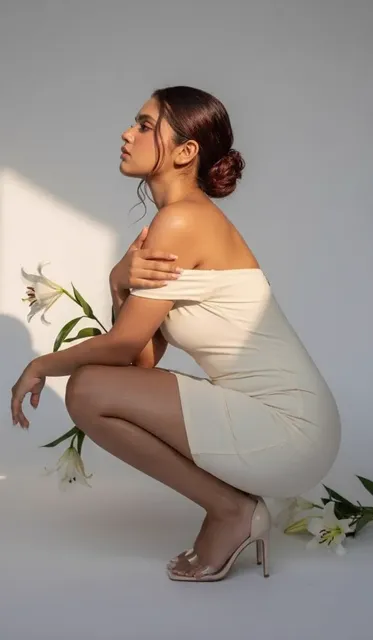
A landscape image showing a mountain lake with mist over the water, trees along the shore, and warm sunrise light
Character concept
Input
A futuristic explorer in a glowing neon city with holographic signs and flying vehicles overhead, cyberpunk style with deep blues and purples
Expected output
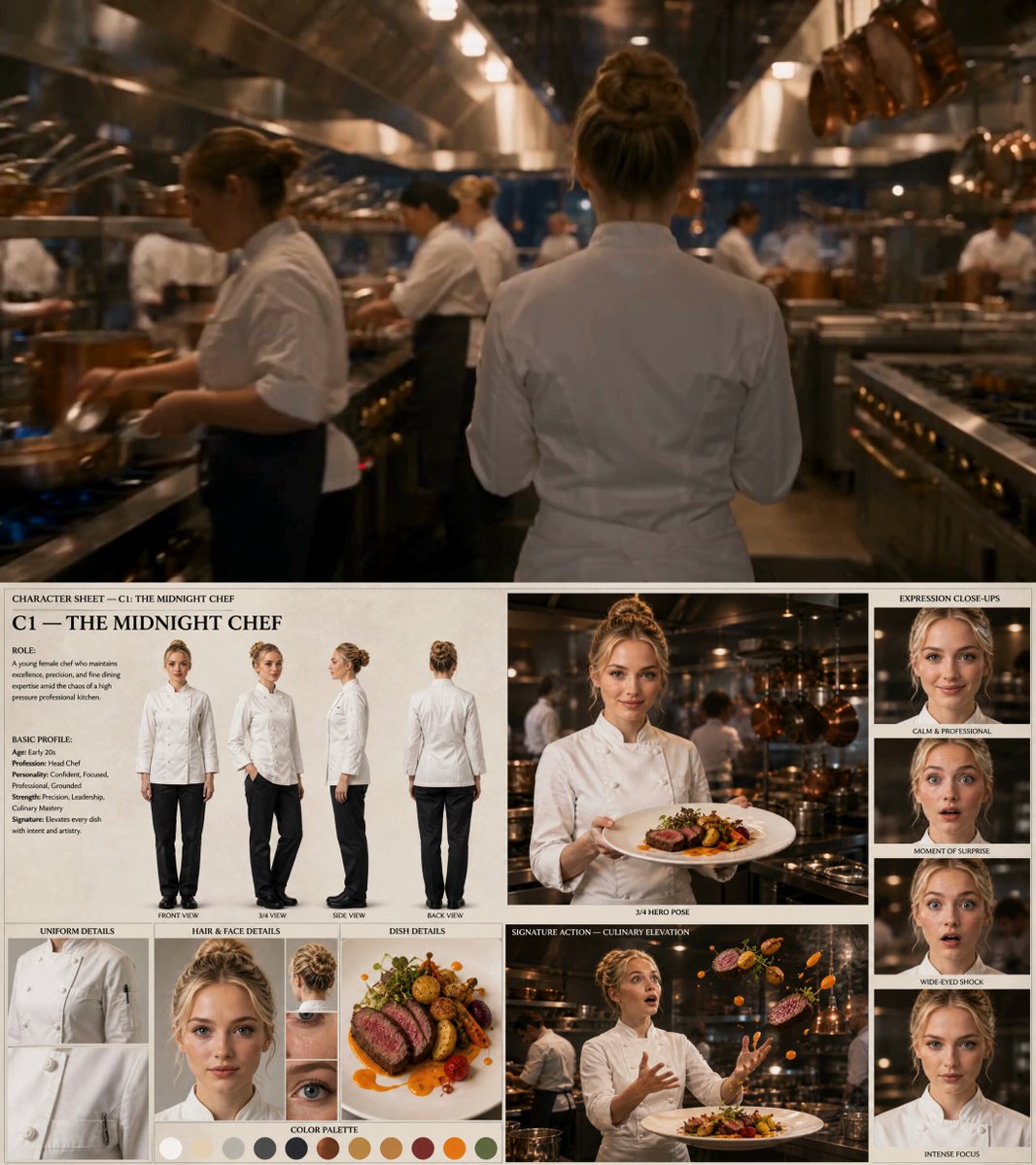
A character in a sci-fi urban setting with neon lighting, holographic elements, and futuristic details
Product mockup
Input
A clean white ceramic coffee mug on a wooden table with soft morning light from the window, simple neutral background
Expected output
A product-style image of a mug in natural lighting with a warm, minimal background
Create images from text descriptions without any starting file or reference
Text-to-visual creation
Describe any scene, object, or concept in words and get a matching image in return. No design experience required.
Quick iteration
Refine your prompt and regenerate to explore different compositions, styles, and details until you find the right fit.
No tools or files needed
Produce visuals from written ideas without needing drawing, photo editing, or graphic design skills.
How It Works
1
Describe your image
Describe the desired image.
2
Adjust settings
Choose the available generation settings.
3
Generate and save
Generate, review, and download a suitable result.
Tips for better results
Small adjustments to your prompt can produce noticeably different outcomes.
Input Constraints
- Keep prompts clear and specific for more predictable results.
- Avoid including personal information in your prompts.
- Review generated content before sharing or publishing.
Practical Tips
- Include subject, setting, lighting, and mood for richer results.
- Try shorter prompts first, then add detail for refinement.
- Use specific style references like 'oil painting' or 'photorealistic'.
- Adjust generation settings to control creative direction.
Privacy
- Do not upload personal or sensitive material unless you have permission to use it.
Usage Rights
- Confirm that you have the rights needed for the inputs and intended use of the result.
Prompt recipes
Copy a structure, then adjust the subject, lighting, camera, and output details for your own result.
Nature scene for meditation app
A quiet forest path at dawn, soft mist between the trees, warm golden light filtering through leaves, moss-covered stones along the path, serene and peaceful mood
Combines setting, time of day, lighting quality, small details, and mood to create a calming, cohesive nature scene.
Tech product hero image
A sleek black smartphone on a dark surface, dramatic side lighting creating highlights on the edges, minimalist background with soft gradient, professional product photography style
Specifies product, surface, lighting direction, background simplicity, and photography style for a polished commercial look.
Fantasy book cover scene
An ancient stone tower on a cliff edge at sunset, dragon silhouette circling overhead, dramatic sky with orange and purple clouds, fantasy illustration style with rich colors
Describes main subject, secondary element, composition, time of day, color palette, and genre style for a complete cover concept.
Casual food photo
A rustic wooden board with fresh bread, olive oil in a small dish, scattered herbs, natural window light from above, warm and inviting food photography
Lists food items, surface, small details, lighting direction, and photography mood for an appetizing casual shot.
Abstract background for slides
Flowing abstract shapes in teal and coral with soft gradients, modern minimal design, horizontal composition with empty space in the center for text overlay
Defines shape type, color scheme, style, composition, and text-safe area for a presentation-ready background.
Best use cases
Match the workflow to the input you have and the result you need before opening the generator.
Create a scene or setting
Input: Location, time of day, lighting, mood, environmental details
Result: A landscape or environment image with the described atmosphere
Tool: Text to Image with scene and lighting details
Design a character or subject
Input: Appearance details, clothing or costume, pose or expression, background context, art style
Result: A character or subject image matching the written description
Tool: Text to Image with character and style keywords
Generate a product visual
Input: Product description, surface or setting, lighting direction, background simplicity, photography style
Result: A clean product image suitable for marketing or presentation
Tool: Text to Image with product and lighting keywords
Build a graphic or background
Input: Shape type, color scheme, composition, text-safe area, style simplicity
Result: An abstract or geometric graphic ready for text overlay
Tool: Text to Image with layout and color keywords
Limitations to know before generating
- The tool requires clear text input. Vague or overly complex prompts may produce unpredictable results.
- Fine details like exact facial features or intricate patterns may vary from your description and require refinement.
- Text within generated images is often illegible or misspelled. Add text separately for best results.
- Complex multi-subject scenes may need several iterations to balance all elements correctly.
- Generated images should be reviewed for quality and appropriateness before use in professional or public contexts.
Creative Suite: AI Video Generator & AI Image Generator Tools
Power up your creative workflow with our AI-driven tools. Generate stunning videos, create images, and apply custom adjustments - our AI Video Generator and AI Image Generator offer a complete solution for all your creative needs.
Strictly Prohibits Adult/NSFW Content








Pricing
Choose the credit package that works best for you.
No hidden fees • Cancel anytime • Unused credits roll over
Starter
Perfect for trying out AI creation.
Credits
200 credits / month
- Up to 20 videos per month
- Up to 100 images per month
$6.99/ month$9.9930% OFF
Billed monthly
First-time subscribers get 30% off their first month, then standard price
What's included
- Credits never expire
- Standard models
- HD, Watermark-Free Downloads
- Private Generation
- Faster Generation Speed
- Ad-free experience
Basic
Perfect for light creators.
Credits
500 credits / month
- Up to 50 videos per month
- Up to 250 images per month
$13.99/ month$19.9930% OFF
Billed monthly
First-time subscribers get 30% off their first month, then standard price
What's included
- Credits never expire
- Standard models
- HD, Watermark-Free Downloads
- Private Generation
- Faster Generation Speed
- Ad-free experience
Pro
PopularBest value for creators
Credits
1,200 credits / month
- Up to 120 videos per month
- Up to 600 images per month
$39.99/ month
Billed monthly
What's included
- Credits never expire
- All models + Early access to new models
- HD, Watermark-Free Downloads
- Private Generation
- Faster Generation Speed
- Ultra HD resolution
- Ad-free experience
Ultra
For video creators and power users.
Credits
5,000 credits / month
- Up to 500 videos per month
- Up to 2,500 images per month
$99.99/ month
Billed monthly
What's included
- Credits never expire
- All models + Early access to new models
- HD, Watermark-Free Downloads
- Private Generation
- Faster Generation Speed
- Ultra HD resolution
- Ad-free experience
Free
Standard models only — upgrade to unlock premium models.
Credits
10 free credits on signup
Questions? Contact us at support@domer.io
Start generating images from text
Open the text-to-image tool and describe what you want to see.