
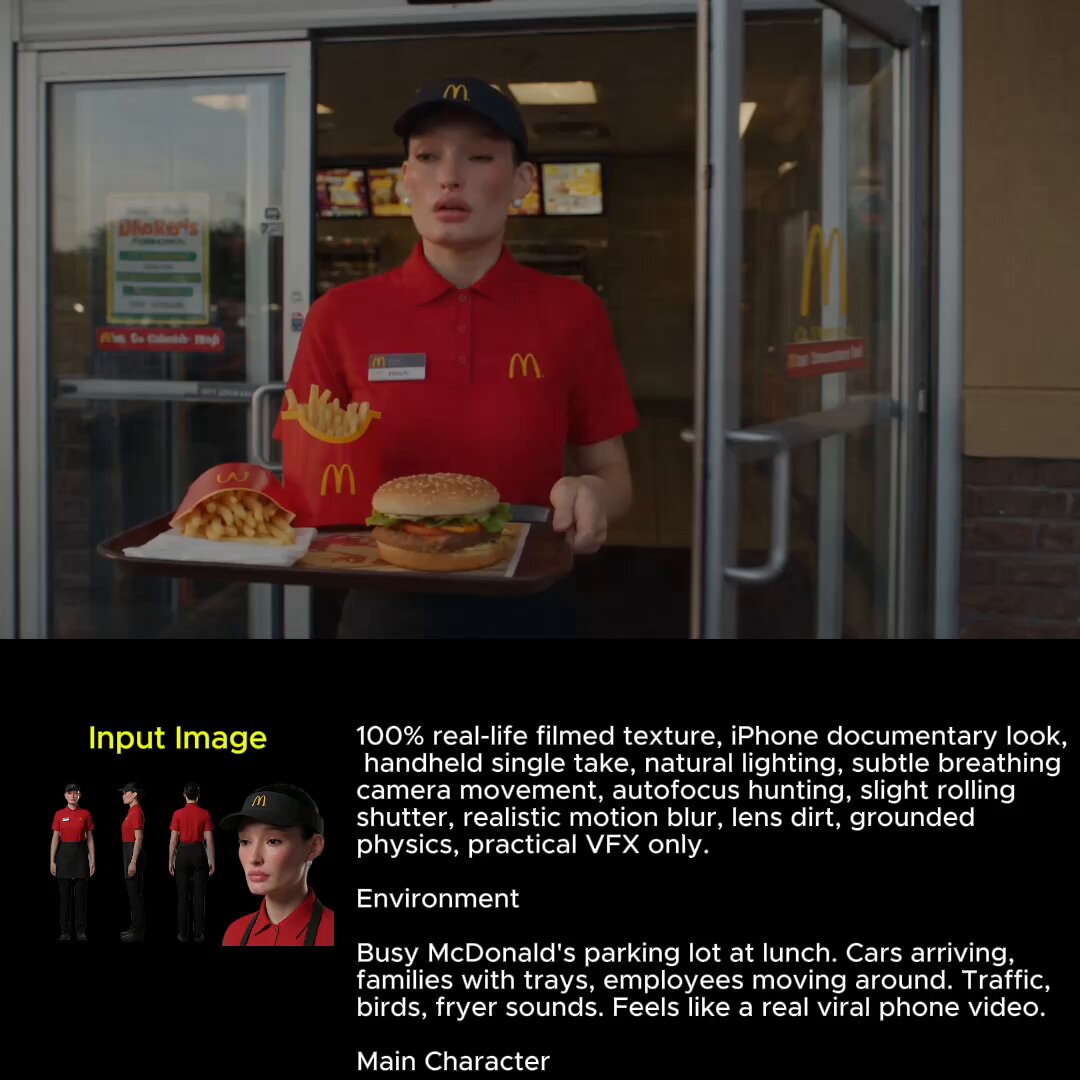
AI Image Generator Model Training
Generate synthetic images for AI model training. Create labeled datasets from text prompts for computer vision and machine learning projects.
AI Image Generator
0/20000 characters
My images
Loading...
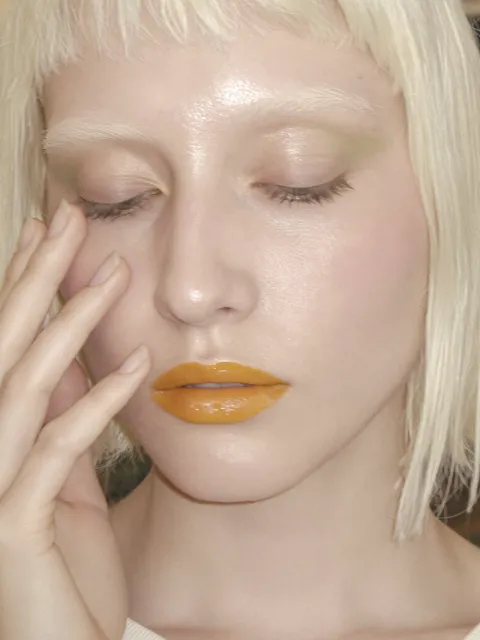
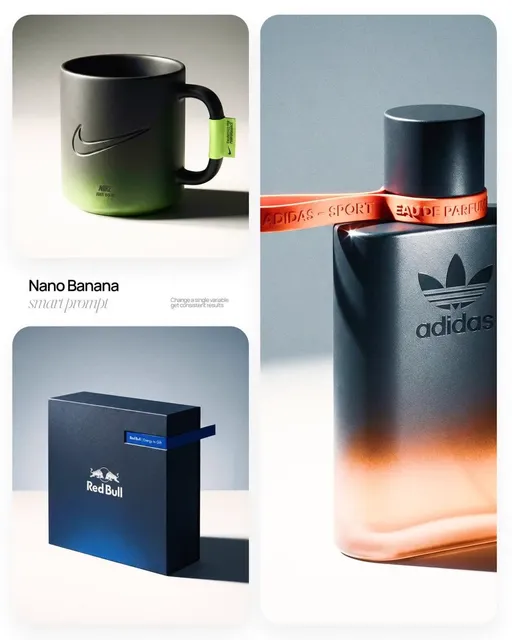
How can AI image generators support model training?
AI image generators can create synthetic labeled images from text prompts to supplement machine learning training datasets. By describing the visual characteristics you need—object type, lighting, angle, background—you can generate large volumes of annotated images for computer vision tasks like object detection, scene classification, or edge-case testing. These synthetic images help expand dataset diversity and cover rare scenarios that are difficult to capture in real-world data.
AI Image Generator Model Training
Product variation dataset
Input
White ceramic coffee mug on a wooden table, overhead angle, bright natural lighting from the left, plain background, no reflections
Expected output
A product photo with controlled lighting, angle, and background suitable as a training sample
Scene classification samples
Input
Urban street during light rain, wet pavement reflecting street lights, evening, buildings on both sides, visible pedestrian shadows
Expected output
A realistic street scene image with consistent weather and lighting conditions
Edge-case scenario image
Input
Extreme close-up of a red traffic light against a bright blue sky, heavy lens flare, slightly out of focus
Expected output
A challenging visual scenario useful for testing model robustness to blur and flare
Generate synthetic labeled images from text prompts to supplement machine learning training datasets for computer vision and image classification tasks.
Dataset scaling
Generate large volumes of annotated images quickly to expand training data without manual photography, rendering, or scraping.
Controlled variation
Adjust lighting, angle, background, and object placement systematically across generations to create structured diversity.
Rare scenario coverage
Generate edge cases and uncommon visual conditions that are difficult to capture in real-world datasets.
How It Works
1
Describe the desired image.
Describe the desired image.
2
Choose the available generation settings.
Choose the available generation settings.
3
Generate, review, and download a suitable result.
Generate, review, and download a suitable result.
Generating training-ready images
Describe each sample with consistent framing, lighting, and composition parameters to produce a more uniform training set across multiple generations.
Input Constraints
- Describe each image with consistent variables such as angle, lighting, and background
- Do not include personal information or identifiable individuals in prompts
- Review generated images for artifacts before adding them to a training pipeline
Practical Tips
- Use the same lighting and angle structure across descriptions for dataset consistency
- Generate at consistent resolution settings to avoid resizing artifacts
- Create a prompt template with replaceable variables for systematic batch generation
Privacy
- Do not upload personal or sensitive material unless you have permission to use it.
Usage Rights
- Confirm that you have the rights needed for the inputs and intended use of the result.
Prompt recipes
Copy a structure, then adjust the subject, lighting, camera, and output details for your own result.
Object Detection Training Set
A red apple on a white background, centered in frame, diffuse top lighting, no shadows, front view, high contrast
Uses controlled variables—background color, lighting, centering—to create a uniform sample that can be repeated with different objects for a consistent training dataset.
Pose Variation for Human Recognition
A person standing with arms at their sides, front view, neutral expression, plain gray background, even lighting, full body visible
Establishes a baseline pose with explicit framing and lighting constraints that can be systematically varied (arms raised, side view, etc.) for a pose dataset.
Weather Condition Dataset
A suburban street in heavy rain, wet asphalt, visible raindrops in the air, overcast sky, no direct sunlight, midday lighting
Defines a specific weather condition with concrete visual cues (wet surfaces, raindrops, overcast) that can be modified (light rain, snow, fog) to build a weather classification dataset.
Indoor Lighting Variation
A wooden chair in an empty room, harsh fluorescent overhead lighting, white walls, hard shadows on the floor, no windows
Specifies a controlled indoor lighting scenario that can be varied (warm lamp, natural window light, dim evening) to train models on lighting conditions.
Occlusion and Partial Visibility
A bicycle partially hidden behind a brick wall, only the front wheel and handlebars visible, outdoor daylight, urban setting
Creates a training sample with intentional occlusion, useful for teaching models to recognize partially visible objects—important for real-world detection tasks.
Best use cases
Match the workflow to the input you have and the result you need before opening the generator.
Expanding a small real-world dataset
Input: Describe the same object or scene type with consistent framing and lighting across multiple generations
Result: A batch of synthetic images that supplement real photos and increase dataset size
Tool: Text to Image with template-based prompts
Generating edge-case training samples
Input: Describe rare conditions like extreme lighting, occlusion, or unusual angles that are hard to photograph
Result: Synthetic images that cover corner cases and improve model robustness
Tool: Text to Image with scenario-specific descriptions
Creating labeled synthetic data for classification
Input: Use a prompt structure where the label is embedded in the description (e.g., 'a rainy street' for weather classification)
Result: Images with implicit labels derived from the prompt, ready for supervised learning
Tool: Text to Image with structured label-in-prompt workflow
Testing model performance on controlled variations
Input: Generate the same subject with one variable changed each time (lighting, angle, background) to isolate which factors affect predictions
Result: A controlled test set that reveals model sensitivity to specific visual features
Tool: Text to Image with single-variable adjustments
Limitations to know before generating
- Synthetic images may not fully capture the noise, variability, and real-world imperfections present in actual photographs—models trained only on synthetic data may underperform on real images.
- Generated images can contain artifacts or anatomical errors that real training data would not have, which may confuse the model or introduce bias.
- Dataset balance and diversity depend entirely on your prompt design—if you generate only similar images, the model will not learn to handle variation.
- Synthetic data is a supplement, not a replacement—combining generated images with real-world data typically produces the best model performance.
Creative Suite: AI Video Generator & AI Image Generator Tools
Power up your creative workflow with our AI-driven tools. Generate stunning videos, create images, and apply custom adjustments - our AI Video Generator and AI Image Generator offer a complete solution for all your creative needs.
Strictly Prohibits Adult/NSFW Content








Pricing
Choose the credit package that works best for you.
No hidden fees • Cancel anytime • Unused credits roll over
Starter
Perfect for trying out AI creation.
Credits
200 credits / month
- Up to 20 videos per month
- Up to 100 images per month
$6.99/ month$9.9930% OFF
Billed monthly
First-time subscribers get 30% off their first month, then standard price
What's included
- Credits never expire
- Standard models
- HD, Watermark-Free Downloads
- Private Generation
- Faster Generation Speed
- Ad-free experience
Basic
Perfect for light creators.
Credits
500 credits / month
- Up to 50 videos per month
- Up to 250 images per month
$13.99/ month$19.9930% OFF
Billed monthly
First-time subscribers get 30% off their first month, then standard price
What's included
- Credits never expire
- Standard models
- HD, Watermark-Free Downloads
- Private Generation
- Faster Generation Speed
- Ad-free experience
Pro
PopularBest value for creators
Credits
1,200 credits / month
- Up to 120 videos per month
- Up to 600 images per month
$39.99/ month
Billed monthly
What's included
- Credits never expire
- All models + Early access to new models
- HD, Watermark-Free Downloads
- Private Generation
- Faster Generation Speed
- Ultra HD resolution
- Ad-free experience
Ultra
For video creators and power users.
Credits
5,000 credits / month
- Up to 500 videos per month
- Up to 2,500 images per month
$99.99/ month
Billed monthly
What's included
- Credits never expire
- All models + Early access to new models
- HD, Watermark-Free Downloads
- Private Generation
- Faster Generation Speed
- Ultra HD resolution
- Ad-free experience
Free
Standard models only — upgrade to unlock premium models.
Credits
10 free credits on signup
Questions? Contact us at support@domer.io
Start generating synthetic training images
Open the text-to-image tool, describe each training sample, and download the results for your dataset pipeline.