

AI Image Generator Storyboard Tool
Use ai image generator storyboard to turn scene descriptions into storyboard frames. Plan visual sequences, camera angles, and shot composition with.
AI Image Generator
0/20000 characters
My images
Loading...
What is an AI image generator storyboard tool?
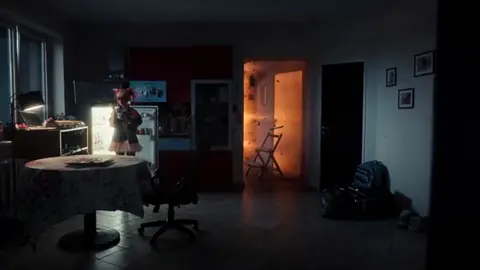
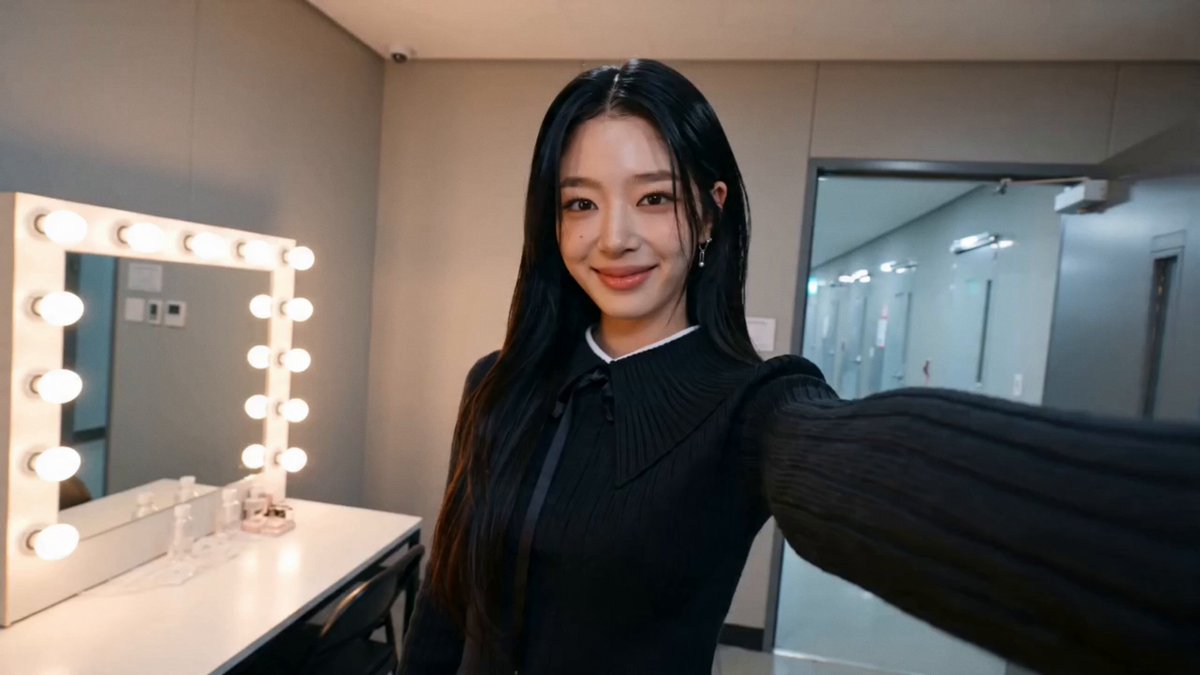
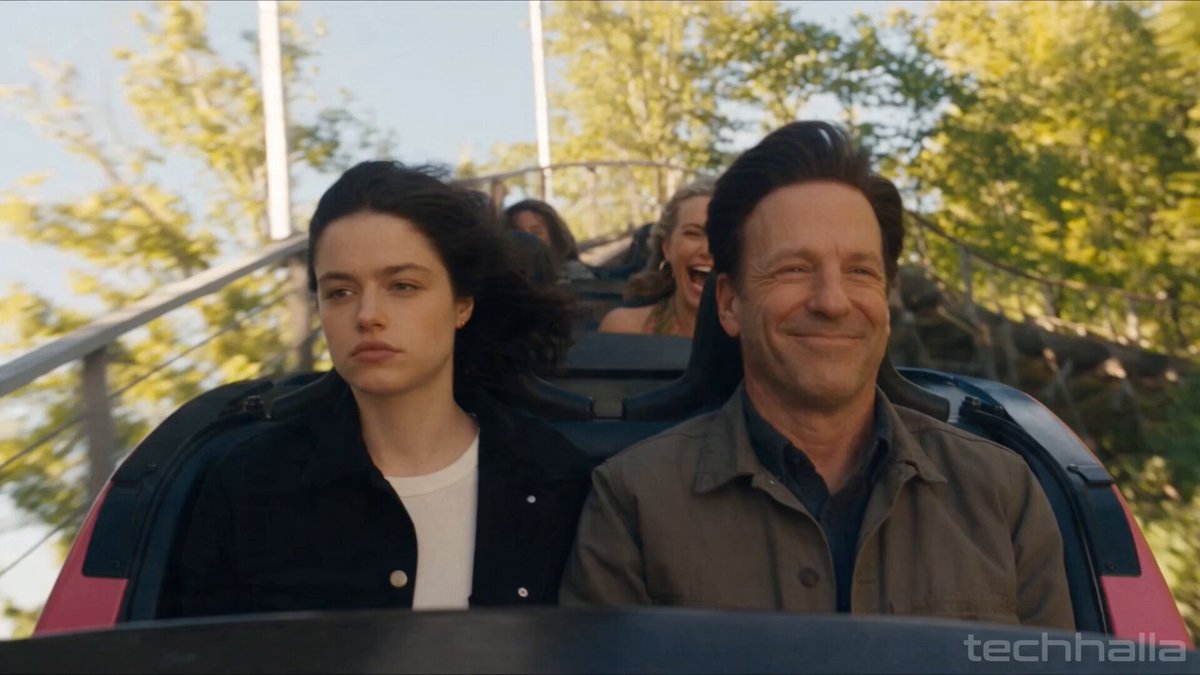
An AI image generator storyboard tool converts written scene descriptions into visual frames for planning film, animation, or video projects. You describe each shot—camera angle, character action, lighting—and generate reference images to communicate your vision before production begins.
AI Image Generator Storyboard Tool
Action sequence storyboard
Input
Three-panel action sequence: hero jumps across gap, grabs ledge with both hands, pulls up to safety
Expected output
A three-part storyboard showing a character mid-jump, gripping a ledge, and pulling upward in sequential panels
Scene transition planning
Input
Establishing shot of a futuristic cityscape at dawn, followed by a character close-up inside a control room
Expected output
Two connected scenes: a wide city skyline view and an interior close-up showing a character at a control station
Dialogue scene layout
Input
Two characters facing each other in a dimly lit room, first shot wide showing both figures, second shot close on speaker
Expected output
A storyboard sequence with a wide two-shot establishing the scene and a tighter close-up on the speaking character
Create sequential visual frames from text to plan shots, transitions, and scene flow before production.
Visualize scene flow before production
Plan camera angles, compositions, and scene transitions before committing to production resources.
Iterate on compositions quickly
Experiment with different shot angles and layouts by adjusting your text descriptions and regenerating frames.
Share visual concepts with collaborators
Communicate scene ideas to collaborators with concrete visual references instead of abstract descriptions.
How It Works
1
Describe the Image
Describe the desired image.
2
Choose Settings
Choose the available generation settings.
3
Generate and Download
Generate, review, and download a suitable result.
Planning Storyboard Frames
Tips for effective storyboard generation
Input Constraints
- Describe each frame as a specific camera shot with angle and distance
- Include character positions and actions within each frame
- Specify scene transitions and timing where relevant
Practical Tips
- Use film terminology like close-up, wide shot, or over-the-shoulder for precise framing
- Describe lighting and mood to set the tone of each scene
- Generate frames in sequence to maintain visual continuity
Privacy
- Do not upload personal or sensitive material unless you have permission to use it.
Usage Rights
- Confirm that you have the rights needed for the inputs and intended use of the result.
Prompt recipes
Copy a structure, then adjust the subject, lighting, camera, and output details for your own result.
Tense confrontation setup
Two-shot framing: detective and suspect across an interrogation table, harsh overhead lighting casting deep shadows, mid-level camera angle emphasizing tension
Specifies framing type, lighting quality, and camera height to establish mood and spatial relationship between characters.
Dramatic reveal moment
Close-up on character's face as they turn toward camera, realization dawning, soft backlight creating rim lighting, shallow depth of field blurring background
Combines shot size, character action, lighting direction, and depth cues to capture an emotional beat visually.
Action beat with motion
Wide shot: character sprinting through narrow alley, low camera angle looking up, motion blur on background walls, dramatic diagonal composition
Uses shot size, camera angle, motion indicators, and composition direction to convey energy and urgency.
Establishing location shot
Extreme wide shot of abandoned warehouse exterior at dusk, symmetrical composition, warm orange sky contrasting with dark building silhouette
Defines shot distance, time of day, composition style, and color contrast to set scene context clearly.
Intimate conversation moment
Over-the-shoulder shot focusing on listener's reaction, soft natural window light from left, neutral expression showing subtle concern
Specifies shot type, lighting source and direction, and emotional nuance to capture dialogue dynamics.
Best use cases
Match the workflow to the input you have and the result you need before opening the generator.
Planning a short film shoot
Input: Scene-by-scene shot descriptions with camera angles and character blocking
Result: Visual reference frames showing composition and framing for each planned shot
Tool: Text to Image with sequential frame generation
Pitching a commercial concept
Input: Key moment descriptions with product placement and visual tone notes
Result: Storyboard frames demonstrating commercial flow and brand integration
Tool: Text to Image with style and composition keywords
Animatic pre-visualization
Input: Action sequences with timing notes and transition descriptions
Result: Frame-by-frame visual guides for animation timing and movement
Tool: Text to Image with action and motion descriptors
Client presentation for video project
Input: Scene descriptions emphasizing mood, setting, and visual style
Result: Polished storyboard frames that communicate creative vision to stakeholders
Tool: Text to Image with lighting and atmosphere keywords
Limitations to know before generating
- Generated frames are visual references, not final production-ready storyboards—human artists typically refine these for actual shoots
- Maintaining exact character appearance and costume consistency across multiple frames requires careful prompt repetition and may still show variation
- Complex multi-character blocking or precise spatial relationships may require several generation attempts to match your staging intent
- Camera movement indicators like pans or zooms cannot be shown in static frames—describe the moment captured, not the motion itself
Creative Suite: AI Video Generator & AI Image Generator Tools
Power up your creative workflow with our AI-driven tools. Generate stunning videos, create images, and apply custom adjustments - our AI Video Generator and AI Image Generator offer a complete solution for all your creative needs.
Strictly Prohibits Adult/NSFW Content








Pricing
Choose the credit package that works best for you.
No hidden fees • Cancel anytime • Unused credits roll over
Starter
Perfect for trying out AI creation.
Credits
200 credits / month
- Up to 20 videos per month
- Up to 100 images per month
$6.99/ month$9.9930% OFF
Billed monthly
First-time subscribers get 30% off their first month, then standard price
What's included
- Credits never expire
- Standard models
- HD, Watermark-Free Downloads
- Private Generation
- Faster Generation Speed
- Ad-free experience
Basic
Perfect for light creators.
Credits
500 credits / month
- Up to 50 videos per month
- Up to 250 images per month
$13.99/ month$19.9930% OFF
Billed monthly
First-time subscribers get 30% off their first month, then standard price
What's included
- Credits never expire
- Standard models
- HD, Watermark-Free Downloads
- Private Generation
- Faster Generation Speed
- Ad-free experience
Pro
PopularBest value for creators
Credits
1,200 credits / month
- Up to 120 videos per month
- Up to 600 images per month
$39.99/ month
Billed monthly
What's included
- Credits never expire
- All models + Early access to new models
- HD, Watermark-Free Downloads
- Private Generation
- Faster Generation Speed
- Ultra HD resolution
- Ad-free experience
Ultra
For video creators and power users.
Credits
5,000 credits / month
- Up to 500 videos per month
- Up to 2,500 images per month
$99.99/ month
Billed monthly
What's included
- Credits never expire
- All models + Early access to new models
- HD, Watermark-Free Downloads
- Private Generation
- Faster Generation Speed
- Ultra HD resolution
- Ad-free experience
Free
Standard models only — upgrade to unlock premium models.
Credits
10 free credits on signup
Questions? Contact us at support@domer.io
Plan Your Visual Story
Open the AI image generator and describe your first storyboard frame to start building your visual narrative.