

AI Photo Generator Tools for Quick Visuals
Turn a written scene into a photo-style image you can review and reuse. Describe the picture, pick settings, generate, and download.
AI Image Generator
0/20000 characters
My images
Loading...

What AI Photo Generator Tools Do
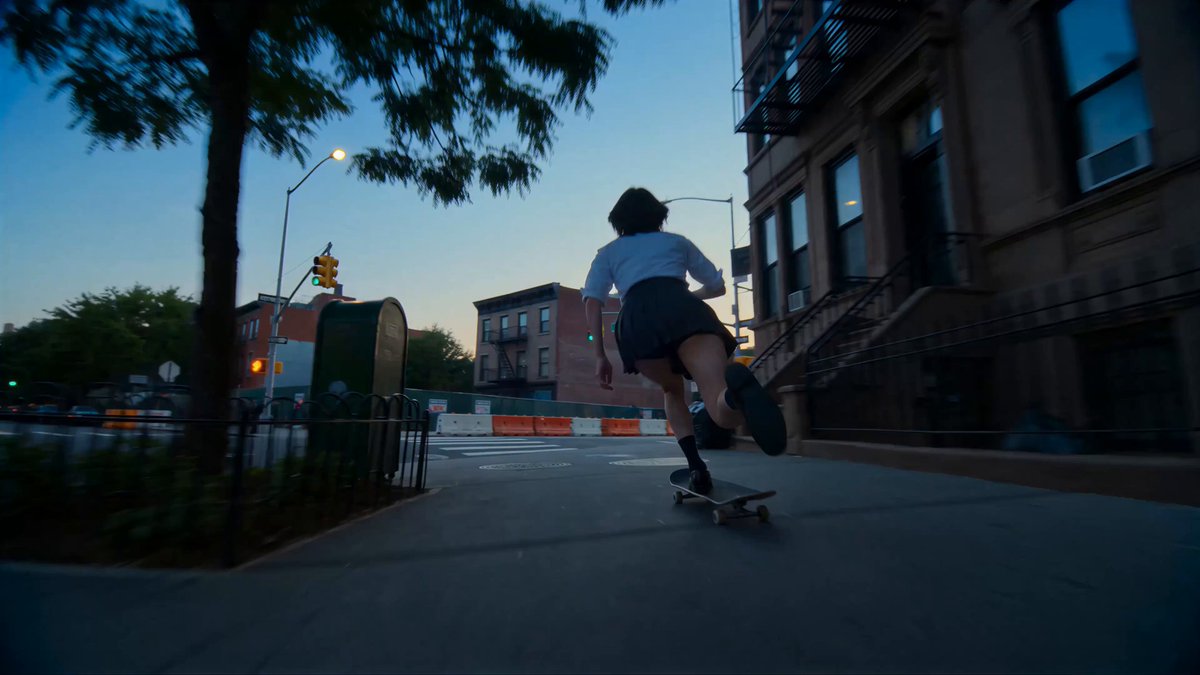
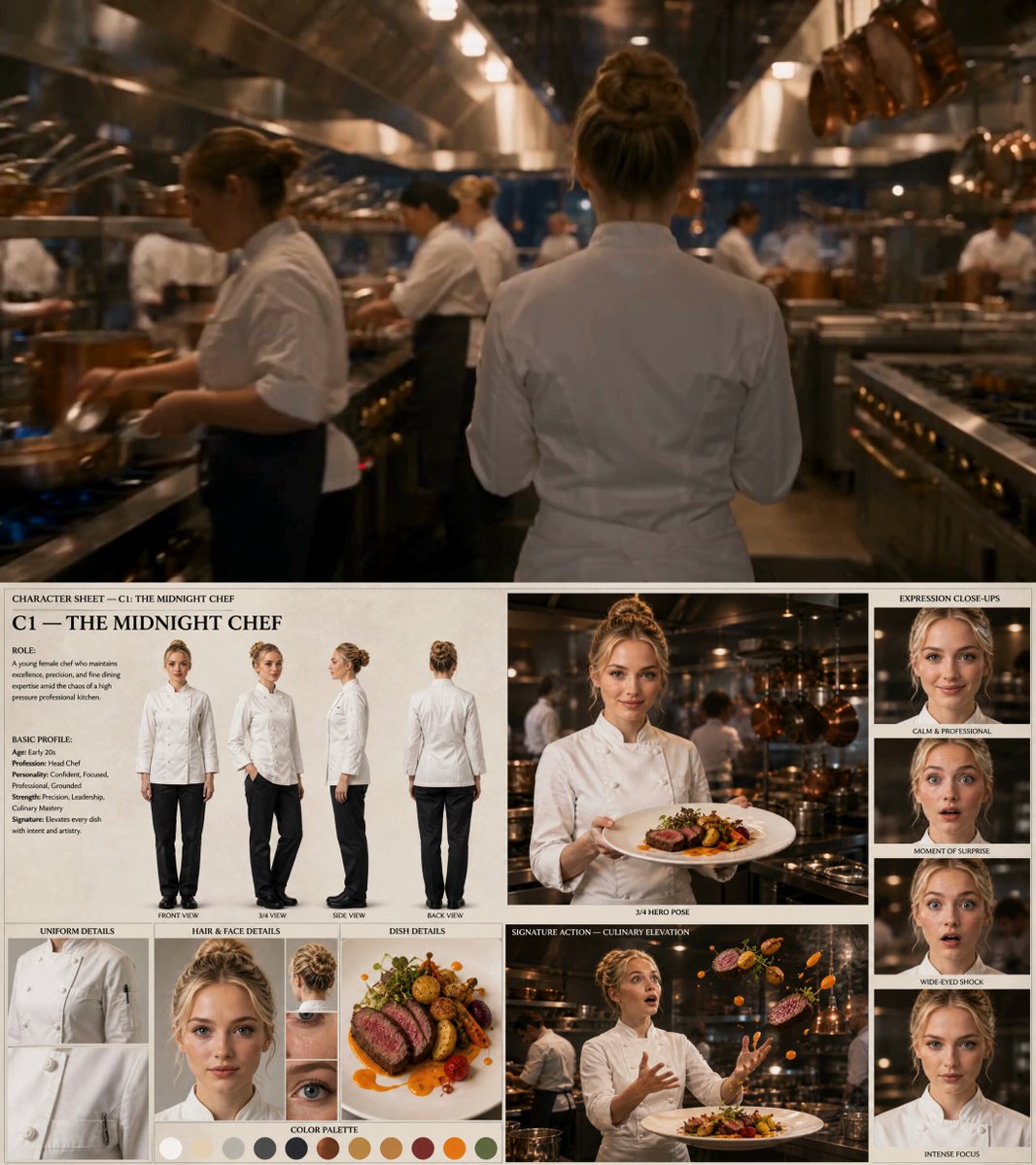
AI photo generator tools convert a written scene description into a photo-style image. You provide details about lighting, setting, and subject, choose available settings, then review the draft. The result is a usable visual for mockups, content concepts, or design feedback loops.
AI Photo Generator Tools for Quick Visuals
Real Estate Concept Photo
Input
A bright modern kitchen with oak cabinets, morning light from a large window, a coffee cup on the counter, realistic interior photography.
Expected output
A photo-style interior scene with natural light and believable materials, useful as a concept visual for a listing or blog.
Portrait Test Shot
Input
A studio portrait of a woman in a mustard sweater, soft key light, neutral gray backdrop, shallow depth of field.
Expected output
A clean portrait-style image with even lighting and a blurred background, ready to review as a draft.
Urban Street Scene
Input
A narrow European street in late afternoon, bicycles leaning against a wall, warm sunlight, realistic outdoor photography.
Expected output
A realistic street photo with strong directional light, useful for testing location-based content concepts.
Turn written scene descriptions into photo-style images for mockups, drafts, and content review
Skip the Stock Hunt
Describe the exact scene you need and review the draft instead of browsing hundreds of generic stock photos.
Test Looks Before Production
Change lighting, location, or subject in the prompt to compare directions before committing to a shoot or design.
Drafts You Can Build On
Use the photo-style result as a starting point for edits, layouts, or client feedback loops.
How It Works
1
Describe the image
Describe the desired image.
2
Choose the settings
Choose the available generation settings.
3
Generate and review
Generate, review, and download a suitable result.
Getting Photo-Realistic Results
Concrete descriptions of light, setting, and camera feel produce easier-to-review drafts.
Input Constraints
- Describe the scene as a photo, including light, setting, and point of view.
- Only use people, places, or brand material you have permission to include.
- Review each result for realism and accuracy before public use.
- Do not name real people or reproduce a specific photographer's signature style.
Practical Tips
- Mention camera angle and lighting words like 'soft key light' or 'golden hour'.
- State the subject first, then add environment and mood.
- Keep color and material words specific, such as 'oak', 'linen', or 'concrete'.
- Run a second take when small details matter, then keep the cleaner one.
Privacy
- Do not upload personal or sensitive material unless you have permission to use it.
Usage Rights
- Confirm that you have the rights needed for the inputs and intended use of the result.
Prompt recipes
Copy a structure, then adjust the subject, lighting, camera, and output details for your own result.
Interior with Morning Light
A bright living room with white walls and large windows, golden morning sunlight streaming in, houseplants on the windowsill, soft shadows on hardwood floor, realistic architectural photography
Specific lighting time, material details, and architectural context help the generator create a believable interior scene with natural light behavior.
Product on Natural Surface
A glass perfume bottle on weathered driftwood, soft diffused light from above, light blue background, shallow depth of field, studio product photography
Combining product subject with texture, controlled lighting direction, and shallow focus creates a professional product shot suitable for e-commerce or editorial use.
Outdoor Portrait with Backlight
A person standing in a wheat field at golden hour, backlit by the low sun, warm amber tones, lens flare visible, shallow depth of field, editorial portrait style
Time of day, lighting position relative to subject, and lens effect details guide the generator toward a specific portrait mood with cinematic qualities.
Food Styling Overhead
Flat lay of breakfast table, croissant on ceramic plate, espresso cup, linen napkin, fresh figs, soft morning light from window, food photography, overhead angle
Combining flat-lay composition, specific food items, surface materials, and natural light creates a styled food scene ready for social media or editorial use.
Urban Scene at Dusk
A cobblestone alley at dusk, vintage streetlamp glowing warm yellow, brick walls with ivy, wet pavement reflecting light, atmospheric mist, moody urban photography
Time of day, specific materials, reflective surfaces, and atmospheric elements work together to create a moody urban scene with clear visual direction.
Best use cases
Match the workflow to the input you have and the result you need before opening the generator.
Real estate listing visuals
Input: Detailed room descriptions with lighting, materials, and architectural features
Result: Realistic interior or exterior shots suitable for property marketing concepts
Tool: Text-to-image with architectural and lighting keywords
Product concept testing
Input: Product name, surface context, lighting setup, and desired mood
Result: Studio-quality product shots for early-stage design review
Tool: Text-to-image with product photography and studio lighting terms
Social media content drafts
Input: Scene description with subject, setting, color palette, and composition style
Result: Shareable visuals that match brand mood and platform format
Tool: Text-to-image with social media format and aesthetic terms
Editorial illustration concepts
Input: Story scene with characters, environment, mood, and visual style references
Result: Illustrative photo-style scenes for article headers or story visuals
Tool: Text-to-image with editorial and cinematic style keywords
Limitations to know before generating
- Results depend on prompt clarity; vague descriptions may produce unusable drafts.
- Photo realism varies with scene complexity; simple compositions work better than crowded scenes.
- Text, faces, and fine details may require manual review or correction before public use.
- Generated images are starting points, not replacements for professional photography when precise brand representation is required.
- Usage rights and commercial permissions depend on the tool's terms; review before publishing or selling.
Creative Suite: AI Video Generator & AI Image Generator Tools
Power up your creative workflow with our AI-driven tools. Generate stunning videos, create images, and apply custom adjustments - our AI Video Generator and AI Image Generator offer a complete solution for all your creative needs.
Strictly Prohibits Adult/NSFW Content








Pricing
Choose the credit package that works best for you.
No hidden fees • Cancel anytime • Unused credits roll over
Starter
Perfect for trying out AI creation.
Credits
200 credits / month
- Up to 20 videos per month
- Up to 100 images per month
$6.99/ month$9.9930% OFF
Billed monthly
First-time subscribers get 30% off their first month, then standard price
What's included
- Credits never expire
- Standard models
- HD, Watermark-Free Downloads
- Private Generation
- Faster Generation Speed
- Ad-free experience
Basic
Perfect for light creators.
Credits
500 credits / month
- Up to 50 videos per month
- Up to 250 images per month
$13.99/ month$19.9930% OFF
Billed monthly
First-time subscribers get 30% off their first month, then standard price
What's included
- Credits never expire
- Standard models
- HD, Watermark-Free Downloads
- Private Generation
- Faster Generation Speed
- Ad-free experience
Pro
PopularBest value for creators
Credits
1,200 credits / month
- Up to 120 videos per month
- Up to 600 images per month
$39.99/ month
Billed monthly
What's included
- Credits never expire
- All models + Early access to new models
- HD, Watermark-Free Downloads
- Private Generation
- Faster Generation Speed
- Ultra HD resolution
- Ad-free experience
Ultra
For video creators and power users.
Credits
5,000 credits / month
- Up to 500 videos per month
- Up to 2,500 images per month
$99.99/ month
Billed monthly
What's included
- Credits never expire
- All models + Early access to new models
- HD, Watermark-Free Downloads
- Private Generation
- Faster Generation Speed
- Ultra HD resolution
- Ad-free experience
Free
Standard models only — upgrade to unlock premium models.
Credits
10 free credits on signup
Questions? Contact us at support@domer.io
Turn a Scene Description into a Photo
Open the text-to-image tool and describe the first photo-style scene you want to see.