
AI to Image Generator: Turn Text Into Pictures
Use an ai to image generator to describe what you want to see and get a custom visual back in seconds. No drawing skills or design software required.
AI Image Generator
0/20000 characters
My images
Loading...
What an AI to Image Generator Does
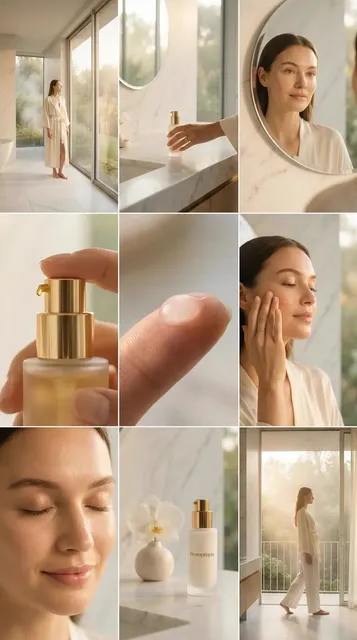
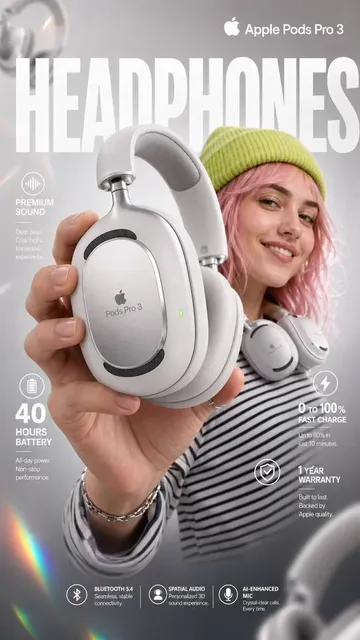
An ai to image generator converts your written description into a visual image. You describe the subject, setting, colors, style, and mood in plain language, choose generation settings, then review and download the result. This workflow helps you create concept art, reference images, mockups, and design drafts without needing illustration skills or photo assets.
AI to Image Generator: Turn Text Into Pictures
Futuristic city concept
Input
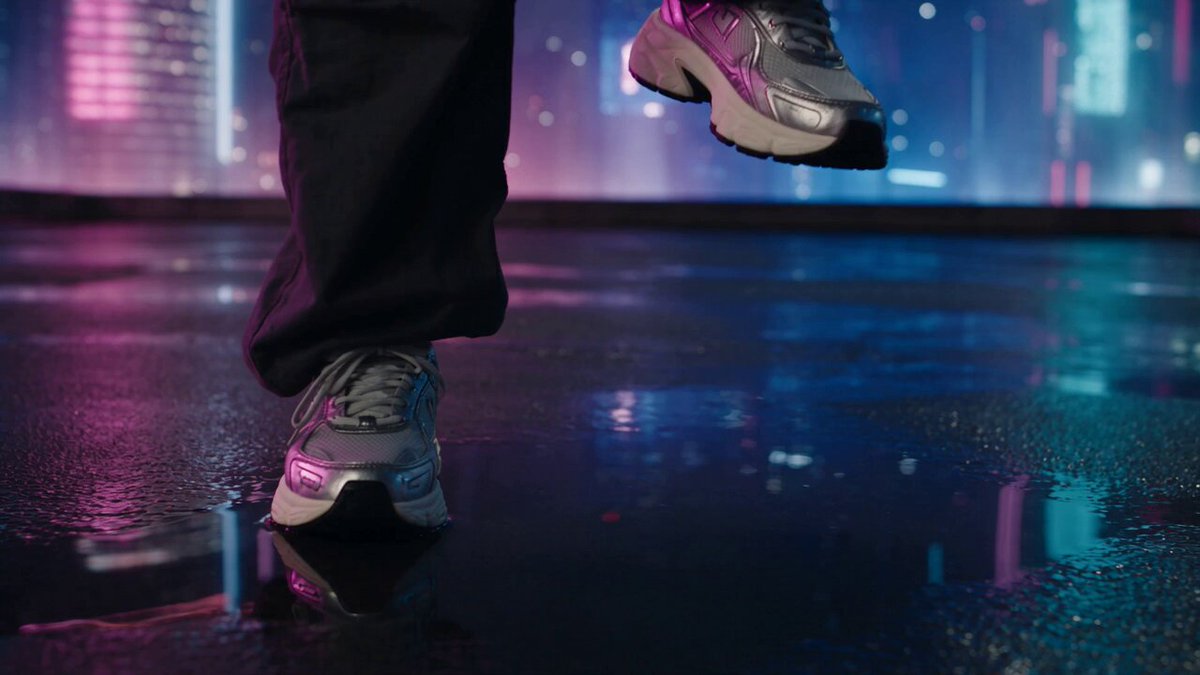
A neon-lit city at dusk with flying vehicles between glass towers, reflections on wet streets
Expected output
A generated scene showing a dense skyline with glowing signs, elevated traffic, and rain-slicked pavement under a purple sky
Pet portrait idea
Input
A fluffy orange cat wearing a tiny detective hat, sitting behind an old desk with a magnifying glass
Expected output
A whimsical portrait of a cat in costume at a wooden desk, soft lighting, warm tones
Product packaging mockup
Input
A clean white box for organic green tea, a single green leaf graphic on the front, subtle paper texture background
Expected output
A product-style image of a box mockup centered on a textured surface, minimalist branding
Convert a written idea into a visual image using an AI tool
Skip manual creation for early concepts
Generate a visual from a short text prompt instead of spending hours on sketches or sourcing stock photos.
Explore multiple directions quickly
Refine your prompt and regenerate to compare different styles, compositions, or color schemes.
Create reference imagery without design skills
Produce usable visuals for presentations, mood boards, or client drafts without needing illustration or photo-editing experience.
How It Works
1
Describe the desired image
Describe the desired image.
2
Choose the available generation settings
Choose the available generation settings.
3
Generate, review, and download
Generate, review, and download a suitable result.
Tips for better results
Small changes to your prompt can lead to noticeably different outputs.
Input Constraints
- Keep prompts clear and specific about the subject and setting.
- Avoid vague terms such as "nice" or "cool" — describe what you actually want to see.
- Do not include personal information or sensitive material in your prompt.
Practical Tips
- Mention lighting, mood, or color palette to steer the visual style.
- Specify orientation or framing when exact composition matters.
- Run the same prompt a few times to see variation in results.
- Describe only what you have the rights to use or reference.
Privacy
- Do not upload personal or sensitive material unless you have permission to use it.
Usage Rights
- Confirm that you have the rights needed for the inputs and intended use of the result.
Prompt recipes
Copy a structure, then adjust the subject, lighting, camera, and output details for your own result.
Fantasy character concept for storytelling
A female warrior in silver armor standing on a cliff at sunrise, long red cape flowing in the wind, dramatic sky with pink and orange clouds, heroic pose
Specific character details, dramatic lighting, strong pose, and vivid sky create a memorable concept for visual storytelling.
Product mockup for marketing pitch
A sleek wireless earbud case on a white marble surface, soft overhead lighting, minimalist style, small brand logo visible, clean product photography look
Product focus, clean setting, controlled lighting, and minimal style produce a professional mockup suitable for pitches or slides.
Interior design concept for client presentation
A modern living room with large windows, natural light, neutral beige and white palette, comfortable sectional sofa, indoor plants, Scandinavian style
Room type, light source, color palette, furniture specifics, and style keyword create a cohesive design reference.
Book cover art concept for fantasy novel
A mysterious forest path at twilight, glowing fireflies floating among ancient trees, fog on the ground, magical atmosphere, vertical composition
Mood, magical elements, atmospheric details, and vertical format align with book cover needs and evoke genre expectations.
Social media visual for motivational post
A lone hiker standing on a mountain peak at golden hour, arms raised in triumph, vast mountain range in the background, inspiring mood
Clear subject, aspirational pose, dramatic natural setting, and inspiring mood create a strong visual hook for engagement.
Food photography concept for menu design
A close-up of a gourmet burger with layers visible, sesame seed bun, fresh lettuce and tomato, melted cheese, rustic wooden board, natural window light from the side
Food as hero, ingredient detail, appealing composition, natural light, and rustic context make the image appetizing and menu-ready.
App interface concept for pitch deck
A smartphone screen showing a clean fitness app dashboard, colorful charts and progress rings, modern flat design, bright blue and white color scheme
Screen focus, specific UI elements, design style, and color scheme create a believable app concept for early-stage pitches.
Best use cases
Match the workflow to the input you have and the result you need before opening the generator.
Creating concept art for creative projects or pitches
Input: Detailed scene description, mood and lighting keywords, style reference, color palette
Result: Concept images that communicate visual direction and help stakeholders understand the project vision
Tool: Text to Image
Generating reference images for designers or illustrators
Input: Specific subject, composition notes, lighting and angle preferences, style hints
Result: Reference visuals that guide manual design work and speed up the creative process
Tool: Text to Image
Producing marketing mockups or social media visuals
Input: Product or subject, clean background or setting, brand colors, professional style keywords
Result: Polished mockups or visuals ready for presentations, pitches, or social posts
Tool: Text to Image
Exploring visual ideas before investing in photography or illustration
Input: Multiple prompts with varied subjects, styles, and compositions to test different directions
Result: A range of visual options to evaluate before committing time or budget to final production
Tool: Text to Image
Limitations to know before generating
- Complex scenes with many elements or precise spatial relationships are harder to control from a single text prompt.
- Generated faces, hands, and text often include visual errors or distortions that require review and possible regeneration.
- The tool does not guarantee uniqueness; similar prompts across users may produce similar results.
- Results depend on prompt clarity and specificity; vague or conflicting descriptions produce less useful outputs.
- The tool does not validate copyright, trademark, or rights issues; you must confirm that your inputs and intended use are appropriate.
Creative Suite: AI Video Generator & AI Image Generator Tools
Power up your creative workflow with our AI-driven tools. Generate stunning videos, create images, and apply custom adjustments - our AI Video Generator and AI Image Generator offer a complete solution for all your creative needs.
Strictly Prohibits Adult/NSFW Content








Pricing
Choose the credit package that works best for you.
No hidden fees • Cancel anytime • Unused credits roll over
Starter
Perfect for trying out AI creation.
Credits
200 credits / month
- Up to 20 videos per month
- Up to 100 images per month
$6.99/ month$9.9930% OFF
Billed monthly
First-time subscribers get 30% off their first month, then standard price
What's included
- Credits never expire
- Standard models
- HD, Watermark-Free Downloads
- Private Generation
- Faster Generation Speed
- Ad-free experience
Basic
Perfect for light creators.
Credits
500 credits / month
- Up to 50 videos per month
- Up to 250 images per month
$13.99/ month$19.9930% OFF
Billed monthly
First-time subscribers get 30% off their first month, then standard price
What's included
- Credits never expire
- Standard models
- HD, Watermark-Free Downloads
- Private Generation
- Faster Generation Speed
- Ad-free experience
Pro
PopularBest value for creators
Credits
1,200 credits / month
- Up to 120 videos per month
- Up to 600 images per month
$39.99/ month
Billed monthly
What's included
- Credits never expire
- All models + Early access to new models
- HD, Watermark-Free Downloads
- Private Generation
- Faster Generation Speed
- Ultra HD resolution
- Ad-free experience
Ultra
For video creators and power users.
Credits
5,000 credits / month
- Up to 500 videos per month
- Up to 2,500 images per month
$99.99/ month
Billed monthly
What's included
- Credits never expire
- All models + Early access to new models
- HD, Watermark-Free Downloads
- Private Generation
- Faster Generation Speed
- Ultra HD resolution
- Ad-free experience
Free
Standard models only — upgrade to unlock premium models.
Credits
10 free credits on signup
Questions? Contact us at support@domer.io
Ready to generate an image from text?
Open the text-to-image tool, type your description, and see what the AI creates.