
Create
AI Work Image Generator
Generate professional workplace images from text. Describe an office scene, meeting, or remote work setup, then review the result.
AI Image Generator
0/20000 characters
My images
Loading...
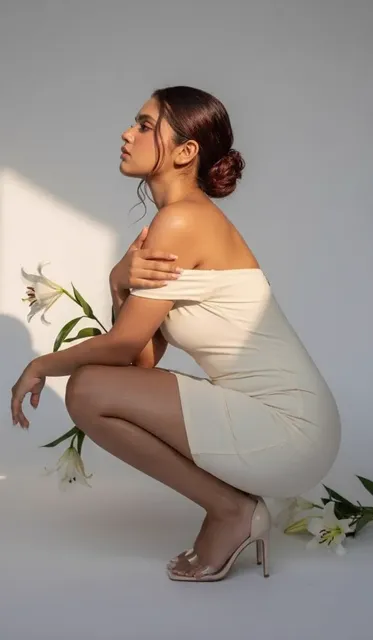
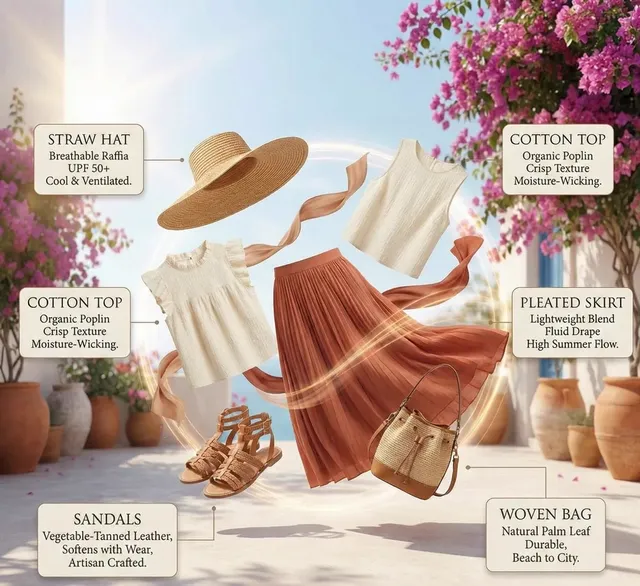
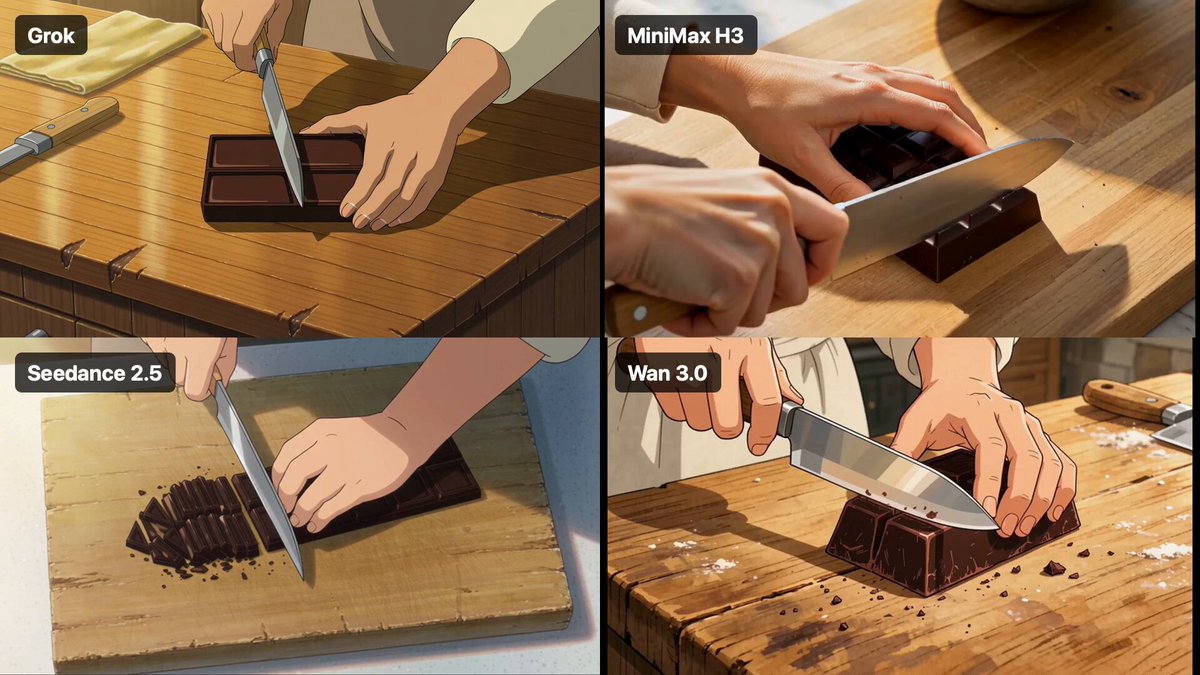
What is an AI work image generator?
An AI work image generator creates professional workplace images from text descriptions. You describe an office scene, meeting, or work environment, then the tool renders a visual result suitable for presentations, training materials, or marketing content.
AI Work Image Generator
Open plan office
Input
A modern open-plan office with people working at desks, white walls, green plants, large windows with city view, natural daylight
Expected output
A contemporary office interior with workstations, natural lighting, plants, and collaborative workspace layout
Team meeting presentation
Input
A team of four people in a bright meeting room, one person presenting at a whiteboard with diagrams, others listening, modern furniture
Expected output
A professional meeting scene with presentation materials, engaged participants, and modern office furnishings
Remote work coffee shop
Input
A person working on a laptop at a coffee shop table, coffee cup beside them, warm indoor lighting, casual comfortable setting
Expected output
A remote work scene with a laptop setup, café atmosphere, warm lighting, and casual workflow environment
Generate professional workplace images from text descriptions
Describe any visual in natural language
Turn a text description into an image without needing design or art skills.
Iterate quickly on ideas
Adjust your prompt and generate again to refine the result without manual editing.
Works for any creative need
From concept art to social media visuals, describe what you want and the tool handles the rendering.
How It Works
1
Describe the desired image
Describe the desired image.
2
Choose settings
Choose the available generation settings.
3
Generate and review
Generate, review, and download a suitable result.
Tips for better results
Clear and specific descriptions produce more useful images.
Input Constraints
- Keep descriptions focused on visual elements and composition
- Avoid including real people or trademarked characters
- Do not generate images that could be used to deceive or impersonate
Practical Tips
- Be specific about colors, lighting, and composition
- Mention the mood or atmosphere you want
- Include details about perspective and framing
- Describe what should be in the foreground and background
Privacy
- Do not upload personal or sensitive material unless you have permission to use it.
Usage Rights
- Confirm that you have the rights needed for the inputs and intended use of the result.
Prompt recipes
Copy a structure, then adjust the subject, lighting, camera, and output details for your own result.
Conference room brainstorm
A group of five people in a conference room, sticky notes on the wall, someone writing on a glass board, bright overhead lighting, collaborative energy.
Describes the setting, activity, visual details, and atmosphere to create a realistic brainstorming scene.
Executive office interior
A modern executive office with a large wooden desk, leather chair, bookshelf with awards, large window with city skyline, afternoon light.
Names the furniture, materials, and lighting to create a professional executive environment.
Warehouse team training
A safety training session in a warehouse, instructor pointing at a chart, workers in high-visibility vests, industrial background, bright fluorescent lighting.
Specifies the setting, activity, clothing, and lighting to match an industrial training context.
Coworking space casual meeting
Two people having a casual meeting at a coworking space lounge, laptops open, coffee cups, comfortable seating, plants in the background, natural light.
Combines setting, activity, props, and lighting to create a relaxed professional meeting scene.
Customer service call center
A customer service team at their desks wearing headsets, computer monitors showing call data, bright overhead lighting, professional office environment.
Describes the role, equipment, visual details, and setting to create a recognizable call center scene.
Best use cases
Match the workflow to the input you have and the result you need before opening the generator.
Training materials and presentations
Input: Workplace scenario description, specific activity, professional setting details
Result: Workplace images for slides, e-learning, or internal documentation
Tool: Text to Image
Corporate website visuals
Input: Office environment, team activity, company culture cues, lighting and mood
Result: Professional images for About Us pages, careers sections, or homepage banners
Tool: Text to Image
Social media content for recruitment
Input: Team collaboration scene, modern office details, inclusive and diverse setting
Result: Images for LinkedIn posts, recruitment ads, or employer branding campaigns
Tool: Text to Image
Concept visuals for new office design
Input: Desired office layout, furniture style, color scheme, lighting type
Result: Concept images for space planning or interior design pitches
Tool: Text to Image
Limitations to know before generating
- Generated workplace scenes may not accurately represent specific company branding or policies.
- Complex scenes with many people or detailed activities can produce inconsistent results.
- The tool does not guarantee that the result matches all accessibility or workplace safety standards.
- Review generated images before using them in official company materials or public-facing content.
Creative Suite: AI Video Generator & AI Image Generator Tools
Power up your creative workflow with our AI-driven tools. Generate stunning videos, create images, and apply custom adjustments - our AI Video Generator and AI Image Generator offer a complete solution for all your creative needs.
Strictly Prohibits Adult/NSFW Content








Pricing
Choose the credit package that works best for you.
No hidden fees • Cancel anytime • Unused credits roll over
Starter
Perfect for trying out AI creation.
Credits
200 credits / month
- Up to 20 videos per month
- Up to 100 images per month
$6.99/ month$9.9930% OFF
Billed monthly
First-time subscribers get 30% off their first month, then standard price
What's included
- Credits never expire
- Standard models
- HD, Watermark-Free Downloads
- Private Generation
- Faster Generation Speed
- Ad-free experience
Basic
Perfect for light creators.
Credits
500 credits / month
- Up to 50 videos per month
- Up to 250 images per month
$13.99/ month$19.9930% OFF
Billed monthly
First-time subscribers get 30% off their first month, then standard price
What's included
- Credits never expire
- Standard models
- HD, Watermark-Free Downloads
- Private Generation
- Faster Generation Speed
- Ad-free experience
Pro
PopularBest value for creators
Credits
1,200 credits / month
- Up to 120 videos per month
- Up to 600 images per month
$39.99/ month
Billed monthly
What's included
- Credits never expire
- All models + Early access to new models
- HD, Watermark-Free Downloads
- Private Generation
- Faster Generation Speed
- Ultra HD resolution
- Ad-free experience
Ultra
For video creators and power users.
Credits
5,000 credits / month
- Up to 500 videos per month
- Up to 2,500 images per month
$99.99/ month
Billed monthly
What's included
- Credits never expire
- All models + Early access to new models
- HD, Watermark-Free Downloads
- Private Generation
- Faster Generation Speed
- Ultra HD resolution
- Ad-free experience
Free
Standard models only — upgrade to unlock premium models.
Credits
10 free credits on signup
Questions? Contact us at support@domer.io
Create your image now
Open the tool, type your description, and generate the image you need.