
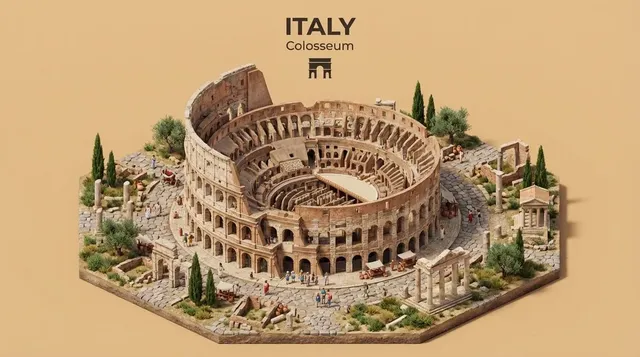
Copy AI Image Generator — Create Variations
Use copy ai image generator to generate multiple versions of the same concept. Describe a scene in different styles, mediums, or color palettes to explore.
AI Image Generator
0/20000 characters
My images
Loading...
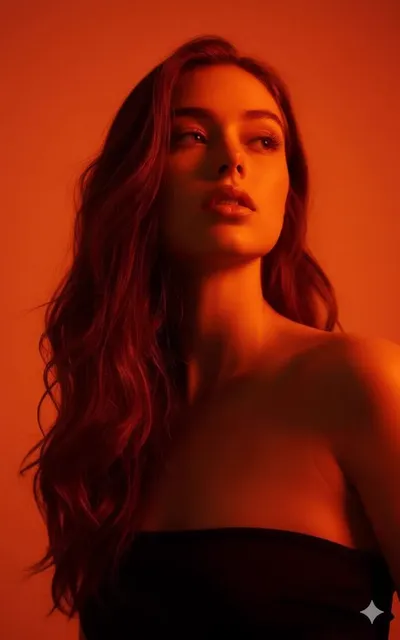
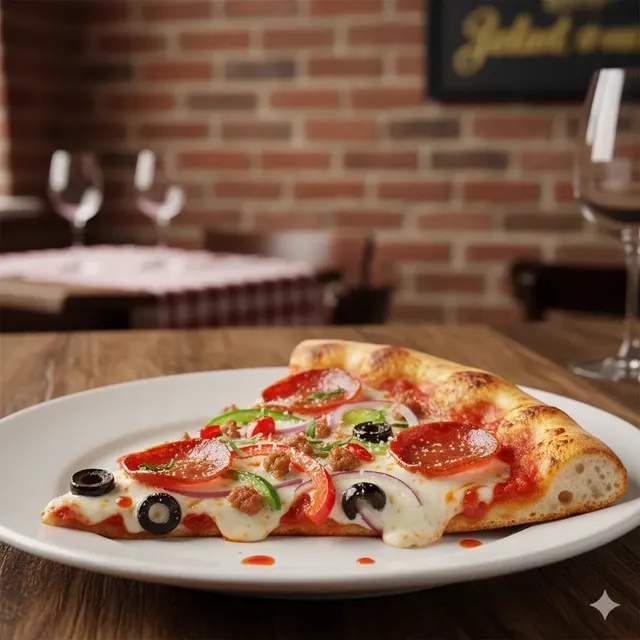
What is a copy AI image generator?
A copy AI image generator creates variations of a visual concept by reinterpreting the same core subject in different styles, mediums, or treatments. You keep the main subject consistent while changing descriptive elements like artistic style, color palette, composition, or medium to produce alternative versions. This approach helps you explore creative directions and find the best visual representation for a concept.
Copy AI Image Generator — Create Variations
Style reinterpretation
Input
A classical sculpture of a human figure rendered in a digital glitch art style with pixelated fragments and neon colour shifts
Expected output
A hybrid image combining classical sculpture form with digital glitch effects, pixelated sections, and neon colour treatment
Scene with variation
Input
A cosy reading nook with an armchair and bookshelf, but reimagined as a treehouse with natural wood and fairy lights
Expected output
A cosy interior scene with reading elements translated into a treehouse setting with warm lighting and natural textures
Concept in different medium
Input
A city skyline originally in photography style, now as a watercolour painting with soft edges and visible brush strokes
Expected output
A cityscape with watercolour treatment, soft colour washes, visible paper texture, and atmospheric blending
Generate variations and reinterpretations of visual concepts by describing them in different styles, mediums, or compositional approaches.
Create variations
Generate different versions of a visual concept by changing descriptive elements like style, medium, or colour palette.
Explore stylistic alternatives
Describe the same subject in different visual styles to explore creative alternatives from a single concept.
Iterate through description
Refine your prompt between generations to adjust the visual result without starting from scratch.
How It Works
1
Step 1
Describe the desired image.
2
Step 2
Choose the available generation settings.
3
Step 3
Generate, review, and download a suitable result.
Tips for better results
Follow these guidelines to get the most out of the image generation tool.
Input Constraints
- Describe the subject, setting, and mood clearly.
- Use specific visual details rather than vague terms.
- Keep prompts focused on one main scene or concept.
Practical Tips
- Start with a simple prompt and add details gradually.
- Adjust one generation setting at a time to see its effect.
- Review each result and note what you would change.
- Use descriptive colours, lighting, and texture terms.
- Try different style keywords to explore visual directions.
Privacy
- Do not upload personal or sensitive material unless you have permission to use it.
Usage Rights
- Confirm that you have the rights needed for the inputs and intended use of the result.
Prompt recipes
Copy a structure, then adjust the subject, lighting, camera, and output details for your own result.
Photorealistic to illustration
A photorealistic mountain landscape with a lake and pine trees, now reimagined as a bold flat-color vector illustration with simplified shapes and strong outlines, vibrant primary colors
Keeps the core subject intact while completely changing the visual treatment from realistic to graphic, making the transformation clear and dramatic.
Modern to vintage treatment
A modern minimalist living room with clean lines and neutral tones, reinterpreted as a 1970s vintage interior with warm wood paneling, shag carpet, and retro orange accents
Maintains the room concept while shifting the era and aesthetic, allowing direct comparison of modern versus vintage approaches to the same space.
Realistic to abstract
A realistic portrait of a person looking thoughtful, transformed into a cubist abstract composition with fragmented geometric planes, bold colors, and multiple perspective angles
Takes a recognizable subject and applies a radical stylistic shift, creating a meaningful variation that explores artistic interpretation rather than literal representation.
Day to night scene
A busy city street during daytime with cars and pedestrians, now depicted at night with neon signs glowing, wet pavement reflecting lights, and a noir cinematic atmosphere
Changes the lighting and mood while keeping the same location and composition, demonstrating how time-of-day shifts create entirely different emotional tones.
Watercolor to oil painting
A garden scene with flowers and a stone path, originally in soft watercolor style, now rendered as a thick oil painting with visible impasto texture, rich saturated colors, and bold brush strokes
Explores the same subject through two distinct traditional painting mediums, highlighting how technique and texture affect the final visual impact.
Best use cases
Match the workflow to the input you have and the result you need before opening the generator.
Exploring style directions for a concept
Input: A consistent subject description with varied style keywords like photorealistic, watercolor, vector, or abstract
Result: Multiple versions of the same concept in different artistic styles for comparison
Tool: Text to Image with style-focused prompt variations
Creating before/after design concepts
Input: The same scene described first in one treatment, then with explicit transformation keywords like 'reimagined as' or 'now depicted as'
Result: Contrasting versions showing how style, era, or mood changes affect the same subject
Tool: Text to Image with transformation language in the prompt
Generating color palette alternatives
Input: A fixed composition with different color palette descriptions in each variation
Result: The same scene rendered in warm tones, cool tones, monochrome, or vibrant colors
Tool: Text to Image with color-focused prompt adjustments
Testing compositional changes
Input: The same subject with different framing, perspective, or layout descriptions
Result: Multiple compositional treatments of the same visual concept
Tool: Text to Image with composition keywords like close-up, wide angle, or overhead
Limitations to know before generating
- Subtle variations may be hard to control; results sometimes differ more or less than intended
- The tool interprets style keywords differently depending on context, so consistency across generations is not guaranteed
- Complex transformations involving multiple simultaneous changes may produce unpredictable results
- You may need several attempts to achieve a variation that matches your exact vision
- Fine details and specific elements may shift unexpectedly when changing styles or mediums
Creative Suite: AI Video Generator & AI Image Generator Tools
Power up your creative workflow with our AI-driven tools. Generate stunning videos, create images, and apply custom adjustments - our AI Video Generator and AI Image Generator offer a complete solution for all your creative needs.
Strictly Prohibits Adult/NSFW Content








Pricing
Choose the credit package that works best for you.
No hidden fees • Cancel anytime • Unused credits roll over
Starter
Perfect for trying out AI creation.
Credits
200 credits / month
- Up to 20 videos per month
- Up to 100 images per month
$6.99/ month$9.9930% OFF
Billed monthly
First-time subscribers get 30% off their first month, then standard price
What's included
- Credits never expire
- Standard models
- HD, Watermark-Free Downloads
- Private Generation
- Faster Generation Speed
- Ad-free experience
Basic
Perfect for light creators.
Credits
500 credits / month
- Up to 50 videos per month
- Up to 250 images per month
$13.99/ month$19.9930% OFF
Billed monthly
First-time subscribers get 30% off their first month, then standard price
What's included
- Credits never expire
- Standard models
- HD, Watermark-Free Downloads
- Private Generation
- Faster Generation Speed
- Ad-free experience
Pro
PopularBest value for creators
Credits
1,200 credits / month
- Up to 120 videos per month
- Up to 600 images per month
$39.99/ month
Billed monthly
What's included
- Credits never expire
- All models + Early access to new models
- HD, Watermark-Free Downloads
- Private Generation
- Faster Generation Speed
- Ultra HD resolution
- Ad-free experience
Ultra
For video creators and power users.
Credits
5,000 credits / month
- Up to 500 videos per month
- Up to 2,500 images per month
$99.99/ month
Billed monthly
What's included
- Credits never expire
- All models + Early access to new models
- HD, Watermark-Free Downloads
- Private Generation
- Faster Generation Speed
- Ultra HD resolution
- Ad-free experience
Free
Standard models only — upgrade to unlock premium models.
Credits
10 free credits on signup
Questions? Contact us at support@domer.io
Ready to generate your images?
Open the /text-to-image tool, describe your scene, and start creating visuals from your imagination.