
Cutout AI Art Generator
Create layered, cutout-style art with a cutout AI art generator. Describe the subject and style, generate options, review details, and download the best fit.
AI Image Generator
0/20000 characters
My images
Loading...
What is a cutout AI art generator?
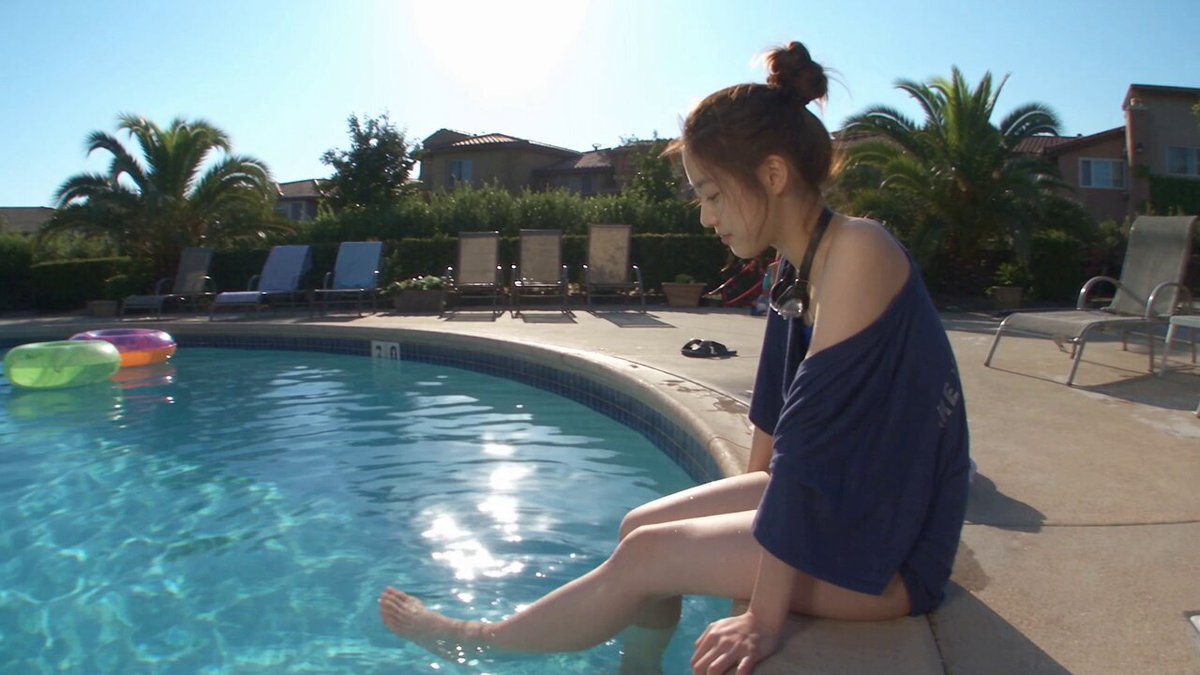
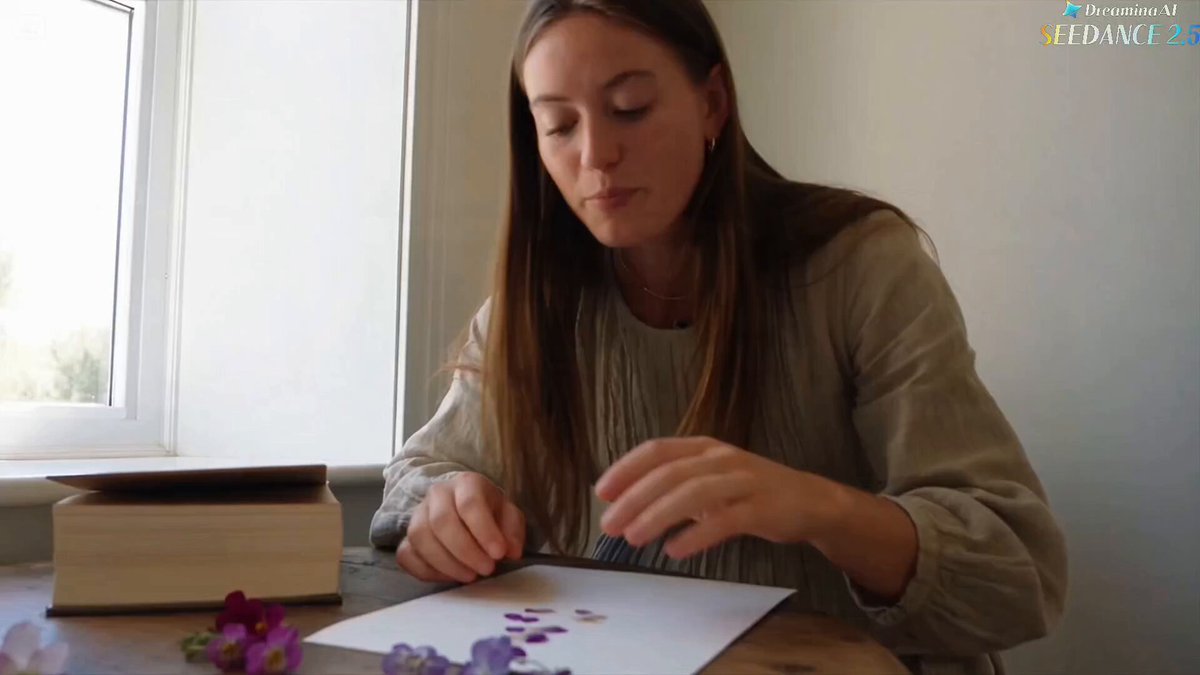
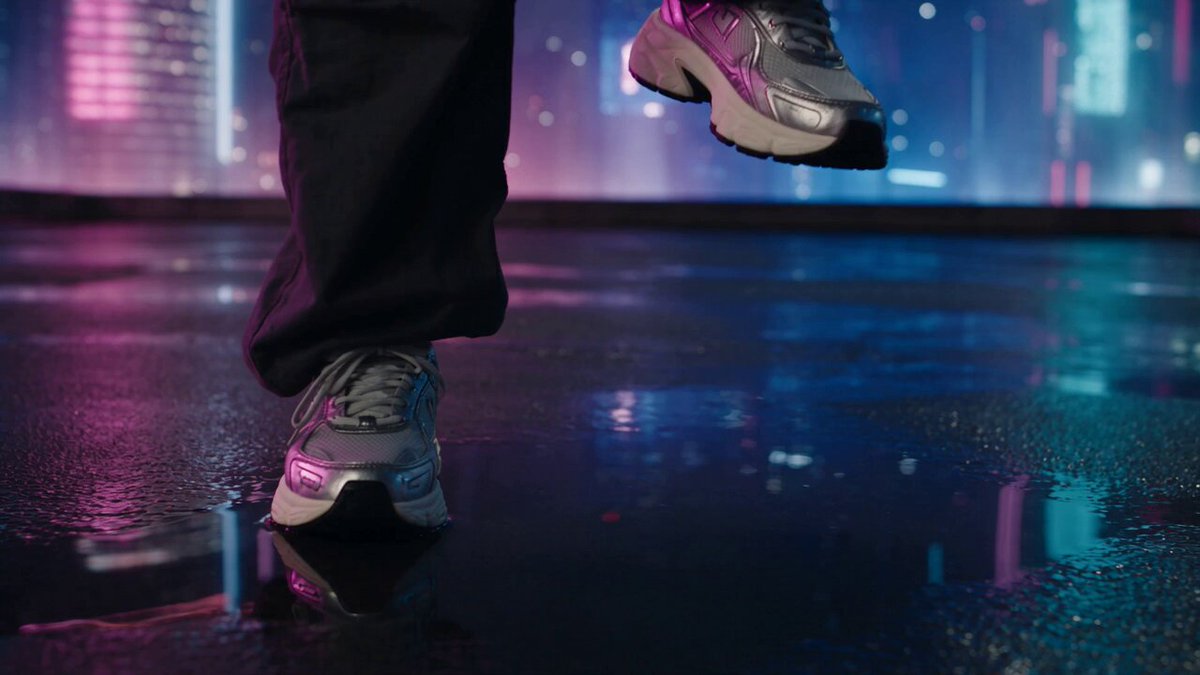
A cutout AI art generator creates images with a layered, separated appearance—subjects with clean edges, flat colors, bold outlines, or paper-cut effects. You describe the subject, the cutout style (paper-cut, silhouette, sticker, clip art), colors, and background, then the tool generates art with distinct visual separation. Review the result for edge clarity and layer definition, and adjust your prompt for cleaner cutout effects.
Cutout AI Art Generator
Paper-cut bird illustration
Input
A paper-cut style illustration of a blue bird sitting on a branch, layered paper effect with shadows between layers, craft style
Expected output
A bird and branch rendered as layered paper cutouts, each layer casting a slight shadow on the one below, craft aesthetic
Layered city silhouette
Input
A layered silhouette of a city skyline at sunset, three depth layers, orange gradient sky, buildings getting smaller in the distance
Expected output
A multi-layer cityscape with the closest buildings as dark silhouettes, lighter distant layers, warm sunset gradient behind
Sticker-style character
Input
A cute cartoon cat with a thick outline, solid bright colours, white-looking background, sticker or clip art style
Expected output
A cat character with bold black outlines, flat bright colours, no background detail, sticker-art aesthetic
Generate art with cutout-style visuals—clean-edged subjects that appear separated or layered
Clean graphic compositions
Create cutout-style artwork for collages, stickers, and presentations without graphic design software.
Ready-to-composite subjects
Generate subjects with clean edges that are easy to use in other design compositions.
Layered visual style
Explore depth through layered cutout effects described in your text prompt.
How It Works
1
Describe the cutout subject
Describe the desired image.
2
Choose generation settings
Choose the available generation settings.
3
Generate and review
Generate, review, and download a suitable result.
Tips for cutout-style results
Get clean, separated subjects from your prompts.
Input Constraints
- Describe the cutout style: paper-cut, silhouette, sticker, or clip art.
- Mention clean edges, outlines, or bold borders for a more defined cutout look.
- Use flat colour descriptions rather than complex gradients for cleaner separation.
Practical Tips
- Specify 'white background' or 'no background detail' to isolate the subject.
- For layered effects, describe each layer from back to front in your prompt.
- Use 'paper shadow' or 'layer shadow' to suggest depth between cutout layers.
Privacy
- Do not upload personal or sensitive material unless you have permission to use it.
Usage Rights
- Confirm that you have the rights needed for the inputs and intended use of the result.
Prompt recipes
Copy a structure, then adjust the subject, lighting, camera, and output details for your own result.
Multi-layer mountain landscape
A paper-cut landscape with four mountain layers, darkest in front to lightest in back, blue to teal gradient, each layer with visible paper shadow, craft art style
Specifies layer count, depth gradient, and shadows to create clear visual separation and paper-craft aesthetic.
Bold sticker character
A cheerful sun character with a thick black outline, solid yellow fill, simple smiling face, sticker style, white background, no shading
Uses bold outline, flat color, and no background detail for a clean sticker-ready cutout appearance.
Silhouette scene
A silhouette of a person on a bicycle at sunset, solid black cutout, no internal detail, vibrant orange and pink gradient sky behind, clean edges
Focuses on solid silhouette with no internal complexity, creating strong contrast and clean cutout separation from background.
Layered paper flowers
A layered paper flower bouquet, three depth layers, pink and white petals, green leaves, each layer slightly offset with soft shadows, craft style, cream background
Describes layer count, offset arrangement, and shadows to convey depth in a paper-cut floral composition.
Clip-art icon set
A set of three simple icons—house, tree, car—each with bold outlines, flat solid colors, white background, clip-art style, evenly spaced
Specifies multiple subjects, outline emphasis, flat color, and layout for a cohesive cutout-style icon collection.
Best use cases
Match the workflow to the input you have and the result you need before opening the generator.
Collage or scrapbook element
Input: Paper-cut style, layered description, shadows, craft aesthetic
Result: A cutout-style element with depth and texture for physical or digital collage projects
Tool: Text to Image
Sticker design
Input: Bold outline, flat colors, simple background, sticker or clip-art style
Result: A clean-edged sticker design ready for printing or digital use
Tool: Text to Image
Presentation or infographic graphic
Input: Silhouette or simple cutout, solid colors, no background clutter
Result: A clean graphic element easy to overlay on slides or infographic backgrounds
Tool: Text to Image
Craft project template
Input: Layered paper-cut, clear layer descriptions, shadow details, craft style
Result: A template-style image to guide physical paper-cut craft projects
Tool: Text to Image
Limitations to know before generating
- The tool generates a single image that simulates cutout style; it does not produce separate layers or transparent backgrounds for compositing.
- Complex subjects with many internal details may not render cleanly in cutout styles; simpler shapes produce better results.
- Describing 'transparent background' will not produce an actual transparent PNG; you may need to remove backgrounds in editing software.
- Shadow and layer effects are visual simulations in the generated image, not actual 3D depth or separate layers.
- Cutout aesthetics work best with bold, simple subjects; intricate textures or gradients can reduce the clean-edge effect.
Creative Suite: AI Video Generator & AI Image Generator Tools
Power up your creative workflow with our AI-driven tools. Generate stunning videos, create images, and apply custom adjustments - our AI Video Generator and AI Image Generator offer a complete solution for all your creative needs.
Strictly Prohibits Adult/NSFW Content








Pricing
Choose the credit package that works best for you.
No hidden fees • Cancel anytime • Unused credits roll over
Starter
Perfect for trying out AI creation.
Credits
200 credits / month
- Up to 20 videos per month
- Up to 100 images per month
$6.99/ month$9.9930% OFF
Billed monthly
First-time subscribers get 30% off their first month, then standard price
What's included
- Credits never expire
- Standard models
- HD, Watermark-Free Downloads
- Private Generation
- Faster Generation Speed
- Ad-free experience
Basic
Perfect for light creators.
Credits
500 credits / month
- Up to 50 videos per month
- Up to 250 images per month
$13.99/ month$19.9930% OFF
Billed monthly
First-time subscribers get 30% off their first month, then standard price
What's included
- Credits never expire
- Standard models
- HD, Watermark-Free Downloads
- Private Generation
- Faster Generation Speed
- Ad-free experience
Pro
PopularBest value for creators
Credits
1,200 credits / month
- Up to 120 videos per month
- Up to 600 images per month
$39.99/ month
Billed monthly
What's included
- Credits never expire
- All models + Early access to new models
- HD, Watermark-Free Downloads
- Private Generation
- Faster Generation Speed
- Ultra HD resolution
- Ad-free experience
Ultra
For video creators and power users.
Credits
5,000 credits / month
- Up to 500 videos per month
- Up to 2,500 images per month
$99.99/ month
Billed monthly
What's included
- Credits never expire
- All models + Early access to new models
- HD, Watermark-Free Downloads
- Private Generation
- Faster Generation Speed
- Ultra HD resolution
- Ad-free experience
Free
Standard models only — upgrade to unlock premium models.
Credits
10 free credits on signup
Questions? Contact us at support@domer.io
Create your cutout-style image now
Describe a subject with clean edges and simple background, choose your settings, and generate a cutout-style image in moments.