
Dall E 2 AI Art Generator
Describe AI art from text prompts. Describe your concept, adjust settings, and generate digital art, illustrations, or abstract compositions instantly.
AI Image Generator
0/20000 characters
My images
Loading...
What is a Dall E 2 AI art generator?
A Dall E 2 AI art generator is a text-to-image tool that creates art from written descriptions. Write what you want to see, including details about style, colors, composition, and mood, choose your settings, then generate and review. Clear descriptions with specific details produce more accurate results.
Dall E 2 AI Art Generator
Create digital art
Input
A futuristic cityscape at night with glowing neon signs and flying vehicles, cyberpunk style, vivid colors with dramatic lighting
Expected output
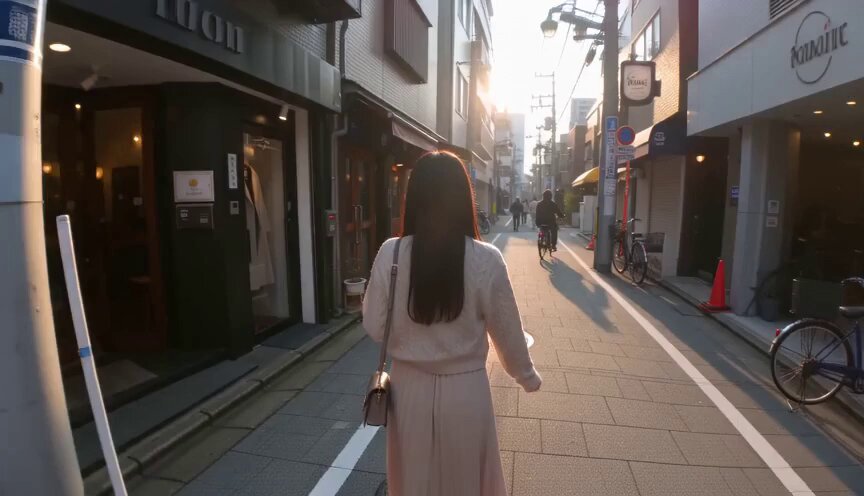
A generated image showing a neon-lit futuristic city scene with flying vehicles and dramatic atmosphere
Design abstract composition
Input
An abstract composition with geometric shapes in teal, coral, and gold, overlapping with soft gradients, modern minimalist style
Expected output
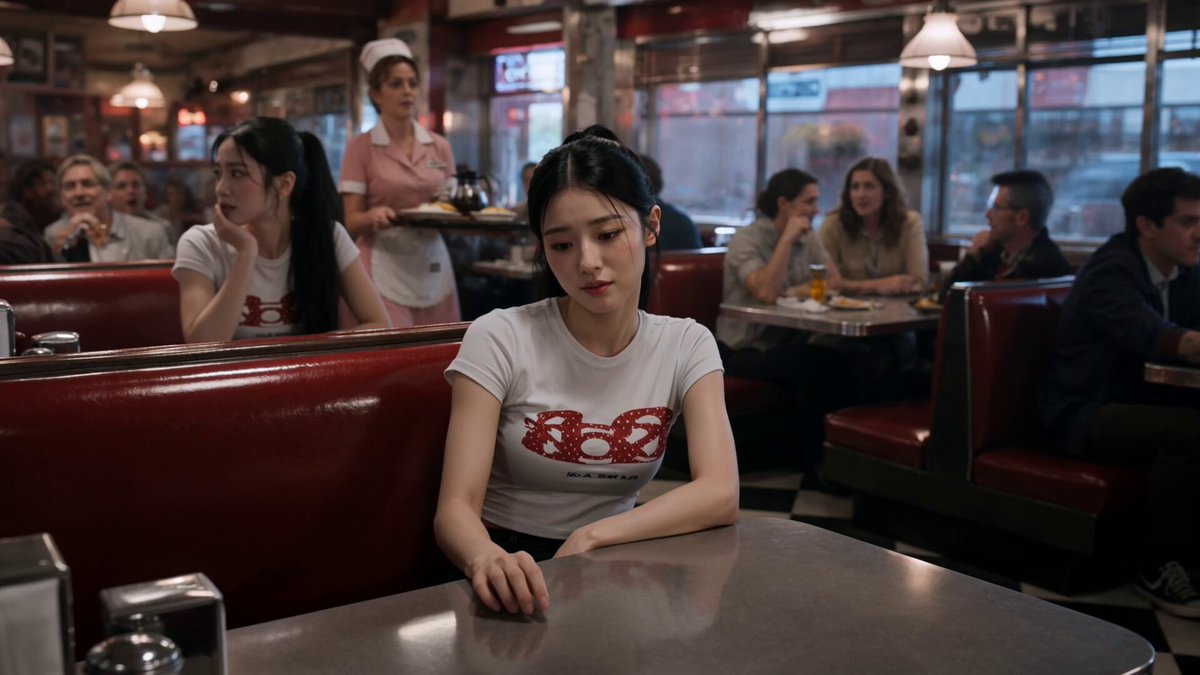
A generated abstract visual with geometric shapes in the specified color palette and modern aesthetic
Generate illustration
Input
A whimsical forest illustration with glowing mushrooms, a winding path, soft pastel colors, storybook style
Expected output
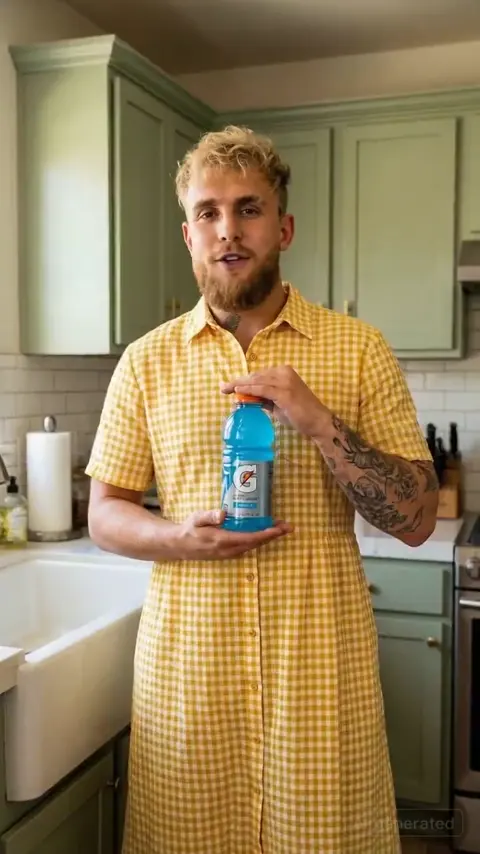
A generated illustration showing a fantasy forest scene with storybook charm and soft colors
Generate AI art from text descriptions for creative, design, or personal projects
Artistic exploration
Use simple text descriptions to generate AI art images without needing design software or photography skills.
Creative inspiration
Experiment with different descriptions to explore a wide range of visual directions and find the look that fits your project.
Visual concept development
Produce visual content rapidly by describing what you need, making iteration faster than traditional creation methods.
How It Works
1
Describe your image
Describe the desired image.
2
Adjust settings
Choose the available generation settings.
3
Generate and download
Generate, review, and download a suitable result.
Tips for using the dall e 2 ai art generator
Getting the results you want starts with a clear description. These tips help you craft effective prompts.
Input Constraints
- Avoid describing real people, trademarks, or copyrighted characters.
- Focus on visual styles rather than specific brands or products.
- Keep descriptions appropriate for general audiences.
Practical Tips
- Be specific about style: realistic, cartoon, oil painting, etc.
- Describe lighting, colors, and composition.
- Mention mood or atmosphere you want to convey.
- Include details about foreground and background.
- Try shorter prompts first, then add details.
Privacy
- Do not upload personal or sensitive material unless you have permission to use it.
Usage Rights
- Confirm that you have the rights needed for the inputs and intended use of the result.
Prompt recipes
Copy a structure, then adjust the subject, lighting, camera, and output details for your own result.
Vibrant digital art
A cyberpunk street scene at night with neon signs, rain-slicked pavement reflecting colorful lights, flying vehicles above, cinematic composition
Combines specific setting details, lighting, and atmosphere to create a vivid digital art scene with strong visual impact.
Abstract modern art
Geometric shapes in shades of teal, orange, and cream overlapping with soft gradients, minimalist modern art style, balanced composition
Uses color and form without narrative to create a visually interesting abstract piece suitable for design or inspiration.
Storybook illustration
A whimsical forest path with glowing mushrooms, friendly woodland creatures, soft pastel colors, gentle lighting, children's book illustration style
Specifies art medium and mood to produce a charming, narrative-driven illustration with clear style direction.
Surreal concept art
A floating island with a waterfall cascading into clouds, lush greenery on top, soft blue sky, dreamlike and peaceful, digital painting style
Uses impossible physics and serene atmosphere to create a surreal concept with clear visual focus and style.
Character portrait for dall e 2 ai art generator
A young explorer in a leather jacket with goggles on their forehead, ancient ruins in the background, golden hour lighting, adventurous atmosphere
Combines character details with setting and lighting to create a narrative-driven portrait with emotional context.
Minimalist product visual
A sleek glass bottle on a marble surface, soft natural light from the right, pale background, clean and elegant, product photography style
Specifies material, lighting, and style for a polished product-style visual suitable for presentations or mockups.
Best use cases
Match the workflow to the input you have and the result you need before opening the generator.
Digital art for creative projects
Input: Detailed scene description with specific style, lighting, colors, and mood keywords
Result: A visual artwork suitable for creative projects, portfolios, or concept development
Tool: Text to Image
Abstract compositions for design
Input: Color palette, shape descriptions, and style keywords like 'minimalist' or 'modern art'
Result: An abstract image suitable for backgrounds, mood boards, or design inspiration
Tool: Text to Image
Illustrations for storytelling
Input: Scene description with characters, setting, mood, and illustration style like 'storybook' or 'whimsical'
Result: A narrative-driven illustration suitable for creative projects or concept exploration
Tool: Text to Image
Social media or branding visuals
Input: Simple subject with clear composition, colors, and style, mention intended use or layout
Result: A polished image suitable for social posts, branding assets, or visual content
Tool: Text to Image
Limitations to know before generating
- Generated art may require multiple prompt revisions to closely match your creative vision.
- Fine details like text, intricate patterns, or specific facial features may not render accurately.
- You are responsible for verifying that the result does not infringe on existing art styles, designs, or trademarks.
- The tool cannot guarantee the image will be suitable for all commercial uses without additional rights review.
- Style keywords guide the aesthetic but do not ensure a specific artistic technique or rendering quality.
Creative Suite: AI Video Generator & AI Image Generator Tools
Power up your creative workflow with our AI-driven tools. Generate stunning videos, create images, and apply custom adjustments - our AI Video Generator and AI Image Generator offer a complete solution for all your creative needs.
Strictly Prohibits Adult/NSFW Content








Pricing
Choose the credit package that works best for you.
No hidden fees • Cancel anytime • Unused credits roll over
Starter
Perfect for trying out AI creation.
Credits
200 credits / month
- Up to 20 videos per month
- Up to 100 images per month
$6.99/ month$9.9930% OFF
Billed monthly
First-time subscribers get 30% off their first month, then standard price
What's included
- Credits never expire
- Standard models
- HD, Watermark-Free Downloads
- Private Generation
- Faster Generation Speed
- Ad-free experience
Basic
Perfect for light creators.
Credits
500 credits / month
- Up to 50 videos per month
- Up to 250 images per month
$13.99/ month$19.9930% OFF
Billed monthly
First-time subscribers get 30% off their first month, then standard price
What's included
- Credits never expire
- Standard models
- HD, Watermark-Free Downloads
- Private Generation
- Faster Generation Speed
- Ad-free experience
Pro
PopularBest value for creators
Credits
1,200 credits / month
- Up to 120 videos per month
- Up to 600 images per month
$39.99/ month
Billed monthly
What's included
- Credits never expire
- All models + Early access to new models
- HD, Watermark-Free Downloads
- Private Generation
- Faster Generation Speed
- Ultra HD resolution
- Ad-free experience
Ultra
For video creators and power users.
Credits
5,000 credits / month
- Up to 500 videos per month
- Up to 2,500 images per month
$99.99/ month
Billed monthly
What's included
- Credits never expire
- All models + Early access to new models
- HD, Watermark-Free Downloads
- Private Generation
- Faster Generation Speed
- Ultra HD resolution
- Ad-free experience
Free
Standard models only — upgrade to unlock premium models.
Credits
10 free credits on signup
Questions? Contact us at support@domer.io
Start creating with the dall e 2 ai art generator
Open the text-to-image tool, describe what you want to create, and generate your first result in moments.