

Dalle 3 AI Image Generator Features Explained
Use dalle 3 ai image generator features to learn how to control composition, style, and detail in AI image generation. Use prompt techniques to shape your.
AI Image Generator
0/20000 characters
My images
Loading...
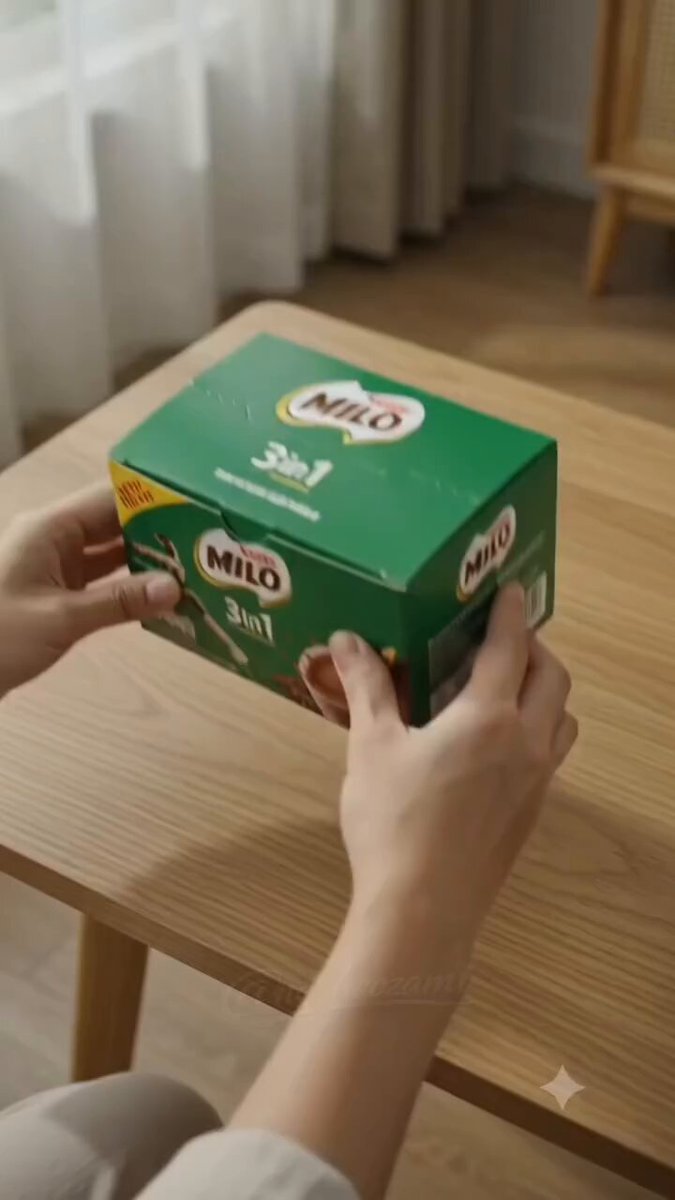
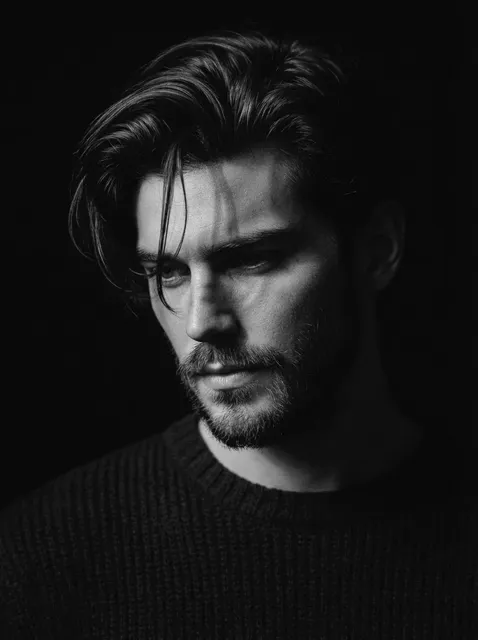
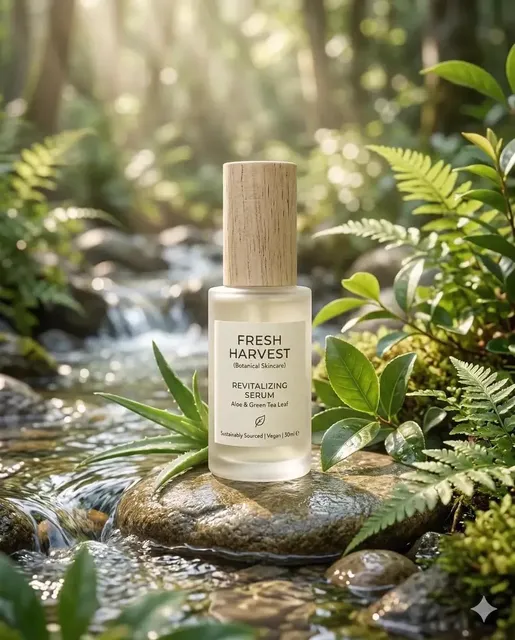
What features does a DALL-E 3 style generator offer?
Text-to-image generators respond to descriptive prompts about subject, style, composition, lighting, and mood. You control these features through your wording: framing terms direct layout, style keywords guide the look, and lighting descriptions shape atmosphere.
Dalle 3 AI Image Generator Features Explained
Controlled Composition
Input
Close-up shot of a red rose in sharp focus, green leaves blurred in the background, soft morning light from the left, shallow depth of field.
Expected output
A close-up photograph-style image with a sharply focused rose and naturally blurred background leaves.
Detailed Textured Illustration
Input
A velvet armchair with gold embroidery and fringe trim, detailed fabric texture visible, warm ambient lighting, digital painting style.
Expected output
A richly detailed illustration showing fabric weave, metallic thread, and soft shadows on a decorative armchair.
Precise Lighting Control
Input
A glass bottle on a rustic wooden table, strong sunlight streaming from a window on the left, casting a long shadow to the right, dust particles visible in the light beam.
Expected output
A still life with directional sunlight, visible dust motes, a glass bottle with subtle reflections, and a defined shadow.
Understand and apply text-to-image generation features through prompt design
Understand generation capabilities
Learn what visual features the tool handles well and how to trigger them through prompt design.
Control composition through prompts
Use framing terms like 'close-up', 'wide shot', and 'from above' to direct the visual layout.
Style and mood direction
Incorporate style references and mood descriptions to guide the overall look of the generated image.
How It Works
1
Describe the image
Describe the desired image.
2
Choose settings
Choose the available generation settings.
3
Generate and download
Generate, review, and download a suitable result.
Making the most of generation features
How to use available features in your prompts.
Input Constraints
- Use framing language to control composition.
- Describe lighting direction for more natural results.
- Avoid mixing incompatible visual styles in one prompt.
- Be specific about textures and materials for detailed results.
- Keep the prompt focused on one scene or subject.
Practical Tips
- Mention 'shallow depth of field' for portrait-style focus effects.
- Describe the light source position for better shadow placement.
- Include texture words like 'smooth', 'rough', or 'glossy' for material detail.
- Combine a subject with an environment for richer compositions.
Privacy
- Do not upload personal or sensitive material unless you have permission to use it.
Usage Rights
- Confirm that you have the rights needed for the inputs and intended use of the result.
Prompt recipes
Copy a structure, then adjust the subject, lighting, camera, and output details for your own result.
Shallow depth of field portrait
Close-up portrait of a woman with curly brown hair wearing a red scarf, soft focus background of a city street, shallow depth of field, natural window light from the right
Combines framing, focus control, and lighting direction to produce a portrait with professional bokeh and dimensional lighting.
Directional lighting still life
A brass teapot and ceramic cup on a dark wooden table, single spotlight from above-left casting dramatic shadows to the right, reflective highlights on metal
Specific light source position and shadow direction create a controlled, studio-like result with clear dimensionality.
Detailed texture close-up
Extreme close-up of weathered driftwood showing grain, cracks, and barnacle texture, macro photography style, even diffused lighting
Macro framing and texture keywords push the tool toward fine surface detail and material realism.
Atmospheric wide shot
Wide shot of a misty forest at dawn, beams of sunlight breaking through the canopy, silhouette of a deer in the middle distance, cinematic composition
Wide framing, atmospheric elements, and cinematic cue produce a scene with depth, mood, and storytelling.
Low-angle dynamic composition
Low-angle shot of a skateboarder mid-jump against a clear blue sky, motion blur on the board, sharp focus on the person, dramatic perspective
Camera angle and motion cues create a sense of action and scale, suitable for dynamic subjects.
Best use cases
Match the workflow to the input you have and the result you need before opening the generator.
Product photography mockups
Input: Product with lighting direction, background, and focus control
Result: Professional-looking product shots with controlled lighting and depth
Tool: /text-to-image
Cinematic scene concepts
Input: Wide or dramatic framing with mood and lighting cues
Result: Atmospheric visuals with storytelling composition
Tool: /text-to-image
Material and texture studies
Input: Close-up framing with detailed texture and lighting descriptions
Result: Images showing surface detail and material properties
Tool: /text-to-image
Character portraits with depth
Input: Portrait framing with shallow depth of field and directional light
Result: Character images with professional focus and lighting
Tool: /text-to-image
Limitations to know before generating
- Complex lighting setups may require multiple prompt iterations to achieve the desired result
- Very specific framing or camera angles may not always match photographic terminology exactly
- Texture and material detail depend on the model's training data and may not match every real-world material
- Combining too many feature requests in one prompt can dilute the effect of each
- Generated images should be reviewed for accuracy, especially when precise visual control is needed
Creative Suite: AI Video Generator & AI Image Generator Tools
Power up your creative workflow with our AI-driven tools. Generate stunning videos, create images, and apply custom adjustments - our AI Video Generator and AI Image Generator offer a complete solution for all your creative needs.
Strictly Prohibits Adult/NSFW Content








Pricing
Choose the credit package that works best for you.
No hidden fees • Cancel anytime • Unused credits roll over
Starter
Perfect for trying out AI creation.
Credits
200 credits / month
- Up to 20 videos per month
- Up to 100 images per month
$6.99/ month$9.9930% OFF
Billed monthly
First-time subscribers get 30% off their first month, then standard price
What's included
- Credits never expire
- Standard models
- HD, Watermark-Free Downloads
- Private Generation
- Faster Generation Speed
- Ad-free experience
Basic
Perfect for light creators.
Credits
500 credits / month
- Up to 50 videos per month
- Up to 250 images per month
$13.99/ month$19.9930% OFF
Billed monthly
First-time subscribers get 30% off their first month, then standard price
What's included
- Credits never expire
- Standard models
- HD, Watermark-Free Downloads
- Private Generation
- Faster Generation Speed
- Ad-free experience
Pro
PopularBest value for creators
Credits
1,200 credits / month
- Up to 120 videos per month
- Up to 600 images per month
$39.99/ month
Billed monthly
What's included
- Credits never expire
- All models + Early access to new models
- HD, Watermark-Free Downloads
- Private Generation
- Faster Generation Speed
- Ultra HD resolution
- Ad-free experience
Ultra
For video creators and power users.
Credits
5,000 credits / month
- Up to 500 videos per month
- Up to 2,500 images per month
$99.99/ month
Billed monthly
What's included
- Credits never expire
- All models + Early access to new models
- HD, Watermark-Free Downloads
- Private Generation
- Faster Generation Speed
- Ultra HD resolution
- Ad-free experience
Free
Standard models only — upgrade to unlock premium models.
Credits
10 free credits on signup
Questions? Contact us at support@domer.io
Explore image generation features
Open the text-to-image tool and try using composition and style prompts.