
Diffusion AI Photo Generator — Realistic
Use diffusion ai photo generator to create photorealistic images from text. Describe your scene, lighting, and subject, then review and download detailed.
AI Image Generator
0/20000 characters
My images
Loading...
What is a diffusion AI photo generator?
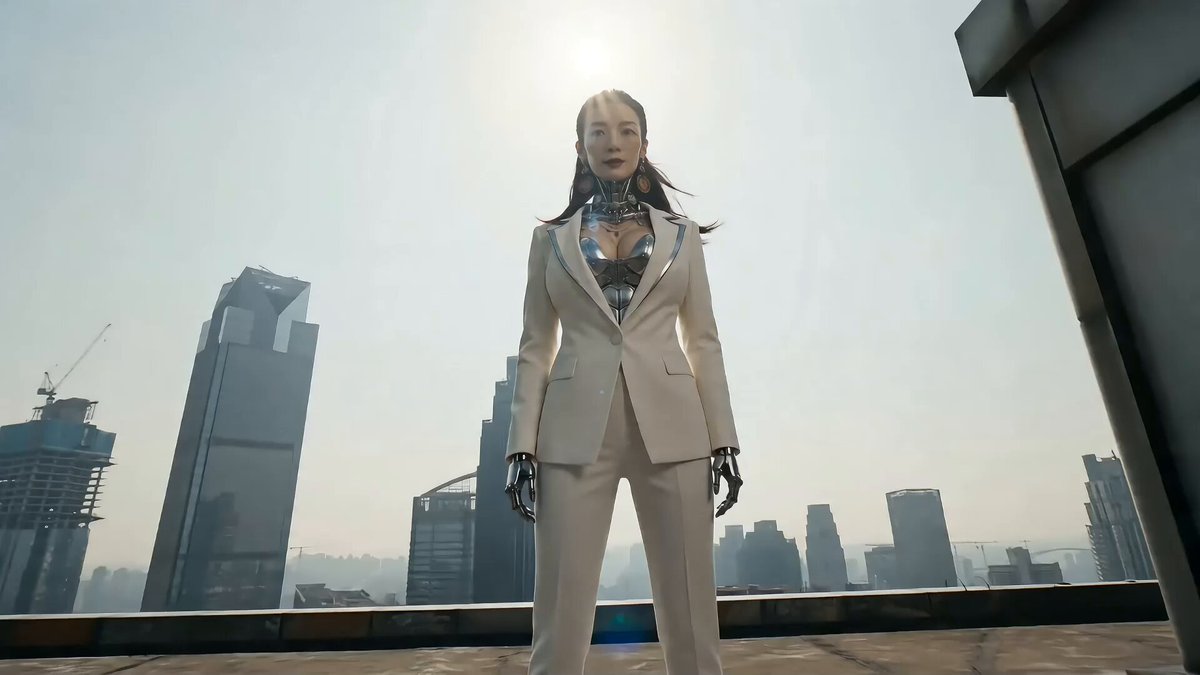
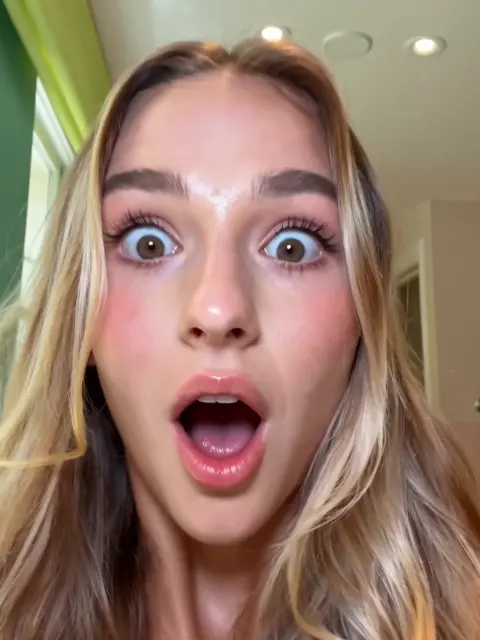
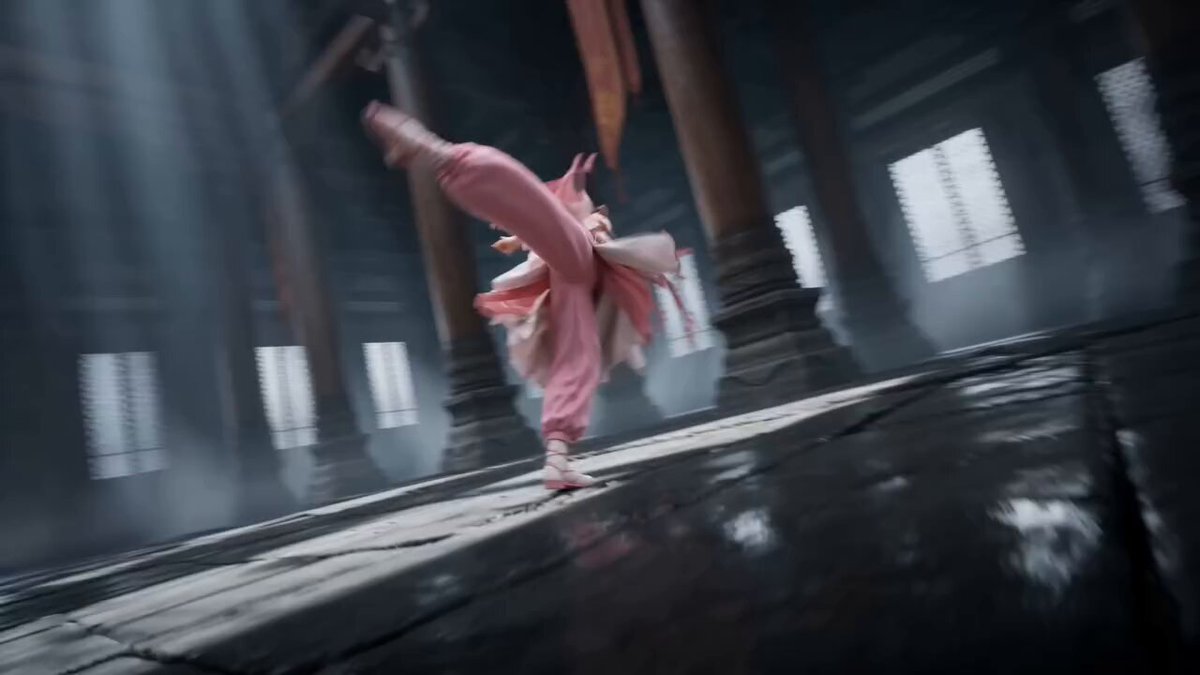
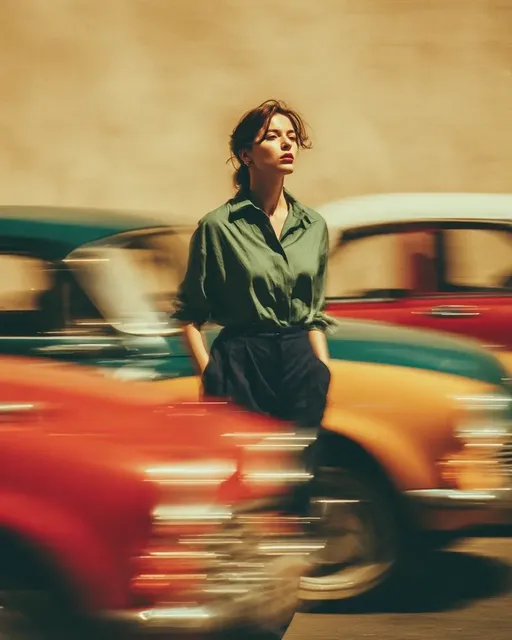
A diffusion AI photo generator creates realistic-looking photographs from text descriptions. You describe the subject, lighting, camera angle, and setting you want, and the tool generates a photorealistic image without needing a camera or studio.
Diffusion AI Photo Generator — Realistic
Realistic Portrait
Input
A woman in her thirties with freckles and brown curly hair, soft natural window light, neutral background
Expected output
A realistic portrait with natural skin texture, warm window lighting creating soft shadows, and a clean blurred background
Product Photo
Input
A matte black ceramic coffee mug on a light wooden surface, top-down view, bright diffused studio lighting
Expected output
A clean product-style photograph with a centered mug, soft even lighting, and subtle shadows on the wooden surface
Travel Landscape
Input
A winding cobblestone street in a European village at golden hour, flower boxes on windows, warm sunlight
Expected output
A scenic street photograph with warm golden light, textured cobblestones, colorful flowers, and distant architectural details
Generate photorealistic images from text prompts.
Photo-Quality Outputs
Generate realistic-looking photographs from text without needing a camera or studio setup
Scene Control Through Text
Describe lighting, angles, and subjects to guide the photographic look of your generated image
Rapid Visual Prototyping
Explore different photographic compositions by changing a few words in your prompt
How It Works
1
Describe the image
Describe the desired image.
2
Choose settings
Choose the available generation settings.
3
Generate and review
Generate, review, and download a suitable result.
Tips for photorealistic prompts
Realistic results come from specific, concrete descriptions.
Input Constraints
- Start with the main subject and its key features
- Add lighting information early in the prompt
- Describe the environment after the subject
- Include camera perspective cues for composition
- Review results before deciding on a final version
- Avoid abstract or overly artistic language when you want photorealism
Practical Tips
- Use photography terms like shallow depth of field, soft focus, or wide angle
- Specify lighting types such as golden hour, studio, or overcast
- Mention materials and textures for realistic surfaces
- Describe the weather or time of day for outdoor scenes
- Keep the subject count low for cleaner compositions
Privacy
- Do not upload personal or sensitive material unless you have permission to use it.
Usage Rights
- Confirm that you have the rights needed for the inputs and intended use of the result.
Prompt recipes
Copy a structure, then adjust the subject, lighting, camera, and output details for your own result.
Natural light portrait
A close-up portrait of a man in his forties with gray stubble, wearing a denim shirt, soft window light from the left, shallow depth of field, neutral background
Uses specific age, clothing, and lighting direction to guide realism, shallow depth of field adds professional portrait depth, neutral background keeps focus on the subject.
Product on texture
A leather-bound notebook on a dark wooden desk with a fountain pen beside it, overhead view, warm desk lamp lighting, subtle shadows
Names materials like leather and wood, specifies overhead view for clean composition, warm lamp creates realistic lighting with shadows that add depth.
Outdoor architecture
A modern glass building reflecting the sunset sky, shot from ground level looking up, vivid orange and pink clouds, sharp focus on the building edges
Describes camera angle (ground level, looking up), specifies the reflective quality of glass, uses time-of-day lighting for dramatic color and mood.
Food photography
A slice of chocolate cake on a white ceramic plate, fork resting beside it, shallow focus on the cake layers, diffused natural light, marble countertop
Uses food photography conventions like shallow focus and natural light, names materials (ceramic, marble) for texture, describes composition with the fork for context.
Street scene realism
A rainy city street at night with reflections of neon signs in wet pavement, pedestrians with umbrellas in motion blur, shallow depth of field, cinematic lighting
Combines weather, time of day, and motion blur for dynamic realism, reflections and neon add visual interest, cinematic lighting guides the photographic mood.
Best use cases
Match the workflow to the input you have and the result you need before opening the generator.
Visual concepts for photography
Input: Detailed scene descriptions with lighting, camera angle, and subject details
Result: Photorealistic reference images to plan real photo shoots or present visual concepts to clients
Tool: Text to Image
Product mockup visuals
Input: Product description with surface materials, lighting setup, and camera perspective
Result: Realistic product images for e-commerce concepts, presentations, or early-stage design review
Tool: Text to Image
Travel and location concepts
Input: Location type, time of day, weather, and architectural or natural features
Result: Photorealistic scene visuals for travel content, location scouting references, or creative storytelling
Tool: Text to Image
Limitations to know before generating
- Realism depends on prompt specificity; vague descriptions produce generic results.
- Fine details like skin texture, fabric weave, or complex reflections may vary between generations.
- The tool creates photorealistic images but not actual photographs; review each result for accuracy before presenting it as real.
- Scenes with many subjects or complex interactions are harder to render realistically than simple compositions.
- For professional use, confirm you have the rights needed for your inputs and intended use of the result.
Creative Suite: AI Video Generator & AI Image Generator Tools
Power up your creative workflow with our AI-driven tools. Generate stunning videos, create images, and apply custom adjustments - our AI Video Generator and AI Image Generator offer a complete solution for all your creative needs.
Strictly Prohibits Adult/NSFW Content








Pricing
Choose the credit package that works best for you.
No hidden fees • Cancel anytime • Unused credits roll over
Starter
Perfect for trying out AI creation.
Credits
200 credits / month
- Up to 20 videos per month
- Up to 100 images per month
$6.99/ month$9.9930% OFF
Billed monthly
First-time subscribers get 30% off their first month, then standard price
What's included
- Credits never expire
- Standard models
- HD, Watermark-Free Downloads
- Private Generation
- Faster Generation Speed
- Ad-free experience
Basic
Perfect for light creators.
Credits
500 credits / month
- Up to 50 videos per month
- Up to 250 images per month
$13.99/ month$19.9930% OFF
Billed monthly
First-time subscribers get 30% off their first month, then standard price
What's included
- Credits never expire
- Standard models
- HD, Watermark-Free Downloads
- Private Generation
- Faster Generation Speed
- Ad-free experience
Pro
PopularBest value for creators
Credits
1,200 credits / month
- Up to 120 videos per month
- Up to 600 images per month
$39.99/ month
Billed monthly
What's included
- Credits never expire
- All models + Early access to new models
- HD, Watermark-Free Downloads
- Private Generation
- Faster Generation Speed
- Ultra HD resolution
- Ad-free experience
Ultra
For video creators and power users.
Credits
5,000 credits / month
- Up to 500 videos per month
- Up to 2,500 images per month
$99.99/ month
Billed monthly
What's included
- Credits never expire
- All models + Early access to new models
- HD, Watermark-Free Downloads
- Private Generation
- Faster Generation Speed
- Ultra HD resolution
- Ad-free experience
Free
Standard models only — upgrade to unlock premium models.
Credits
10 free credits on signup
Questions? Contact us at support@domer.io
Start generating photo-realistic images
Open the Text to Image tool and describe the photograph you want to create.