
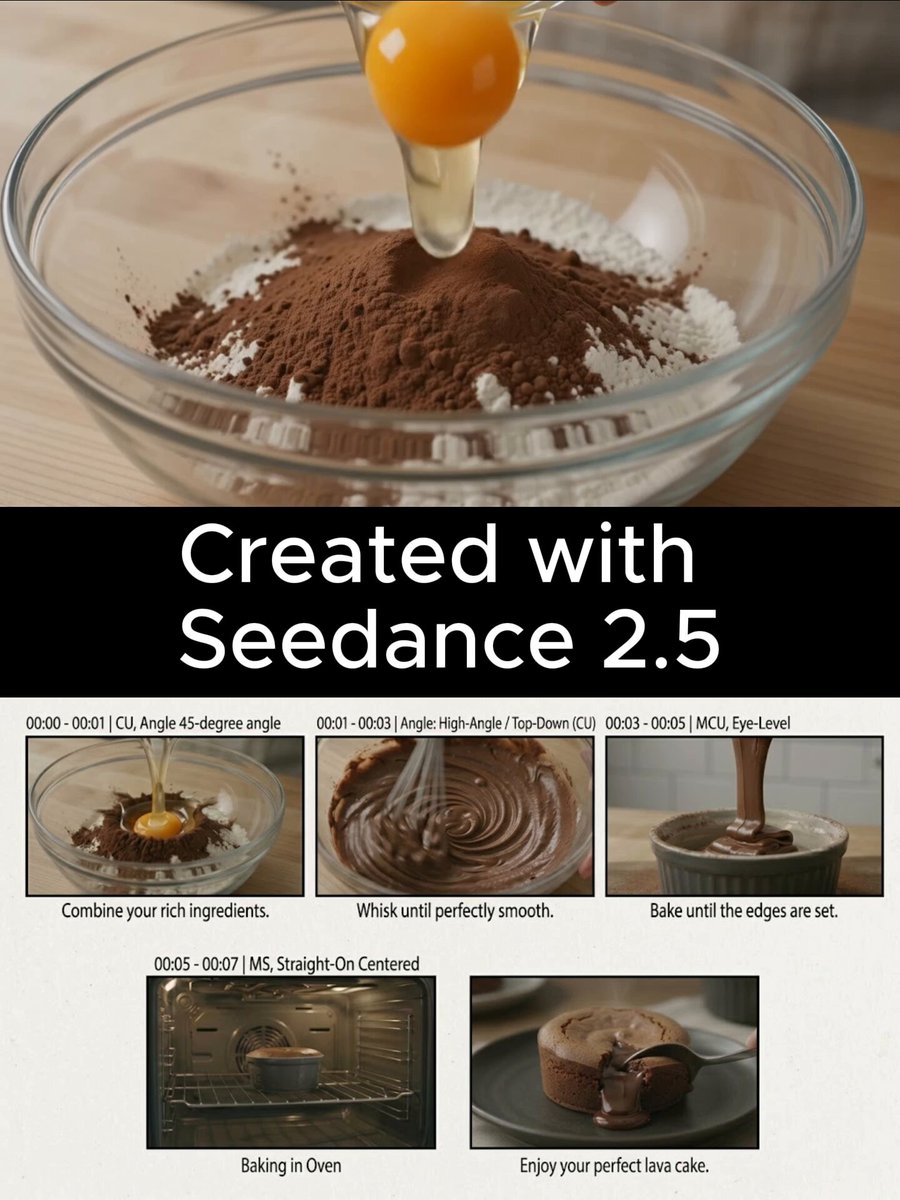
High Definition AI Image Generator from Text
Create clear images by writing detailed prompts that name textures, lighting, and scene elements. Describe what you want to see and review the result.
AI Image Generator
0/20000 characters
My images
Loading...
What is a high definition AI image generator?
A high definition AI image generator creates clear, detailed images from text descriptions. You write a prompt that names the subject, lighting, textures, and scene details you want, then review the generated image before downloading it. The clarity and detail of the result depend on how specific your description is, not on automatic quality settings.
High Definition AI Image Generator from Text
Detailed product close-up
Input
A close-up of a silver wristwatch on dark slate with crisp numerals, visible strap texture, and sharp studio lighting
Expected output
A detailed product-style image of the watch with visible texture and crisp lighting, ready to review.
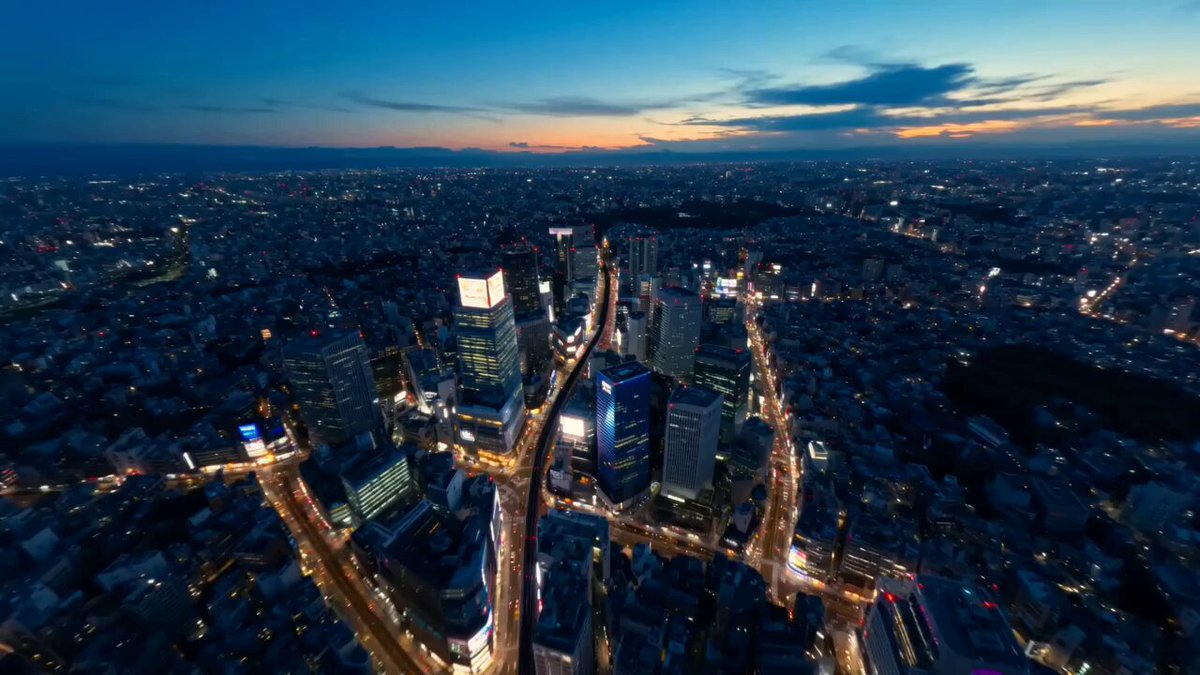
City skyline at dusk
Input
A wide view of a city skyline at dusk with clear building outlines, warm window lights, and a smooth sky gradient
Expected output
A wide cityscape image with clear building outlines and warm dusk light as described.
Botanical study
Input
A large sunflower with layered petals and visible leaf veins on a clean white background, botanical drawing style
Expected output
A botanical-style image of the sunflower with layered petals on a clean background.
Turn a detailed text description into a clear, reviewable image by naming the subject, lighting, and scene details explicitly in your prompt.
Detail shows up where you name it
When you name textures, lighting, and small features in the prompt, the generated image follows that description more closely.
Review before you download
Check each generated image for the details you wanted, then keep only the result that fits your project.
Simple route from idea to image
The fixed workflow stays the same each time: describe the scene, choose settings, generate, review, and download.
How It Works
1
Describe the scene
Describe the desired image.
2
Choose your settings
Choose the available generation settings.
3
Generate and review
Generate, review, and download a suitable result.
Describing detail for clearer results
Small details in the prompt usually show up in the generated image, so it helps to be specific.
Input Constraints
- Describe the subject, setting, and any details you want to see.
- Keep the scene clear and avoid stacking too many subjects into one prompt.
- Review the generated image before downloading or reusing it.
- Avoid personal or sensitive material unless you have permission to use it.
Practical Tips
- Start with the main subject, then add lighting, texture, and background.
- Mention a style when it matters, such as realistic, flat illustration, or watercolor.
- If a detail is missing from the result, add it to the prompt and generate again.
Privacy
- Do not upload personal or sensitive material unless you have permission to use it.
Usage Rights
- Confirm that you have the rights needed for the inputs and intended use of the result.
Prompt recipes
Copy a structure, then adjust the subject, lighting, camera, and output details for your own result.
Product photography with material detail
Close-up of a leather wallet on a wooden surface, visible stitching and grain texture, natural window light from the left, warm tones, product photography style
Names the material, surface texture, lighting direction, and photography style to produce a clear product image with visible detail.
Portrait with specific lighting and mood
Portrait of a woman in her thirties with short curly hair, wearing a denim jacket, soft natural light from a window, neutral gray background, calm expression
Describes age, hair, clothing, lighting source, background, and expression to create a specific, reviewable portrait.
Landscape with layered depth and atmosphere
Wide view of a mountain valley at sunrise, mist rising from a river in the foreground, pine forest in the middle, snow peaks in the background, golden light
Structures the scene in depth layers and names atmospheric effects and lighting to produce a landscape with clear spatial detail.
Food styling with texture and composition
Overhead view of a rustic breakfast plate: scrambled eggs with visible texture, crispy bacon, fresh berries, white ceramic plate on a linen tablecloth, morning light
Specifies camera angle, food textures, plate material, surface, and lighting to create a clear food styling image.
Interior scene with lighting and material variety
Modern living room interior with large windows, sunlight streaming in, leather sofa, wooden coffee table, green houseplants, white walls, clean and bright aesthetic
Names multiple materials (leather, wood, plants) and lighting to produce an interior scene with clear detail and realistic ambiance.
Wildlife close-up with natural setting
Close-up of a red fox in a forest clearing, sharp focus on the face and eyes, soft background blur, autumn leaves on the ground, natural daylight, wildlife photography
Describes focus area, background treatment, setting, and photography style to produce a clear wildlife portrait with natural detail.
Best use cases
Match the workflow to the input you have and the result you need before opening the generator.
Product images for e-commerce or marketing
Input: Product name, material texture, surface, lighting direction, camera angle
Result: A clear product image with visible detail suitable for listings or promotional use
Tool: AI Image Generator with product photography style, material keywords, and lighting description
Portrait or character images for profiles or content
Input: Age, hair, clothing, expression, lighting source, background
Result: A specific portrait that matches the description, ready to review and use
Tool: AI Image Generator with portrait keywords, natural lighting, and expression description
Landscape or environment images for backgrounds or prints
Input: Scene layers, weather, time of day, atmospheric effects, camera view
Result: A landscape with clear depth and atmosphere suitable for backgrounds or display
Tool: AI Image Generator with depth layers, lighting time, and landscape keywords
Styled photography for food, interiors, or lifestyle content
Input: Subject, materials, lighting, camera angle, styling context
Result: A styled image with clear composition and lighting suitable for blogs, social media, or presentations
Tool: AI Image Generator with styling keywords, overhead or eye-level angle, and natural or studio lighting
Limitations to know before generating
- The tool creates images from text prompts only; it does not accept photo uploads or image inputs on this route.
- Detail in the result depends on prompt specificity; generic descriptions produce generic images.
- Text rendering in generated images is unreliable; avoid expecting readable words or labels in the result.
- Generated images are starting points for projects; review each result and plan for editing if needed.
- Resolution and aspect ratio depend on the settings you choose; check available options before generating.
Creative Suite: AI Video Generator & AI Image Generator Tools
Power up your creative workflow with our AI-driven tools. Generate stunning videos, create images, and apply custom adjustments - our AI Video Generator and AI Image Generator offer a complete solution for all your creative needs.
Strictly Prohibits Adult/NSFW Content








Pricing
Choose the credit package that works best for you.
No hidden fees • Cancel anytime • Unused credits roll over
Starter
Perfect for trying out AI creation.
Credits
200 credits / month
- Up to 20 videos per month
- Up to 100 images per month
$6.99/ month$9.9930% OFF
Billed monthly
First-time subscribers get 30% off their first month, then standard price
What's included
- Credits never expire
- Standard models
- HD, Watermark-Free Downloads
- Private Generation
- Faster Generation Speed
- Ad-free experience
Basic
Perfect for light creators.
Credits
500 credits / month
- Up to 50 videos per month
- Up to 250 images per month
$13.99/ month$19.9930% OFF
Billed monthly
First-time subscribers get 30% off their first month, then standard price
What's included
- Credits never expire
- Standard models
- HD, Watermark-Free Downloads
- Private Generation
- Faster Generation Speed
- Ad-free experience
Pro
PopularBest value for creators
Credits
1,200 credits / month
- Up to 120 videos per month
- Up to 600 images per month
$39.99/ month
Billed monthly
What's included
- Credits never expire
- All models + Early access to new models
- HD, Watermark-Free Downloads
- Private Generation
- Faster Generation Speed
- Ultra HD resolution
- Ad-free experience
Ultra
For video creators and power users.
Credits
5,000 credits / month
- Up to 500 videos per month
- Up to 2,500 images per month
$99.99/ month
Billed monthly
What's included
- Credits never expire
- All models + Early access to new models
- HD, Watermark-Free Downloads
- Private Generation
- Faster Generation Speed
- Ultra HD resolution
- Ad-free experience
Free
Standard models only — upgrade to unlock premium models.
Credits
10 free credits on signup
Questions? Contact us at support@domer.io
Describe a scene in full detail
Open the high definition AI image generator, write the scene you have in mind, and review the image it produces before you download it.