
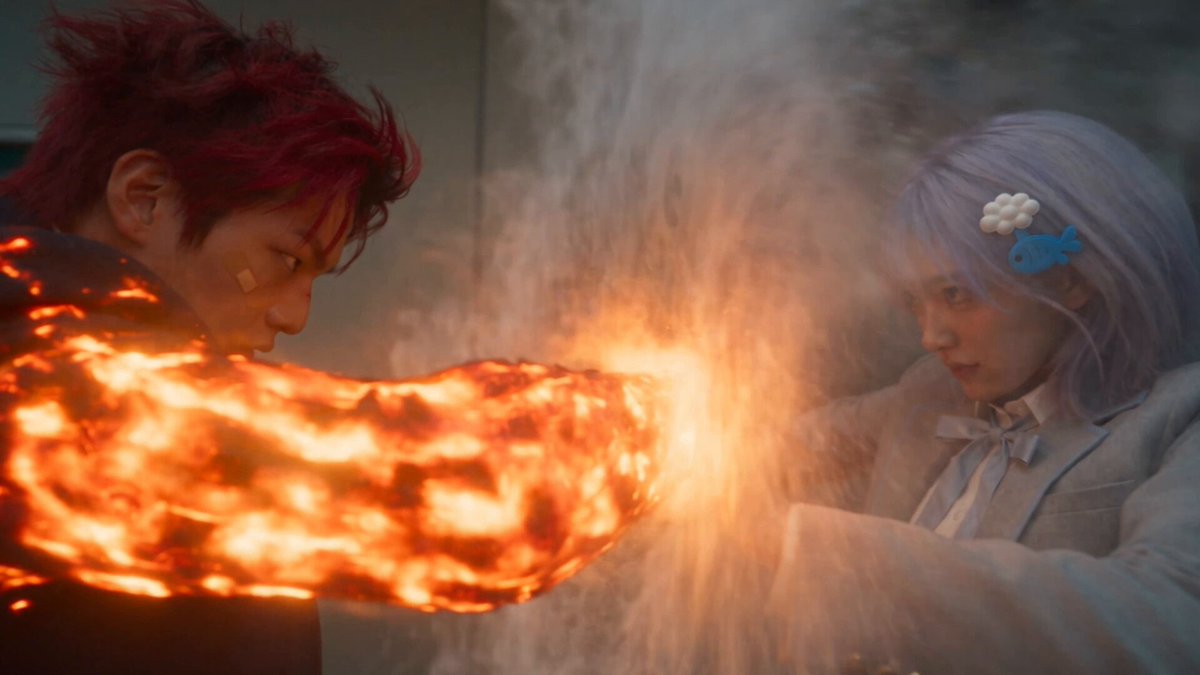
30 Minute AI Video Generator
Move from idea to download quickly. Describe a scene in text, generate a video clip, and review the result in a single work session.
AI Video Generator
0/20000 characters
Cost:10
My videos
Loading...

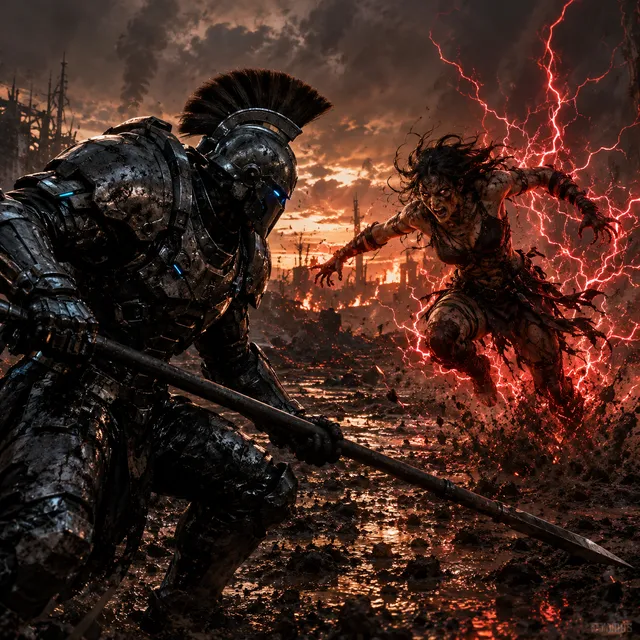
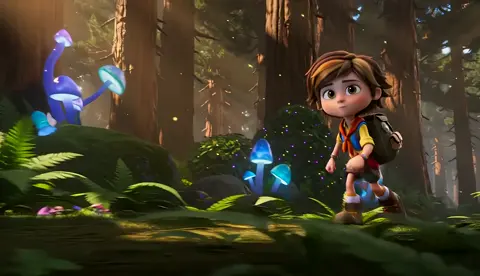
What is a 30 minute AI video generator?
A text-to-video tool that lets you describe a scene, generate a short clip, and download a result within a focused work block. You write a simple prompt, choose generation settings, review the output, and iterate or download based on the result.
30 Minute AI Video Generator
Quick social post
Input
A close-up of coffee being poured into a white ceramic mug. Steam rises from the cup. The pour stops and the mug is full. Total clip: 4 seconds.
Expected output
A short, focused pour shot with visible steam particles and a clean ending point suitable for social media.
Simple announcement
Input
A textless screen with a rotating 3D-style icon on a gradient background. Subtle shadow beneath the icon. Six-second loop.
Expected output
A clean announce-style clip with rotation animation and smooth gradient lighting, ready to add text over.
Background loop
Input
A window with rain streaming down the glass. Outside is blurred city lights. The rain pattern repeats naturally.
Expected output
A looping rainy window scene with blurred background bokeh and consistent water motion throughout.
Generate short video clips quickly within a focused work session
Session-sized workflow
Start, generate, review, and export a usable clip within a focused work block without waiting on render queues.
No learning curve for quick results
Write a simple sentence describing what you want to see and the generation handles the visual execution.
Iterate in minutes
Change one element in the prompt and regenerate to test variations quickly.
How It Works
1
Describe the scene
Describe the desired scene and motion.
2
Choose settings
Choose the available generation settings.
3
Generate and review
Generate, review, and download a suitable result.
Working fast with text prompts
Short, direct prompts produce faster usable results than complex multi-scene descriptions.
Input Constraints
- Keep the first prompt under 50 words for speed
- Generate a short clip first, then extend if needed
- Avoid multi-scene prompts in a single generation pass
Practical Tips
- Use one subject and one action per prompt for clarity
- Set the mood with a single lighting keyword: bright, moody, warm
- If the output is close, adjust one word and regenerate instead of starting over
- Download the clip once you are satisfied — regenerate if it does not fit
Privacy
- Do not upload personal or sensitive material unless you have permission to use it.
Usage Rights
- Confirm that you have the rights needed for the inputs and intended use of the result.
Prompt recipes
Copy a structure, then adjust the subject, lighting, camera, and output details for your own result.
Product demo pour
Close-up of a hand pouring orange juice into a clear glass on a wooden table, morning sunlight from the side, condensation forming on the glass, slow steady pour
Single focused action with product detail and lighting cues creates a clean, usable clip in one generation.
Logo reveal animation
A simple logo icon fading in from black, rotating once, then settling in the center of the frame with a soft glow, dark background, 5 seconds
Minimal motion with clear timing and style keywords produces a polished result without multiple iterations.
Testimonial background
Soft-focus bokeh lights slowly shifting in warm tones, blurred office environment in the background, calm ambient motion
Abstract ambient motion works as a versatile background for text or voiceover without competing for attention.
Call-to-action button
A glowing blue button with the word CLAIM pulsing gently, dark tech-style background with subtle grid lines, loop-friendly
Simple looping animation with clear focus on the call-to-action element, ready to drop into ad creative.
Hands typing on keyboard
Top-down view of hands typing on a laptop keyboard, soft overhead light, fingers moving naturally, 6-second clip
Straightforward action shot with clear framing and lighting that works for productivity or tutorial contexts.
Nature establishing shot
A single tree on a grassy hill with clouds moving slowly overhead, wide shot, afternoon light, calm wind through the grass
Simple establishing shot with atmospheric motion that sets a scene without requiring complex narrative.
Best use cases
Match the workflow to the input you have and the result you need before opening the generator.
Social media teaser
Input: Describe a single product action or visual hook in 4-6 seconds with clear lighting and motion
Result: A short, focused clip ready to post with minimal editing
Tool: Text to Video with short duration and high-contrast prompts
Ad creative background
Input: Describe an ambient scene or abstract motion that will not compete with text overlays
Result: A looping or short clip suitable for text-on-video ads
Tool: Text to Video with loop-friendly motion and neutral focus
Presentation opener
Input: Describe a branded visual or logo animation with clear beginning and end points
Result: A polished intro clip that sets the tone for a slide deck
Tool: Text to Video with simple motion and defined timing
Tutorial B-roll
Input: Describe a straightforward action shot related to the tutorial topic with natural motion
Result: A clean action clip that illustrates a step without narration
Tool: Text to Video with focused action and clear framing
Limitations to know before generating
- Individual clips are short; longer projects require combining multiple generated clips
- Generation time depends on prompt complexity and queue length; simple prompts return faster
- The tool generates video from text prompts and does not support direct editing of output
- Always review the result for quality and fit before using it in a project
- Download only the results you want to keep; unused generations can be discarded
Creative Suite: AI Video Generator & AI Image Generator Tools
Power up your creative workflow with our AI-driven tools. Generate stunning videos, create images, and apply custom adjustments - our AI Video Generator and AI Image Generator offer a complete solution for all your creative needs.
Strictly Prohibits Adult/NSFW Content








Pricing
Choose the credit package that works best for you.
No hidden fees • Cancel anytime • Unused credits roll over
Starter
Perfect for trying out AI creation.
Credits
200 credits / month
- Up to 20 videos per month
- Up to 100 images per month
$6.99/ month$9.9930% OFF
Billed monthly
First-time subscribers get 30% off their first month, then standard price
What's included
- Credits never expire
- Standard models
- HD, Watermark-Free Downloads
- Private Generation
- Faster Generation Speed
- Ad-free experience
Basic
Perfect for light creators.
Credits
500 credits / month
- Up to 50 videos per month
- Up to 250 images per month
$13.99/ month$19.9930% OFF
Billed monthly
First-time subscribers get 30% off their first month, then standard price
What's included
- Credits never expire
- Standard models
- HD, Watermark-Free Downloads
- Private Generation
- Faster Generation Speed
- Ad-free experience
Pro
PopularBest value for creators
Credits
1,200 credits / month
- Up to 120 videos per month
- Up to 600 images per month
$39.99/ month
Billed monthly
What's included
- Credits never expire
- All models + Early access to new models
- HD, Watermark-Free Downloads
- Private Generation
- Faster Generation Speed
- Ultra HD resolution
- Ad-free experience
Ultra
For video creators and power users.
Credits
5,000 credits / month
- Up to 500 videos per month
- Up to 2,500 images per month
$99.99/ month
Billed monthly
What's included
- Credits never expire
- All models + Early access to new models
- HD, Watermark-Free Downloads
- Private Generation
- Faster Generation Speed
- Ultra HD resolution
- Ad-free experience
Free
Standard models only — upgrade to unlock premium models.
Credits
10 free credits on signup
Questions? Contact us at support@domer.io
Start your quick video now
Open the text-to-video tool, write a short scene description, and generate a clip in minutes.