
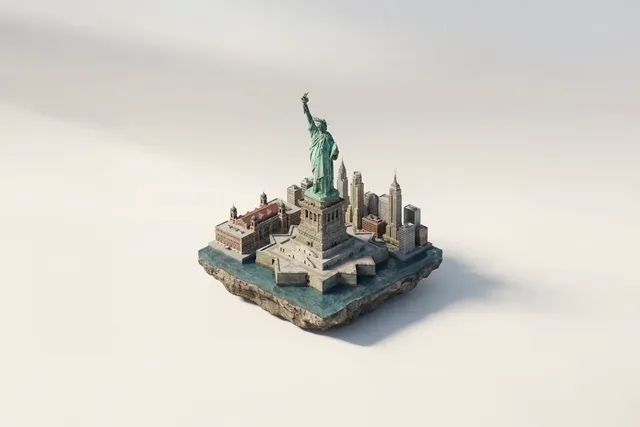
AI Clip Video Generator – One Scene, One Prompt
Generate a focused video clip from text. Describe a single scene with clear motion and setting, choose your settings, and get a usable clip ready for your.
AI Video Generator
0/20000 characters
Cost:10
My videos
Loading...
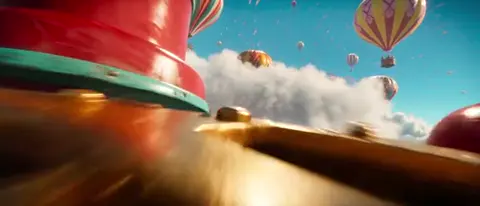
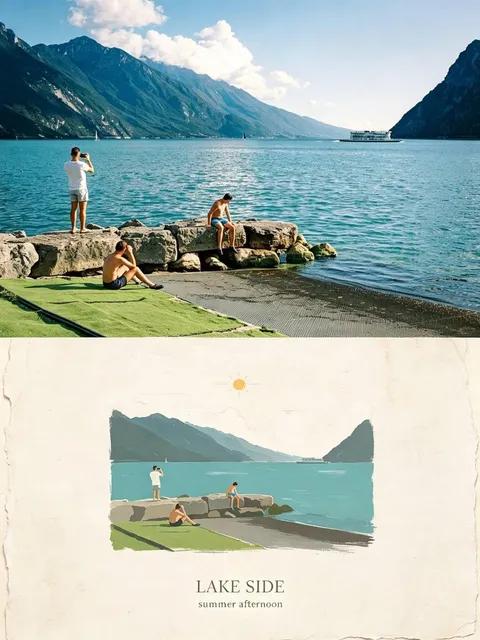
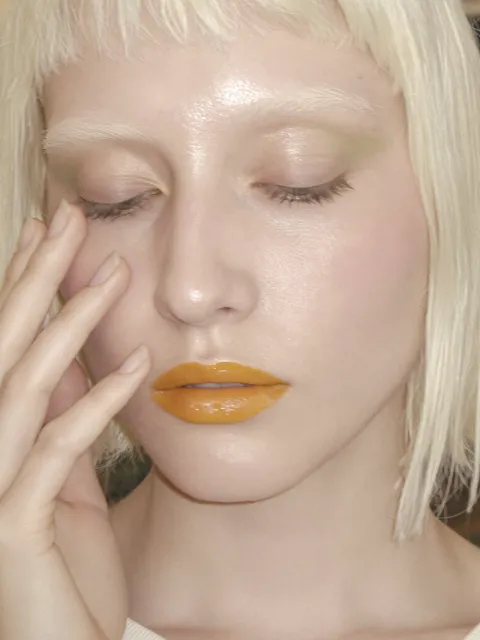
What is an AI clip video generator?
An AI clip video generator turns a text description of a single scene into a short video clip. Instead of generating a full video sequence, it focuses on one moment, location, or action. Describe the subject, motion, camera angle, and lighting in your prompt, and the generator produces a concise clip you can review and download. The tool is useful for creating individual shots you can assemble later in an editing application.
AI Clip Video Generator – One Scene, One Prompt
Nature waterfall clip
Input
A tall waterfall cascading into a clear pool, mist rising, a rainbow forming in the spray with midday sunlight breaking through the trees.
Expected output
A nature clip showing the waterfall with mist, rainbow, and forest lighting as described.
Night driving cinematic clip
Input
A vintage red car driving on a wet city street at night, neon reflections on the pavement, raindrops on the windshield catching streetlight.
Expected output
A cinematic night driving clip with neon reflections and raindrop details.
Basketball slow-motion clip
Input
A basketball arcing through the air toward a hoop, net swishing as the ball passes through, crowd blurred in the background, slow motion effect.
Expected output
A slow-motion sports clip showing the ball trajectory, net movement, and blurred background.
Generate a short, focused video clip from a text description of a single scene or moment
One scene, one prompt
Describe a single visual moment and get a clip without editing multiple takes together.
Cleaner output from focus
A narrow scene description helps the tool produce a more coherent result.
Assemble clips later
Generate individual clips and combine them in any editing tool for longer sequences.
How It Works
1
Describe the scene and motion
Describe the desired scene and motion.
2
Choose generation settings
Choose the available generation settings.
3
Generate and review
Generate, review, and download a suitable result.
Tips for clip-focused prompts
Keep prompts centered on one subject and one location for the strongest single-clip results.
Input Constraints
- Limit each clip to one primary subject.
- Include lighting conditions for mood consistency.
- Describe the camera perspective clearly.
Practical Tips
- Open with the main subject so the tool treats it as the focal point.
- Add one ambient detail like weather or lighting for atmosphere.
- Use cinematic terms like 'close-up', 'wide shot', or 'tracking' for camera direction.
- Avoid scene changes within a focused prompt.
Privacy
- Do not upload personal or sensitive material unless you have permission to use it.
Usage Rights
- Confirm that you have the rights needed for the inputs and intended use of the result.
Prompt recipes
Copy a structure, then adjust the subject, lighting, camera, and output details for your own result.
Ocean wave slow motion
A single large ocean wave crests and crashes onto a sandy beach, foam spreading across wet sand, slow motion, golden hour side lighting, close-up from beach level
Single natural event, clear timing, lighting, and camera position produce a clean, focused nature clip.
Coffee pour close-up
Dark espresso pours into a white ceramic cup from a portafilter, steam rising, cafe counter in soft focus behind, overhead lighting, medium close-up
Product-focused action with depth cues and lighting detail create a polished commercial-style clip.
City commute tracking shot
A person in a red jacket walks briskly down a crowded sidewalk, camera tracks alongside at shoulder height, urban buildings and passing pedestrians blurred, daytime overcast light
Subject isolation through motion and depth of field keeps the clip focused and cinematic.
Campfire night ambiance
Flames flicker in a stone fire pit, sparks drift upward into the dark night sky, soft crackle implied, camera static wide shot, warm orange light on nearby rocks
Single light source, static camera, and atmospheric detail create a calming, immersive clip.
Paper airplane flight
A white paper airplane launches from an off-screen hand, glides smoothly across a bright classroom, and lands gently on a desk, camera follows the plane in slow motion
Clear subject trajectory, camera movement synchronized with action, and simple environment produce a satisfying flight clip.
Rain on window macro
Raindrops streak down a glass window pane, blurred city lights bokeh in the background, camera slowly pushes in on a single large drop, soft natural light
Macro focus with depth separation and subtle camera movement create an intimate, atmospheric moment.
Best use cases
Match the workflow to the input you have and the result you need before opening the generator.
B-roll for video project
Input: Atmospheric single-subject scene with clear lighting and simple motion
Result: Focused clip suitable for editing into longer video sequence
Tool: Text-to-Video with camera angle and lighting keywords
Social media short clip
Input: Eye-catching action or visual moment with strong composition
Result: Standalone shareable clip with immediate visual impact
Tool: Text-to-Video with attention-grabbing subject and framing
Product showcase shot
Input: Product-focused action with clear subject, lighting, and minimal distractions
Result: Commercial-quality clip showing product in use or featured state
Tool: Text-to-Video with product and camera movement cues
Storyboard visual reference
Input: Scene description matching script beat with specific framing and motion
Result: Draft clip representing single storyboard panel or shot
Tool: Text-to-Video with shot size and angle terms
Limitations to know before generating
- Single-clip focus means you cannot generate multi-scene sequences in one prompt.
- Complex camera movements or subject interactions may reduce clip coherence.
- Very short or very long motion descriptions can produce uneven pacing.
- Lighting and mood consistency require careful wording; small prompt changes affect the result.
- Generated clips are drafts; color grading and final adjustments happen in an editing application.
Creative Suite: AI Video Generator & AI Image Generator Tools
Power up your creative workflow with our AI-driven tools. Generate stunning videos, create images, and apply custom adjustments - our AI Video Generator and AI Image Generator offer a complete solution for all your creative needs.
Strictly Prohibits Adult/NSFW Content








Pricing
Choose the credit package that works best for you.
No hidden fees • Cancel anytime • Unused credits roll over
Starter
Perfect for trying out AI creation.
Credits
200 credits / month
- Up to 20 videos per month
- Up to 100 images per month
$6.99/ month$9.9930% OFF
Billed monthly
First-time subscribers get 30% off their first month, then standard price
What's included
- Credits never expire
- Standard models
- HD, Watermark-Free Downloads
- Private Generation
- Faster Generation Speed
- Ad-free experience
Basic
Perfect for light creators.
Credits
500 credits / month
- Up to 50 videos per month
- Up to 250 images per month
$13.99/ month$19.9930% OFF
Billed monthly
First-time subscribers get 30% off their first month, then standard price
What's included
- Credits never expire
- Standard models
- HD, Watermark-Free Downloads
- Private Generation
- Faster Generation Speed
- Ad-free experience
Pro
PopularBest value for creators
Credits
1,200 credits / month
- Up to 120 videos per month
- Up to 600 images per month
$39.99/ month
Billed monthly
What's included
- Credits never expire
- All models + Early access to new models
- HD, Watermark-Free Downloads
- Private Generation
- Faster Generation Speed
- Ultra HD resolution
- Ad-free experience
Ultra
For video creators and power users.
Credits
5,000 credits / month
- Up to 500 videos per month
- Up to 2,500 images per month
$99.99/ month
Billed monthly
What's included
- Credits never expire
- All models + Early access to new models
- HD, Watermark-Free Downloads
- Private Generation
- Faster Generation Speed
- Ultra HD resolution
- Ad-free experience
Free
Standard models only — upgrade to unlock premium models.
Credits
10 free credits on signup
Questions? Contact us at support@domer.io
Generate your first clip
Describe one scene and get a ready-to-use video clip back in minutes.