
AI Product Description Video Generator Ecommerce
Turn product copy into video clips. Describe the scene and motion, choose settings, then generate and review for your store or ad.
AI Video Generator
0/20000 characters
Cost:10
My videos
Loading...

What is an AI product description video generator for ecommerce?
An AI product description video generator for ecommerce creates short promotional clips from your existing product copy. You describe the scene, motion, and mood you want, then the tool generates a visual draft. The result is a starting point for product listings, ads, or social posts that you review and download only after confirming accuracy.
AI Product Description Video Generator Ecommerce
Hero shot for a new product listing
Input
A short description of a stainless steel water bottle and the prompt: 'sleek bottle on a wooden table, slow camera orbit, soft daylight'.
Expected output
A clean product-focused clip with the bottle rotating gently under natural light
Lifestyle scene for a fashion item
Input
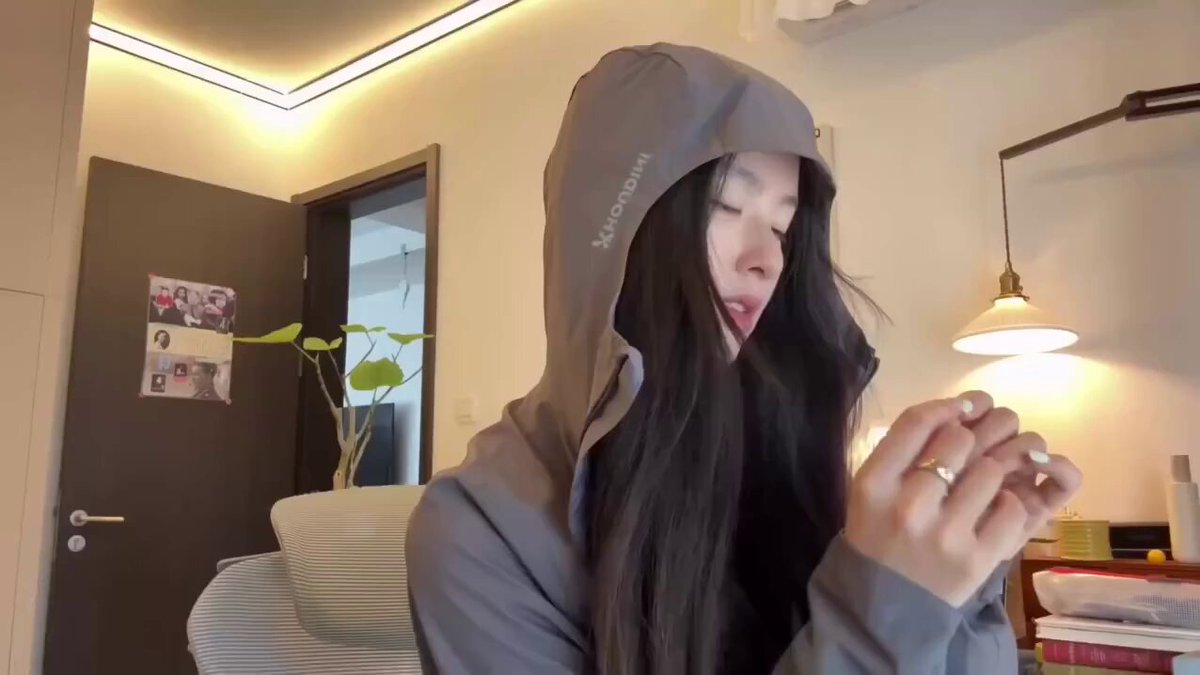
Copy for a lightweight jacket and the prompt: 'person zipping the jacket in a city street, walking motion, shallow depth of field'.
Expected output
A lifestyle-style video showing the jacket in use with a blurred city background
Feature close-up for a gadget
Input
Specs for a wireless charger and the prompt: 'extreme close-up of the charging pad, LED glow, phone placed on top, slow zoom'.
Expected output
A feature-focused clip that highlights the charging surface and indicator light
Turn an ecommerce product description into a short promotional video clip
Go from copy to video quickly
Start with a product description you already have and describe the scene, so you can produce a visual clip without filming or editing
Keep the product the focus
Because you write the scene and motion yourself, the generated clip can stay centered on the product and its selling points
Review before you publish
Generate a draft, check the motion and framing, and only download the version that fits your listing or ad
How It Works
1
Describe the scene
Describe the desired scene and motion.
2
Choose the settings
Choose the available generation settings.
3
Generate and review
Generate, review, and download a suitable result.
Creating product videos responsibly
A few reminders for ecommerce video prompts.
Input Constraints
- Use product descriptions and images you have permission to use
- Avoid including real people or identifiable brands without permission
- Keep the prompt focused on one product or scene at a time
- Review each result before publishing it
Practical Tips
- Name the product, the setting, and the camera motion in the prompt
- Mention the mood you want, such as bright, minimal, or premium
- If the first clip misses, adjust the scene description and generate again
Privacy
- Do not upload personal or sensitive material unless you have permission to use it.
Usage Rights
- Confirm that you have the rights needed for the inputs and intended use of the result.
Prompt recipes
Copy a structure, then adjust the subject, lighting, camera, and output details for your own result.
Clean product showcase
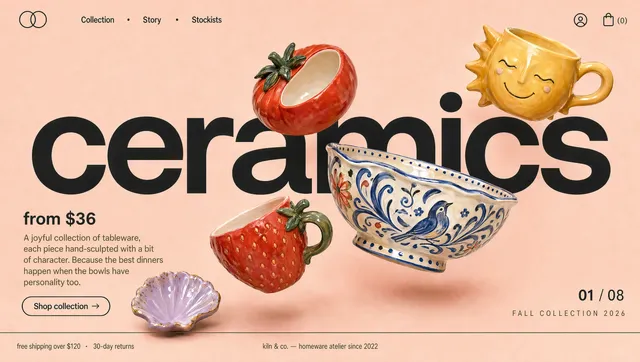
A ceramic coffee mug on a marble countertop, morning sunlight through a window, steam rising gently, camera slow zoom in
Morning light feels fresh and inviting, steam adds motion without distraction, and the zoom draws attention to the product naturally
Lifestyle product in use
A person wearing noise-canceling headphones on a subway train, reading a book, city lights blurred in the background, calm and focused mood
The subway context shows the product solving a real problem, blurred background isolates the subject, and the calm mood aligns with noise-canceling benefits
Feature detail shot
Extreme close-up of a phone camera lens array, light reflecting off the glass, camera slowly pulling back to reveal the phone body, studio lighting
Tight framing highlights the camera feature, reflection adds visual interest, and pulling back gives context without losing focus
Unboxing moment for ai product description video generator ecommerce
Hands opening a brown cardboard box, lifting out a smartwatch in protective foam, camera following the watch upward, soft overhead light
Unboxing creates anticipation, following the product upward keeps it centered, and soft light avoids harsh shadows
Product with environment context
A yoga mat rolled on a wooden floor next to a window with plants, sunlight streaming in, camera slow pan from the window to the mat
The environment suggests calm and wellness, plants and sunlight reinforce a natural vibe, and the pan reveals the setting gradually
Best use cases
Match the workflow to the input you have and the result you need before opening the generator.
New product listing video
Input: Product description plus a simple rotation or zoom prompt with neutral background
Result: A clean showcase clip for the product page
Tool: Text-to-video with orbit or turntable motion
Social media ad
Input: Product description plus a lifestyle scene prompt with context and mood
Result: A short ad-style clip showing the product in use
Tool: Text-to-video with setting details and motion cues
Feature highlight
Input: Product specs plus a close-up prompt focusing on one feature or detail
Result: A detail shot that emphasizes a specific selling point
Tool: Text-to-video with macro framing and feature description
Campaign concept test
Input: Product copy plus multiple prompt variations with different settings or moods
Result: A set of draft clips to compare before committing to full production
Tool: Text-to-video with varied prompts for each concept
Limitations to know before generating
- Generated clips are interpretations; exact product colors, logos, and text may not match your real product
- Fine details like product labels, small text, or intricate patterns may appear blurred or incorrect
- Clips work best as draft visuals or placeholder content, not as final marketing assets without review
- The tool cannot guarantee brand consistency across multiple generations
- Review each result for visual accuracy and product representation before using it in a listing or ad
Creative Suite: AI Video Generator & AI Image Generator Tools
Power up your creative workflow with our AI-driven tools. Generate stunning videos, create images, and apply custom adjustments - our AI Video Generator and AI Image Generator offer a complete solution for all your creative needs.
Strictly Prohibits Adult/NSFW Content








Pricing
Choose the credit package that works best for you.
No hidden fees • Cancel anytime • Unused credits roll over
Starter
Perfect for trying out AI creation.
Credits
200 credits / month
- Up to 20 videos per month
- Up to 100 images per month
$6.99/ month$9.9930% OFF
Billed monthly
First-time subscribers get 30% off their first month, then standard price
What's included
- Credits never expire
- Standard models
- HD, Watermark-Free Downloads
- Private Generation
- Faster Generation Speed
- Ad-free experience
Basic
Perfect for light creators.
Credits
500 credits / month
- Up to 50 videos per month
- Up to 250 images per month
$13.99/ month$19.9930% OFF
Billed monthly
First-time subscribers get 30% off their first month, then standard price
What's included
- Credits never expire
- Standard models
- HD, Watermark-Free Downloads
- Private Generation
- Faster Generation Speed
- Ad-free experience
Pro
PopularBest value for creators
Credits
1,200 credits / month
- Up to 120 videos per month
- Up to 600 images per month
$39.99/ month
Billed monthly
What's included
- Credits never expire
- All models + Early access to new models
- HD, Watermark-Free Downloads
- Private Generation
- Faster Generation Speed
- Ultra HD resolution
- Ad-free experience
Ultra
For video creators and power users.
Credits
5,000 credits / month
- Up to 500 videos per month
- Up to 2,500 images per month
$99.99/ month
Billed monthly
What's included
- Credits never expire
- All models + Early access to new models
- HD, Watermark-Free Downloads
- Private Generation
- Faster Generation Speed
- Ultra HD resolution
- Ad-free experience
Free
Standard models only — upgrade to unlock premium models.
Credits
10 free credits on signup
Questions? Contact us at support@domer.io
Turn your product copy into video
Open the text-to-video tool, describe your product scene and motion, and generate a clip you can review and download.