

AI Tik Tok Video Generator
Describe the scene, choose your settings, and generate a short vertical video clip ready to review. Turn written prompts into social media content.
AI Video Generator
0/20000 characters
Cost:10
My videos
Loading...
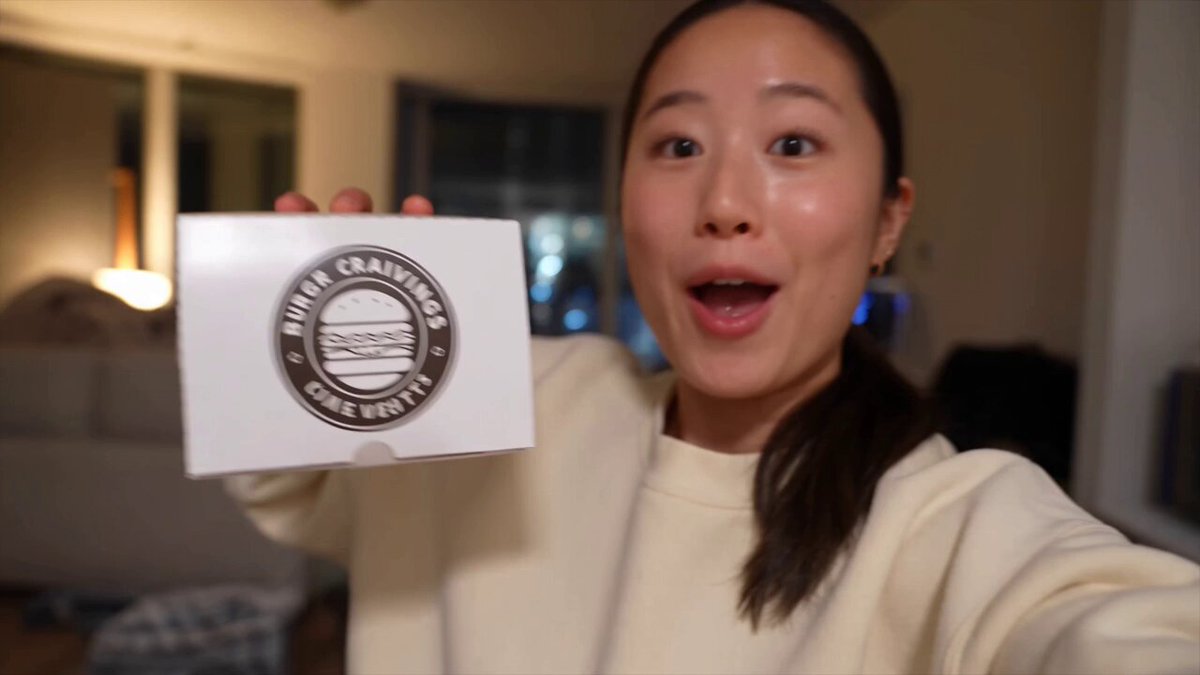
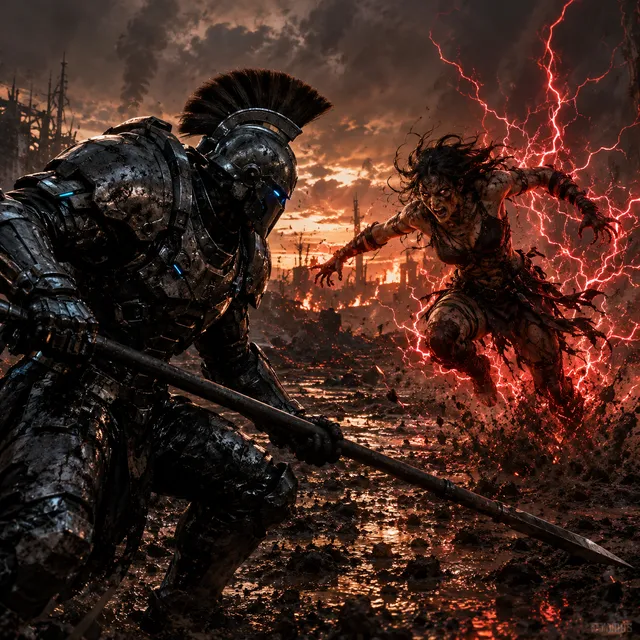
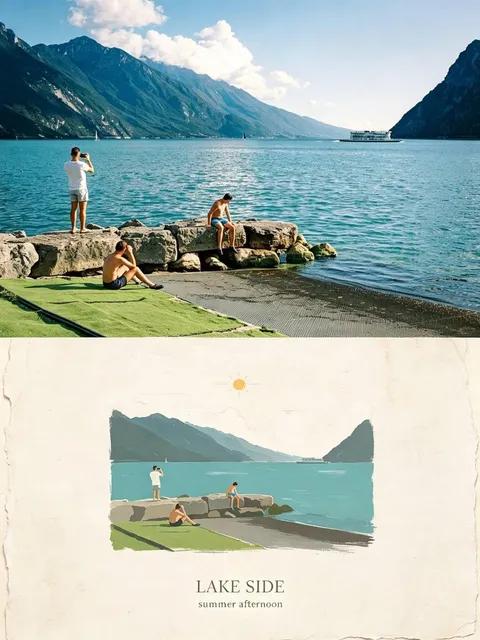
What is an AI TikTok video generator?
An AI TikTok video generator creates short-form vertical video clips from text descriptions. You write a prompt describing the visual, camera angle, and motion you want, then the tool generates a short clip you can review and download for social platforms.
AI Tik Tok Video Generator
Trending transition
Input
A fast-paced transition through three neon-lit rooms, a person walking forward in each scene, camera tracking from behind
Expected output
A short vertical clip showing three neon environments with smooth transitions and a walking figure
Product close-up
Input
Slow-motion close-up of makeup being applied with a brush, soft natural window light, visible skin texture and bristle detail
Expected output
A beauty-style slow-motion clip with clear product detail and natural lighting
Overhead aesthetic
Input
Top-down view of coffee being poured into a latte art design on a marble counter, steam rising, morning light
Expected output
A vertical overhead shot of latte art being created with visible steam and marble texture
Create short vertical video clips from text descriptions for social media
Short-form content without filming
Describe the visual you want and generate a clip ready for social platforms. No camera, props, or editing software needed.
Match trending visual styles
Describe current trends in your prompt—transitions, lighting, camera angles—and generate content that fits the platform aesthetic.
Test ideas quickly
Try different visual angles and styles by changing your prompt. Generate multiple versions and choose the best one before posting.
How It Works
1
Describe your scene
Describe the desired scene and motion.
2
Choose your settings
Choose the available generation settings.
3
Generate and review
Generate, review, and download a suitable result.
Tips for short-form video prompts
Keep clips visually focused and platform-ready.
Input Constraints
- Focus on one visual moment or transition per clip
- Describe camera angle and movement clearly
- Keep prompts concrete rather than abstract
- Review the output against platform guidelines before posting
Practical Tips
- Use camera direction words like top-down, close-up, slow-motion, or tracking shot
- Describe lighting, colors, and textures for polish
- Start with a short 3-5 second concept since the tool supports brief scenes
- Match the visual tone to the platform trend you are targeting
Privacy
- Do not upload personal or sensitive material unless you have permission to use it.
Usage Rights
- Confirm that you have the rights needed for the inputs and intended use of the result.
Prompt recipes
Copy a structure, then adjust the subject, lighting, camera, and output details for your own result.
Morning routine aesthetic
Close-up of hands pouring orange juice into a glass on a sunlit kitchen counter, slow motion, bright natural light, condensation visible on the glass
Combines product focus, slow motion, and natural lighting—all popular in morning routine content. The detail about condensation adds texture and realism.
Urban street transition
Walking camera following a person in a leather jacket down a rainy city street at night, neon signs reflecting on wet pavement, handheld feel
Uses motion, lighting contrast, and a moody urban setting that fits TikTok street style trends. The handheld feel adds energy and authenticity.
Product reveal moment
A hand placing a phone on a minimalist desk, camera rotating around it, soft shadows, clean white background, cinematic lighting
Product reveals with camera movement and clean backgrounds perform well. The rotating camera adds dynamic interest without overcomplicating the scene.
Nature before-and-after
A forest path transitioning from foggy morning to bright midday sun, camera moving forward along the path, light filtering through trees
Time-of-day transitions with forward camera motion create satisfying visual contrast. Nature settings have broad appeal and feel calm yet dynamic.
Text overlay background
A cozy bedroom with warm string lights and a open book on a bed, soft focus, slow zoom in, golden hour light through a window
Creates a calm, quotable background perfect for text overlays. The slow zoom and soft focus keep the scene gentle and visually appealing for inspirational content.
Best use cases
Match the workflow to the input you have and the result you need before opening the generator.
Trending challenge participation
Input: A description of a popular visual trend—transition, camera movement, or aesthetic—adapted to your content angle
Result: A short vertical clip that matches the trend format and can be posted with the relevant sound or hashtag
Tool: Text-to-video with trend-specific camera and lighting keywords
Product showcase for small business
Input: A detailed product shot with camera angle, lighting, and context that matches your brand style
Result: A polished product video suitable for posting on TikTok or Instagram Reels without further editing
Tool: Text-to-video with close-up, lighting, and background detail in the prompt
Background clip for text overlay content
Input: A calm, visually appealing scene with slow or minimal motion and a clear focal area for text
Result: A vertical background clip you can add text or voiceover to in your editing app
Tool: Text-to-video with slow zoom or static framing and soft focus
Content ideation and testing
Input: Multiple prompt variations of the same concept with different angles, lighting, or motion
Result: A set of test clips you can compare to choose the best direction before filming or posting
Tool: Text-to-video with batch generation of similar prompts
Limitations to know before generating
- Generated clips may require review for visual quality and platform suitability before posting
- The tool creates video from descriptions, not from uploaded footage or photos
- Results depend on how clearly the prompt describes the scene, camera movement, and lighting
- Clips are starting points and may need further editing or text overlays to match your content style
- Generated content should be reviewed for rights and platform policies before public use
Creative Suite: AI Video Generator & AI Image Generator Tools
Power up your creative workflow with our AI-driven tools. Generate stunning videos, create images, and apply custom adjustments - our AI Video Generator and AI Image Generator offer a complete solution for all your creative needs.
Strictly Prohibits Adult/NSFW Content








Pricing
Choose the credit package that works best for you.
No hidden fees • Cancel anytime • Unused credits roll over
Starter
Perfect for trying out AI creation.
Credits
200 credits / month
- Up to 20 videos per month
- Up to 100 images per month
$6.99/ month$9.9930% OFF
Billed monthly
First-time subscribers get 30% off their first month, then standard price
What's included
- Credits never expire
- Standard models
- HD, Watermark-Free Downloads
- Private Generation
- Faster Generation Speed
- Ad-free experience
Basic
Perfect for light creators.
Credits
500 credits / month
- Up to 50 videos per month
- Up to 250 images per month
$13.99/ month$19.9930% OFF
Billed monthly
First-time subscribers get 30% off their first month, then standard price
What's included
- Credits never expire
- Standard models
- HD, Watermark-Free Downloads
- Private Generation
- Faster Generation Speed
- Ad-free experience
Pro
PopularBest value for creators
Credits
1,200 credits / month
- Up to 120 videos per month
- Up to 600 images per month
$39.99/ month
Billed monthly
What's included
- Credits never expire
- All models + Early access to new models
- HD, Watermark-Free Downloads
- Private Generation
- Faster Generation Speed
- Ultra HD resolution
- Ad-free experience
Ultra
For video creators and power users.
Credits
5,000 credits / month
- Up to 500 videos per month
- Up to 2,500 images per month
$99.99/ month
Billed monthly
What's included
- Credits never expire
- All models + Early access to new models
- HD, Watermark-Free Downloads
- Private Generation
- Faster Generation Speed
- Ultra HD resolution
- Ad-free experience
Free
Standard models only — upgrade to unlock premium models.
Credits
10 free credits on signup
Questions? Contact us at support@domer.io
Create short-form videos
Open the text-to-video tool, describe your short video concept, and generate a clip for social content.