
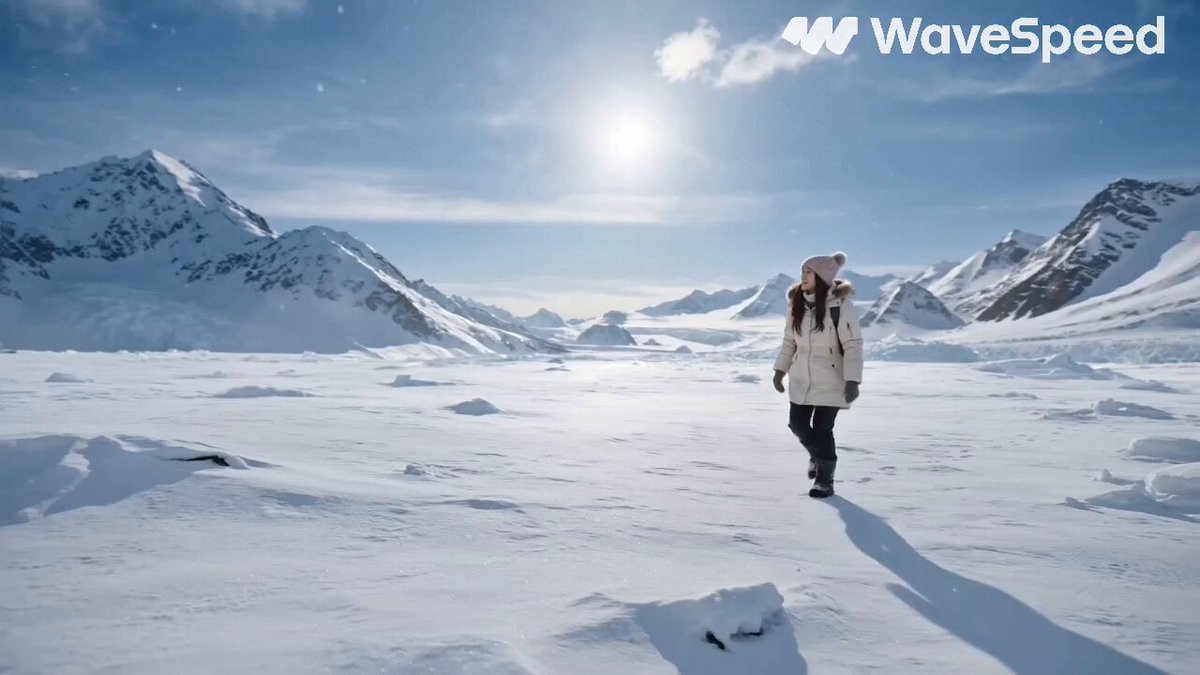
AI Video Generator for Script Scenes
Turn script scenes into video. Describe the action and setting from your script as a prompt, generate a draft, and review the visual result.
AI Video Generator
0/20000 characters
Cost:10
My videos
Loading...
How does an AI video generator help with script visualization?
An AI video generator for script scenes turns your written script descriptions into moving visuals. You take a scene description from your script and convert it into a text prompt, then the tool generates a video draft based on your description. Review the result to see how the scene looks in motion, refine your prompt if needed, and download the version that fits your script vision. This approach lets you preview script scenes without booking a production or editing footage.
AI Video Generator for Script Scenes
Dialogue scene visualization
Input
Two characters sitting at a dimly lit cafe table, rain on the window behind them, steam rising from coffee cups, medium shot with shallow depth of field
Expected output
A moody cafe scene with two figures at a table, rain-streaked window, and cinematic shallow focus
Action sequence
Input
A runner sprinting through a narrow market alley, stalls on both sides with colorful fabrics, camera tracking alongside the runner, fast pace
Expected output
A fast-paced tracking shot through a busy market alley with a runner weaving between stalls
Establishing shot
Input
A wide aerial view of a futuristic city at dusk, flying vehicles between skyscrapers, neon lights flickering on, clouds reflecting orange sunset light
Expected output
A wide aerial cityscape with futuristic buildings, flying vehicles, and neon lights activating at dusk
Transform written script scene descriptions into video clips using text prompts
Visualize script scenes
Take written script descriptions and turn them into video previews that show how scenes might look in motion, helping you validate visual concepts.
Rapid storyboarding
Generate multiple visual interpretations of a script scene by varying your prompts to explore different camera angles, lighting, or pacing.
Share visual concepts
Show collaborators, clients, or team members a rough visual version of a scripted scene without needing a full production.
How It Works
1
Describe the scene and motion
Describe the desired scene and motion.
2
Choose generation settings
Choose the available generation settings.
3
Generate and review
Generate, review, and download a suitable result.
Tips for script-based prompts
Turn your script scene descriptions into effective video prompts. Pull visual descriptions directly from your script action lines.
Input Constraints
- Describe visual elements, motion, and setting from your script
- Focus on one scene per generation for clarity
- Avoid including dialogue or audio instructions in prompts
- Do not upload entire scripts — translate scene descriptions to prompts
- Review generated results against your script intent
- Do not include personal or sensitive material without permission
Practical Tips
- Pull visual descriptions directly from your script action lines
- Specify camera position: close-up, medium shot, wide, aerial
- Include lighting and color notes to set the mood
- Add motion descriptions for dynamic scenes
- Generate multiple prompts per scene to compare interpretations
- Keep prompts under 200 words for focused generation
Privacy
- Do not upload personal or sensitive material unless you have permission to use it.
Usage Rights
- Confirm that you have the rights needed for the inputs and intended use of the result.
Prompt recipes
Copy a structure, then adjust the subject, lighting, camera, and output details for your own result.
Moody interior dialogue scene
Two people sitting across from each other in a small apartment living room, soft lamp light casting shadows on the walls, rain visible through a window behind them, medium shot with shallow focus on the closer person
Detailed lighting and camera notes help visualize intimate dialogue scenes with atmosphere and emotional tone.
Fast-paced chase sequence
A person running down a narrow urban alley at night, camera tracking alongside them at running speed, neon signs and steam vents on both sides, fast motion blur
Tracking motion and speed notes translate action scenes into kinetic video drafts that show pacing and energy.
Wide establishing landscape
A wide aerial view of a mountain valley at dawn, mist rolling through the trees, a small cabin visible in the clearing, camera slowly descending toward the cabin
Wide shots with descending camera motion help visualize establishing scenes and set the scale and tone of a location.
Tense close-up moment
Extreme close-up of a character's eyes, sweat visible on their forehead, flickering fluorescent light overhead, shallow depth of field with background out of focus
Tight framing with lighting and focus notes captures tension and emotion, useful for dramatic script moments.
Crowded public scene
A busy train station concourse at rush hour, people walking in all directions, camera slowly pushing through the crowd toward a lone figure standing still, bright overhead lights
Describing crowd movement and camera push-in helps visualize scenes where a character is isolated or searching in a public space.
Dramatic reveal shot
A dark room with a single door, the door slowly opens revealing bright light from the other side, silhouette of a person standing in the doorway, high contrast lighting
Contrast and reveal motion create dramatic visual moments, useful for script scenes with suspense or discovery.
Best use cases
Match the workflow to the input you have and the result you need before opening the generator.
Storyboard a script scene
Input: Script action lines, camera position, lighting notes, motion description
Result: A rough visual draft that shows how the scene might look in motion
Tool: AI Video Generator with script action line prompt
Pitch a script visually
Input: Key script scenes, establishing shots, dramatic moments
Result: A series of video clips that convey the script's visual tone and style
Tool: AI Video Generator with multiple scene prompts
Explore camera and lighting options
Input: Same scene with varied camera angles, lighting, and mood
Result: Multiple interpretations of one scene to compare visual approaches
Tool: AI Video Generator with varied prompt versions
Validate action sequence pacing
Input: Action scene description, motion speed, tracking or following camera
Result: A fast-paced video draft that shows the energy and pacing of the sequence
Tool: AI Video Generator with action and tracking prompt
Limitations to know before generating
- Generated clips follow your description but may not match exact script details or character appearances.
- Complex character interactions or specific performances cannot be directed through text prompts.
- Dialogue and audio are not included; the tool creates visual drafts only.
- Lighting and mood are interpretations; results may vary from your exact script intent.
- Human review is necessary to confirm the clip matches your script vision before sharing with collaborators.
- You are responsible for confirming rights to any script material, characters, or settings depicted in the result.
Creative Suite: AI Video Generator & AI Image Generator Tools
Power up your creative workflow with our AI-driven tools. Generate stunning videos, create images, and apply custom adjustments - our AI Video Generator and AI Image Generator offer a complete solution for all your creative needs.
Strictly Prohibits Adult/NSFW Content








Pricing
Choose the credit package that works best for you.
No hidden fees • Cancel anytime • Unused credits roll over
Starter
Perfect for trying out AI creation.
Credits
200 credits / month
- Up to 20 videos per month
- Up to 100 images per month
$6.99/ month$9.9930% OFF
Billed monthly
First-time subscribers get 30% off their first month, then standard price
What's included
- Credits never expire
- Standard models
- HD, Watermark-Free Downloads
- Private Generation
- Faster Generation Speed
- Ad-free experience
Basic
Perfect for light creators.
Credits
500 credits / month
- Up to 50 videos per month
- Up to 250 images per month
$13.99/ month$19.9930% OFF
Billed monthly
First-time subscribers get 30% off their first month, then standard price
What's included
- Credits never expire
- Standard models
- HD, Watermark-Free Downloads
- Private Generation
- Faster Generation Speed
- Ad-free experience
Pro
PopularBest value for creators
Credits
1,200 credits / month
- Up to 120 videos per month
- Up to 600 images per month
$39.99/ month
Billed monthly
What's included
- Credits never expire
- All models + Early access to new models
- HD, Watermark-Free Downloads
- Private Generation
- Faster Generation Speed
- Ultra HD resolution
- Ad-free experience
Ultra
For video creators and power users.
Credits
5,000 credits / month
- Up to 500 videos per month
- Up to 2,500 images per month
$99.99/ month
Billed monthly
What's included
- Credits never expire
- All models + Early access to new models
- HD, Watermark-Free Downloads
- Private Generation
- Faster Generation Speed
- Ultra HD resolution
- Ad-free experience
Free
Standard models only — upgrade to unlock premium models.
Credits
10 free credits on signup
Questions? Contact us at support@domer.io
Turn your script into video
Open the text-to-video tool and describe a scene from your script. Use an AI video generator for script to preview your written scenes in motion.