
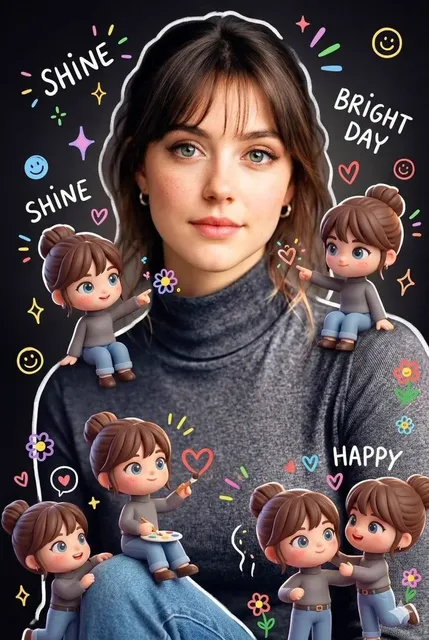
AI Video Generator from Existing Video
Reference an existing video by describing its style in text. Generate new clips that match the look, lighting, and motion you specify.
AI Video Generator
0/20000 characters
Cost:10
My videos
Loading...
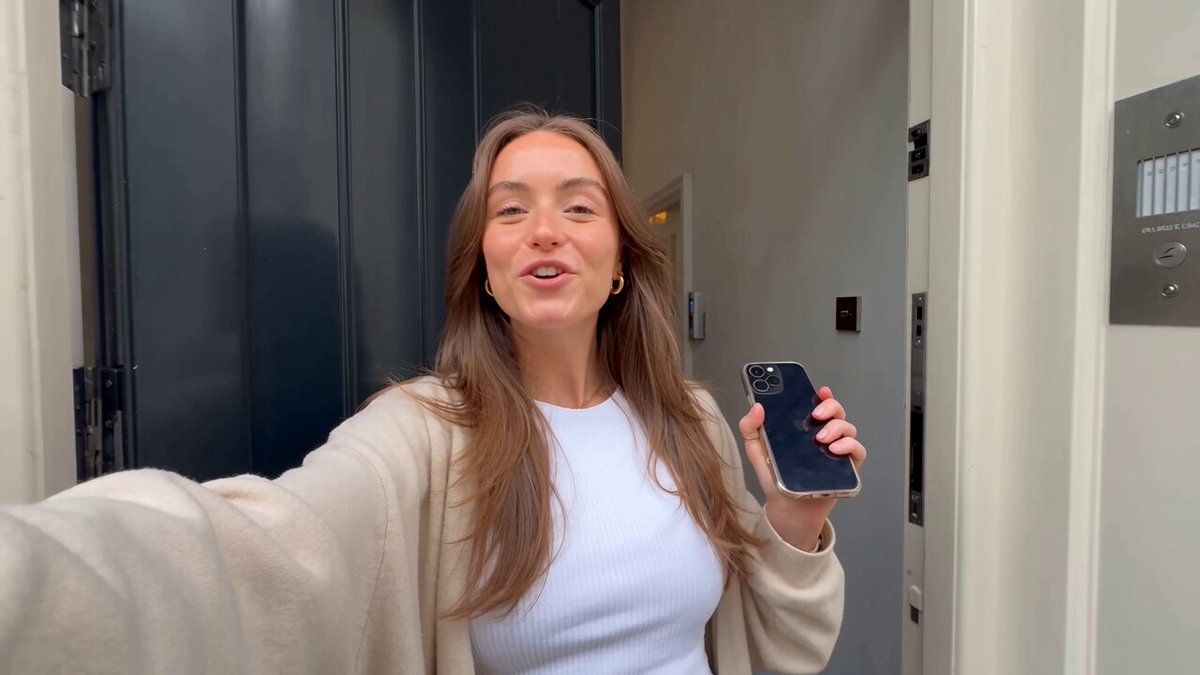
How do you generate video based on existing footage?
Analyze a reference video and extract its visual qualities—lighting, framing, motion, and color. Write those details as a text prompt, then generate a new clip. The tool interprets your description rather than processing the original file.
AI Video Generator from Existing Video
Drone-style replica
Input
A bird's-eye view of a coastal road curving along cliffs. Camera follows the road at a steady altitude. Sun sparkles on the water to the left.
Expected output
A 12-second aerial-style clip with smooth forward motion, cliff-edge framing, and water reflections.
Studio portrait adaptation
Input
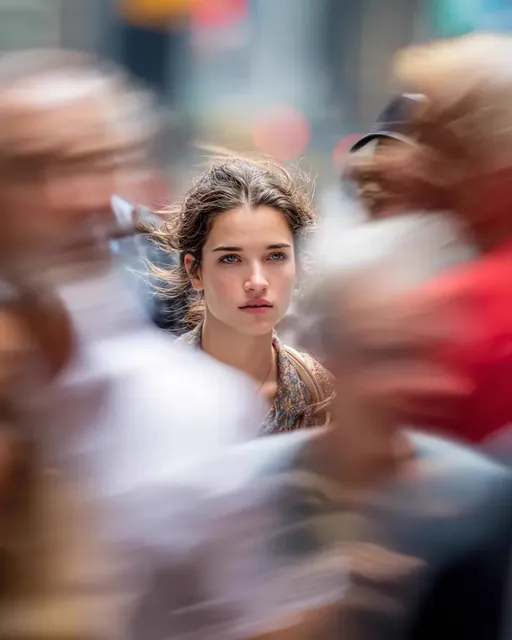
A close-up of a person against a dark grey backdrop. A single soft light illuminates the left side of their face. The background fades to black.
Expected output
A portrait-style clip with dramatic side lighting, shallow depth of field, and a graduated background.
Time-lapse style
Input
Clouds moving fast across a blue sky above a wheat field. The grass sways in the wind. Speed appears accelerated.
Expected output
A fast-motion nature scene with streaking clouds, wind animation, and warm afternoon light.
Generate new video clips by describing the visual style and composition of a reference video in text.
Reference through description
Analyze a reference video and translate its visual qualities into a text prompt for new generation.
No direct upload needed
The tool works from your description, not from an uploaded video file—keeping your reference material separate.
Explore variations
Generate multiple versions of the same visual concept by adjusting one descriptive element at a time.
How It Works
1
Describe the desired scene and motion.
Describe the desired scene and motion.
2
Choose the available generation settings.
Choose the available generation settings.
3
Generate, review, and download a suitable result.
Generate, review, and download a suitable result.
Translating Reference Videos into Prompts
Extract the visual DNA—framing, lighting, movement—and describe it directly.
Input Constraints
- Do not upload copyrighted reference video content to any system.
- Describe the visual treatment—do not copy specific characters, logos, or trademarks.
- Confirm you have rights to any creative elements you describe.
Practical Tips
- Note the camera distance: wide, medium, close-up.
- Identify the light source direction and quality: hard, soft, backlit.
- Describe the pace of movement: slow orbit, fast pan, static.
- Mention the color palette: warm, cool, desaturated, high contrast.
Privacy
- Do not upload personal or sensitive material unless you have permission to use it.
Usage Rights
- Confirm that you have the rights needed for the inputs and intended use of the result.
Prompt recipes
Copy a structure, then adjust the subject, lighting, camera, and output details for your own result.
Cinematic tracking shot
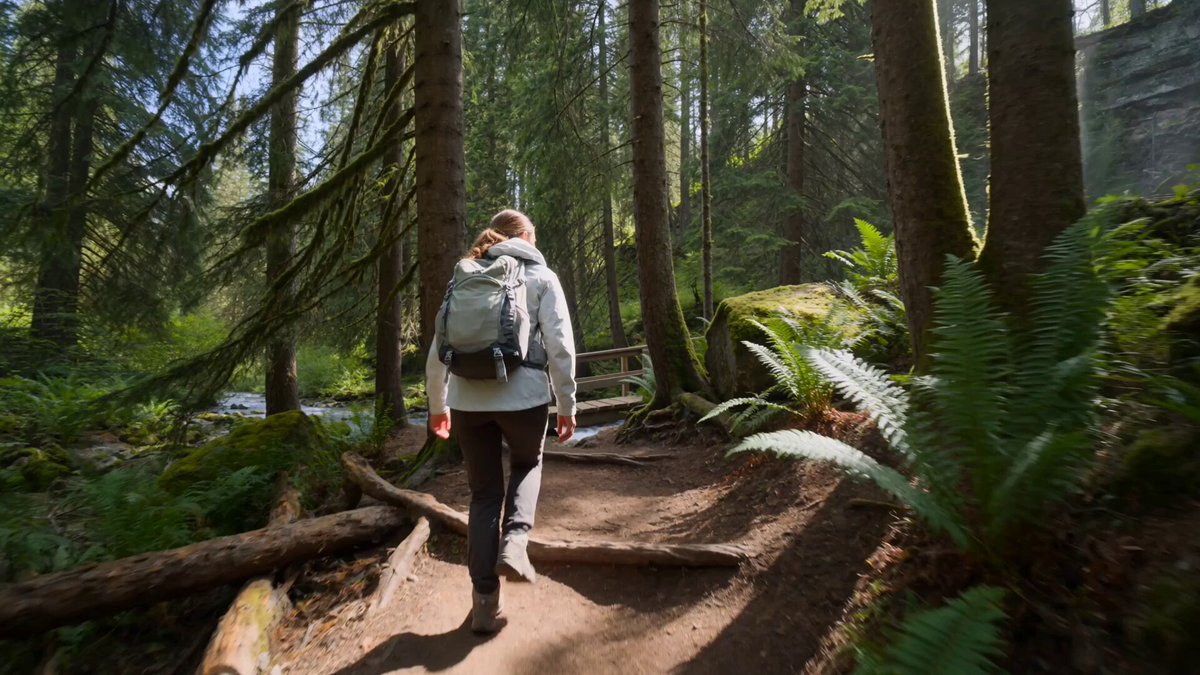
A person walking through a forest path, camera tracking alongside at waist level, dappled sunlight through trees, shallow depth of field keeping the person in focus, slow steady motion.
Specifies subject, camera movement, lighting pattern, focus technique, and motion speed for a cinematic reference-style shot.
Product reveal macro
Extreme close-up of a watch face, camera slowly pulling back to reveal the entire watch on a dark surface, single key light from the right, reflections on the glass, smooth motion.
Defines framing, camera motion, surface, lighting direction, reflection detail, and motion quality for a product-style reveal.
Atmospheric interior
A cozy living room at dusk, warm table lamp light on the left, window showing blue twilight on the right, camera stationary, soft shadows, realistic indoor lighting.
Describes the setting, dual light sources with color temperatures, camera position, shadow quality, and lighting realism for an interior scene.
Action sports angle
A skateboarder performing a trick on a city ramp, low angle camera mounted near the ground, fast motion, urban background slightly blurred, bright midday sunlight.
Specifies activity, camera height and angle, motion speed, background treatment, and lighting for a dynamic sports reference.
Dreamy slow-motion
A person spinning in a field of tall grass, camera orbiting around them, golden hour backlight, motion slowed to half speed, warm color grade, shallow focus.
Combines subject action, camera motion, lighting position, speed adjustment, color treatment, and focus for a stylized visual.
Best use cases
Match the workflow to the input you have and the result you need before opening the generator.
Match a brand video style
Input: Detailed description of lighting, framing, and motion from the brand video
Result: New clip with similar visual treatment
Tool: Text to Video with specific lighting and composition notes
Recreate a scene composition
Input: Camera angle, subject placement, and background description
Result: Scene with the same framing and spatial layout
Tool: Text to Video with explicit framing and positioning
Adapt a motion style
Input: Description of camera movement type and speed
Result: Clip with the same motion feel applied to new content
Tool: Text to Video with camera motion keywords
Mimic a lighting setup
Input: Light direction, quality, and color temperature from reference
Result: Scene lit in a similar manner
Tool: Text to Video with detailed lighting description
Limitations to know before generating
- Results are interpretations of your description, not exact replicas of the reference video.
- Complex reference styles may not translate precisely through text alone.
- The tool cannot access or process your actual reference video file.
- Generated clips should be reviewed for unintended differences from the reference.
- Copyrighted visual styles or trademarked elements should not be reproduced.
Creative Suite: AI Video Generator & AI Image Generator Tools
Power up your creative workflow with our AI-driven tools. Generate stunning videos, create images, and apply custom adjustments - our AI Video Generator and AI Image Generator offer a complete solution for all your creative needs.
Strictly Prohibits Adult/NSFW Content








Pricing
Choose the credit package that works best for you.
No hidden fees • Cancel anytime • Unused credits roll over
Starter
Perfect for trying out AI creation.
Credits
200 credits / month
- Up to 20 videos per month
- Up to 100 images per month
$6.99/ month$9.9930% OFF
Billed monthly
First-time subscribers get 30% off their first month, then standard price
What's included
- Credits never expire
- Standard models
- HD, Watermark-Free Downloads
- Private Generation
- Faster Generation Speed
- Ad-free experience
Basic
Perfect for light creators.
Credits
500 credits / month
- Up to 50 videos per month
- Up to 250 images per month
$13.99/ month$19.9930% OFF
Billed monthly
First-time subscribers get 30% off their first month, then standard price
What's included
- Credits never expire
- Standard models
- HD, Watermark-Free Downloads
- Private Generation
- Faster Generation Speed
- Ad-free experience
Pro
PopularBest value for creators
Credits
1,200 credits / month
- Up to 120 videos per month
- Up to 600 images per month
$39.99/ month
Billed monthly
What's included
- Credits never expire
- All models + Early access to new models
- HD, Watermark-Free Downloads
- Private Generation
- Faster Generation Speed
- Ultra HD resolution
- Ad-free experience
Ultra
For video creators and power users.
Credits
5,000 credits / month
- Up to 500 videos per month
- Up to 2,500 images per month
$99.99/ month
Billed monthly
What's included
- Credits never expire
- All models + Early access to new models
- HD, Watermark-Free Downloads
- Private Generation
- Faster Generation Speed
- Ultra HD resolution
- Ad-free experience
Free
Standard models only — upgrade to unlock premium models.
Credits
10 free credits on signup
Questions? Contact us at support@domer.io
Generate from a Visual Idea
Open the tool, describe the scene you have in mind, and generate a new video based on your reference.