
AI Video Generator From Script
Turn script scenes into video. Describe what happens in each scene, choose settings, and generate matching footage.
AI Video Generator
0/20000 characters
Cost:10
My videos
Loading...
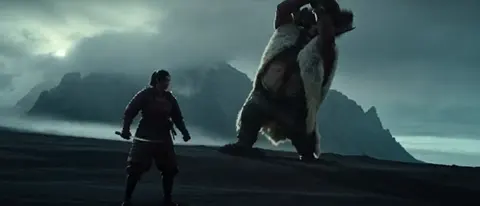
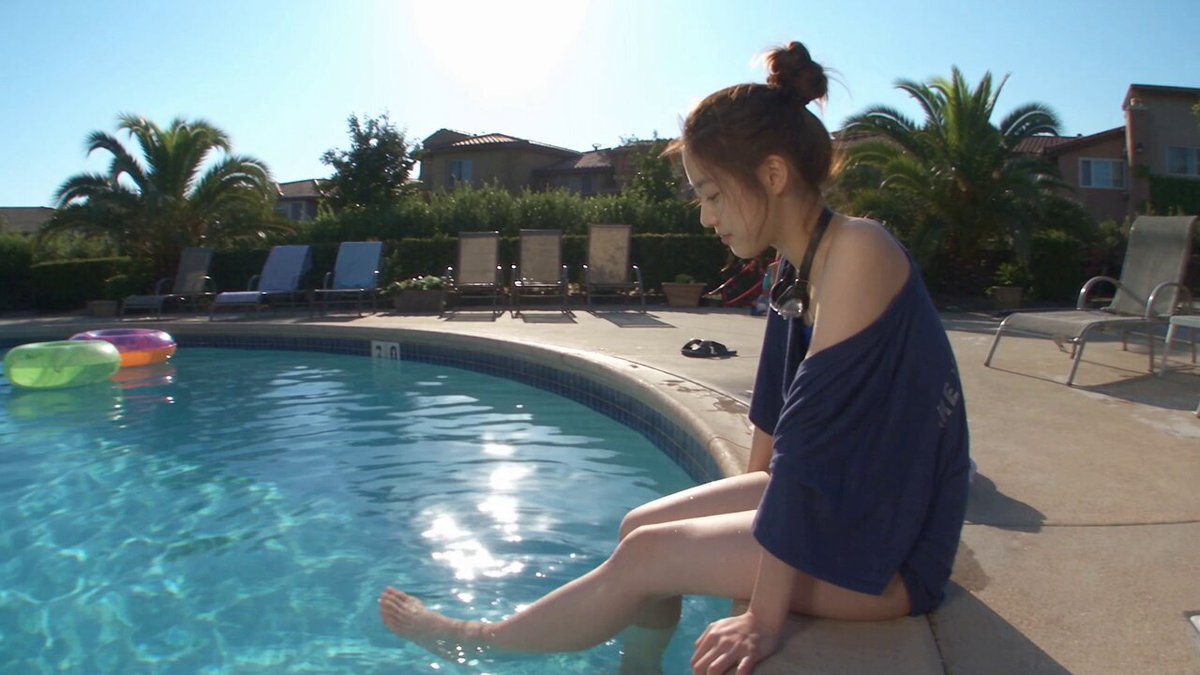
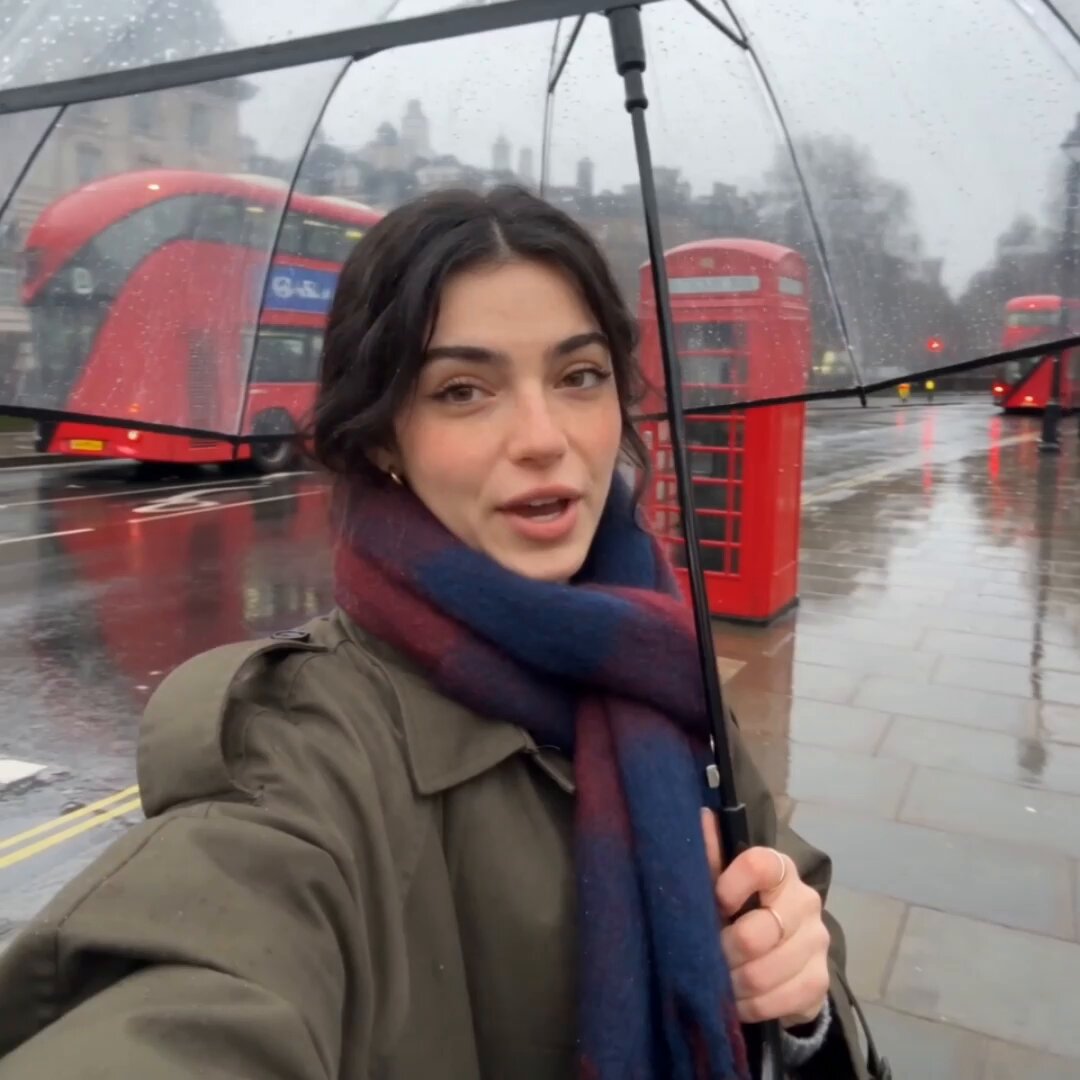
How do I turn a script into video?
Break your script into scenes. For each scene, describe the setting, subject, action, and camera angle in a text prompt. The tool generates video footage matching your description.
AI Video Generator From Script
Product teaser scene
Input
A sleek silver smartphone rotating slowly on a reflective surface, studio lighting from above, 15-second product reveal with cinematic feel
Expected output
Product-style rotation clip with professional lighting and smooth motion
Travel narration clip
Input
Drone shot moving over a rocky coastline at golden hour, waves breaking on cliffs below, warm orange and pink sky, slow forward motion
Expected output
Aerial-style footage with golden lighting, ocean motion, and smooth camera movement
Dialogue scene setup
Input
Two people sitting at a cafe table, afternoon sunlight streaming through window, medium two-shot angle, casual conversation atmosphere with natural movement
Expected output
Cinematic two-shot with warm cafe lighting, natural subject motion, and conversational feel
Turn a written script into a short video clip using a text prompt
Script to footage
Describe the scene you wrote and generate matching video without filming, crew, or equipment.
No production setup needed
Skip location scouting, lighting setup, and camera equipment—a text prompt is all you need.
Iterate scenes quickly
Adjust the prompt and regenerate until the clip matches your script vision without reshooting.
How It Works
1
Describe the scene
Describe the desired scene and motion.
2
Choose settings
Choose the available generation settings.
3
Generate and download
Generate, review, and download a suitable result.
Tips for better script-to-video results
Write clear, visual descriptions for the best match between script and generated footage.
Input Constraints
- Keep the prompt focused on one scene or motion at a time
- Avoid vague emotional descriptions without visual cues
- Do not include personal information in your prompts
- Review the result before using it in any project
Practical Tips
- Include camera angle and lighting in your description
- Specify the mood with visual words like warm or dramatic
- Mention motion direction and speed for better results
- Test variations by changing one detail at a time
Privacy
- Do not upload personal or sensitive material unless you have permission to use it.
Usage Rights
- Confirm that you have the rights needed for the inputs and intended use of the result.
Prompt recipes
Copy a structure, then adjust the subject, lighting, camera, and output details for your own result.
Opening scene establishing shot
Wide aerial view of New York City at dawn, skyscrapers catching first light, morning mist between buildings, slow push forward revealing Times Square below
Sets location and time of day with specific landmark and camera movement that matches script establishing shots
Character introduction moment
Woman in red coat walking through autumn park, leaves falling around her, camera tracking alongside at walking speed, soft afternoon light through trees
Introduces character with distinctive visual detail, environmental atmosphere, and coordinated camera motion
Tension-building close-up
Extreme close-up of hand slowly reaching for doorknob, dim hallway lighting from behind, shallow depth of field, suspenseful slow motion
Creates suspense through framing, lighting, focus, and motion speed—all scriptable elements
Dialogue scene B-roll
Close-up of coffee cup being set down on table, steam rising from hot liquid, cafe background softly blurred, natural window light
Provides cutaway footage for dialogue scenes with sensory details that enhance the setting
Montage transition shot
Time-lapse of city street from day to night, traffic lights creating streaks, pedestrians blurred in fast motion, neon signs turning on
Compresses time and signals scene change with clear visual transformation and motion style
Best use cases
Match the workflow to the input you have and the result you need before opening the generator.
Commercial scripts
Input: Product-focused scenes with specific lighting, angles, and reveal motions
Result: Professional-looking commercial footage without production costs
Tool: Text to Video with high-quality settings and controlled lighting
Video essays
Input: B-roll descriptions matching narration topics—landscapes, objects, concepts
Result: Illustrative footage that supports spoken content
Tool: Text to Video with varied scene types for visual variety
Storyboard previsualization
Input: Scene-by-scene descriptions matching storyboard frames
Result: Animated storyboard that shows timing and flow before production
Tool: Text to Video for rapid scene iteration
Social media scripts
Input: Short attention-grabbing scenes with clear subjects and fast motion
Result: Platform-ready clips matching social script beats
Tool: Text to Video with vertical format and short duration
Limitations to know before generating
- The tool works best with one scene at a time—full scripts should be broken into individual scene prompts
- Dialogue and audio are not generated—the tool creates visual footage only
- Character consistency across multiple scenes requires repeating detailed character descriptions
- Complex staging with multiple characters and precise interactions may not generate as scripted
Creative Suite: AI Video Generator & AI Image Generator Tools
Power up your creative workflow with our AI-driven tools. Generate stunning videos, create images, and apply custom adjustments - our AI Video Generator and AI Image Generator offer a complete solution for all your creative needs.
Strictly Prohibits Adult/NSFW Content








Pricing
Choose the credit package that works best for you.
No hidden fees • Cancel anytime • Unused credits roll over
Starter
Perfect for trying out AI creation.
Credits
200 credits / month
- Up to 20 videos per month
- Up to 100 images per month
$6.99/ month$9.9930% OFF
Billed monthly
First-time subscribers get 30% off their first month, then standard price
What's included
- Credits never expire
- Standard models
- HD, Watermark-Free Downloads
- Private Generation
- Faster Generation Speed
- Ad-free experience
Basic
Perfect for light creators.
Credits
500 credits / month
- Up to 50 videos per month
- Up to 250 images per month
$13.99/ month$19.9930% OFF
Billed monthly
First-time subscribers get 30% off their first month, then standard price
What's included
- Credits never expire
- Standard models
- HD, Watermark-Free Downloads
- Private Generation
- Faster Generation Speed
- Ad-free experience
Pro
PopularBest value for creators
Credits
1,200 credits / month
- Up to 120 videos per month
- Up to 600 images per month
$39.99/ month
Billed monthly
What's included
- Credits never expire
- All models + Early access to new models
- HD, Watermark-Free Downloads
- Private Generation
- Faster Generation Speed
- Ultra HD resolution
- Ad-free experience
Ultra
For video creators and power users.
Credits
5,000 credits / month
- Up to 500 videos per month
- Up to 2,500 images per month
$99.99/ month
Billed monthly
What's included
- Credits never expire
- All models + Early access to new models
- HD, Watermark-Free Downloads
- Private Generation
- Faster Generation Speed
- Ultra HD resolution
- Ad-free experience
Free
Standard models only — upgrade to unlock premium models.
Credits
10 free credits on signup
Questions? Contact us at support@domer.io
Start generating from your script
Open the Text to Video tool, describe your scene, and see it come to life.