
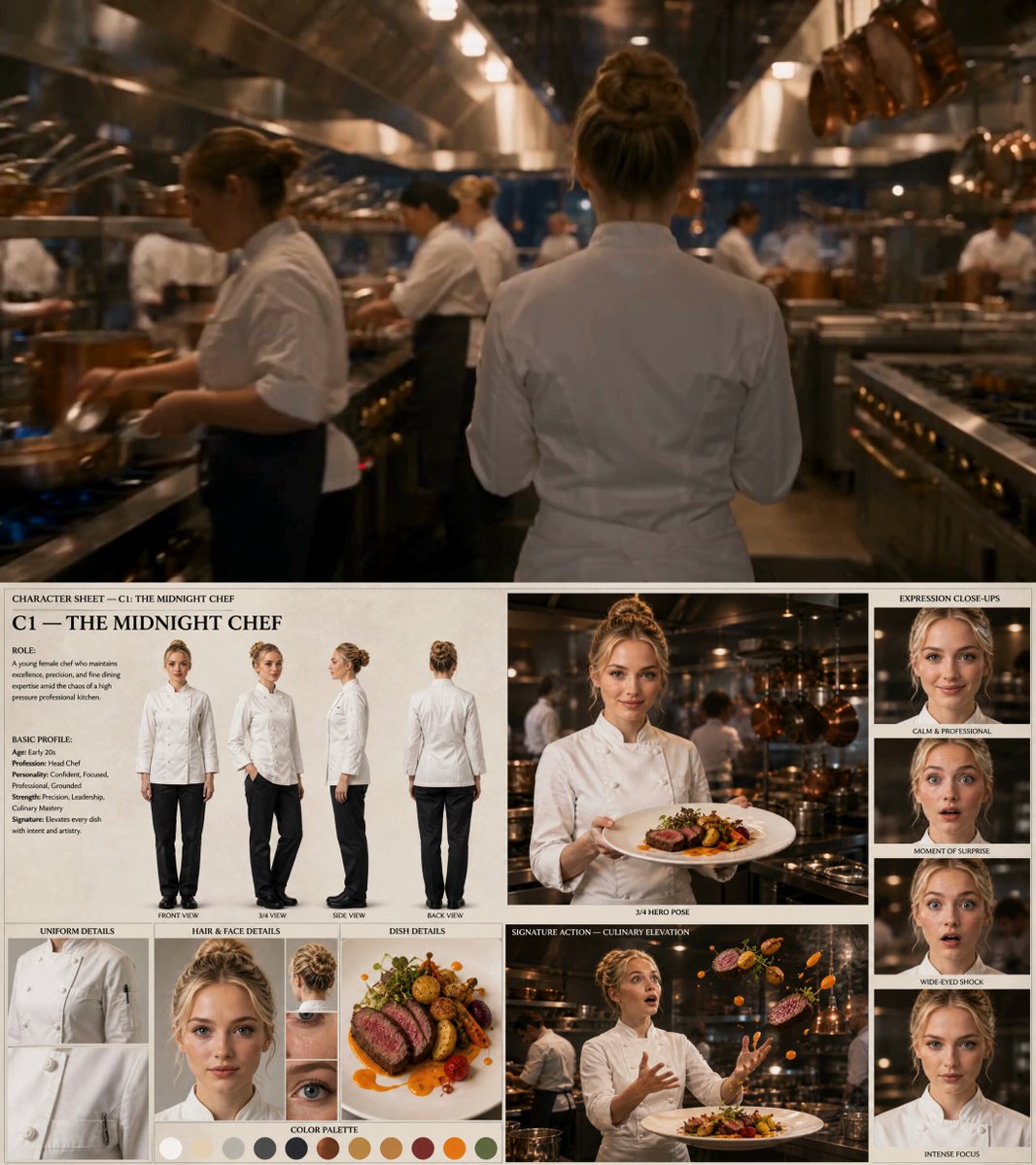
AI Video Generator Human — Realistic People from Text
Describe a person, their setting, and their movement, and generate the video clip. No actors, locations, or permits—just your written scene description.
AI Video Generator
0/20000 characters
Cost:10
My videos
Loading...
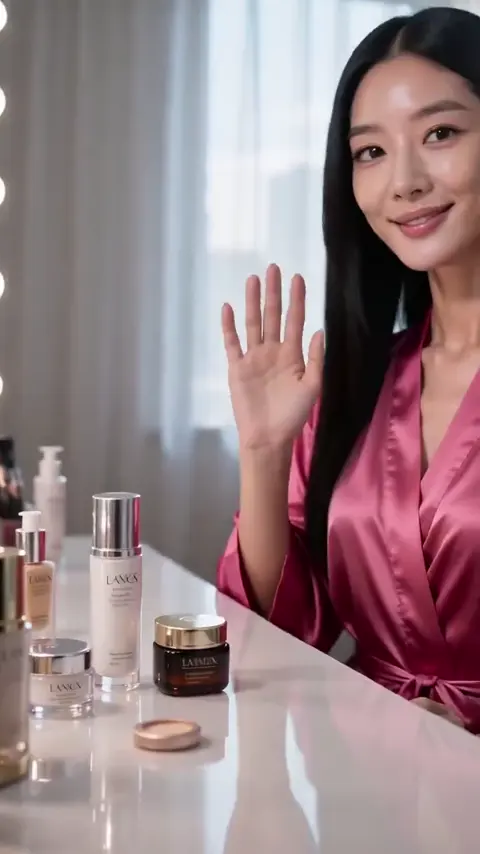
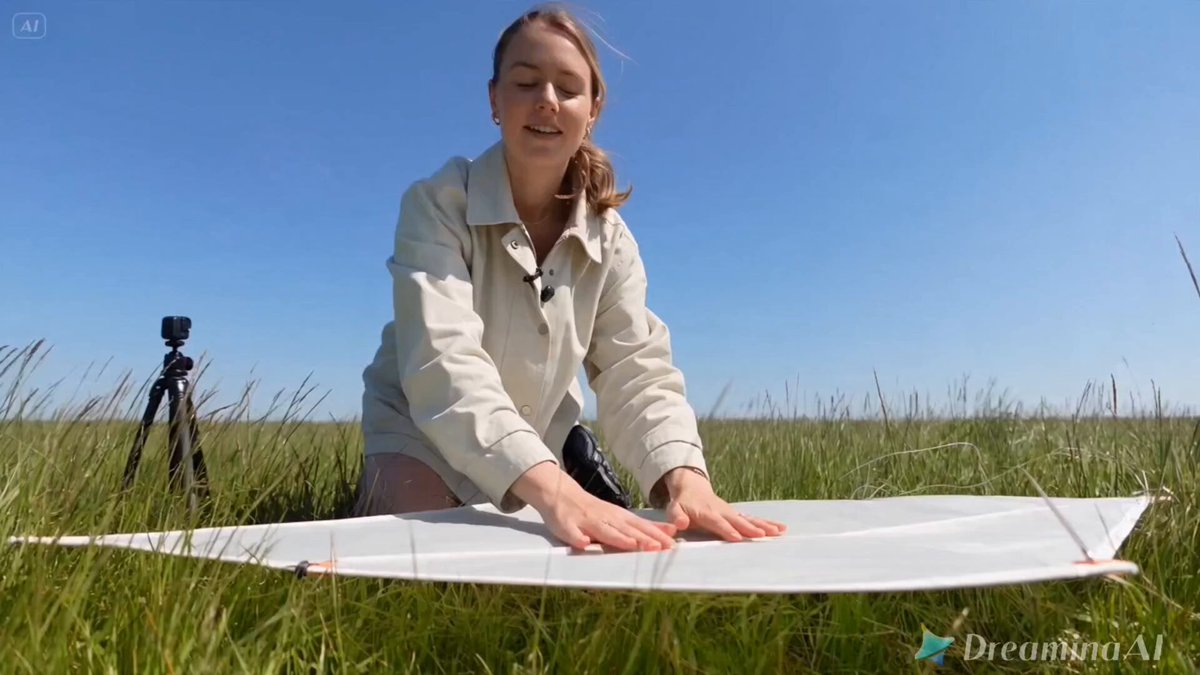
How do you generate videos of people with AI?
Write a description of the person, their appearance, the action they are performing, and the setting. The AI video generator human tool interprets your prompt and generates a video clip featuring a human figure. You review the result, adjust the prompt if needed, and download the clip that fits your project.
AI Video Generator Human — Realistic People from Text
Person walking in a city at sunset
Input
A young woman walks along a busy city sidewalk at golden hour. Sunlight streams between tall glass buildings. She wears a light coat and carries a leather bag. Cars and bikes pass behind her in the background.
Expected output
A generated video clip showing a figure walking through an urban streetscape with warm sunset lighting and subtle motion in the background traffic.
Barista making coffee in a cafe
Input
A barista in a denim apron pours latte art into a ceramic cup at a wooden counter. The coffee shop has warm interior lighting and exposed brick walls. Steam rises from the espresso machine.
Expected output
A generated video of a coffee preparation scene with visible hand motion, steam, and a cozy cafe atmosphere.
Gardener tending flowers
Input
An older man in a straw hat kneels beside a flower bed, gently trimming rose bushes. Sunlight filters through a backyard oak tree. Bees move between blooms in the foreground.
Expected output
A generated gardening scene with a kneeling figure, visible hand-and-plant interaction, and dappled outdoor lighting.
Generate short AI videos featuring realistic human subjects from text descriptions without actors, locations, or production crews
Skip production logistics
No need to hire actors, book locations, or coordinate crew. Your text prompt replaces casting, scouting, and scheduling.
Iterate on human scenes fast
Change the setting, character description, or action with a line of text and regenerate instantly—no reshoots required.
Explore character concepts visually
See how different human figures, movements, and environments look together before committing to production costs.
How It Works
1
Describe the scene
Describe the desired scene and motion.
2
Adjust the settings
Choose the available generation settings.
3
Generate and download
Generate, review, and download a suitable result.
Tips for human scene prompts
Clear descriptions of appearance, action, and setting produce the most useful results. Focus on visible elements and concrete actions.
Input Constraints
- Describe one main action per generation for clarity
- Include setting and lighting details for better visual coherence
- Avoid specifying real, named individuals
Practical Tips
- Start with the person's position and what they are doing
- Add setting and lighting after the main action
- Keep your prompt under three sentences for best results
- Re-run with small adjustments if the output needs refinement
Privacy
- Do not upload personal or sensitive material unless you have permission to use it.
Usage Rights
- Confirm that you have the rights needed for the inputs and intended use of the result.
Prompt recipes
Copy a structure, then adjust the subject, lighting, camera, and output details for your own result.
Office worker at desk
A person in business casual attire typing on a laptop at a modern office desk. Large window behind them showing a city skyline. Natural daylight. Coffee mug and notebook on the desk. Camera at eye level.
Combines a common workplace scenario with clear subject action, identifiable setting props, and natural lighting—ideal for corporate, productivity, or lifestyle content.
Jogger in morning park
A runner in athletic wear jogging along a tree-lined path in a park at sunrise. Mist in the air, soft golden light through the trees. Camera follows from the side as they run past. Earbuds visible.
Uses recognizable fitness context, time-of-day lighting, side-tracking camera motion, and small details like earbuds to create a believable, relatable scene.
Chef plating dish
A chef in white uniform carefully arranging garnish on a plate in a restaurant kitchen. Bright overhead task lighting. Stainless steel surfaces and cooking equipment in the background. Focus on hands and plate.
Focuses on hand action and professional environment with clear lighting and background cues that establish authenticity without needing full-body or facial detail.
Student reading outdoors
A young person sitting on a bench reading a book in a university courtyard. Backpack beside them. Autumn leaves on the ground. Soft overcast daylight. Other students walking in soft focus background.
Grounds the scene in a specific life stage and setting with seasonal cues, background activity, and neutral lighting that supports the calm, studious mood.
Musician tuning guitar
A person sitting on a stool in a dimly lit room, tuning an acoustic guitar. Single warm lamp on a side table. Sheet music on a stand. Camera positioned slightly below eye level. Wooden floor visible.
Creates intimacy through low-key lighting, close framing, and a quiet, focused action—works well for artistic, lifestyle, or music-related content.
Best use cases
Match the workflow to the input you have and the result you need before opening the generator.
Create lifestyle visuals for a brand pitch
Input: Scene description matching brand tone with specific wardrobe, setting, and activity details
Result: A set of short human-centered clips demonstrating brand lifestyle and target audience
Tool: Text to Video
Produce placeholder footage for video editing
Input: Description of the shot type, subject action, and framing needed for the timeline
Result: Draft video clips for pacing and composition review before final production
Tool: Text to Video
Visualize a script scene for pre-production
Input: Scene description from the script with character action, setting, and lighting notes
Result: A conceptual video showing how the scene looks in motion before casting and location scouting
Tool: Text to Video
Generate reference clips for animation or illustration
Input: Human movement and posture description with clear action and camera angle
Result: Video reference showing motion, timing, and spatial relationships for artists to study
Tool: Text to Video
Limitations to know before generating
- Generated human figures are generic interpretations; precise facial features, expressions, and resemblance to specific individuals cannot be controlled
- Complex human interactions, precise choreography, or multiple simultaneous actions may produce inconsistent results
- The tool generates new content from your description, not footage of real people or existing video
- Output quality varies based on prompt clarity and complexity; always review results carefully before using them in final projects
- Emotional nuance is conveyed through body language, setting, and lighting rather than detailed facial expressions
Creative Suite: AI Video Generator & AI Image Generator Tools
Power up your creative workflow with our AI-driven tools. Generate stunning videos, create images, and apply custom adjustments - our AI Video Generator and AI Image Generator offer a complete solution for all your creative needs.
Strictly Prohibits Adult/NSFW Content








Pricing
Choose the credit package that works best for you.
No hidden fees • Cancel anytime • Unused credits roll over
Starter
Perfect for trying out AI creation.
Credits
200 credits / month
- Up to 20 videos per month
- Up to 100 images per month
$6.99/ month$9.9930% OFF
Billed monthly
First-time subscribers get 30% off their first month, then standard price
What's included
- Credits never expire
- Standard models
- HD, Watermark-Free Downloads
- Private Generation
- Faster Generation Speed
- Ad-free experience
Basic
Perfect for light creators.
Credits
500 credits / month
- Up to 50 videos per month
- Up to 250 images per month
$13.99/ month$19.9930% OFF
Billed monthly
First-time subscribers get 30% off their first month, then standard price
What's included
- Credits never expire
- Standard models
- HD, Watermark-Free Downloads
- Private Generation
- Faster Generation Speed
- Ad-free experience
Pro
PopularBest value for creators
Credits
1,200 credits / month
- Up to 120 videos per month
- Up to 600 images per month
$39.99/ month
Billed monthly
What's included
- Credits never expire
- All models + Early access to new models
- HD, Watermark-Free Downloads
- Private Generation
- Faster Generation Speed
- Ultra HD resolution
- Ad-free experience
Ultra
For video creators and power users.
Credits
5,000 credits / month
- Up to 500 videos per month
- Up to 2,500 images per month
$99.99/ month
Billed monthly
What's included
- Credits never expire
- All models + Early access to new models
- HD, Watermark-Free Downloads
- Private Generation
- Faster Generation Speed
- Ultra HD resolution
- Ad-free experience
Free
Standard models only — upgrade to unlock premium models.
Credits
10 free credits on signup
Questions? Contact us at support@domer.io
Generate your human scene now
Write a short description of the person, setting, and action you want to see. The tool turns it into a moving clip.