
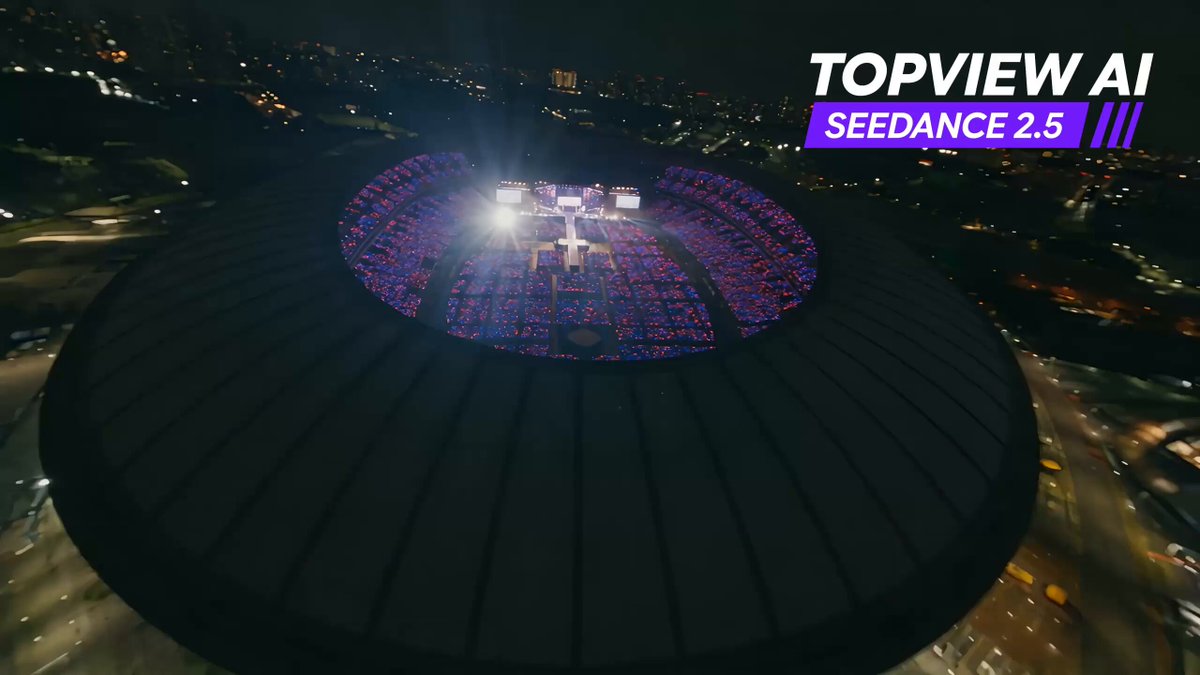
AI Video Generator No Content Restrictions
Create video from detailed text prompts. Describe any visual scene with subjects, motion, lighting, and atmosphere to generate short clips.
AI Video Generator
0/20000 characters
Cost:10
My videos
Loading...
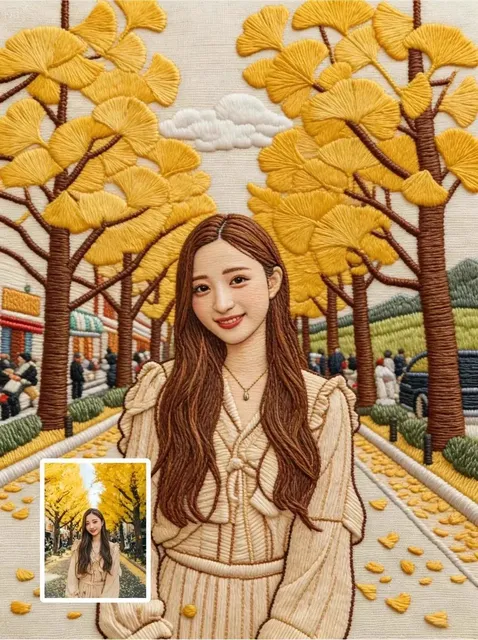
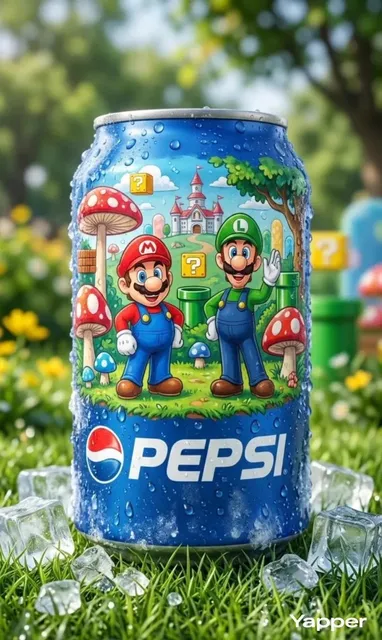
How to generate video from any visual description
Describe your scene in detail, including subjects, motion, lighting, and atmosphere. Choose generation settings, then generate and review the clip before downloading.
AI Video Generator No Content Restrictions
Historical battle scene
Input
A medieval battlefield at dawn with knights on horseback charging across a muddy field, smoke rising from campfires in the background, dramatic lighting through cloud cover
Expected output
A generated video showing the described medieval battle scene with motion in the charging knights and drifting smoke
Abstract surrealist animation
Input
Liquid metal shapes floating in a dark void, morphing slowly from geometric forms into organic shapes, pulsing with a soft blue and purple glow
Expected output
A video of abstract shapes transitioning between forms against a dark background with animated glow effects
Fantasy creature in a dark forest
Input
A dragon sleeping under a massive ancient tree in a misty forest at night, bioluminescent mushrooms lighting the scene, embers drifting from the dragon's nostrils
Expected output
A night-time forest scene with a large dragon at rest, animated mist, glowing mushrooms, and drifting ember particles
Generate video clips from detailed text descriptions across many visual themes
Describe any visual concept
Turn almost any textual description into a video by providing a clear prompt about the scene, subjects, and motion you want to see.
Full creative control
You decide what to describe and how to frame the scene. The tool follows your direction within the text-to-video generation workflow.
Quick iteration on ideas
Refine your prompt and regenerate until the video matches your creative vision, without needing video editing skills.
How It Works
1
Describe the scene
Describe the desired scene and motion.
2
Choose settings
Choose the available generation settings.
3
Generate and download
Generate, review, and download a suitable result.
Getting the best results
Focus your description on visual details, motion, and atmosphere for more accurate generation.
Input Constraints
- The tool generates video from a text prompt only
- Results depend on prompt clarity and detail
- Review every generated video before using it
Practical Tips
- Describe motion explicitly — what moves, how, and at what speed
- Mention lighting, color palette, and atmosphere for better visual coherence
- Start with a broad scene description then refine in subsequent generations
- Keep prompts focused on a single scene for more consistent output
Privacy
- Do not upload personal or sensitive material unless you have permission to use it.
Usage Rights
- Confirm that you have the rights needed for the inputs and intended use of the result.
Prompt recipes
Copy a structure, then adjust the subject, lighting, camera, and output details for your own result.
Detailed historical scene
A historical setting at time of day, specific activity or event, weather, clothing and props, camera angle, lighting mood
Historical prompts with detailed setting, activity, and props help the generator create scenes that feel authentic and period-appropriate.
Complex fantasy world
A fantasy location, unique architecture or landscape feature, creatures or inhabitants, magical elements, time of day, camera movement
Fantasy prompts with clear world-building details create clips that feel like part of a larger story.
Surreal or dreamlike sequence
Impossible or surreal scene, unexpected physics or behavior, color and lighting mood, camera movement, atmosphere
Surreal prompts work when you describe the impossible clearly, giving the generator structure to interpret the dreamlike scene.
Action sequence with multiple elements
Main action, secondary motion in background, environment, lighting, camera tracking, pace
Action prompts with main and secondary motion create depth and energy in the scene.
Atmospheric mood piece
Setting, dominant color palette, lighting source and direction, subtle motion element, camera stillness or slow movement, emotional tone
Mood-focused prompts with clear color, lighting, and tone create clips that convey feeling over action.
Sci-fi technology showcase
Futuristic technology or device, visual effect like holograms or energy, environment, lighting, camera reveal or rotation
Sci-fi prompts with specific tech details and visual effects help the generator create futuristic scenes that feel plausible.
Best use cases
Match the workflow to the input you have and the result you need before opening the generator.
Creating concept clips for complex scenes
Input: Detailed prompts with multiple visual elements, motion, and atmosphere
Result: Clips that show how a complex scene might look for creative review or pitch
Tool: Text-to-video generator with detailed multi-element prompts
Prototyping fantasy or sci-fi worlds
Input: World-building prompts with clear architecture, inhabitants, and unique features
Result: Clips that bring an imagined world to life for mood boards or development
Tool: Text-to-video generator with fantasy and sci-fi scene descriptions
Exploring surreal or experimental visuals
Input: Surreal or abstract prompts with clear descriptions of impossible scenes
Result: Clips that realize dreamlike or experimental concepts for art projects
Tool: Text-to-video generator with surreal and experimental keywords
Generating action or drama clips
Input: Action prompts with main motion, secondary elements, and camera tracking
Result: Dynamic clips with energy and depth suitable for storyboards or testing
Tool: Text-to-video generator with action and drama scene descriptions
Limitations to know before generating
- All content must comply with platform guidelines and applicable laws; detailed prompts do not override content policies
- Complex scenes with multiple subjects, actions, or effects may require prompt simplification or multiple iterations
- Generated clips are interpretations of your description and may not match your vision on the first attempt
- The tool does not provide audio; sound, dialogue, or music must be added separately
- Commercial use requires confirming you have rights to inputs and that the result fits your intended use
Creative Suite: AI Video Generator & AI Image Generator Tools
Power up your creative workflow with our AI-driven tools. Generate stunning videos, create images, and apply custom adjustments - our AI Video Generator and AI Image Generator offer a complete solution for all your creative needs.
Strictly Prohibits Adult/NSFW Content








Pricing
Choose the credit package that works best for you.
No hidden fees • Cancel anytime • Unused credits roll over
Starter
Perfect for trying out AI creation.
Credits
200 credits / month
- Up to 20 videos per month
- Up to 100 images per month
$6.99/ month$9.9930% OFF
Billed monthly
First-time subscribers get 30% off their first month, then standard price
What's included
- Credits never expire
- Standard models
- HD, Watermark-Free Downloads
- Private Generation
- Faster Generation Speed
- Ad-free experience
Basic
Perfect for light creators.
Credits
500 credits / month
- Up to 50 videos per month
- Up to 250 images per month
$13.99/ month$19.9930% OFF
Billed monthly
First-time subscribers get 30% off their first month, then standard price
What's included
- Credits never expire
- Standard models
- HD, Watermark-Free Downloads
- Private Generation
- Faster Generation Speed
- Ad-free experience
Pro
PopularBest value for creators
Credits
1,200 credits / month
- Up to 120 videos per month
- Up to 600 images per month
$39.99/ month
Billed monthly
What's included
- Credits never expire
- All models + Early access to new models
- HD, Watermark-Free Downloads
- Private Generation
- Faster Generation Speed
- Ultra HD resolution
- Ad-free experience
Ultra
For video creators and power users.
Credits
5,000 credits / month
- Up to 500 videos per month
- Up to 2,500 images per month
$99.99/ month
Billed monthly
What's included
- Credits never expire
- All models + Early access to new models
- HD, Watermark-Free Downloads
- Private Generation
- Faster Generation Speed
- Ultra HD resolution
- Ad-free experience
Free
Standard models only — upgrade to unlock premium models.
Credits
10 free credits on signup
Questions? Contact us at support@domer.io
Start creating videos from text
Bring any visual idea to life. Open the text-to-video tool, describe your scene, and generate a video in minutes.