
Create
AI Video Generator Pro for Professionals
Generate professional video from detailed text. Describe lighting, texture, and motion, choose settings, and produce polished results.
AI Video Generator
0/20000 characters
Cost:10
My videos
Loading...
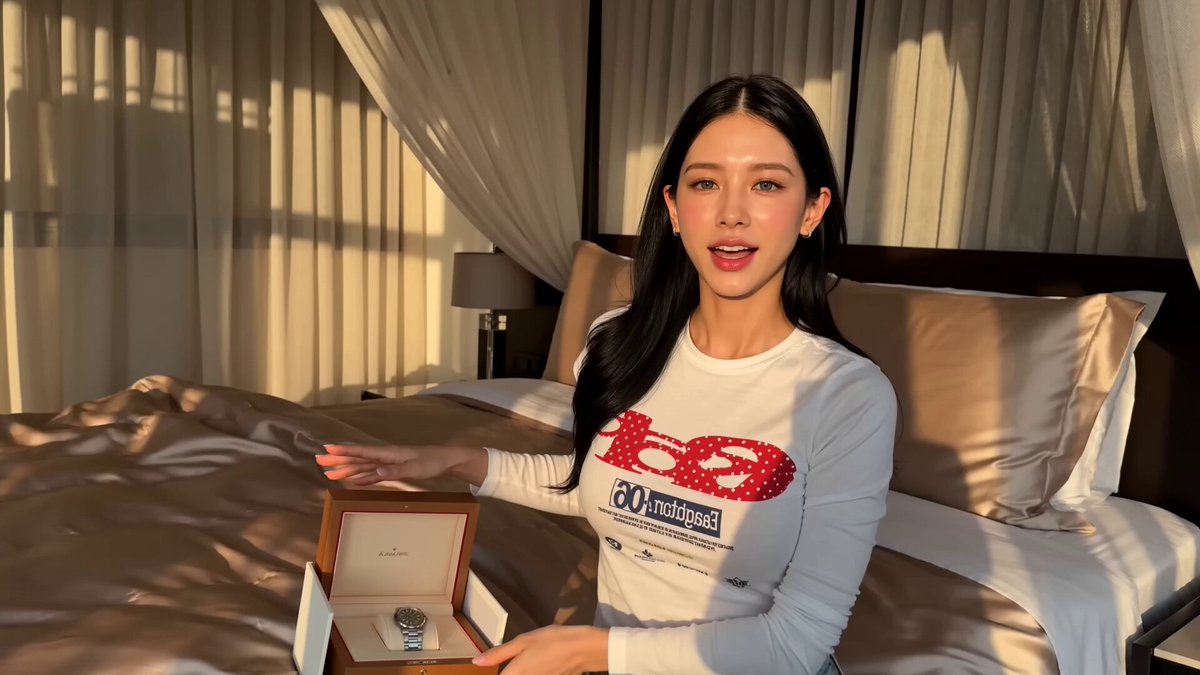
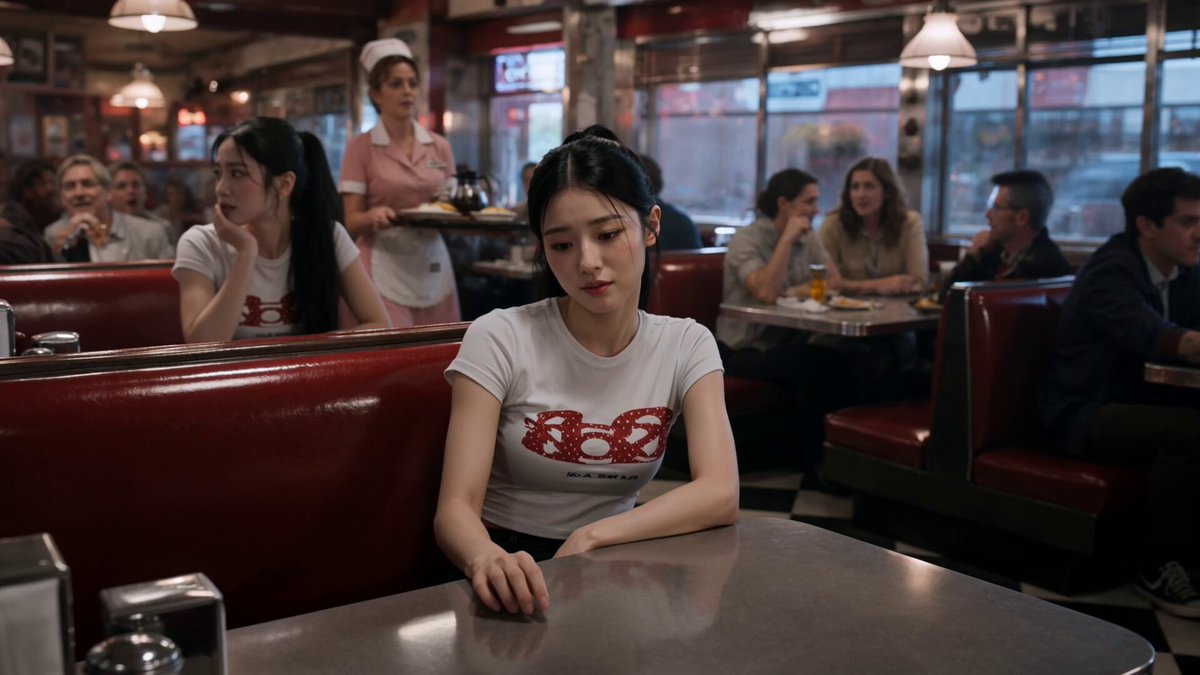

What is an AI video generator pro workflow?
A pro AI video generator workflow uses detailed text prompts to create polished, professional-quality video clips. You describe lighting quality, camera angles, materials, textures, and motion in specific terms, choose generation settings, and review the result before downloading. Common uses include corporate product reveals, architectural visualizations, and cinematic introductions.
AI Video Generator Pro for Professionals
Corporate product reveal
Input
A sleek smartwatch on a dark reflective surface. The watch face lights up with animated data. Light reflects off the metal frame. A subtle rotating shadow moves around the product.
Expected output
A professional product video of a smartwatch with animated face, reflections, and rotating shadow.
Architectural visualization
Input
A modern glass office building at dusk. Interior lights turn on floor by floor. People exit through the revolving doors. City lights begin to glow in the background.
Expected output
A video of a glass office building with sequential floor lighting and street activity at dusk.
Cinematic introduction
Input
A camera slowly zooming into a vintage desk in a dimly lit study. A letter lies open with elegant handwriting. A fountain pen rests beside it. Dust particles float in a beam of light.
Expected output
A cinematic video zooming into a desk scene with a letter, pen, and floating dust in light.
Generate professional-quality video clips from detailed text descriptions for business and creative projects
Professional scene control
Use detailed language to describe lighting, texture, camera movement, and atmosphere for refined output.
High-quality output potential
Detailed prompts with specific visual instructions produce more polished results suitable for professional contexts.
Efficient concept creation
Generate professional visual concepts and drafts quickly without a full production crew.
How It Works
1
Compose your professional scene
Describe the desired scene and motion.
2
Configure pro settings
Choose the available generation settings.
3
Generate and review
Generate, review, and download a suitable result.
Creating professional video from text
Detailed, structured prompts yield professional-grade results.
Input Constraints
- Describe lighting quality, direction, and color.
- Include camera perspective, angle, and movement if relevant.
- Specify surface materials, textures, and visual atmosphere.
Practical Tips
- Think in terms of camera shots: wide, close-up, tracking, etc.
- Describe the mood through lighting and color details.
- Review the output and refine with additional specific details for the next attempt.
Privacy
- Do not upload personal or sensitive material unless you have permission to use it.
Usage Rights
- Confirm that you have the rights needed for the inputs and intended use of the result.
Prompt recipes
Copy a structure, then adjust the subject, lighting, camera, and output details for your own result.
Product reveal with reflections
A modern smartwatch sits centered on a dark reflective glass surface. Soft studio lighting from above and the right. The watch screen lights up with animated data graphs. Light reflects off the polished metal frame. A subtle shadow rotates slowly around the product.
Precise lighting direction, reflections, and animated details create a high-end product video suitable for professional launches.
Glass office building at dusk
A wide establishing shot of a modern glass office building at dusk. Interior lights turn on sequentially from bottom to top. People exit through the revolving ground-floor doors. City streetlights begin glowing in the background. Cool blue and warm orange tones.
Sequential lighting and tonal contrast convey professionalism and architectural scale, perfect for corporate presentations.
Cinematic desk close-up
A slow zoom into a vintage wooden desk in a dimly lit study. A handwritten letter lies open with elegant cursive script. A fountain pen rests beside the letter. Dust particles float in a narrow beam of golden afternoon light from the window. Shallow depth of field.
Shallow depth, golden light, and slow zoom create cinematic intimacy and narrative depth.
Luxury car detail shot
Extreme close-up of a luxury car headlight assembly. Rain droplets bead on the polished chrome surface. Soft studio lighting highlights the curves. Camera slowly pans left across the headlight. Cool metallic tones.
Extreme close-ups with detailed surface textures and controlled lighting convey premium quality and craftsmanship.
Conference room interior
A steady shot of a modern conference room. A long glass table reflects overhead lights. Empty leather chairs line both sides. Floor-to-ceiling windows show a city skyline at sunset. Natural light mixes with warm interior lighting.
Clean composition, mixed lighting, and professional setting create a polished backdrop for corporate storytelling.
Abstract tech visualization
Floating holographic data graphs and charts rotate slowly in a dark digital space. Neon blue and cyan lines connect glowing nodes. Camera orbits around the central data cluster. Futuristic technology aesthetic.
Abstract tech visuals with precise color palettes and orbiting motion work well for B2B tech presentations and explainer videos.
Best use cases
Match the workflow to the input you have and the result you need before opening the generator.
Corporate product launch video
Input: Detailed product scene with precise lighting, reflections, and controlled motion like rotation or slow zoom
Result: A polished product video suitable for press releases, investor decks, and marketing campaigns
Tool: AI video generator with detailed lighting and material descriptions
Architectural visualization for client pitch
Input: Building exterior or interior with sequential lighting, time-of-day atmosphere, and establishing camera angles
Result: A professional architectural video that showcases design and scale for client presentations
Tool: AI video generator with wide shots and sequential motion
Cinematic intro for presentation or pitch deck
Input: Close-up scene with shallow depth, golden or dramatic lighting, and slow camera movement
Result: A cinematic opener that sets a narrative tone and captures attention in high-stakes presentations
Tool: AI video generator with shallow depth and slow zoom or pan prompts
B2B explainer or tech demo background
Input: Abstract tech scene with data visualizations, clean color palettes, and orbiting or floating motion
Result: A modern tech visual that supports voiceover or text overlays in explainer videos
Tool: AI video generator with abstract prompts and futuristic aesthetics
Limitations to know before generating
- The generator creates concept visuals and drafts; final professional deliverables may require additional editing, color grading, or compositing.
- Generated clips reflect the detail in your prompt; vague or generic descriptions produce less polished results.
- You are responsible for confirming rights to any people, brands, locations, or copyrighted elements you describe before commercial use.
- The tool does not provide legal, creative, or strategic advice; review results for suitability before using in client deliverables.
- Professional quality depends on prompt specificity; expect to iterate and refine prompts to achieve the desired result.
Creative Suite: AI Video Generator & AI Image Generator Tools
Power up your creative workflow with our AI-driven tools. Generate stunning videos, create images, and apply custom adjustments - our AI Video Generator and AI Image Generator offer a complete solution for all your creative needs.
Strictly Prohibits Adult/NSFW Content








Pricing
Choose the credit package that works best for you.
No hidden fees • Cancel anytime • Unused credits roll over
Starter
Perfect for trying out AI creation.
Credits
200 credits / month
- Up to 20 videos per month
- Up to 100 images per month
$6.99/ month$9.9930% OFF
Billed monthly
First-time subscribers get 30% off their first month, then standard price
What's included
- Credits never expire
- Standard models
- HD, Watermark-Free Downloads
- Private Generation
- Faster Generation Speed
- Ad-free experience
Basic
Perfect for light creators.
Credits
500 credits / month
- Up to 50 videos per month
- Up to 250 images per month
$13.99/ month$19.9930% OFF
Billed monthly
First-time subscribers get 30% off their first month, then standard price
What's included
- Credits never expire
- Standard models
- HD, Watermark-Free Downloads
- Private Generation
- Faster Generation Speed
- Ad-free experience
Pro
PopularBest value for creators
Credits
1,200 credits / month
- Up to 120 videos per month
- Up to 600 images per month
$39.99/ month
Billed monthly
What's included
- Credits never expire
- All models + Early access to new models
- HD, Watermark-Free Downloads
- Private Generation
- Faster Generation Speed
- Ultra HD resolution
- Ad-free experience
Ultra
For video creators and power users.
Credits
5,000 credits / month
- Up to 500 videos per month
- Up to 2,500 images per month
$99.99/ month
Billed monthly
What's included
- Credits never expire
- All models + Early access to new models
- HD, Watermark-Free Downloads
- Private Generation
- Faster Generation Speed
- Ultra HD resolution
- Ad-free experience
Free
Standard models only — upgrade to unlock premium models.
Credits
10 free credits on signup
Questions? Contact us at support@domer.io
Generate professional video clips
Open the text-to-video tool, write a detailed scene, and produce a professional result.