
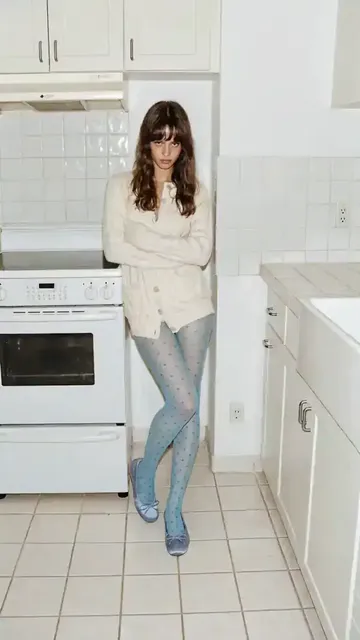
AI Video Generator to Text — Describe, Generate, Watch
Type a description and the AI video generator to text tool creates a matching video. Simple workflow from written words to video clips.
AI Video Generator
0/20000 characters
Cost:10
My videos
Loading...
How does an AI video generator work with text?
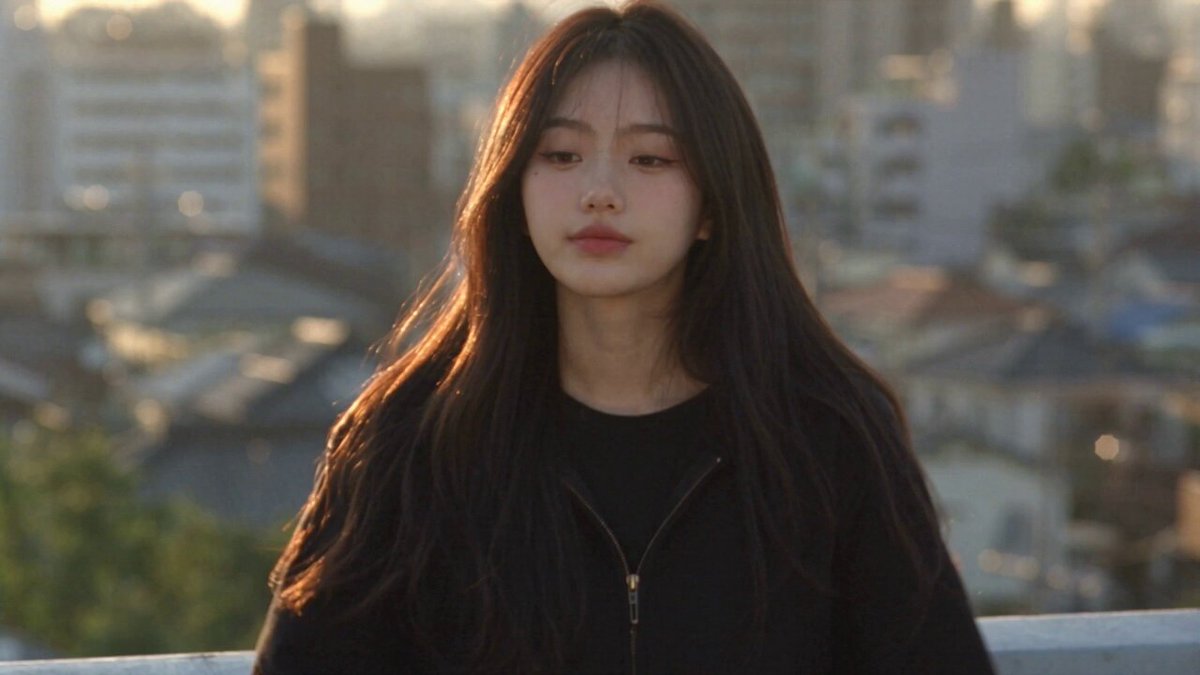
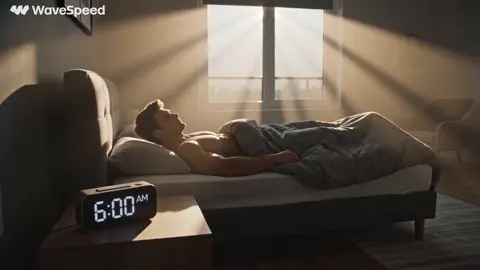
An AI video generator to text tool converts written descriptions into video clips. You type what you want to see—setting, subjects, lighting, motion—and the tool generates a matching video. It is a text-to-video workflow: you write the scene, adjust settings, generate, and review the output. This approach works for social content, product mockups, and visual storytelling without filming.
AI Video Generator to Text — Describe, Generate, Watch
Travel journal scene
Input
A narrow cobblestone street in a European old town. Flower boxes hang from window sills. A bicycle leans against a stone wall. Warm afternoon sun casts long shadows across the street.
Expected output
A generated European street scene with cobblestones, flowers, a bicycle, and warm directional lighting
Product description demo
Input
A sleek wireless speaker sits on a polished concrete surface. A smartphone beside it shows a music app. Soft LED light glows from the speaker base. Minimal, modern aesthetic.
Expected output
A generated product scene with the speaker and phone arranged on a textured surface, subtle glow from the device
Storyboard script visual
Input
Medium shot of a character standing at a bus stop in light rain. A street lamp illuminates the scene from above. The character looks down the empty road. Wet pavement reflects the streetlight.
Expected output
A generated night street scene with a figure at a bus stop, visible rain, and reflective wet pavement
Generate video from written text descriptions
Straightforward text-to-video workflow
Type what you want to see and the tool does the rest. No technical steps beyond writing the prompt.
Works with any visual idea
Describe places, people, objects, or abstract scenes. If you can describe it, the tool attempts to generate it.
Fast turnaround from concept to clip
Go from idea to preview in the time it takes to write three sentences and click generate.
How It Works
1
Describe the scene
Describe the desired scene and motion.
2
Adjust the settings
Choose the available generation settings.
3
Generate and download
Generate, review, and download a suitable result.
Tips for writing prompts
Clear, specific descriptions produce the most useful video outputs.
Input Constraints
- Describe concrete visual elements rather than abstract concepts
- Include setting, lighting, and any motion
- Keep to one main subject or scene per prompt
Practical Tips
- Write as if describing a photo or shot to someone
- Include colors and lighting for richer results
- Mention camera perspective if it matters
- Test shorter prompts before adding more detail
Privacy
- Do not upload personal or sensitive material unless you have permission to use it.
Usage Rights
- Confirm that you have the rights needed for the inputs and intended use of the result.
Prompt recipes
Copy a structure, then adjust the subject, lighting, camera, and output details for your own result.
Interior mood shot
A cozy reading nook beside a rain-streaked window. A cup of tea sits on a small side table. Warm lamp light illuminates an open book. Soft focus on raindrops outside.
Combines interior setting, weather detail, lighting, and focus direction for atmospheric content.
Product on lifestyle table
A skincare bottle on a white marble bathroom counter. Morning sunlight streams through a window creating soft shadows. A green plant leaf enters the frame from the side.
Describes product, surface, natural lighting, and compositional element for lifestyle marketing.
Urban establishing shot
Wide shot of a city skyline at dusk. Office building lights beginning to glow. Purple and orange sunset clouds above. Slow camera pan from left to right.
Sets location, time of day, color palette, and camera movement for establishing footage.
Narrative character moment
Closeup of a person's face lit by the blue glow of a laptop screen in a dark room. Their eyes reflect the screen. Expression thoughtful and focused.
Focuses on character, lighting source, and emotion for narrative or storytelling content.
Nature detail shot
Extreme closeup of dewdrops on a spider web at dawn. Soft pink and gold light in the background. Each drop catches and refracts the light. Gentle breeze causes slight movement.
Describes macro detail, time-of-day lighting, and subtle motion for nature content.
Best use cases
Match the workflow to the input you have and the result you need before opening the generator.
Written content visualization
Input: Descriptive text from blog posts, scripts, or articles
Result: Video that visualizes the written content for multimedia storytelling
Tool: Text-to-video with narrative or illustrative style
Copywriting preview
Input: Marketing copy or product descriptions as prompts
Result: Visual mockup of how the described product or scene would look on video
Tool: Text-to-video with commercial or product showcase settings
Script storyboarding
Input: Scene descriptions from a video script or screenplay
Result: Visual reference for each scene before production
Tool: Text-to-video with cinematic or storyboard mode
Social caption to clip
Input: Vivid caption or post description
Result: Matching video to accompany the social post
Tool: Text-to-video with social format and short duration
Limitations to know before generating
- The tool generates video from text, not the reverse—it cannot extract text from video.
- Complex narrative descriptions may require multiple separate generations.
- Text and legible writing within generated scenes are often unclear.
- Generated characters may not maintain consistent appearance across multiple clips.
- Abstract concepts without clear visual references may produce unexpected results.
- Results require review to ensure they match the intended meaning of the text.
Creative Suite: AI Video Generator & AI Image Generator Tools
Power up your creative workflow with our AI-driven tools. Generate stunning videos, create images, and apply custom adjustments - our AI Video Generator and AI Image Generator offer a complete solution for all your creative needs.
Strictly Prohibits Adult/NSFW Content








Pricing
Choose the credit package that works best for you.
No hidden fees • Cancel anytime • Unused credits roll over
Starter
Perfect for trying out AI creation.
Credits
200 credits / month
- Up to 20 videos per month
- Up to 100 images per month
$6.99/ month$9.9930% OFF
Billed monthly
First-time subscribers get 30% off their first month, then standard price
What's included
- Credits never expire
- Standard models
- HD, Watermark-Free Downloads
- Private Generation
- Faster Generation Speed
- Ad-free experience
Basic
Perfect for light creators.
Credits
500 credits / month
- Up to 50 videos per month
- Up to 250 images per month
$13.99/ month$19.9930% OFF
Billed monthly
First-time subscribers get 30% off their first month, then standard price
What's included
- Credits never expire
- Standard models
- HD, Watermark-Free Downloads
- Private Generation
- Faster Generation Speed
- Ad-free experience
Pro
PopularBest value for creators
Credits
1,200 credits / month
- Up to 120 videos per month
- Up to 600 images per month
$39.99/ month
Billed monthly
What's included
- Credits never expire
- All models + Early access to new models
- HD, Watermark-Free Downloads
- Private Generation
- Faster Generation Speed
- Ultra HD resolution
- Ad-free experience
Ultra
For video creators and power users.
Credits
5,000 credits / month
- Up to 500 videos per month
- Up to 2,500 images per month
$99.99/ month
Billed monthly
What's included
- Credits never expire
- All models + Early access to new models
- HD, Watermark-Free Downloads
- Private Generation
- Faster Generation Speed
- Ultra HD resolution
- Ad-free experience
Free
Standard models only — upgrade to unlock premium models.
Credits
10 free credits on signup
Questions? Contact us at support@domer.io
Turn your text into a clip
Write a few sentences describing the scene you want. The AI video generator to text tool converts your description into a moving video.