
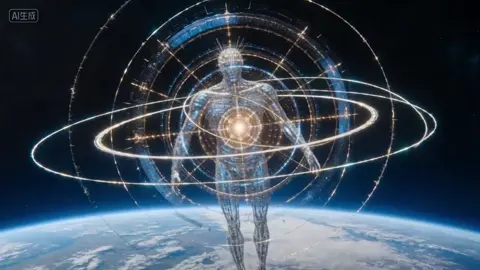
AI Video Generator Top
Describe what you want to see and generate video from text. Choose settings, review the result, and download clips ready for your project.
AI Video Generator
0/20000 characters
Cost:10
My videos
Loading...
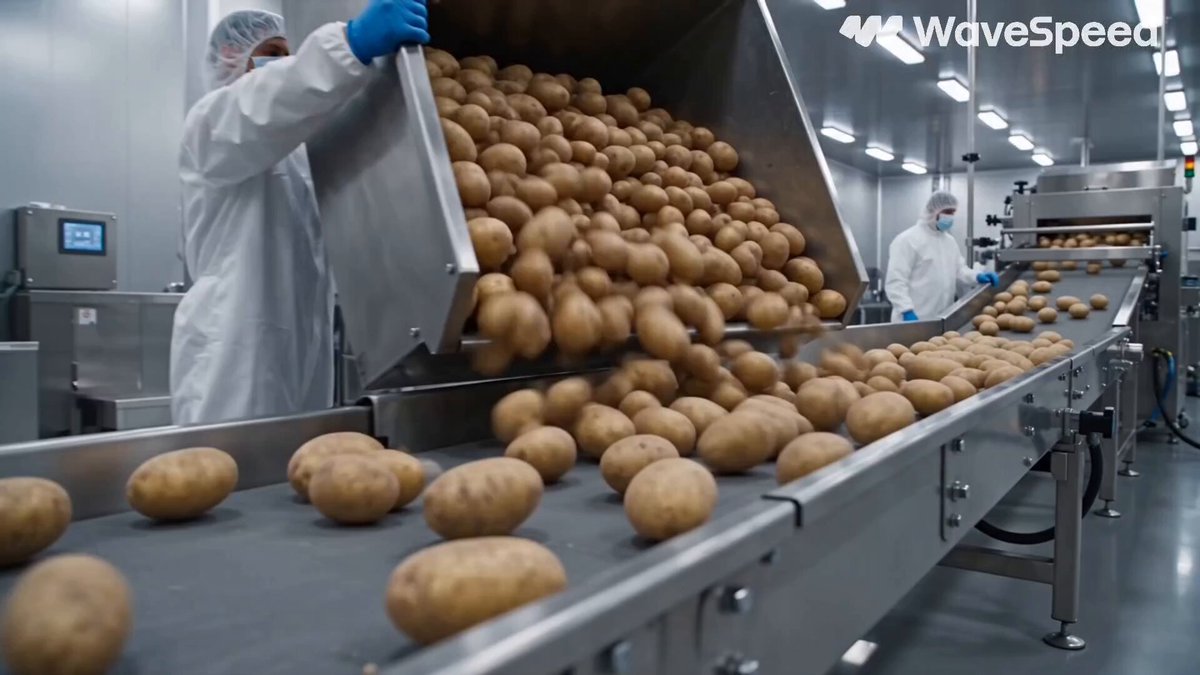
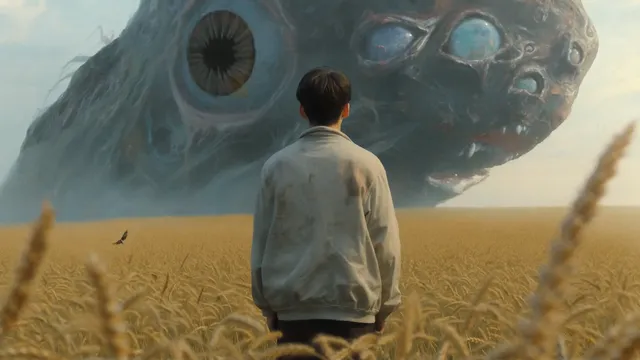
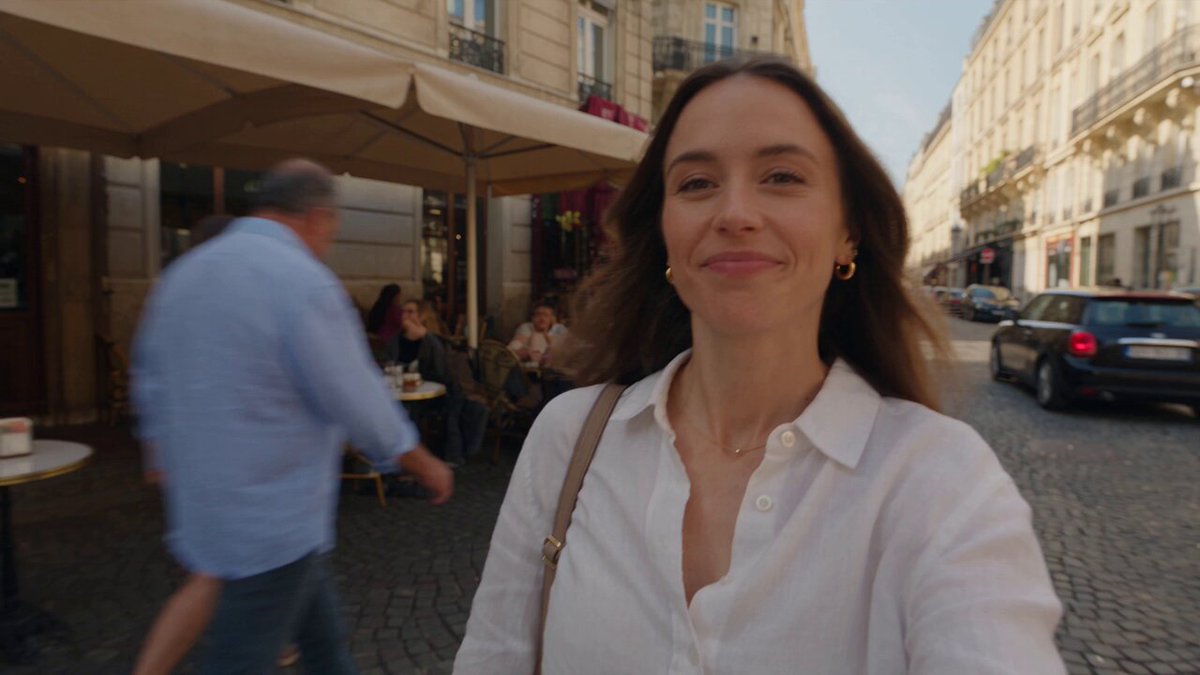
What is a top AI video generator?
A top AI video generator turns text descriptions into video clips without filming or editing. You write what you want to see—subjects, motion, lighting—and the tool generates a matching video. The workflow is describe, configure settings, generate, and review. It is useful for social content, concept visualization, and rapid video prototyping when you need output quickly.
AI Video Generator Top
Scene from a description
Input
A detailed scene description of a sunrise over a desert canyon with golden light spreading across sand dunes and shadows retreating
Expected output
A generated video showing the described scene with motion and timing consistent with the prompt
Short social clip
Input
A 10-second action scene of a skateboarder performing a trick on a city street at sunset with dynamic camera follow
Expected output
A short video clip that reflects the described motion, composition, and visual style
Concept visualization
Input
A narrative description of an animated robot exploring a futuristic laboratory filled with glowing equipment and holographic displays
Expected output
A generated video sequence that follows the described narrative arc
create focused video drafts from detailed prompts using a text-to-video tool
Video from text alone
Skip filming and editing — describe what you want to see and let the tool generate the footage.
Rapid iteration
Adjust your prompt and regenerate until the scene matches your vision, all from a single text input.
Consistent quality control
Review each result before deciding to use it, ensuring the output fits your project standards.
How It Works
1
Describe the scene
Describe the desired scene and motion.
2
Choose settings
Choose the available generation settings.
3
Generate and review
Generate, review, and download a suitable result.
Tips for better results
Getting the most from text-to-video generation depends on how you describe your scene.
Input Constraints
- Prompts should describe visible motion and scene composition.
- Generated results should be reviewed before final use.
- Avoid personal or sensitive content unless you have permission.
Practical Tips
- Include lighting, camera angle, and movement direction in your prompt.
- Start with a short scene description and add detail on successive attempts.
- Review the generated video for timing and visual coherence.
Privacy
- Do not upload personal or sensitive material unless you have permission to use it.
Usage Rights
- Confirm that you have the rights needed for the inputs and intended use of the result.
Prompt recipes
Copy a structure, then adjust the subject, lighting, camera, and output details for your own result.
Cinematic landscape opener
Drone shot rising over a mountain lake at dawn, mist rolling across the water surface, golden sunlight breaking through clouds, slow upward movement
Combines camera movement, atmospheric conditions, and lighting for a strong cinematic opening.
Dynamic action beat
Tracking shot of a cyclist racing down a forest trail, camera following from the side, dappled sunlight through trees, leaves swirling in the wake
Specifies subject motion, camera relation, and environmental detail for dynamic footage.
Product reveal shot
Slowly rotating shot of a luxury watch on a black velvet surface, dramatic side lighting casting sharp shadows, reflections on the watch glass
Focuses on one subject with controlled motion and lighting for professional product video.
Abstract visual loop
Morphing geometric shapes in gradient colors, smooth transitions between forms, depth of field blur on background elements, seamless 10-second loop
Describes motion style, visual treatment, and technical requirement for background content.
Character concept scene
Medium shot of a figure in futuristic armor standing on a windswept cliff edge at sunset, cape billowing, distant city skyline below, cinematic color grading
Combines character, environment, motion elements, and visual style for concept visualization.
Food closeup shot
Overhead shot of honey being drizzled onto a stack of pancakes on a rustic wooden table, steam rising, soft morning window light from the left
Clear framing, action, and lighting direction for appetizing food content.
Best use cases
Match the workflow to the input you have and the result you need before opening the generator.
Social media content
Input: Short, punchy scene description with strong visual hook and clear motion
Result: Eye-catching vertical or square video for feeds, reels, and stories
Tool: Text-to-video with short duration and social format presets
Marketing and product video
Input: Product-focused description with professional lighting and camera movement
Result: Polished product showcase or brand video segment
Tool: Text-to-video with cinematic style and controlled camera motion
Concept and storyboard preview
Input: Detailed narrative scene with character, environment, and progression
Result: Visual reference for creative development and pitches
Tool: Text-to-video with narrative focus and longer duration
Background footage
Input: Looping scene with ambient motion and consistent mood
Result: Seamless video loop for websites, streams, or presentations
Tool: Text-to-video with seamless loop and ambient settings
Rapid prototyping
Input: Quick scene sketch to test visual ideas before full production
Result: Draft video to validate concept direction and visual approach
Tool: Text-to-video with fast generation and iterative workflow
Limitations to know before generating
- Generated videos require human review for quality, coherence, and suitability before use.
- Text and fine details within scenes are often unclear or incorrect.
- Complex character interactions or choreography may not match the prompt exactly.
- Specific faces, recognizable people, or copyrighted elements cannot be reliably generated.
- Longer videos may show inconsistencies in lighting, motion, or scene continuity.
- Results depend heavily on prompt clarity—vague descriptions produce unpredictable output.
Creative Suite: AI Video Generator & AI Image Generator Tools
Power up your creative workflow with our AI-driven tools. Generate stunning videos, create images, and apply custom adjustments - our AI Video Generator and AI Image Generator offer a complete solution for all your creative needs.
Strictly Prohibits Adult/NSFW Content








Pricing
Choose the credit package that works best for you.
No hidden fees • Cancel anytime • Unused credits roll over
Starter
Perfect for trying out AI creation.
Credits
200 credits / month
- Up to 20 videos per month
- Up to 100 images per month
$6.99/ month$9.9930% OFF
Billed monthly
First-time subscribers get 30% off their first month, then standard price
What's included
- Credits never expire
- Standard models
- HD, Watermark-Free Downloads
- Private Generation
- Faster Generation Speed
- Ad-free experience
Basic
Perfect for light creators.
Credits
500 credits / month
- Up to 50 videos per month
- Up to 250 images per month
$13.99/ month$19.9930% OFF
Billed monthly
First-time subscribers get 30% off their first month, then standard price
What's included
- Credits never expire
- Standard models
- HD, Watermark-Free Downloads
- Private Generation
- Faster Generation Speed
- Ad-free experience
Pro
PopularBest value for creators
Credits
1,200 credits / month
- Up to 120 videos per month
- Up to 600 images per month
$39.99/ month
Billed monthly
What's included
- Credits never expire
- All models + Early access to new models
- HD, Watermark-Free Downloads
- Private Generation
- Faster Generation Speed
- Ultra HD resolution
- Ad-free experience
Ultra
For video creators and power users.
Credits
5,000 credits / month
- Up to 500 videos per month
- Up to 2,500 images per month
$99.99/ month
Billed monthly
What's included
- Credits never expire
- All models + Early access to new models
- HD, Watermark-Free Downloads
- Private Generation
- Faster Generation Speed
- Ultra HD resolution
- Ad-free experience
Free
Standard models only — upgrade to unlock premium models.
Credits
10 free credits on signup
Questions? Contact us at support@domer.io
Try AI video generator top now
Open the tool, describe your scene, and generate your first video in minutes.