
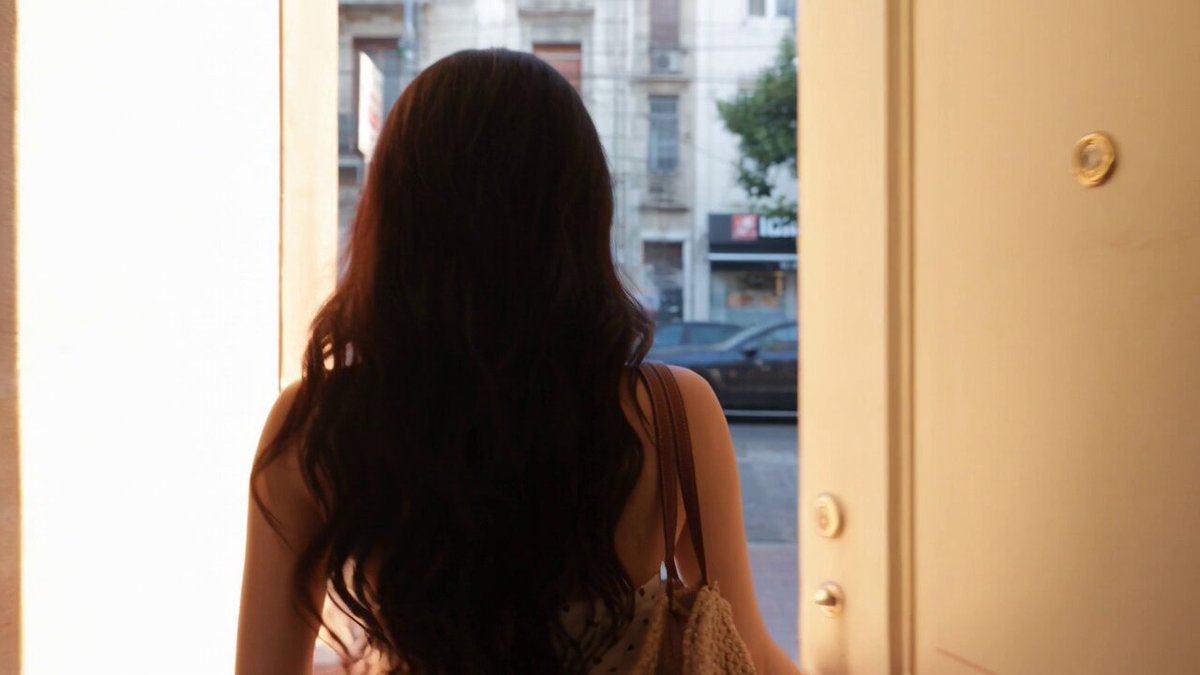
AI Video Generator with Multiple Images
Create layered video scenes from text. Describe foreground, midground, and background elements together, and generate a rich video clip.
AI Video Generator
0/20000 characters
Cost:10
My videos
Loading...
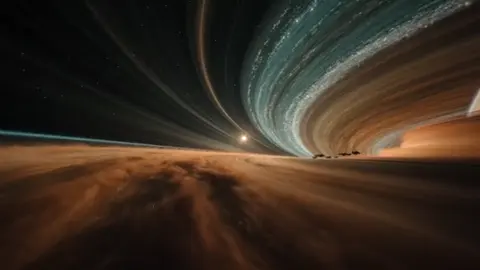
Build complex video scenes from multi-element descriptions
An AI video generator with multiple images creates video clips from text prompts that describe several visual elements in one scene. Structure your prompt by layers — background, midground, foreground — and include motion, lighting, and spatial relationships. The tool generates a single video that combines all described elements.
AI Video Generator with Multiple Images
Layered landscape
Input
A mountain range in the background, a lake in the middle distance, pine trees framing the foreground, clouds moving, late afternoon light
Expected output
A layered landscape clip with distinct foreground, midground, and background elements and moving clouds
Busy street scene
Input
A city street with passing cars, people walking on sidewalks, shop windows lit up, neon signs flickering, rain falling, handheld camera feel
Expected output
A busy street clip with cars, pedestrians, lit shop windows, and a handheld-style camera motion
Still life with motion
Input
A dining table set for a meal with plates, glasses, and candles, steam rising from food, soft window light, slow camera orbit
Expected output
A slow orbital clip of a set dining table with visible steam, candlelight, and natural window light
Generate video clips from detailed text prompts combining multiple visual elements in one scene
Build complex scenes from text
Describe foreground, midground, background, and motion in one prompt to create layered clips.
Iterate on composition
Add, remove, or rearrange elements by editing the prompt text.
Rich concept footage
Generate detailed scene concepts for storytelling, mood boards, or presentation visuals.
How It Works
1
Describe the scene
Describe the desired scene and motion.
2
Adjust settings
Choose the available generation settings.
3
Generate and review
Generate, review, and download a suitable result.
Multi-element prompt tips
Structure your description so the generator can place each element clearly.
Input Constraints
- Avoid mixing too many elements — 3 to 5 main components work best.
- Do not include trademarked or copyrighted elements in descriptions.
- Keep content appropriate and not misleading.
Practical Tips
- Describe elements from background to foreground for spatial clarity.
- Mention how elements interact — passing, reflecting, overlapping.
- Include lighting to unify the scene and set the mood.
Privacy
- Do not upload personal or sensitive material unless you have permission to use it.
Usage Rights
- Confirm that you have the rights needed for the inputs and intended use of the result.
Prompt recipes
Copy a structure, then adjust the subject, lighting, camera, and output details for your own result.
Narrative establishing shot
A wide view of a coastal village at dusk: fishing boats in the harbor foreground, narrow streets with warm house lights in the midground, hills with a lighthouse in the background, seagulls flying across the frame, gentle waves lapping at the shore
Layers three spatial zones with distinct subjects, adds environmental motion, and sets a clear time of day for a narrative scene opener.
Product in context
A laptop open on a wooden desk in the foreground, a coffee cup and notebook beside it, a blurred bookshelf with plants in the midground, a window with soft morning light in the background, steam rising from the coffee
Places the product in focus with supporting lifestyle objects, uses depth of field to separate layers, and adds atmospheric detail with steam and light.
Fantasy environment
A stone bridge crossing a glowing river in the foreground, a medieval castle on a hill in the midground, a purple twilight sky with two moons in the background, fireflies floating near the bridge, mist drifting through the scene
Builds a fantastical world with three distinct spatial layers, adds magical elements, and uses lighting and particles to unify the composition.
Urban life montage
A busy intersection with pedestrians crossing in the foreground, food vendors and cyclists in the midground, tall buildings with digital billboards in the background, rain falling, reflections on wet pavement, early evening neon glow
Combines multiple human activities across layers, adds weather and lighting effects, and creates a dense urban atmosphere.
Nature time-lapse layers
Wildflowers swaying in the breeze in the foreground, a river flowing through a valley in the midground, snow-capped mountains under a partly cloudy sky in the background, clouds moving quickly, shadows shifting across the valley
Uses natural motion at multiple speeds across layers, includes environmental changes like shadow movement, and establishes scale with foreground detail and distant mountains.
Best use cases
Match the workflow to the input you have and the result you need before opening the generator.
Narrative establishing shot
Input: Wide scene with three spatial layers and environmental motion
Result: A cinematic establishing shot that sets location and mood
Tool: Text to Video with layered spatial description and time-of-day lighting
Product in lifestyle context
Input: Product in focus with supporting objects and blurred background layers
Result: A product video that shows the item in a natural use environment
Tool: Text to Video with depth-of-field and lifestyle object descriptions
Fantasy or game environment
Input: Foreground landmark, midground structure, background sky with fantastical elements
Result: A concept video for game or story world-building
Tool: Text to Video with fantasy elements and spatial layering
Urban or documentary scene
Input: Multiple human activities across layers with weather or lighting effects
Result: A dense urban scene with layered motion and atmosphere
Tool: Text to Video with activity descriptions and environmental detail
Limitations to know before generating
- The tool generates video from text prompts only. You cannot upload multiple image files as input.
- Aim for 3 to 5 main visual elements per prompt. Too many components can produce cluttered or inconsistent results.
- Spatial relationships are interpreted by the model. Use clear layering language like foreground, midground, and background.
- Elements may overlap or interact in unexpected ways. Review the output and adjust your prompt wording if needed.
- Do not describe copyrighted, trademarked, or brand-specific imagery unless you have the rights to reference it.
Creative Suite: AI Video Generator & AI Image Generator Tools
Power up your creative workflow with our AI-driven tools. Generate stunning videos, create images, and apply custom adjustments - our AI Video Generator and AI Image Generator offer a complete solution for all your creative needs.
Strictly Prohibits Adult/NSFW Content








Pricing
Choose the credit package that works best for you.
No hidden fees • Cancel anytime • Unused credits roll over
Starter
Perfect for trying out AI creation.
Credits
200 credits / month
- Up to 20 videos per month
- Up to 100 images per month
$6.99/ month$9.9930% OFF
Billed monthly
First-time subscribers get 30% off their first month, then standard price
What's included
- Credits never expire
- Standard models
- HD, Watermark-Free Downloads
- Private Generation
- Faster Generation Speed
- Ad-free experience
Basic
Perfect for light creators.
Credits
500 credits / month
- Up to 50 videos per month
- Up to 250 images per month
$13.99/ month$19.9930% OFF
Billed monthly
First-time subscribers get 30% off their first month, then standard price
What's included
- Credits never expire
- Standard models
- HD, Watermark-Free Downloads
- Private Generation
- Faster Generation Speed
- Ad-free experience
Pro
PopularBest value for creators
Credits
1,200 credits / month
- Up to 120 videos per month
- Up to 600 images per month
$39.99/ month
Billed monthly
What's included
- Credits never expire
- All models + Early access to new models
- HD, Watermark-Free Downloads
- Private Generation
- Faster Generation Speed
- Ultra HD resolution
- Ad-free experience
Ultra
For video creators and power users.
Credits
5,000 credits / month
- Up to 500 videos per month
- Up to 2,500 images per month
$99.99/ month
Billed monthly
What's included
- Credits never expire
- All models + Early access to new models
- HD, Watermark-Free Downloads
- Private Generation
- Faster Generation Speed
- Ultra HD resolution
- Ad-free experience
Free
Standard models only — upgrade to unlock premium models.
Credits
10 free credits on signup
Questions? Contact us at support@domer.io
Describe a rich scene
Open the text-to-video tool, layer your description with multiple elements, and generate a clip.