

ai video generator with my voice guide
Create video visuals to pair with your voice content. Describe the scene, mood, and pacing in text, and generate a matching video clip.
AI Video Generator
0/20000 characters
Cost:10
My videos
Loading...
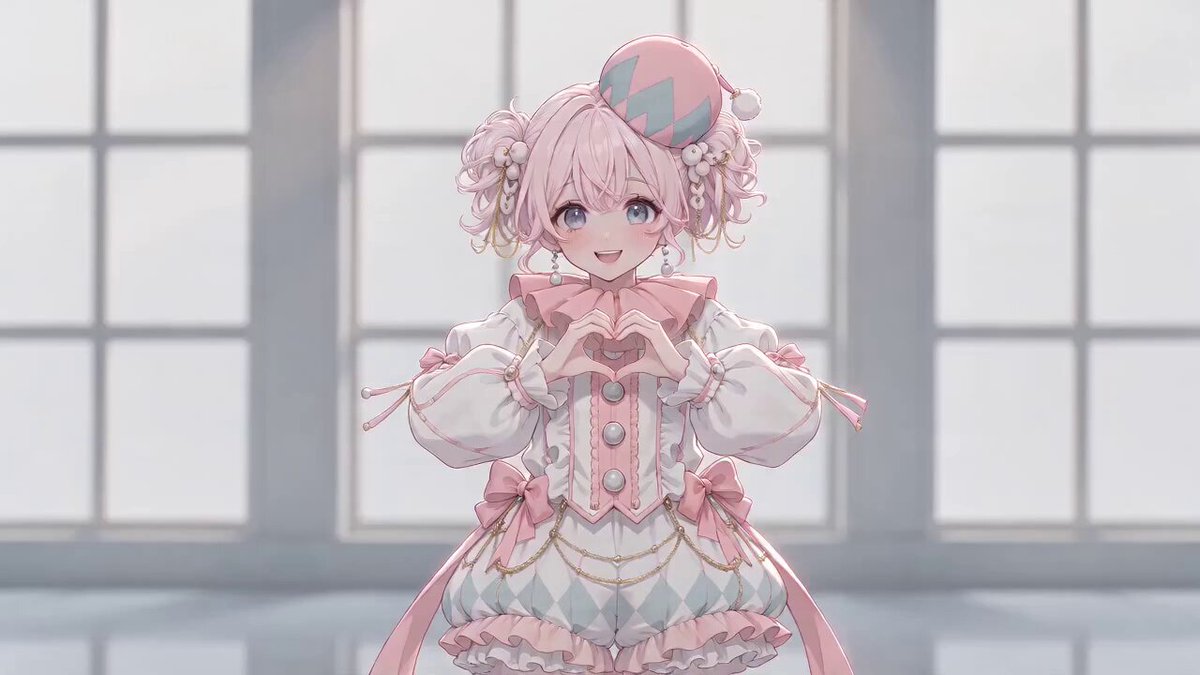
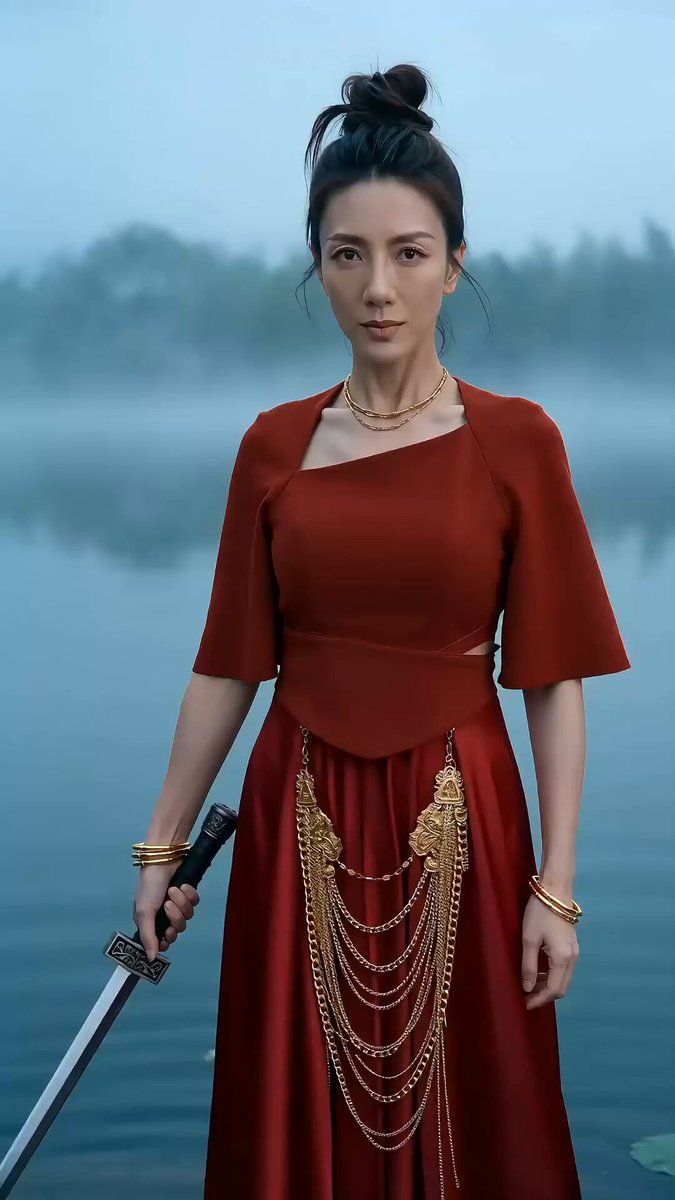
Generate video scenes for voiceover content
An AI video generator for voiceover work creates video clips that complement your existing audio narration. Describe the visual scene, mood, pacing, and atmosphere in text, and the tool generates a video you can pair with your voice recording during editing. The tool generates video only; audio is not uploaded or processed.
ai video generator with my voice guide
Guided meditation scene
Input
Gentle waves washing onto a sandy beach at sunrise, soft golden light on the water, slow peaceful motion, calm atmosphere.
Expected output
A generated calm beach scene with gentle waves and sunrise lighting for meditation voiceover.
Tutorial explainer visual
Input
An animated hand drawing a simple diagram on a digital whiteboard, lines appearing one by one, clean modern style.
Expected output
A generated animated explainer sequence with a hand drawing diagrams.
Travelogue montage
Input
A montage of travel scenes: a train running through green hills, a street food stall, a sunset from a balcony, smooth transitions.
Expected output
A generated travel montage video transitioning through multiple scenic locations.
Generate visual video content that accompanies voice recordings or narration by describing matching scenes in text
Visuals for voice content
Generate matching scenes for podcast clips, narration, tutorials, and voiceover projects without filming.
Quick content pairing
Produce video accompaniment for existing audio recordings by describing the visual scene.
Mood matching
Describe the visual tone such as calm, educational, or adventurous to match the voice recording style.
How It Works
1
Describe the desired scene and motion.
Describe the desired scene and motion.
2
Choose the available generation settings.
Choose the available generation settings.
3
Generate, review, and download a suitable result.
Generate, review, and download a suitable result.
Tips for voiceover scene prompts
Describe scenes that match the pacing of your audio.
Input Constraints
- Do not upload personal audio recordings through text prompt fields.
- Avoid copyrighted music or audio content in prompt descriptions.
- Results are generated video scenes, not synced audio-visual productions.
Practical Tips
- Describe the duration by saying 'slow pan', 'quick cuts', or 'continuous shot' to suggest pacing.
- Include scene transitions such as 'fade', 'wipe', or 'cut' for multi-scene prompts.
- Match the visual mood to the voice tone such as 'calm and slow' for meditation or 'dynamic' for energetic narration.
Privacy
- Do not upload personal or sensitive material unless you have permission to use it.
Usage Rights
- Confirm that you have the rights needed for the inputs and intended use of the result.
Prompt recipes
Copy a structure, then adjust the subject, lighting, camera, and output details for your own result.
Calm meditation backdrop
A slow pan across a misty forest at dawn, soft diffused light filtering through the trees, birds flying in the distance, gentle ambient motion, serene and peaceful mood
Uses slow camera motion, soft lighting, and minimal activity to match the pacing and tone of a meditation or mindfulness voiceover.
Educational whiteboard animation
A hand holding a marker draws a flowchart on a clean white digital board, arrows and boxes appearing step by step, modern flat design style, clear and focused composition
Mimics a hand-drawn explainer format with sequential visual reveals that sync well with instructional narration.
Podcast travel montage
Quick cuts between a bustling city market, a quiet temple courtyard, a street performer, and a sunset over water, each scene lasting three seconds, vibrant colors, documentary feel
Uses fast-paced scene changes and documentary style to match the rhythm of storytelling or travel podcast audio.
Inspirational sunrise sequence
A time-lapse of the sun rising over a mountain range, clouds moving quickly, warm orange and pink tones, camera pulling back to reveal a wider landscape, uplifting mood
Combines time-lapse motion, warm color palette, and expanding camera view to match motivational or inspirational voiceover.
Corporate background loop
Slow motion of people collaborating in a bright modern office, soft focus, natural window light, minimal movement, professional and clean aesthetic, loop-friendly
Creates a professional atmosphere with slow, repeatable motion suitable for corporate narration or explainer videos.
Best use cases
Match the workflow to the input you have and the result you need before opening the generator.
Meditation or mindfulness audio
Input: Calm nature scene with slow motion and soft lighting
Result: A serene video backdrop that complements guided audio
Tool: Text to Video with slow motion and peaceful atmosphere keywords
Tutorial or educational voiceover
Input: Whiteboard or diagram animation with step-by-step reveals
Result: An explainer-style video that follows instructional narration
Tool: Text to Video with animated diagram or hand-drawn style
Podcast or storytelling clip
Input: Montage of scenes with quick cuts and documentary style
Result: A dynamic visual montage for narrative or travel audio
Tool: Text to Video with scene transitions and storytelling pacing
Corporate or explainer narration
Input: Professional office or abstract background with loop-friendly motion
Result: A clean, repeatable video for business or product narration
Tool: Text to Video with professional aesthetic and loop keywords
Limitations to know before generating
- This tool generates video from text prompts only. You cannot upload audio files or voice recordings.
- The tool does not sync video timing to your audio. You must combine video and audio in separate editing software.
- Generated video length depends on the duration settings in the tool. Edit the result to match your audio timing if needed.
- Describe visual pacing such as slow pan or quick cuts to suggest timing, but results are not frame-accurate to audio.
- Do not include copyrighted music, audio, or voice content in your prompt descriptions.
Creative Suite: AI Video Generator & AI Image Generator Tools
Power up your creative workflow with our AI-driven tools. Generate stunning videos, create images, and apply custom adjustments - our AI Video Generator and AI Image Generator offer a complete solution for all your creative needs.
Strictly Prohibits Adult/NSFW Content








Pricing
Choose the credit package that works best for you.
No hidden fees • Cancel anytime • Unused credits roll over
Starter
Perfect for trying out AI creation.
Credits
200 credits / month
- Up to 20 videos per month
- Up to 100 images per month
$6.99/ month$9.9930% OFF
Billed monthly
First-time subscribers get 30% off their first month, then standard price
What's included
- Credits never expire
- Standard models
- HD, Watermark-Free Downloads
- Private Generation
- Faster Generation Speed
- Ad-free experience
Basic
Perfect for light creators.
Credits
500 credits / month
- Up to 50 videos per month
- Up to 250 images per month
$13.99/ month$19.9930% OFF
Billed monthly
First-time subscribers get 30% off their first month, then standard price
What's included
- Credits never expire
- Standard models
- HD, Watermark-Free Downloads
- Private Generation
- Faster Generation Speed
- Ad-free experience
Pro
PopularBest value for creators
Credits
1,200 credits / month
- Up to 120 videos per month
- Up to 600 images per month
$39.99/ month
Billed monthly
What's included
- Credits never expire
- All models + Early access to new models
- HD, Watermark-Free Downloads
- Private Generation
- Faster Generation Speed
- Ultra HD resolution
- Ad-free experience
Ultra
For video creators and power users.
Credits
5,000 credits / month
- Up to 500 videos per month
- Up to 2,500 images per month
$99.99/ month
Billed monthly
What's included
- Credits never expire
- All models + Early access to new models
- HD, Watermark-Free Downloads
- Private Generation
- Faster Generation Speed
- Ultra HD resolution
- Ad-free experience
Free
Standard models only — upgrade to unlock premium models.
Credits
10 free credits on signup
Questions? Contact us at support@domer.io
Create a visual for your voice content
Open the text-to-video tool and describe a scene that matches your narration. Adjust the prompt until the visual complements your audio.