
Amazing Text to Video Generator AI for Quick Ideas
Describe a scene in text and generate a video clip quickly. Test ideas, compare variations, and download results.
AI Video Generator
0/20000 characters
Cost:10
My videos
Loading...
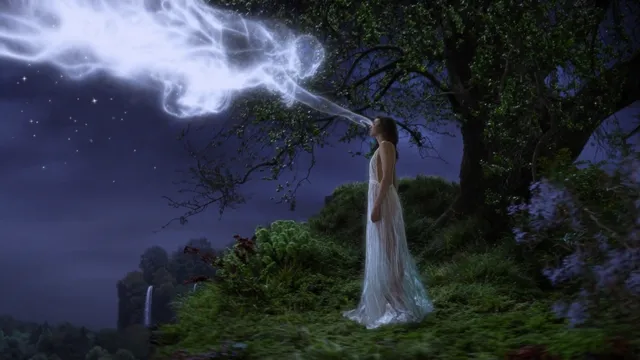
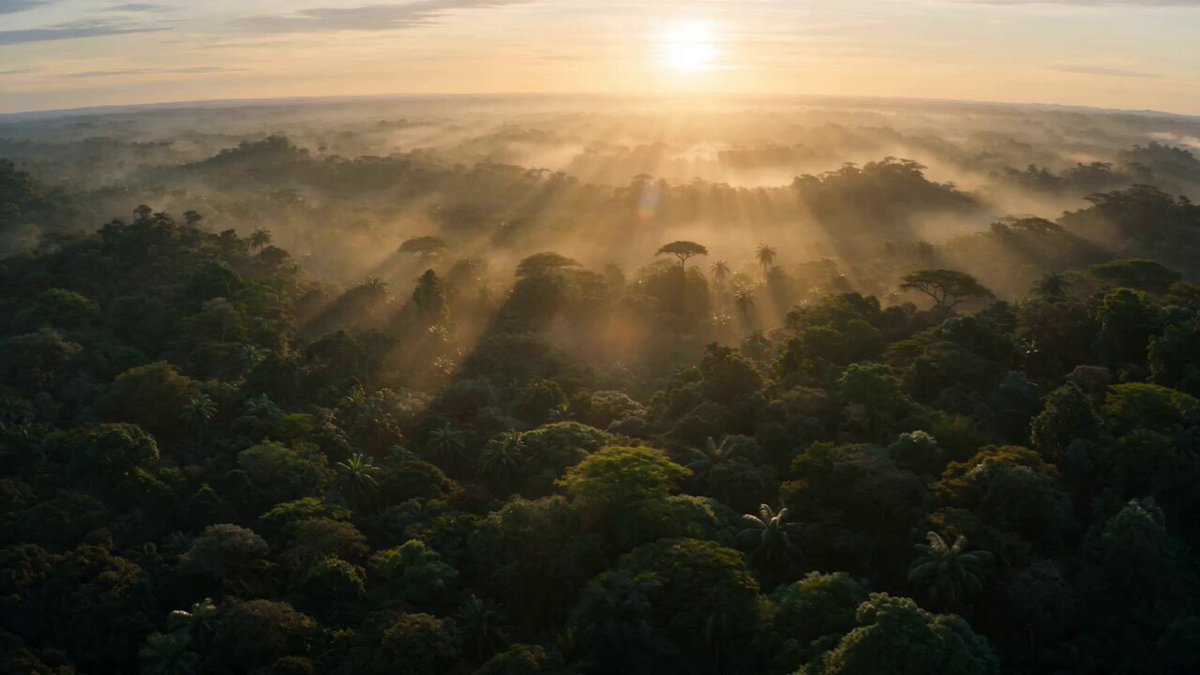
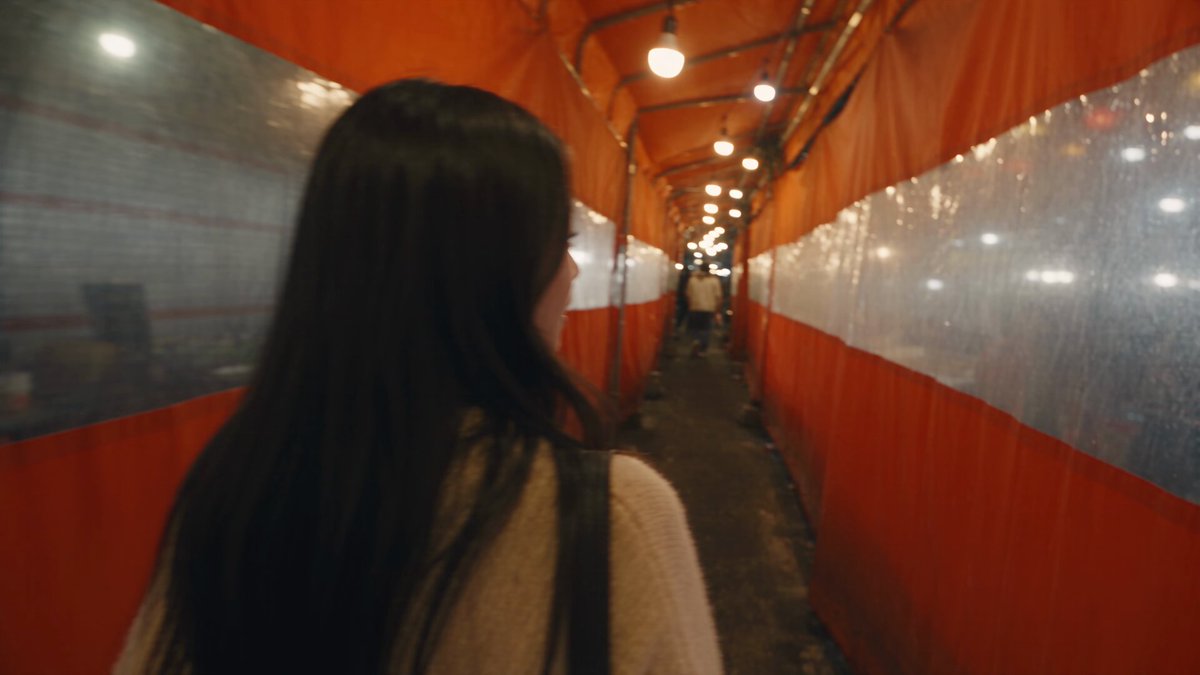
What makes a text-to-video generator AI amazing?
An amazing text-to-video generator AI converts detailed scene descriptions into visual clips rapidly, allowing creators to test concepts, compare variations, and iterate on ideas without filming. By describing motion, lighting, and composition in text, you can prototype video content and refine your creative direction before committing to production.
Amazing Text to Video Generator AI for Quick Ideas
Sneaker product teaser
Input
A white sneaker slowly rotating on a round podium, soft studio light, shallow depth of field.
Expected output
A short clip of the sneaker rotating with smooth motion; lighting and angle may vary slightly from the description.
Sunrise mountain drive
Input
A car driving along a misty mountain road at sunrise, warm light, steady forward motion.
Expected output
A short clip of the car moving along the road with drifting mist; pacing may differ between takes.
Rainy neon street
Input
A neon-lit city street at night with light rain, reflections on the pavement, slow pan across the scene.
Expected output
A short clip with rain and moving reflections; the pan speed and framing can shift between generations.
Turn text descriptions into video clips for rapid prototyping and concept testing.
Start from words alone
Describe what you want to see, then generate a first clip without needing existing footage or an editing timeline.
Test ideas fast
Try different wording and settings to compare motion and mood before committing to a direction.
Draft and refine
Use generated clips as starting points or placeholders, then review and regenerate until a suitable result is ready.
How It Works
1
Describe the scene
Describe the desired scene and motion.
2
Choose settings
Choose the available generation settings.
3
Generate and review
Generate, review, and download a suitable result.
Prompt tips for clearer clips
Specific wording gives the generator a clearer idea of the scene and motion to produce.
Input Constraints
- Describe the subject, setting, and what moves.
- Keep motion directions simple and consistent.
- Avoid real people, logos, or recognizable brands.
- Use only content you have permission to use.
Practical Tips
- Mention lighting, such as warm sunrise or soft studio light.
- Specify camera movement, like a steady pan or fixed shot.
- Note pacing, such as slow drift or a quick cut.
- Review each clip and refine the prompt for the next try.
Privacy
- Do not upload personal or sensitive material unless you have permission to use it.
Usage Rights
- Confirm that you have the rights needed for the inputs and intended use of the result.
Prompt recipes
Copy a structure, then adjust the subject, lighting, camera, and output details for your own result.
Cinematic product reveal
A luxury watch emerges from darkness as a spotlight slowly illuminates it. Camera circles the watch in slow motion. Reflections dance across the polished metal surface. Black background with subtle lens flare.
Combines dramatic lighting reveal, circular camera motion, material reflection details, and premium aesthetic for high-end product content.
Travel destination opener
Drone shot rising over a tropical beach at golden hour. Turquoise waves roll onto white sand. Palm trees sway in the breeze. Camera tilts up to reveal a stunning sunset on the horizon.
Uses aerial perspective, natural beauty elements, lighting timing, and a reveal move to create aspirational travel content.
Food preparation moment
Overhead shot of a chef's hands slicing fresh vegetables on a wooden cutting board. Quick, precise knife movements. Colorful ingredients arranged around the workspace. Natural window light from the left side.
Employs overhead perspective, action focus, color variety, and natural lighting to capture culinary skill and freshness.
Tech interface visualization
Floating holographic interface panels appear in a dark room. Glowing blue data streams connect the panels. A hand reaches out and swipes through the interface. Futuristic sci-fi aesthetic with particle effects.
Merges holographic UI concept, interactive gesture, visual effects, and genre styling for tech or sci-fi content.
Fitness motivation shot
Slow-motion clip of an athlete's feet hitting a running track. Dust kicks up with each impact. Low angle camera close to the ground. Dramatic side lighting creates strong shadows. Intense, focused energy.
Combines slow-motion technique, ground-level perspective, dynamic action, dramatic lighting, and emotional tone for sports content.
Brand story introduction
A craftsperson's weathered hands carefully assembling a handmade product in a sunlit workshop. Close-up on the hands. Sawdust particles float in the light beams. Warm, authentic, artisanal mood.
Focuses on human craft detail, environmental context, atmospheric light, and authentic tone to communicate brand values.
Best use cases
Match the workflow to the input you have and the result you need before opening the generator.
Concept testing
Input: Quick scene description to visualize an idea before full production
Result: Draft clip showing whether the concept works visually
Tool: AI Video Generator
Iterative refinement
Input: Multiple variations of the same prompt with small changes
Result: Comparison set to choose the best framing, motion, or mood
Tool: AI Video Generator
Placeholder content
Input: General scene matching your project's visual direction
Result: Temporary clip for layout, pacing, or client preview
Tool: AI Video Generator
Social media drafts
Input: Short, single-subject scene with clear motion
Result: Quick clips for feed content or story testing
Tool: AI Video Generator
Limitations to know before generating
- Results vary between generations — the same prompt may produce different motion, framing, or pacing each time.
- Complex scenes with multiple moving subjects or precise choreography often render inconsistently.
- Specific faces, logos, or branded elements should not be expected to appear accurately.
- Generated clips work best as drafts or placeholders rather than final production-ready assets.
- Audio and voiceover are not generated — only visual motion is produced.
Creative Suite: AI Video Generator & AI Image Generator Tools
Power up your creative workflow with our AI-driven tools. Generate stunning videos, create images, and apply custom adjustments - our AI Video Generator and AI Image Generator offer a complete solution for all your creative needs.
Strictly Prohibits Adult/NSFW Content








Pricing
Choose the credit package that works best for you.
No hidden fees • Cancel anytime • Unused credits roll over
Starter
Perfect for trying out AI creation.
Credits
200 credits / month
- Up to 20 videos per month
- Up to 100 images per month
$6.99/ month$9.9930% OFF
Billed monthly
First-time subscribers get 30% off their first month, then standard price
What's included
- Credits never expire
- Standard models
- HD, Watermark-Free Downloads
- Private Generation
- Faster Generation Speed
- Ad-free experience
Basic
Perfect for light creators.
Credits
500 credits / month
- Up to 50 videos per month
- Up to 250 images per month
$13.99/ month$19.9930% OFF
Billed monthly
First-time subscribers get 30% off their first month, then standard price
What's included
- Credits never expire
- Standard models
- HD, Watermark-Free Downloads
- Private Generation
- Faster Generation Speed
- Ad-free experience
Pro
PopularBest value for creators
Credits
1,200 credits / month
- Up to 120 videos per month
- Up to 600 images per month
$39.99/ month
Billed monthly
What's included
- Credits never expire
- All models + Early access to new models
- HD, Watermark-Free Downloads
- Private Generation
- Faster Generation Speed
- Ultra HD resolution
- Ad-free experience
Ultra
For video creators and power users.
Credits
5,000 credits / month
- Up to 500 videos per month
- Up to 2,500 images per month
$99.99/ month
Billed monthly
What's included
- Credits never expire
- All models + Early access to new models
- HD, Watermark-Free Downloads
- Private Generation
- Faster Generation Speed
- Ultra HD resolution
- Ad-free experience
Free
Standard models only — upgrade to unlock premium models.
Credits
10 free credits on signup
Questions? Contact us at support@domer.io
Start with a scene description
Write down what you want to see, open the text-to-video page, and generate a clip you can review and download.