

New
Loading...
Power up your creative workflow with our AI-driven tools. Generate stunning videos, create images, and apply custom adjustments - our AI Video Generator and AI Image Generator offer a complete solution for all your creative needs.
Create high-fidelity AI videos with Seedance 2.0. Generate from text prompts or images with native 4K resolution, synchronized audio, dynamic camera movement, and durations up to 15 seconds.
Experience ByteDance's next-generation video model. Seedance 2.0 delivers cinematic quality with realistic motion, coherent multi-shot scenes, and integrated sound design.
Seedance 2.0 brings studio-grade video generation to everyone. Produce emotionally expressive, physically accurate videos from a text description or a reference image, no editing software required.
Built for creators who need quality and control. Seedance 2.0 maintains scene continuity, natural motion, and believable character interaction throughout every clip.
Try Seedance 2.0 FreeSeedance 2.0's text-to-video engine produces coherent, cinematic motion from your prompt. Characters keep consistent identities, lighting stays stable, and camera moves feel intentional. Describe your vision in detail and Seedance 2.0 builds controlled, visually logical sequences.
Animate static images into dynamic clips with Seedance 2.0's physically plausible motion. It reads pose, depth, and composition to generate organic movement that feels natural. Perfect for bringing portraits, product shots, and concept art to life.
Seedance 2.0 generates believable motion that respects physics, weight, and biomechanics. Add dynamic camera control for cinematic moves, and enable native audio so dialogue and ambience are synthesized in sync with the video, no post-production required.
From concept to cinematic output in minutes with Seedance 2.0's streamlined workflow.
Describe your scene, characters, lighting, and mood. Clear, specific prompts help Seedance 2.0 understand your creative intent.
Pick a resolution from 480p to 4K, a duration up to 15 seconds, aspect ratio, and whether to generate synchronized audio.
Click generate and let Seedance 2.0 handle composition, motion physics, and audio together.
Preview your Seedance 2.0 video instantly. Export production-ready files and publish right away.
Professional features that make Seedance 2.0 a leading AI video generator.
Seedance 2.0 renders crisp high-fidelity video up to 4K for detailed, professional output.
Seedance 2.0 generates natural sound and ambience in sync with the video.
Seedance 2.0 motion follows natural laws, gravity, and biomechanics.
Seedance 2.0 supports durations up to 15 seconds for richer storytelling.
Seedance 2.0 adds cinematic camera movement with optional locked shots.
Seedance 2.0 supports multiple aspect ratios and resolutions for any platform.
Professional video creation with Seedance 2.0 across industries.
Pre-visualize scenes and test creative concepts fast with Seedance 2.0.
Produce high-impact promotional video quickly with Seedance 2.0.
Generate engaging short-form video consistently using Seedance 2.0.
Create cutscenes and narrative sequences with Seedance 2.0.
Turn educational material into engaging video lessons with Seedance 2.0.
Animate artwork and explore motion storytelling using Seedance 2.0.
Professional tools for video creation.
Smooth transitions with consistent characters throughout every clip.
Natural sound and ambience that matches the scene context.
Rich, nuanced character movement and emotional depth.
Cinematic moves including pans, zooms, and tracking shots.
Intelligent framing with proper depth and lighting.
Generate short clips or longer sequences up to 15 seconds.
Real feedback from professionals using Seedance 2.0.
Pre-viz has never been this fast. I can test scene ideas in minutes instead of days.
Alex Martinez
Film Director
The 4K output and synced audio are impressive. Engagement on our campaigns is up noticeably.
Sophie Chen
Marketing Director
Character consistency across shots is solid. My storytelling workflow is much smoother now.
Marcus Johnson
Content Creator
Perfect for prototyping cutscenes. We validate narrative ideas before full production.
Emma Rodriguez
Game Designer
My students watch the full lessons now. Visual engagement makes a real difference.
David Kim
Educator
Finally a tool that brings my illustrations to life without losing the artistic intent.
Lisa Anderson
Visual Artist
Choose the credit package that works best for you.
No hidden fees • Cancel anytime • Unused credits roll over
Perfect for trying out AI creation.
Credits
200 credits / month
Billed monthly
First-time subscribers get 30% off their first month, then standard price
What's included
Perfect for light creators.
Credits
500 credits / month
Billed monthly
First-time subscribers get 30% off their first month, then standard price
What's included
Best value for creators
Credits
1,200 credits / month
Billed monthly
What's included
For video creators and power users.
Credits
5,000 credits / month
Billed monthly
What's included
Standard models only — upgrade to unlock premium models.
Credits
10 free credits on signup
Questions? Contact us at support@domer.io
Everything you need to know about creating AI videos with Seedance 2.0.
Transform your ideas into cinematic 4K videos with Seedance 2.0. No editing experience required.









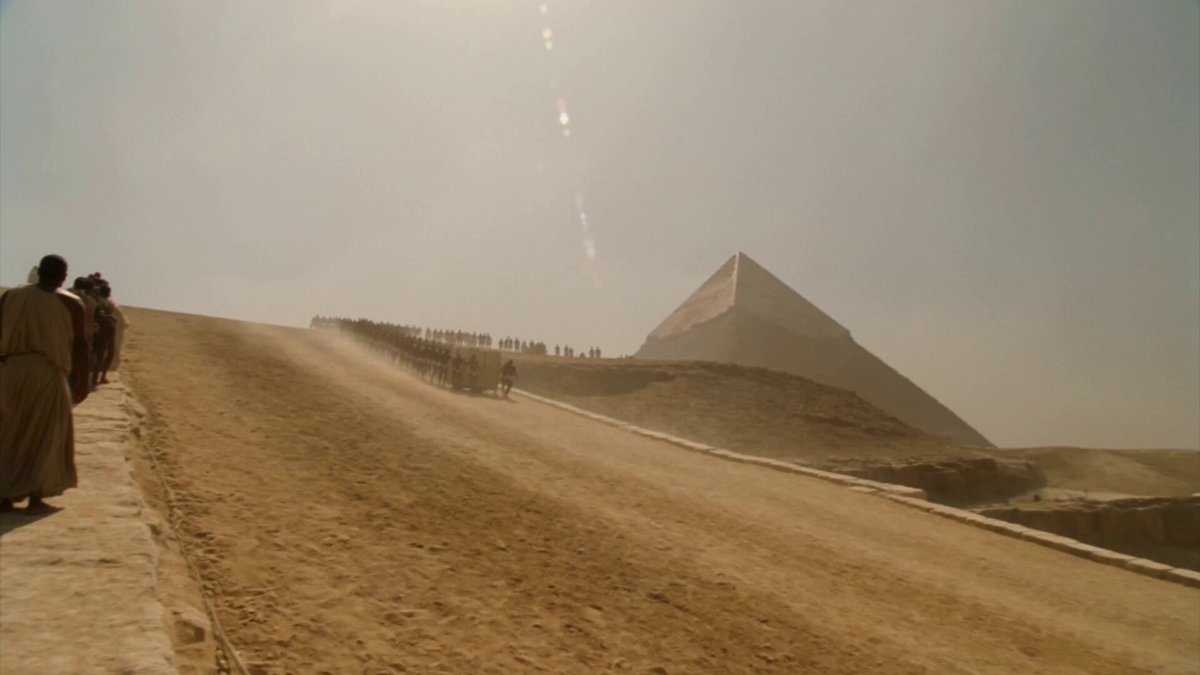
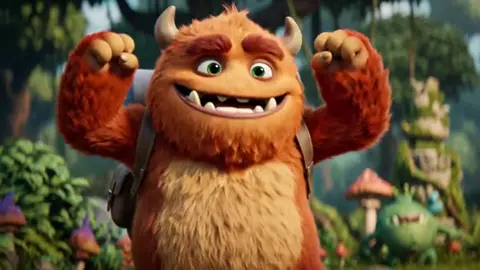
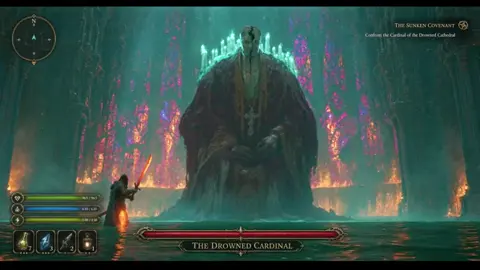
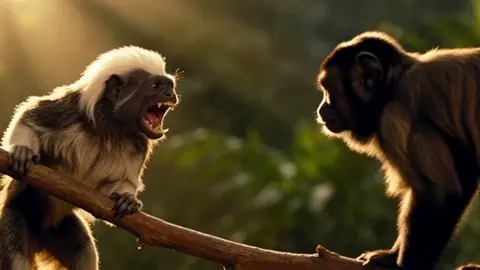
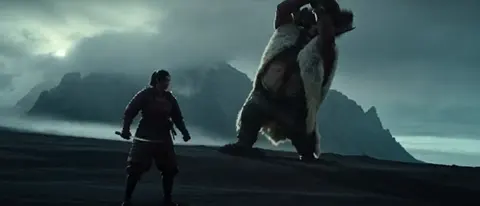
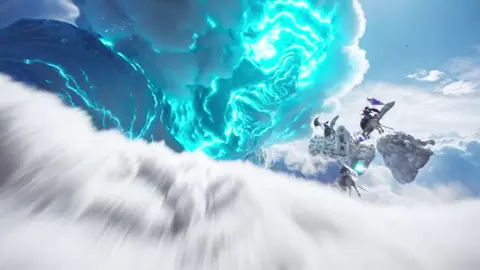

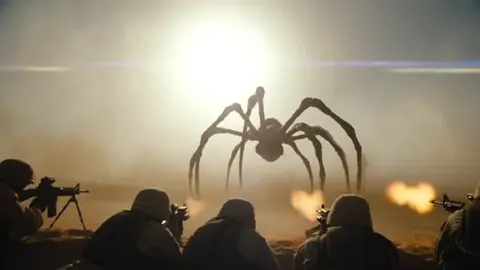
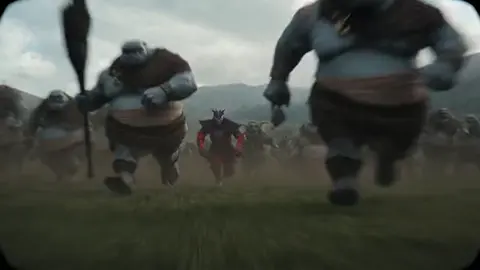
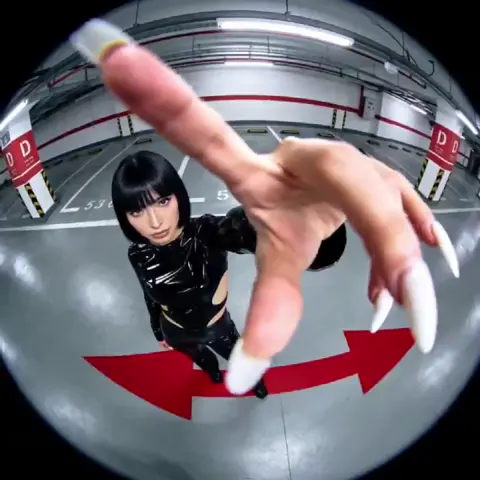
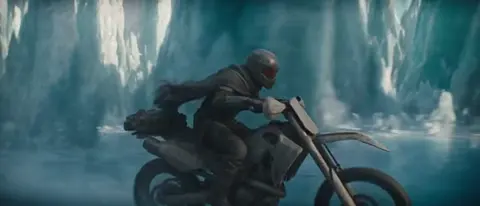
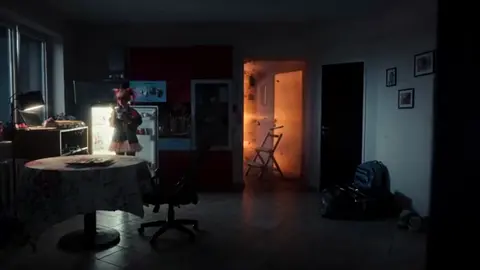
A practical guide to AI-assisted video production, from brief and shot list to prompt design, audio, editing, and final quality control.
Build a reliable free video transcription and editing workflow with practical tool choices, caption tips, quality checks, and AI handoff points.
Learn a reliable automated video transcription workflow with AI, from audio prep and speaker labels to quality checks, captions, and searchable transcripts.
A practical guide to planning, producing, and distributing AI-generated video ads across channels, with hooks, formats, testing, and QA tips.
A practical guide to embedding AI video generation into your content workflow: shot-level model choice, consistency systems, governance, capacity planning and rollout.
Learn a practical AI video workflow from concept to final cut, covering model selection, character consistency, audio, editing, and quality control.

Complete guide to creating Baby Brat memes—the cursed-cute trend combining baby filters with brat aesthetics. Get the best AI prompts, tools, and tips for viral-worthy images.

Everything you need to know about Domer AI—a fast, free image generator for creating memes, art, and transformations. Get 10 free credits to start.

FLUX.2 solves the problems that made AI image tools frustrating—exact colors, consistent characters, readable text, print quality, and efficient workflows. Here's what actually changed.

While competitors race for longer videos and higher resolution, Kling is betting on something different with its AIO model—and it might just work. A deep dive into Kling 3.0's unified approach.

Learn how Kling Motion Control works - upload a reference video and static image to create videos with transferred motion. Complete guide with examples and tips.
Create cinematic videos from text or images with Orelon. Compare 23 video models, apply effects, and direct camera motion in one workspace — no installs.

A deep dive into the Domer meme that took over TikTok in late 2025. Learn what 'Domer' means, why it went viral, and how to create your own Domer-style images with AI.






