
ai personal photo editor
Use ai personal photo editor to upload personal photos, describe lighting, composition, or mood changes, review the edited result, and download the version.
AI Image Generator
0/20000 characters
0 / 16
or select from
or select from(Optional)
or select from(Optional)
or select from(Optional)
or select from(Optional)
or select from(Optional)
or select from(Optional)
or select from(Optional)
or select from(Optional)
Supports PNG, JPG, WebP
My images
Loading...
What does an AI personal photo editor do?
An AI personal photo editor lets you upload everyday personal photos, request changes to lighting, composition, or mood, and review the generated version before downloading it. You keep control over the final image you choose to use.
ai personal photo editor
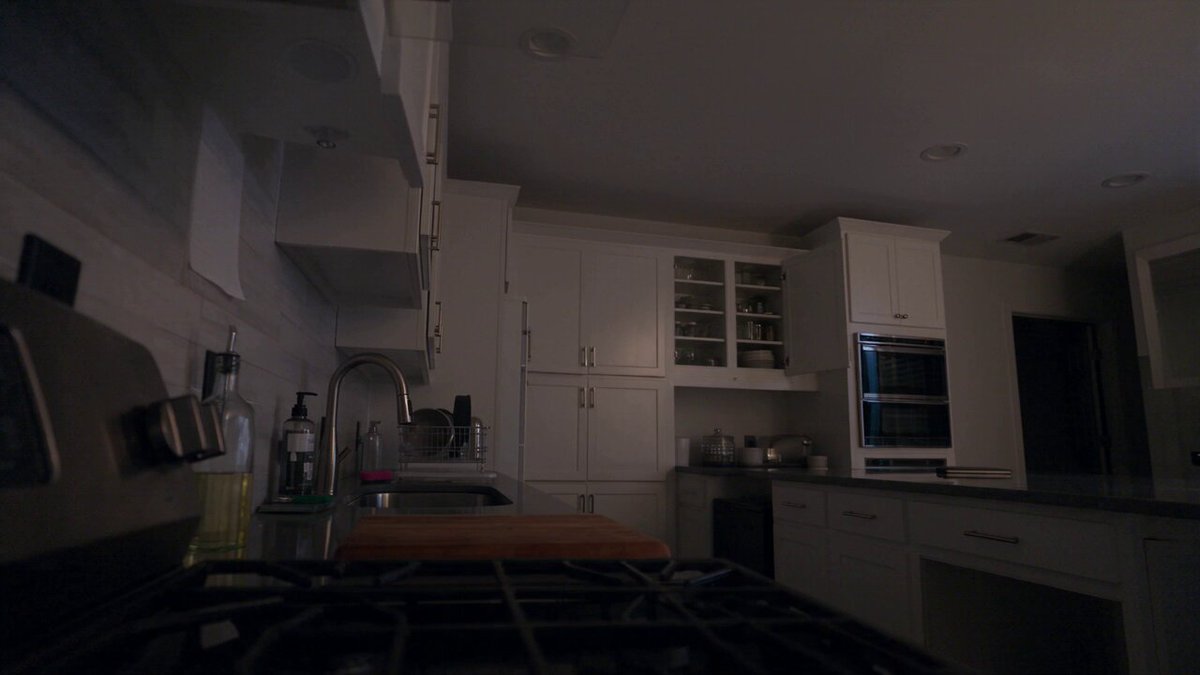
Brighten a low-light shot
Input
Upload a dinner photo with low lighting and request a brighter version with clearer faces while keeping the natural look.
Expected output
A brighter dinner photo with clearer faces. Review the natural look before using it.
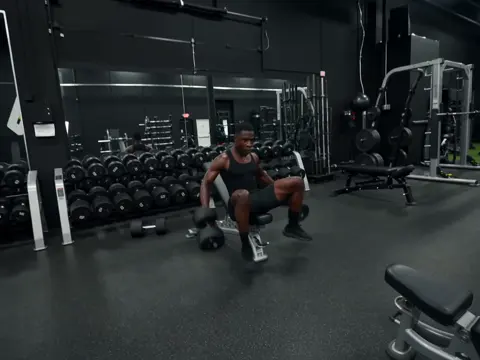
Tidy a holiday picture
Input
Upload a holiday photo with a busy background and request a tidier composition with the main subject kept clear.
Expected output
A tidier holiday composition with the main subject kept. Review the edited result before sharing it.
Give a snapshot a new mood
Input
Upload a walk photo and request a calm, soft-toned version with the mood shifted toward a peaceful afternoon feel.
Expected output
A calm, soft-toned version of the walk photo. Review the mood before deciding to use it.
Edit everyday personal photos to adjust lighting, tidy composition, or shift mood while keeping final approval in your hands.
Start with your own snapshots
Use photos you already own instead of retaking shots or arranging new photo sessions.
Direct the changes you want
State the lighting, composition, or mood adjustments you want, then compare the result with the original photo.
Review before you use it
Check the edited image for natural appearance, clarity, and intended changes before downloading or sharing it.
How It Works
1
Upload the image you want to refine
Start with an image you have the right to edit.
2
Describe the profile-picture changes you want
Keep the requested edits specific so the intended profile look is clear.
3
Generate, compare, and download
Review the output for likeness, accuracy, and the final profile crop before using it.
Making personal photo edits that keep natural appearance
A clear source photo and focused edit requests help you judge whether the result matches your intended changes while preserving a natural, recognizable look.
Input Constraints
- Only upload images you have permission to edit and use.
- Keep the requested changes focused on the profile-picture outcome you need.
- Review the final image for likeness and context before sharing it.
Practical Tips
- Use a source image with a visible face and enough detail around the subject.
- Ask for one or two concrete changes, such as a neutral background or a square crop.
- Compare the result with the original image before choosing a version to use.
Privacy
- Do not upload personal or sensitive material unless you have permission to use it.
Usage Rights
- Confirm that you have the rights needed for the inputs and intended use of the result.
Prompt recipes
Copy a structure, then adjust the subject, lighting, camera, and output details for your own result.
Brighten indoor family dinner photo
Brighten this indoor dinner photo to make faces clearer and details more visible, while keeping the warm ambient lighting and natural skin tones intact.
Brighter family photos improve visibility of important moments without losing the cozy, warm atmosphere of indoor gatherings.
Simplify busy vacation background
Simplify the busy background in this vacation photo by softening or blurring distracting elements, while keeping the main subject sharp and clear.
Simplifying backgrounds helps viewers focus on the main subject, making personal snapshots feel more polished for sharing or albums.
Shift casual walk to peaceful mood
Give this casual walk photo a peaceful, calm mood with softer tones, muted colors, and a gentle afternoon light feel.
Mood shifts add emotional context to everyday snapshots, making them more suitable for photo books, social media, or personal archives.
Remove harsh shadows from outdoor portrait
Reduce the harsh shadows on faces in this outdoor portrait with softer, more even lighting, while keeping the natural outdoor feel and sunny background.
Softening harsh shadows creates more flattering personal portraits without making them look artificially lit or staged.
Warm up cold-toned snapshot
Add warmer color tones to this snapshot to shift from a cold blue-gray feel to a cozy, inviting amber glow, while maintaining natural skin tones.
Warmer tones make personal photos feel more inviting and emotionally connected, ideal for sharing with family or posting on social media.
Best use cases
Match the workflow to the input you have and the result you need before opening the generator.
Family photo albums and keepsakes
Input: Personal photos with visible subjects and simple composition
Result: Polished versions with better lighting and mood for albums or printing
Tool: Image to Image with lighting, composition, or mood instructions
Social media sharing
Input: Everyday snapshots with adequate lighting
Result: Improved clarity, lighting, or mood for posts and stories
Tool: Image to Image with brightness, background, or tone requests
Gift photo preparation
Input: Personal photos of friends, family, or moments
Result: Cleaner, brighter versions suitable for frames or cards
Tool: Image to Image with brightness and composition improvements
Quick snapshot improvements
Input: Low-light or busy-background photos
Result: More polished versions without reshooting
Tool: Image to Image with lighting or background simplification
Limitations to know before generating
- Edits to everyday snapshots may not produce professional-grade results if the source photo has poor lighting or composition.
- Background simplification can sometimes blur important details or alter the context unintentionally.
- Lighting changes may introduce color shifts or reduce natural appearance if the source image is very dark or overexposed.
- The tool does not guarantee perfect facial recognition or preservation of all fine details during edits.
- Results require human review to confirm acceptable likeness, natural appearance, and intended changes before sharing.
Creative Suite: AI Video Generator & AI Image Generator Tools
Power up your creative workflow with our AI-driven tools. Generate stunning videos, create images, and apply custom adjustments - our AI Video Generator and AI Image Generator offer a complete solution for all your creative needs.
Strictly Prohibits Adult/NSFW Content








Pricing
Choose the credit package that works best for you.
No hidden fees • Cancel anytime • Unused credits roll over
Starter
Perfect for trying out AI creation.
Credits
200 credits / month
- Up to 20 videos per month
- Up to 100 images per month
$6.99/ month$9.9930% OFF
Billed monthly
First-time subscribers get 30% off their first month, then standard price
What's included
- Credits never expire
- Standard models
- HD, Watermark-Free Downloads
- Private Generation
- Faster Generation Speed
- Ad-free experience
Basic
Perfect for light creators.
Credits
500 credits / month
- Up to 50 videos per month
- Up to 250 images per month
$13.99/ month$19.9930% OFF
Billed monthly
First-time subscribers get 30% off their first month, then standard price
What's included
- Credits never expire
- Standard models
- HD, Watermark-Free Downloads
- Private Generation
- Faster Generation Speed
- Ad-free experience
Pro
PopularBest value for creators
Credits
1,200 credits / month
- Up to 120 videos per month
- Up to 600 images per month
$39.99/ month
Billed monthly
What's included
- Credits never expire
- All models + Early access to new models
- HD, Watermark-Free Downloads
- Private Generation
- Faster Generation Speed
- Ultra HD resolution
- Ad-free experience
Ultra
For video creators and power users.
Credits
5,000 credits / month
- Up to 500 videos per month
- Up to 2,500 images per month
$99.99/ month
Billed monthly
What's included
- Credits never expire
- All models + Early access to new models
- HD, Watermark-Free Downloads
- Private Generation
- Faster Generation Speed
- Ultra HD resolution
- Ad-free experience
Free
Standard models only — upgrade to unlock premium models.
Credits
10 free credits on signup
Questions? Contact us at support@domer.io
Turn your personal photo into a polished version
Open Image to Image, upload a personal photo you can edit, describe the lighting, composition, or mood changes you want, and review the result before you decide to use it.