
Create
AI Photo Editor Copy Paste
Use ai photo editor copy paste to upload a source image, describe which element to copy from another photo, and review the pasted result before you download.
AI Image Generator
0/20000 characters
0 / 16
or select from
or select from(Optional)
or select from(Optional)
or select from(Optional)
or select from(Optional)
or select from(Optional)
or select from(Optional)
or select from(Optional)
or select from(Optional)
Supports PNG, JPG, WebP
My images
Loading...
How does AI photo editor copy paste work?
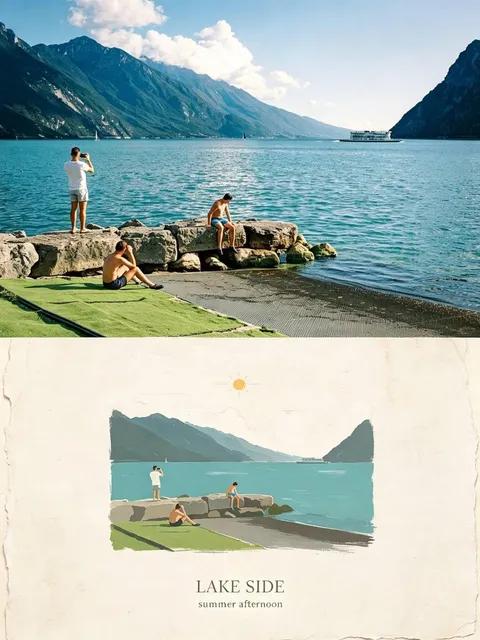
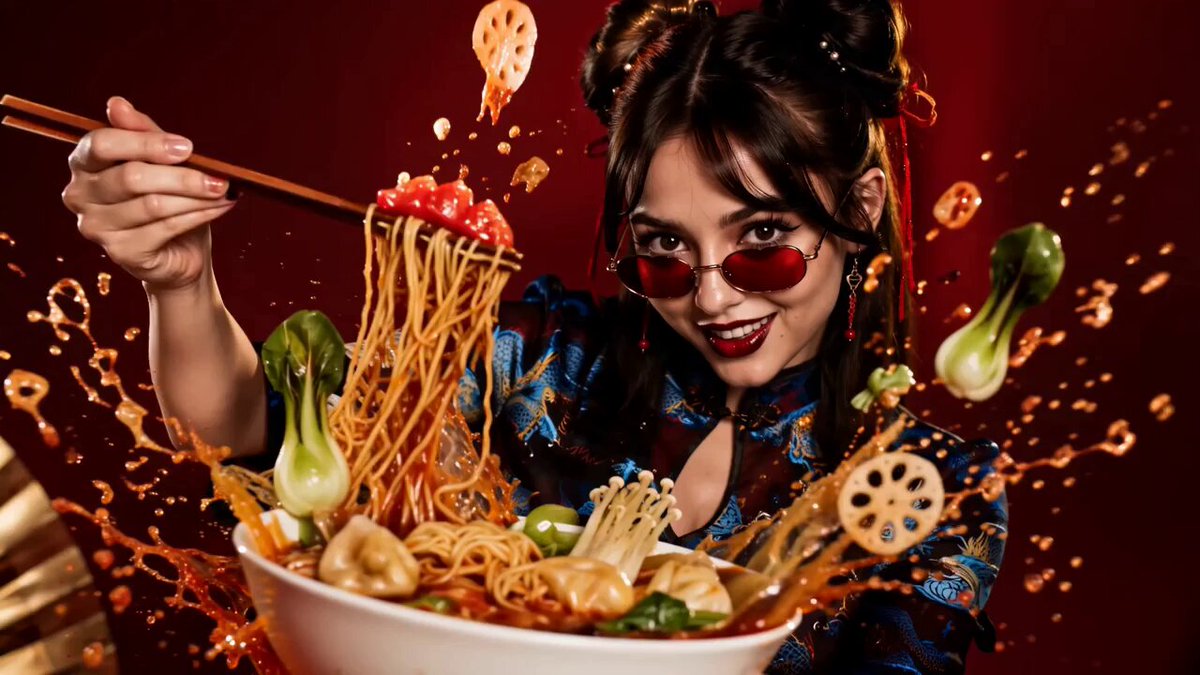
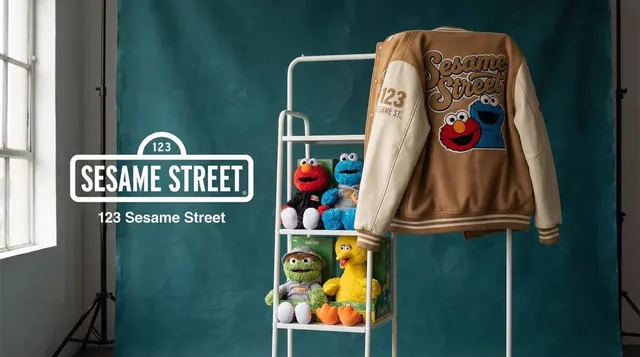
AI photo editor copy paste lets you describe an element from one photo that you want to copy into your main image. The tool extracts the element, adjusts its lighting and scale, and composites it into the target scene. You review the pasted result before deciding to use it.
AI Photo Editor Copy Paste
Copy a person into a new background
Input
Upload a portrait and describe placing the person into a beach scene with matching afternoon lighting.
Expected output
The person composited into the beach photo with lighting, shadows, and perspective adjusted to match the scene.
Transfer a color palette between images
Input
Upload a photo and request applying the warm color tones from a reference image.
Expected output
The main photo with color grading adjusted to match the warmth and tone of the reference image.
Copy an object into a different scene
Input
Upload a table scene and describe adding a vase from another photo in the center with appropriate scale and lighting.
Expected output
The vase positioned on the table with size, lighting, and shadows matching the room scene.
Copy an element from one image and paste it naturally into another image with matching lighting and perspective.
Use existing elements
Copy a subject or object from one photo instead of recreating it from a text description.
Direct the placement
Describe where the copied element should appear, how it should be scaled, and how the lighting should match.
Review before committing
Compare the composited result with both source images before deciding whether it works.
How It Works
1
Upload the target image
Start with an image you have the right to edit.
2
Describe the element to copy and paste
Keep the requested edits specific so the intended profile look is clear.
3
Generate, review, and download
Review the output for likeness, accuracy, and the final profile crop before using it.
Getting a natural copy-paste result
Choosing elements with similar lighting and describing the placement clearly helps the tool produce a believable composite.
Input Constraints
- Only copy and paste elements from images you have permission to use.
- Describe the element, its source, and its target location clearly.
- Review the composited result for scale, lighting, and edge consistency before using it.
Practical Tips
- Use source images with similar lighting conditions when possible.
- Specify the size, position, and orientation of the pasted element.
- Compare the result with both source images to check for natural blending and shadows.
Privacy
- Do not upload personal or sensitive material unless you have permission to use it.
Usage Rights
- Confirm that you have the rights needed for the inputs and intended use of the result.
Prompt recipes
Copy a structure, then adjust the subject, lighting, camera, and output details for your own result.
Paste person into group photo
Copy the person from this portrait and paste them on the left side of the group photo at the park, matching the natural outdoor light.
Specifies the subject, source, target location, and lighting to guide a natural addition to the existing scene.
Add product to lifestyle scene
Copy the sneaker from this product shot and paste it on the wooden desk to the right of the laptop, matching the window light.
Describes the object, source, target surface, position, and light direction for a cohesive lifestyle composite.
Transfer object to new setting
Copy the vase from the studio photo and paste it on the kitchen counter in the center, matching the warm indoor lighting.
Identifies the object, source, target location, and lighting style to guide a believable placement.
Composite pet into family portrait for ai photo editor copy paste
Copy the dog from this pet photo and paste it in the foreground of the family portrait, sitting on the grass with matching sunlight.
Specifies subject, source, position, surface, and lighting to integrate the pet naturally into the group scene.
Copy color grading between photos
Copy the warm sunset color palette from the reference image and apply it to this portrait photo.
Describes the abstract element (color grading), source, and target to guide a stylistic transfer.
Best use cases
Match the workflow to the input you have and the result you need before opening the generator.
Add missing person to group photo
Input: Clear portrait and group photo with similar lighting
Result: Person composited into the group with matching perspective and lighting
Tool: Image to Image with subject copy-paste prompt
Product in lifestyle setting
Input: High-resolution product shot and lifestyle scene
Result: Product placed naturally on the surface with matching lighting and shadows
Tool: Image to Image with product copy-paste prompt
Object transfer between scenes
Input: Clear object photo and destination scene
Result: Object composited into the new scene with appropriate scale and lighting
Tool: Image to Image with object copy-paste prompt
Color grading transfer
Input: Target photo and reference image with desired color tone
Result: Target photo with color palette matching the reference
Tool: Image to Image with color-palette copy prompt
Limitations to know before generating
- Lighting and perspective mismatches between source and target images may produce unnatural edges or shadows.
- The tool works best when both images have similar resolution and clarity.
- Complex elements with fine details or transparent areas may not paste cleanly in every case.
- Results should be reviewed carefully for scale consistency, color balance, and natural blending.
- You are responsible for confirming you have the rights to copy and use elements from both source images.
Creative Suite: AI Video Generator & AI Image Generator Tools
Power up your creative workflow with our AI-driven tools. Generate stunning videos, create images, and apply custom adjustments - our AI Video Generator and AI Image Generator offer a complete solution for all your creative needs.
Strictly Prohibits Adult/NSFW Content








Pricing
Choose the credit package that works best for you.
No hidden fees • Cancel anytime • Unused credits roll over
Starter
Perfect for trying out AI creation.
Credits
200 credits / month
- Up to 20 videos per month
- Up to 100 images per month
$6.99/ month$9.9930% OFF
Billed monthly
First-time subscribers get 30% off their first month, then standard price
What's included
- Credits never expire
- Standard models
- HD, Watermark-Free Downloads
- Private Generation
- Faster Generation Speed
- Ad-free experience
Basic
Perfect for light creators.
Credits
500 credits / month
- Up to 50 videos per month
- Up to 250 images per month
$13.99/ month$19.9930% OFF
Billed monthly
First-time subscribers get 30% off their first month, then standard price
What's included
- Credits never expire
- Standard models
- HD, Watermark-Free Downloads
- Private Generation
- Faster Generation Speed
- Ad-free experience
Pro
PopularBest value for creators
Credits
1,200 credits / month
- Up to 120 videos per month
- Up to 600 images per month
$39.99/ month
Billed monthly
What's included
- Credits never expire
- All models + Early access to new models
- HD, Watermark-Free Downloads
- Private Generation
- Faster Generation Speed
- Ultra HD resolution
- Ad-free experience
Ultra
For video creators and power users.
Credits
5,000 credits / month
- Up to 500 videos per month
- Up to 2,500 images per month
$99.99/ month
Billed monthly
What's included
- Credits never expire
- All models + Early access to new models
- HD, Watermark-Free Downloads
- Private Generation
- Faster Generation Speed
- Ultra HD resolution
- Ad-free experience
Free
Standard models only — upgrade to unlock premium models.
Credits
10 free credits on signup
Questions? Contact us at support@domer.io
Copy and paste elements between your images
Open Image to Image, upload your target photo, describe what to copy and paste, and review the result before you use it.