

AI Picture Generator Image To Image
Upload an image, describe the picture you want generated from it, review the result, and download the version that works.
AI Image Generator
0/20000 characters
0 / 16
or select from
or select from(Optional)
or select from(Optional)
or select from(Optional)
or select from(Optional)
or select from(Optional)
or select from(Optional)
or select from(Optional)
or select from(Optional)
Supports PNG, JPG, WebP
My images
Loading...
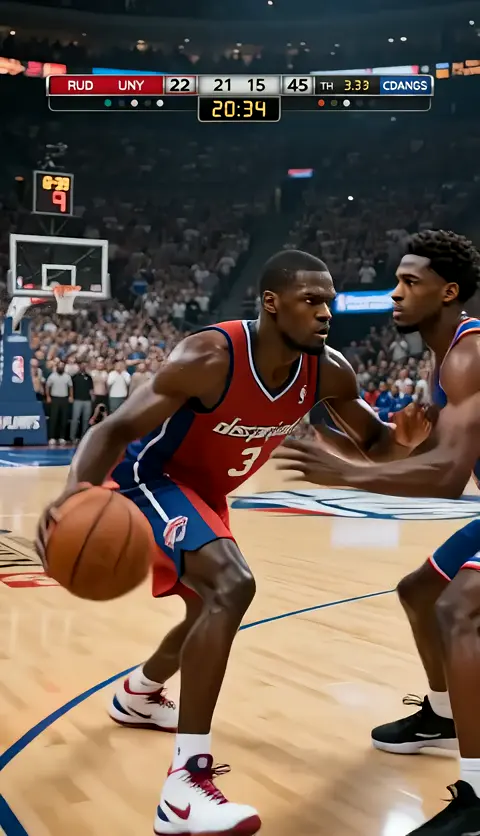
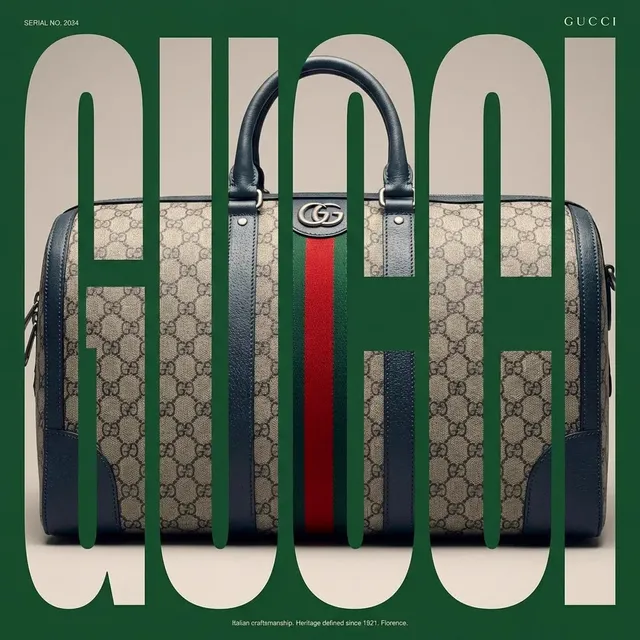

How do I generate a new picture from an existing image?
Upload your source image, describe the new picture you want generated from it such as style changes or new elements, then review the AI-generated version before deciding to use it.
AI Picture Generator Image To Image
Turn a sketch into a realistic image
Input
Upload a hand-drawn house sketch and request a photorealistic house image matching the composition with brick walls and tile roof.
Expected output
A photorealistic house image matching the original sketch composition with brick and tile details.
Redesign a room from a photo
Input
Upload a room photo and request the same layout redesigned with modern minimalist decor, white walls, and wooden flooring.
Expected output
The same room layout redesigned with modern minimalist decor, white walls, and wooden flooring.
Convert a product photo to an illustration
Input
Upload a product photo and request a clean vector-style illustration with flat colors and simplified shapes.
Expected output
A clean vector-style illustration of the product with flat colors and simplified shapes.
Generate a new picture from an existing image by describing the changes you want while keeping the review and decision in your hands.
Start from an existing image
Use a photo, sketch, or other image as the foundation instead of starting from text alone.
Direct the generation
Describe the new picture you want generated, then compare it with the original image.
Review before using
Check the generated picture for accuracy and quality before deciding to download or share it.
How It Works
1
Upload the image you want to refine
Start with an image you have the right to edit.
2
Describe the profile-picture changes you want
Keep the requested edits specific so the intended profile look is clear.
3
Generate, compare, and download
Review the output for likeness, accuracy, and the final profile crop before using it.
Getting clear picture generation results
A clear source image and a focused generation request make it easier to judge the result.
Input Constraints
- Only upload images you have permission to use as source material.
- Keep the requested generation focused on the outcome you need.
- Review the generated picture for accuracy and context before sharing it.
Practical Tips
- Use a clear source image where the composition and key elements are visible.
- Be specific about the style, details, or elements you want generated.
- Compare the generated picture with the source image before deciding to use it.
Privacy
- Do not upload personal or sensitive material unless you have permission to use it.
Usage Rights
- Confirm that you have the rights needed for the inputs and intended use of the result.
Prompt recipes
Copy a structure, then adjust the subject, lighting, camera, and output details for your own result.
Architectural sketch to photorealistic rendering
Upload a simple architectural sketch or floor plan. Request a photorealistic 3D rendering with realistic materials, lighting, and textures. Specify brick, wood, glass, or other materials.
Architects and designers need to visualize concepts quickly; specific material and lighting details help the tool generate convincing renderings.
Product wireframe to polished marketing image
Upload a product wireframe or basic 3D model. Request a polished marketing-style image with studio lighting, reflections, and a clean background.
Marketing teams need high-quality product visuals early in development; describing the lighting and finish helps the tool generate professional results.
Rough concept sketch to detailed illustration
Upload a rough sketch or line drawing. Request a detailed, fully colored illustration with consistent style, visible textures, and professional finish.
Artists and illustrators use rough sketches as starting points; specifying detail level and finish quality helps the tool complete the concept.
Photo to anime or cartoon style
Upload a portrait or landscape photo. Request an anime-style illustration with bold outlines, flat colors, and exaggerated features. Specify character or background style.
Anime and cartoon conversions are popular for creative projects; specifying outlines, color treatment, and feature exaggeration guides the style.
Landscape photo to fantasy scene
Upload a landscape photo. Request a fantasy version with magical lighting, glowing elements, dramatic sky, and epic atmosphere. Specify fantasy details you want added.
Fantasy art transformations let creatives reimagine real scenes; describing lighting, atmosphere, and fantasy elements gives clear direction.
Interior photo to different design style
Upload an interior room photo. Request the same space redesigned in a specific style like Scandinavian, industrial, or mid-century modern. Specify furniture, colors, and finishes.
Interior designers and homeowners want to visualize style changes; naming the style and key elements helps the tool generate a cohesive redesign.
Best use cases
Match the workflow to the input you have and the result you need before opening the generator.
Architectural visualization from sketch
Input: Hand-drawn sketch, floor plan, or basic architectural drawing
Result: Photorealistic rendering with realistic materials, lighting, and textures
Tool: Image to Image with material and lighting specifications
Product concept to marketing visual
Input: Wireframe, 3D model, or basic product sketch
Result: Polished marketing-style image with studio lighting and clean background
Tool: Image to Image with professional finish description
Rough sketch to detailed illustration
Input: Line drawing or rough concept sketch
Result: Fully detailed and colored illustration with professional finish
Tool: Image to Image with detail and style specifications
Photo to artistic style conversion
Input: Clear photo suitable for stylistic transformation
Result: Anime, cartoon, painting, or other artistic style applied
Tool: Image to Image with style conversion description
Interior design visualization
Input: Photo of existing room or space
Result: Same space redesigned in specified design style with new furniture and finishes
Tool: Image to Image with design style and element descriptions
Limitations to know before generating
- The tool generates new pictures based on your description but uses the source image as a guide, not a pixel-perfect template.
- Complex generation requests may produce results that need review for accuracy and realism.
- The tool interprets your description and may not deliver exactly what you envisioned.
- Generated pictures may not be suitable for commercial use without proper rights to the source image.
- You are responsible for reviewing the generated picture for quality and accuracy before using it.
Creative Suite: AI Video Generator & AI Image Generator Tools
Power up your creative workflow with our AI-driven tools. Generate stunning videos, create images, and apply custom adjustments - our AI Video Generator and AI Image Generator offer a complete solution for all your creative needs.
Strictly Prohibits Adult/NSFW Content








Pricing
Choose the credit package that works best for you.
No hidden fees • Cancel anytime • Unused credits roll over
Starter
Perfect for trying out AI creation.
Credits
200 credits / month
- Up to 20 videos per month
- Up to 100 images per month
$6.99/ month$9.9930% OFF
Billed monthly
First-time subscribers get 30% off their first month, then standard price
What's included
- Credits never expire
- Standard models
- HD, Watermark-Free Downloads
- Private Generation
- Faster Generation Speed
- Ad-free experience
Basic
Perfect for light creators.
Credits
500 credits / month
- Up to 50 videos per month
- Up to 250 images per month
$13.99/ month$19.9930% OFF
Billed monthly
First-time subscribers get 30% off their first month, then standard price
What's included
- Credits never expire
- Standard models
- HD, Watermark-Free Downloads
- Private Generation
- Faster Generation Speed
- Ad-free experience
Pro
PopularBest value for creators
Credits
1,200 credits / month
- Up to 120 videos per month
- Up to 600 images per month
$39.99/ month
Billed monthly
What's included
- Credits never expire
- All models + Early access to new models
- HD, Watermark-Free Downloads
- Private Generation
- Faster Generation Speed
- Ultra HD resolution
- Ad-free experience
Ultra
For video creators and power users.
Credits
5,000 credits / month
- Up to 500 videos per month
- Up to 2,500 images per month
$99.99/ month
Billed monthly
What's included
- Credits never expire
- All models + Early access to new models
- HD, Watermark-Free Downloads
- Private Generation
- Faster Generation Speed
- Ultra HD resolution
- Ad-free experience
Free
Standard models only — upgrade to unlock premium models.
Credits
10 free credits on signup
Questions? Contact us at support@domer.io
Generate a new picture from your image
Open Image to Image, upload your source image, describe what you want generated, and review the result before downloading.